
Kodex
A powerful code editor
Designed for iPhone, iPad, iPod touch
Free · In-app purchases
- Age rating4+
- CategoryDeveloper Tools
- DeveloperBruno Philipe Resende Silva
- LanguagesEnglish
- Size13.8 MB
Links to the official App Store page
Download.org hosts no file of Kodex. The button opens its official App Store page, published by Bruno Philipe Resende Silva. Listing last checked on Nov 7, 2026.
Screenshots
About
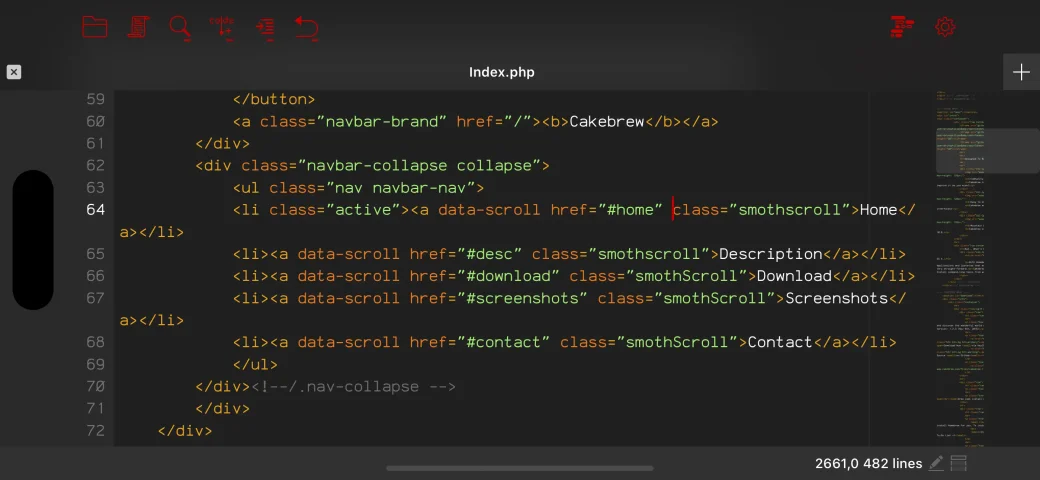
Kodex is an advanced code editor which brings powerful and desktop-class editor features to your iPad or iPhone:
* Multi-caret editing, to quickly transform code selections.
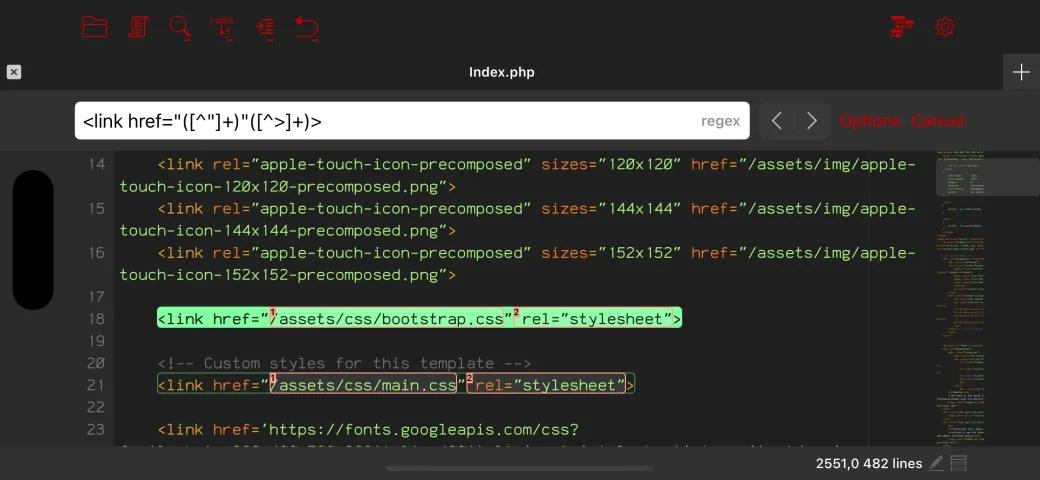
* Regex search and replace, with template matching and replace-all-matches.
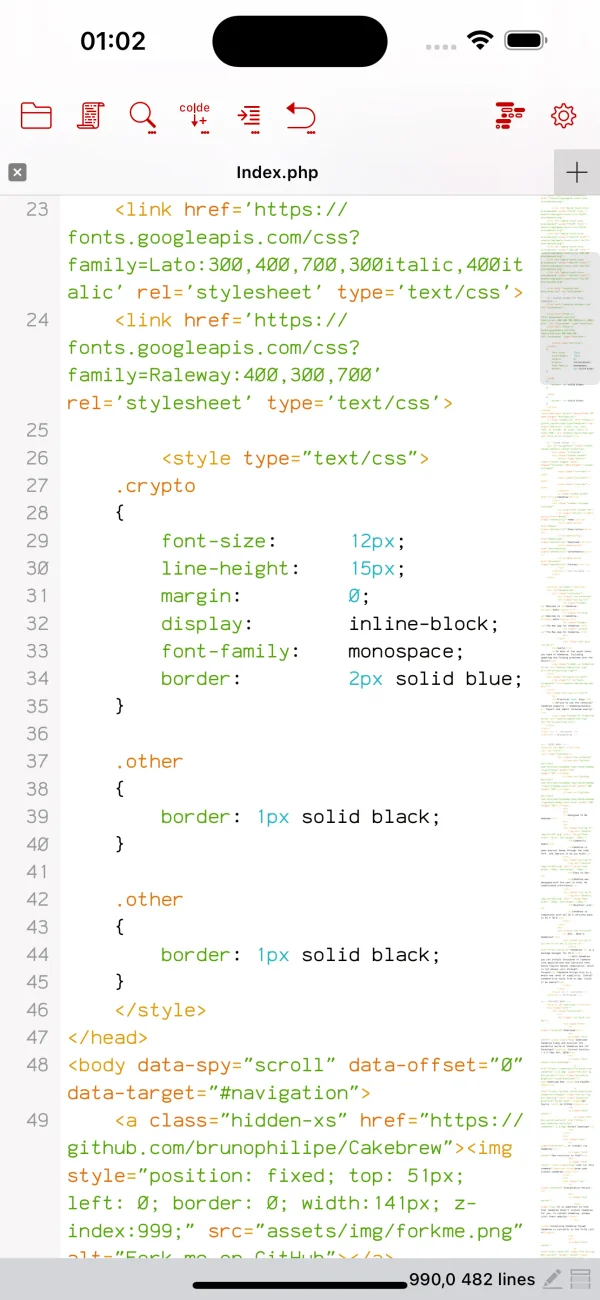
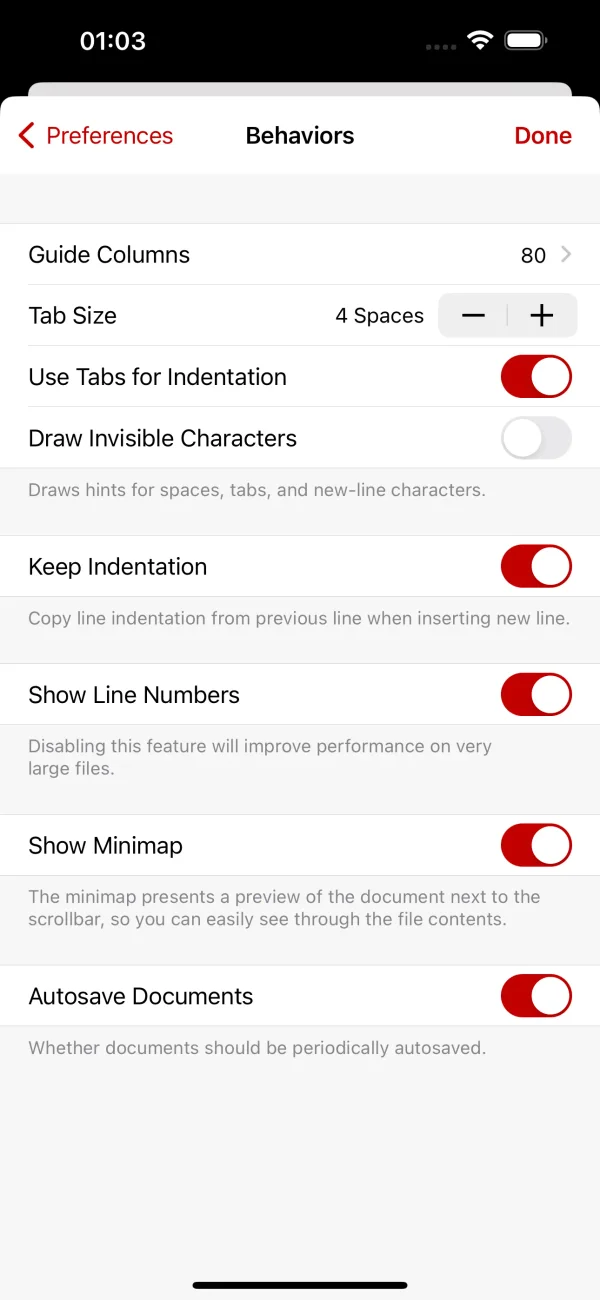
* Minimap which allows quick scroll navigation though the document.
* Multiple window support
* Syntax highlighting for over 150 languages.
* Trackpad support with custom gestures to add cursors (ctrl+shift+click).
* Auto complete feature (currently only for HTML).
* Add as many guide columns as you wish (default 80 and 120 characters).
* Configurable tab size (default 4 spaces), or insert spaces when pressing tab.
* Draw hints for invisible characters such as new lines, tabs, and spaces.
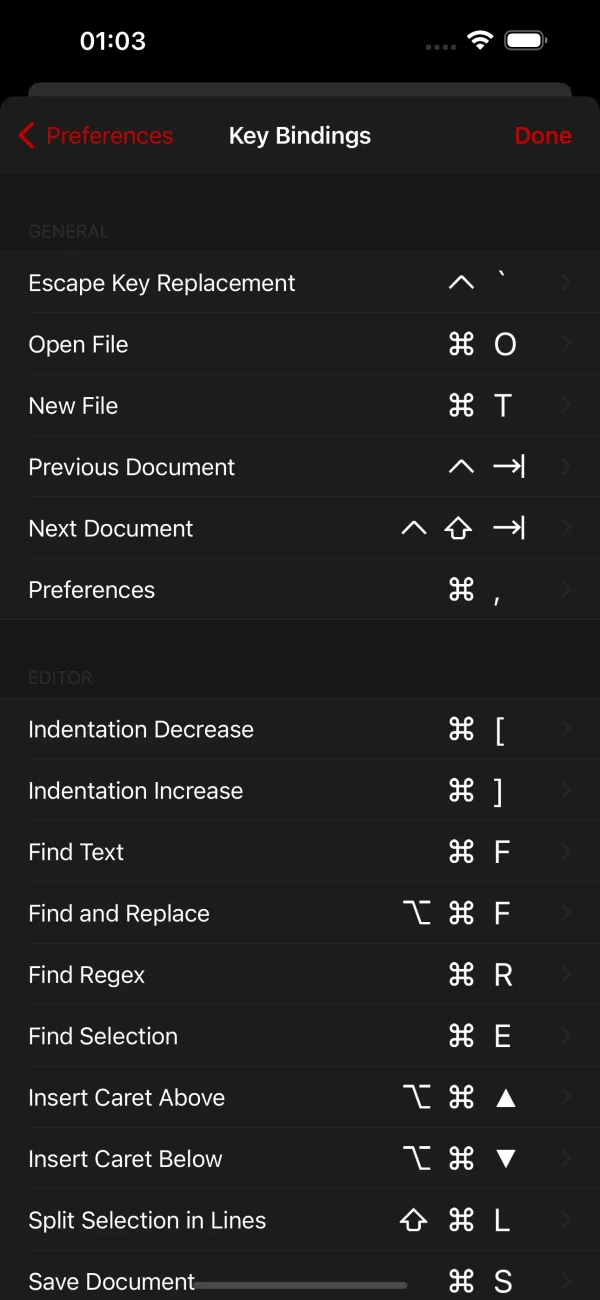
* Customizable key bindings, so you can configure Kodex to use the same key combos you are already used to.
* Kodex smartly preserves your open documents so that your work stays as you left it between launches.
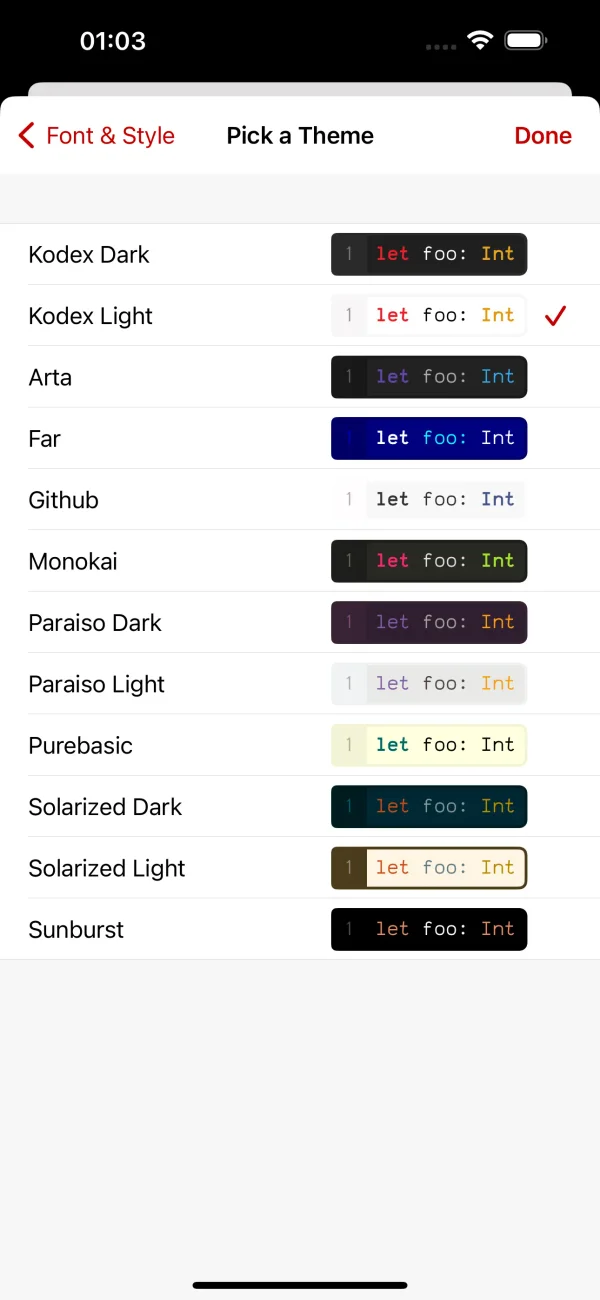
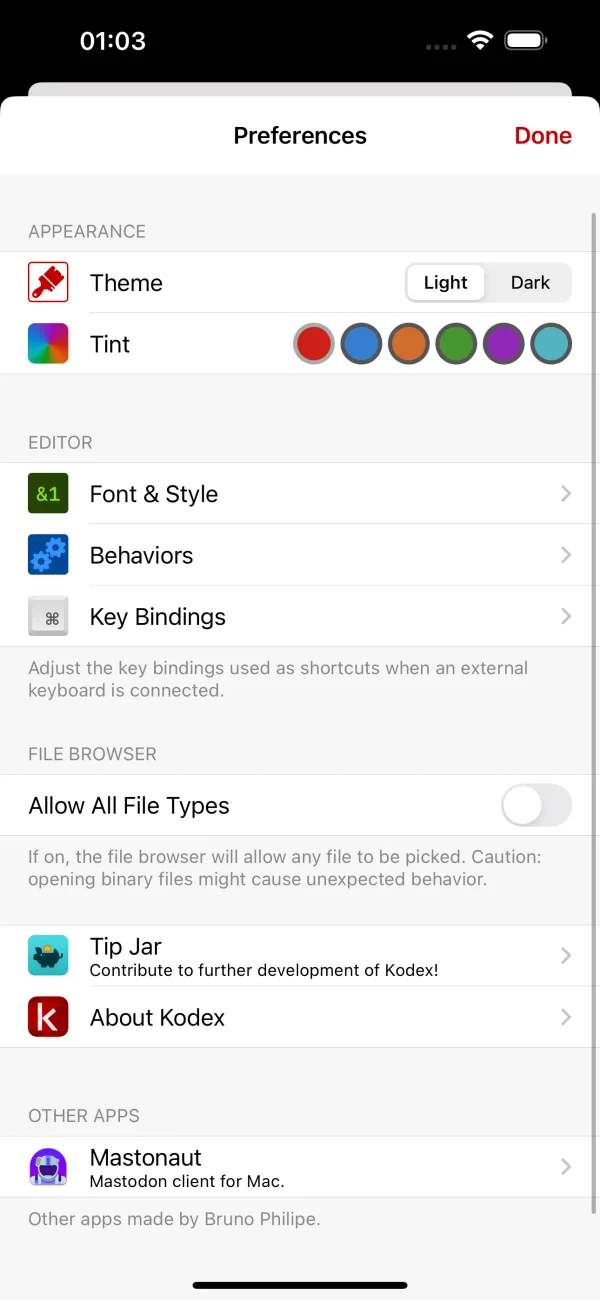
* Light and Dark modes.
Kodex is integrated with the Files app, so you can easily open files from any other app, and from your iCloud documents folder.
You can launch Kodex QuickEdit from any file sharing view in any app to edit its contents without launching the main Kodex App (be aware this functionality depends on the host app implementing the sharing activity properly).
Included are 10 editor themes, and several monospaced fonts for code editing (you can install your own preferred fonts using system profiles). Font size and line spacing are adjustable, so you can configure Kodex to best fit your preferred screen size, arrangement, and orientation.
Kodex is not a compiler, and you can not build or run the code you edit from it. Think of Kodex as a NotePad++ or Sublime Text substitute for iPhone and iPad.
Kodex is currently optimized for external keyboards, such as Apple's Smart Keyboard for the iPad Pro, or any bluetooth/USB keyboard. More virtual keyboard features will be added in a future version.
What’s new
Version 1.4.2 · Apr 1, 2024
Fixes crash on launch.
App privacy
What Bruno Philipe Resende Silva declares on the App Store about how this app handles data.
-
Data not collected
The developer does not collect any data from this app.
Privacy practices may vary, for example with the features you use or your age.
Information
- Seller
- Bruno Philipe Resende Silva
- Category
- Developer Tools
- Version
- 1.4.2
- Updated
- Apr 1, 2024
- Released
- Mar 19, 2018
- Size
- 13.8 MB
- Requires
- iOS 13.4 or later
- Age rating
- 4+
- Price
- Free
- In-app purchases
- Yes
- Languages
- English
- Copyright
- © 2017-2024 Bruno Philipe
You might also like
-
 Textastic Code EditorText, Coding, SFTP Client, SSH
-
 Runestone Text EditorEdit plain text and code
-
 Pyto IDEPython & WASM
-
 JaysonJSON editor with Shortcuts
-
 Code Editor - Compiler & IDEProgramming on mobile
-
 Web InspectorDeveloper Console for Safari
-
 Git client - Working Copyfor GitHub and self-hosted
-
 a-ShellLocal Unix terminal (& ssh)
-
 Supanator: Supabase ManagerPostgres SQL Editor & Alerts
-
 xTerminal - SSH Terminal ShellSSH Client, Shell Console Term