
JRDrive Rclone File Manager
SMB, S3 Files & Video Player
Designed for iPhone, iPad, Mac
Free · In-app purchases
- Age rating4+
- CategoryUtilities
- DeveloperJay Pathak
- LanguagesEnglish+ 14 more
- Size193.0 MB
Links to the official App Store page
Download.org hosts no file of JRDrive Rclone File Manager. The button opens its official App Store page, published by Jay Pathak. Listing last checked on Nov 23, 2026.
Screenshots
About
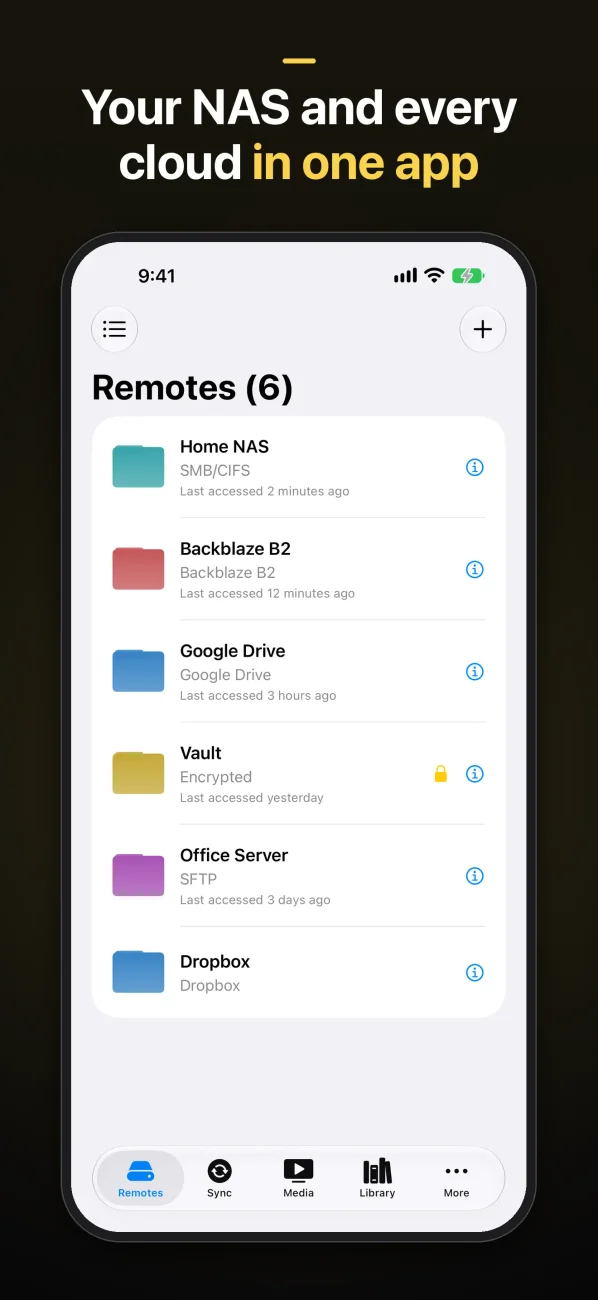
Your NAS and every cloud, in one app — on iPhone, iPad, Mac, Apple TV and Apple Vision Pro. JRDrive is a native client built on rclone, the open-source command-line tool for cloud and network storage. Connect SMB, NFS, SFTP, WebDAV, FTP, S3-compatible storage (AWS, Backblaze B2, Wasabi, Cloudflare R2, MinIO), MEGA, Proton Drive and dozens more — plus Google Drive, OneDrive, Dropbox and pCloud from an imported rclone.conf. Already use rclone? Import your rclone.conf.
STREAM ANYTHING
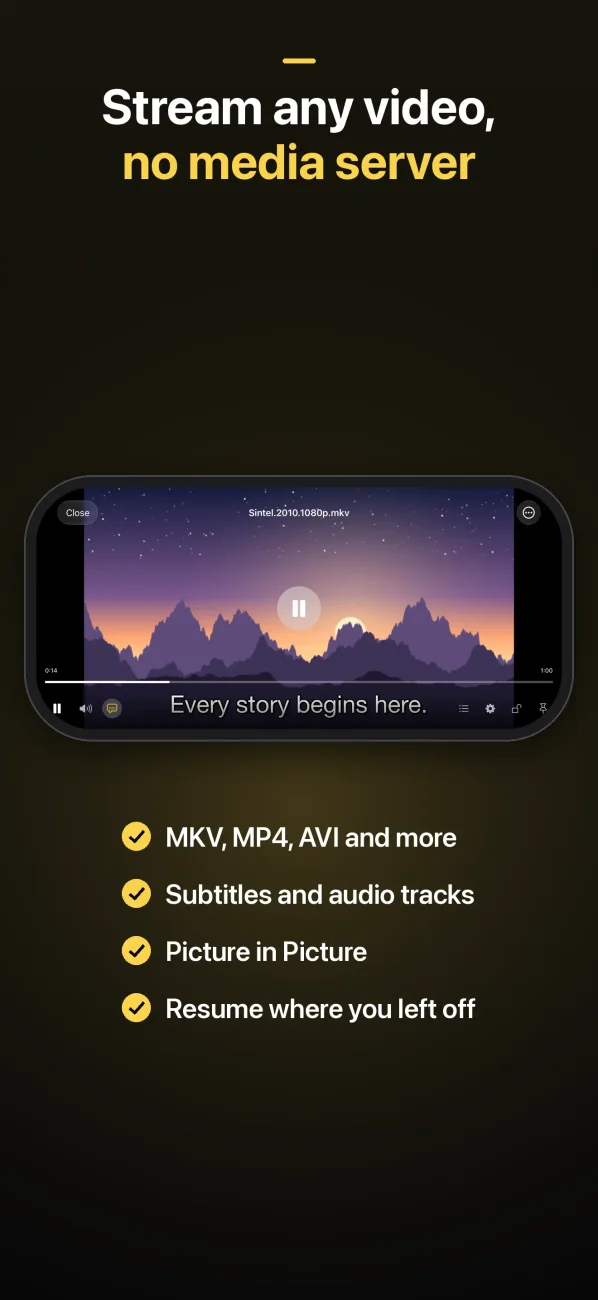
• Play MKV, HEVC and 4K video straight from your NAS or cloud — nothing to download or convert first.
• Subtitle files (SRT, ASS, VTT and more) load automatically. Switch audio and subtitle tracks, change the playback speed, and pick up where you left off.
• Picture in Picture keeps a video playing while you use other apps.
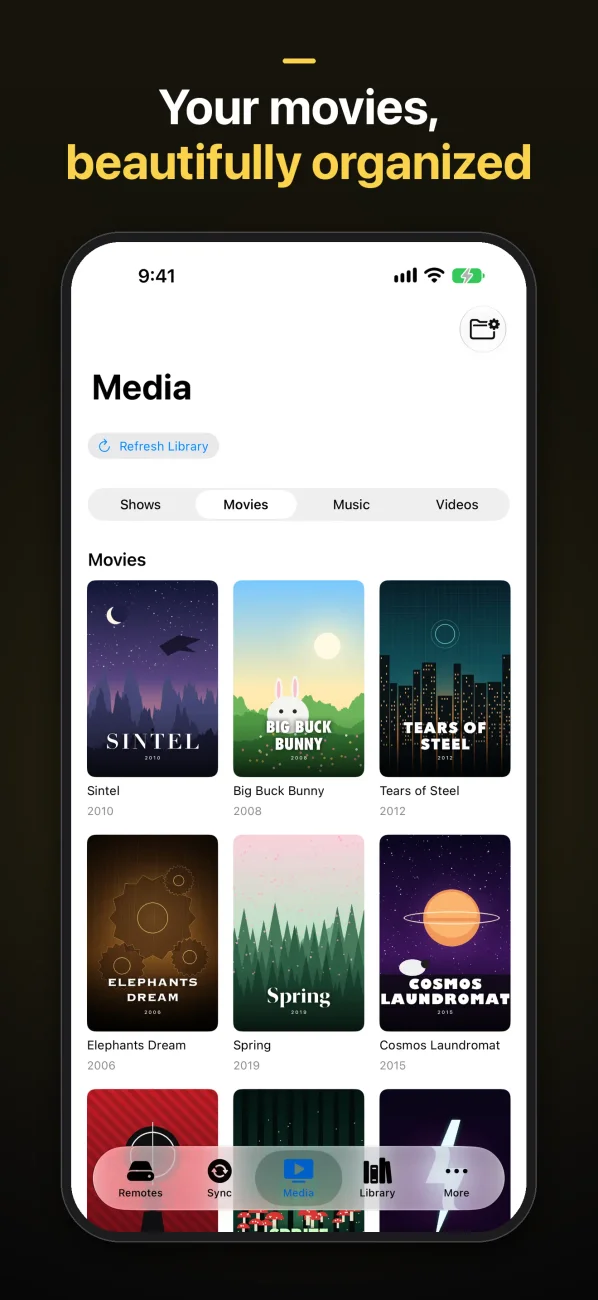
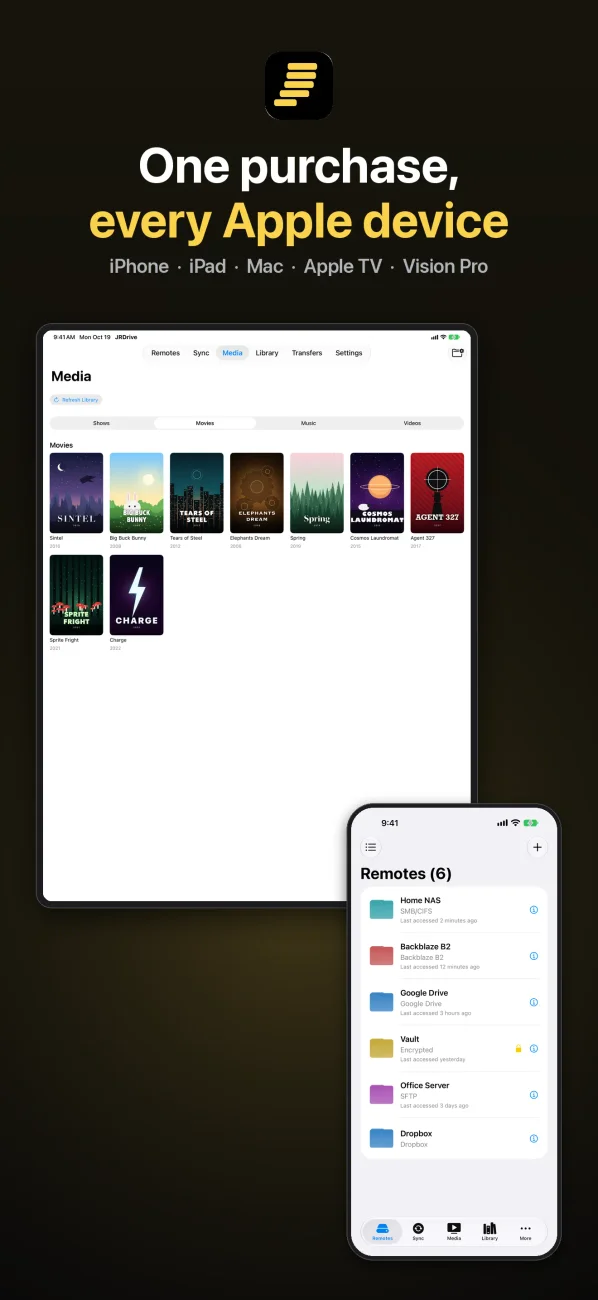
• The Media tab turns your folders into a library of shows, films and music, with artwork, Continue Watching and Recently Added.
KEEP IT PRIVATE
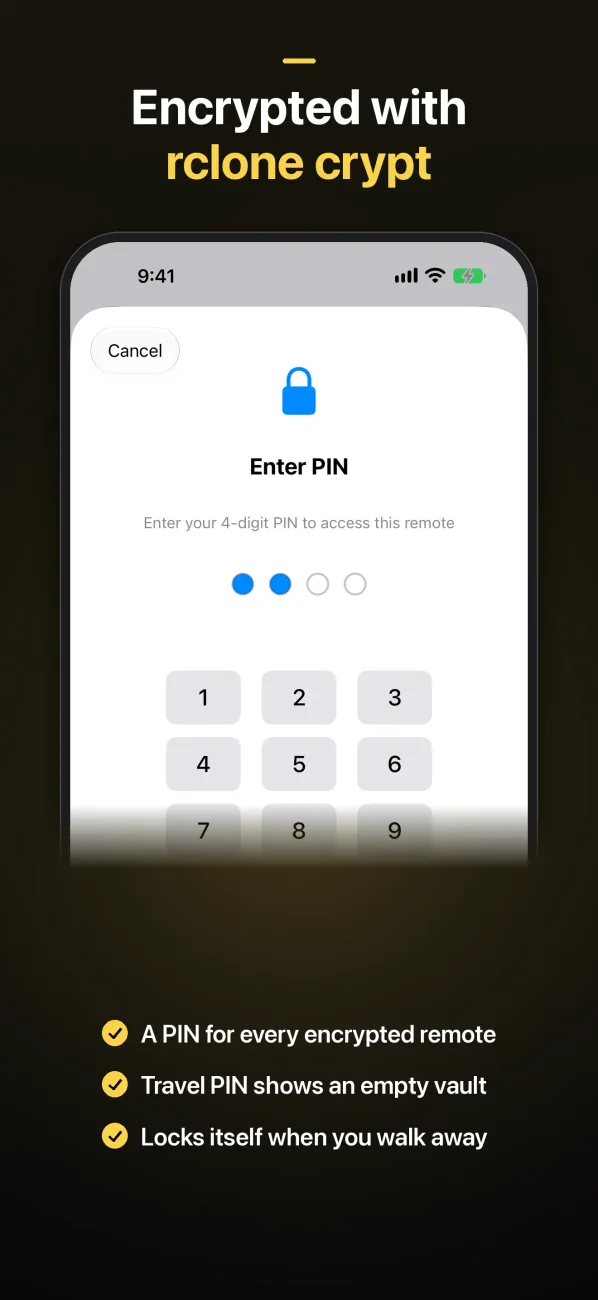
• Open rclone crypt remotes: file names and contents are decrypted on your device.
• Lock each encrypted remote with its own PIN. It locks again a few minutes after you leave JRDrive.
• No JRDrive account. Your files travel directly between your device and your storage — never through JRDrive servers.
• Optional iCloud sync brings your remotes to your other Apple devices.
WORK WITH YOUR FILES
• Browse, upload, download, rename, move and delete on every remote, with a transfer queue that shows progress.
• Your remotes appear in the Files app, so other apps can open files from them and save files to them.
• Share files into JRDrive from any app, or upload straight from your photo library.
• Camera upload backs up new photos and videos to the remote of your choice.
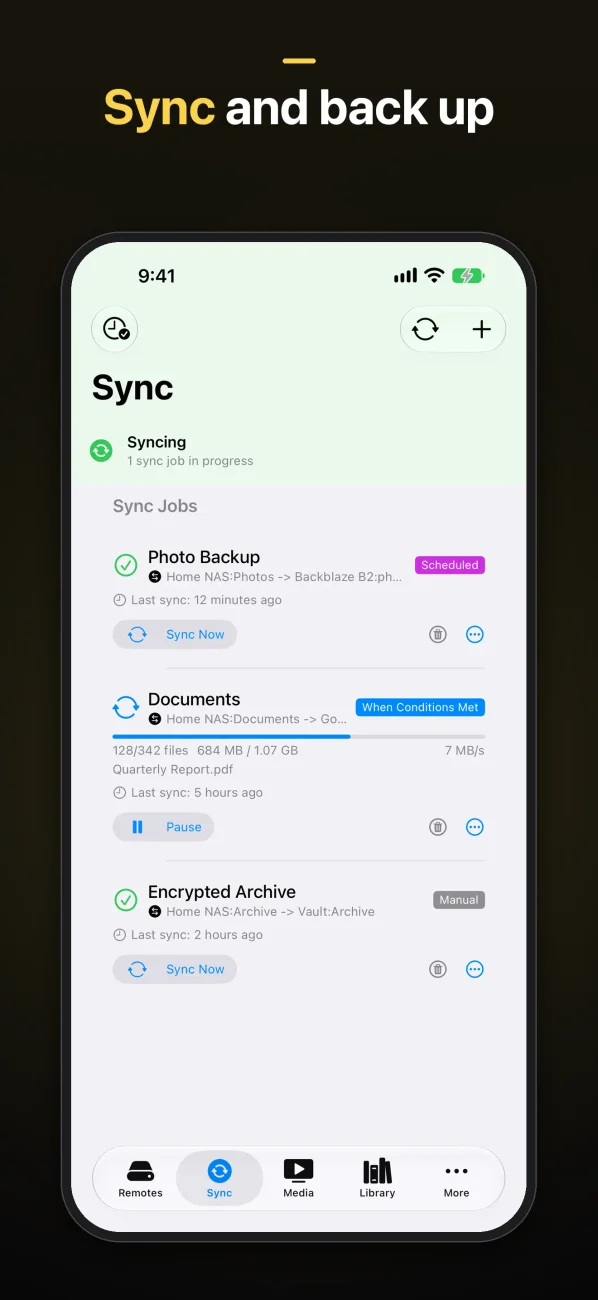
• Sync folders one-way or two-way, on a schedule or on demand, with a recoverable trash for anything sync removes.
• Pin files and folders for offline use.
• Preview PDFs, images and text, and edit text files in place.
• Scan your local network to find file servers and fill in their details for you.
PRICING
JRDrive is free for two remotes. Try Premium free for 7 days — folder sync, offline files, camera upload, Files app access and the Media tab — then unlock it with a single one-time purchase, no subscription, that works on all your Apple devices. Thumbnails, new encrypted remotes and more than two remotes require the purchase. The free iPhone and iPad app shows ads; the purchase removes them.
JRDrive is an independent app and is not affiliated with rclone or any storage provider.
What’s new
Version 1.3.9 · Nov 17, 2026
1.3.9 — Home sharing fixes
• Fixed a crash when starting Share on Home Network while another app uses the same network port.
• Moving or renaming a file on the shared network drive no longer replaces a file with the same name that was added meanwhile.
App privacy
What Jay Pathak declares on the App Store about how this app handles data.
-
Data linked to you
May be collected and linked to your identity.
- Location
- Contact info
- User content
- Identifiers
- Usage data
-
Data not linked to you
May be collected but is not linked to your identity.
- Diagnostics
Privacy practices may vary, for example with the features you use or your age.
Information
- Seller
- Jay Pathak
- Category
- Utilities
- Version
- 1.3.9
- Updated
- Nov 17, 2026
- Released
- Jan 6, 2026
- Size
- 193.0 MB
- Requires
- iOS 16.0 or later
- Age rating
- 4+
- Price
- Free
- In-app purchases
- Yes
- Languages
- English, Arabic, Dutch, French, German, Hindi, Italian, Japanese, Korean, Polish, Portuguese, Russian + 3 more
- Copyright
- © 2026 Jay Pathak
You might also like
-
 Cloud Media Streamer - VideoCryptomator Rclone for Webdav
-
 Rclone UIUtilities
-
 CryptCloudViewerEncryption for cloud storages
-
 S3Drive: Cloud storageUtilities
-
 QuickExplorer - File & StorageZIP, rename, NAS & Wi-Fi share
-
 File Explorer & Playerstream video & music from Mac
-
 MultCloudTransfer between clouds
-
 BackblazeUtilities
-
 File Hub by imoreappsAV Player, AI Transcription
-
 File manager - Document EditorFile Storage - file explorer