- Age rating4+
- CategoryUtilities
- DeveloperTomasz Raganowicz
- LanguagesEnglish
- Size207.1 MB
Links to the official App Store page
Download.org hosts no file of S3Drive: Cloud storage. The button opens its official App Store page, published by Tomasz Raganowicz. Listing last checked on Nov 21, 2026.
Screenshots


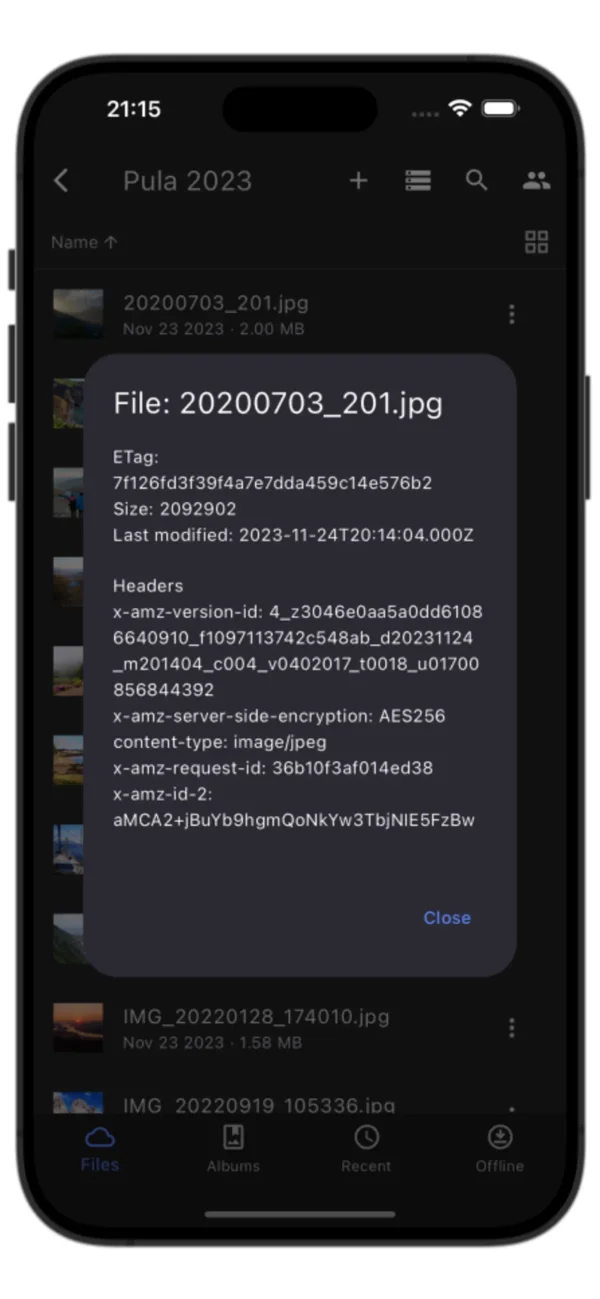
About
S3Drive is an easy-to-use client that converts any S3, WebDAV or Rclone compatible back-end into your personal encrypted file storage. Your files are encrypted before they leave your device, so no one beside you can access them. Not even us.
Features:
- Drive mount,
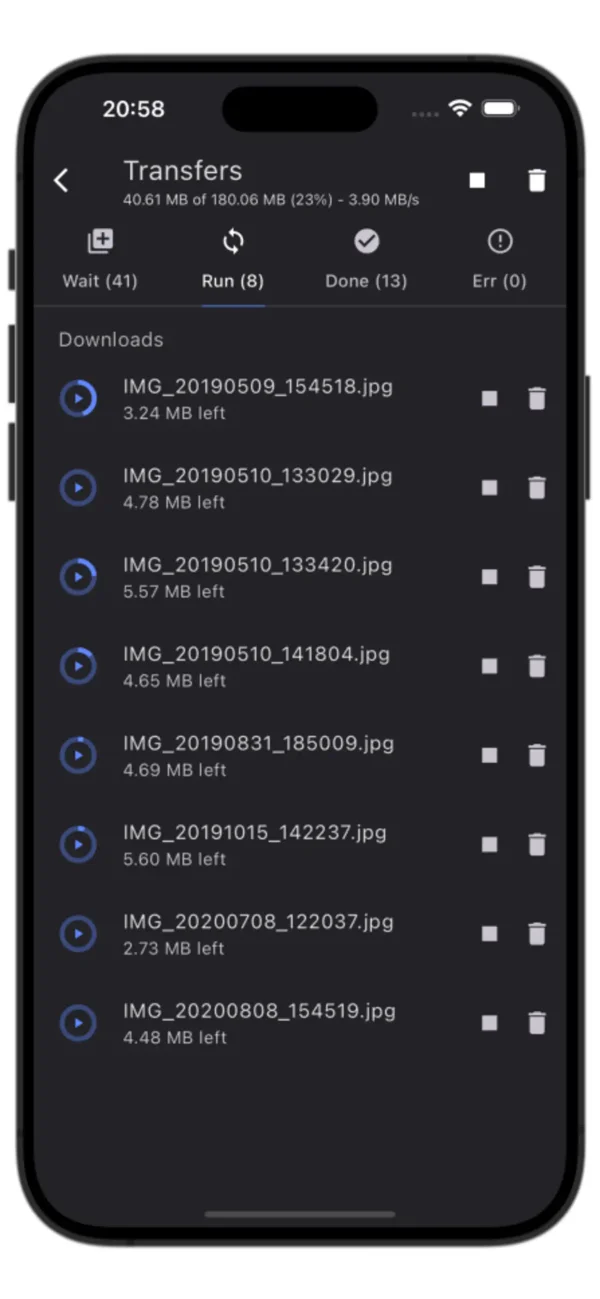
- Multiple sync modes (copy, sync, move, two-way),
- Content and filename encryption,
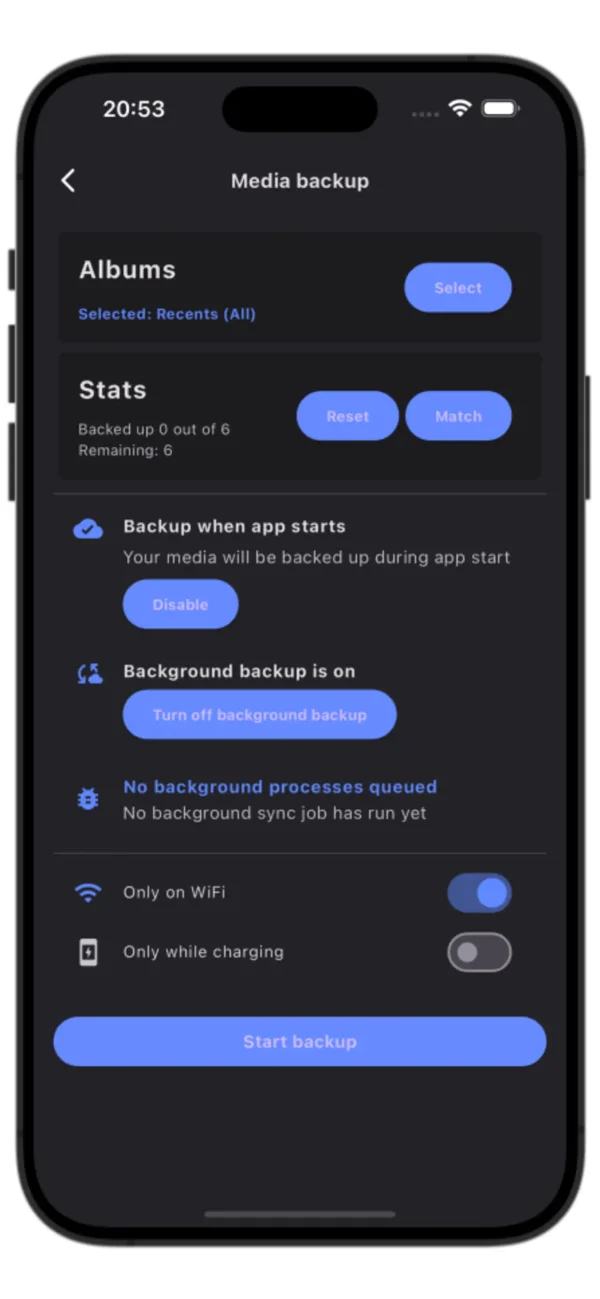
- Photo & video backup,
- Secure sharing via encrypted link,
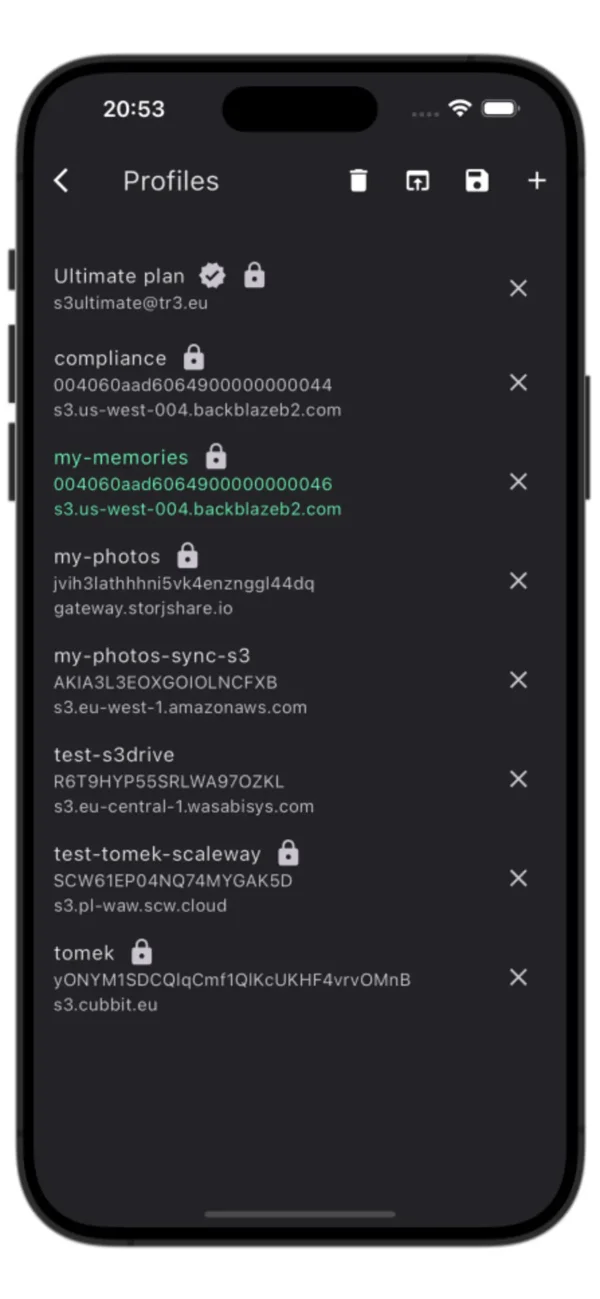
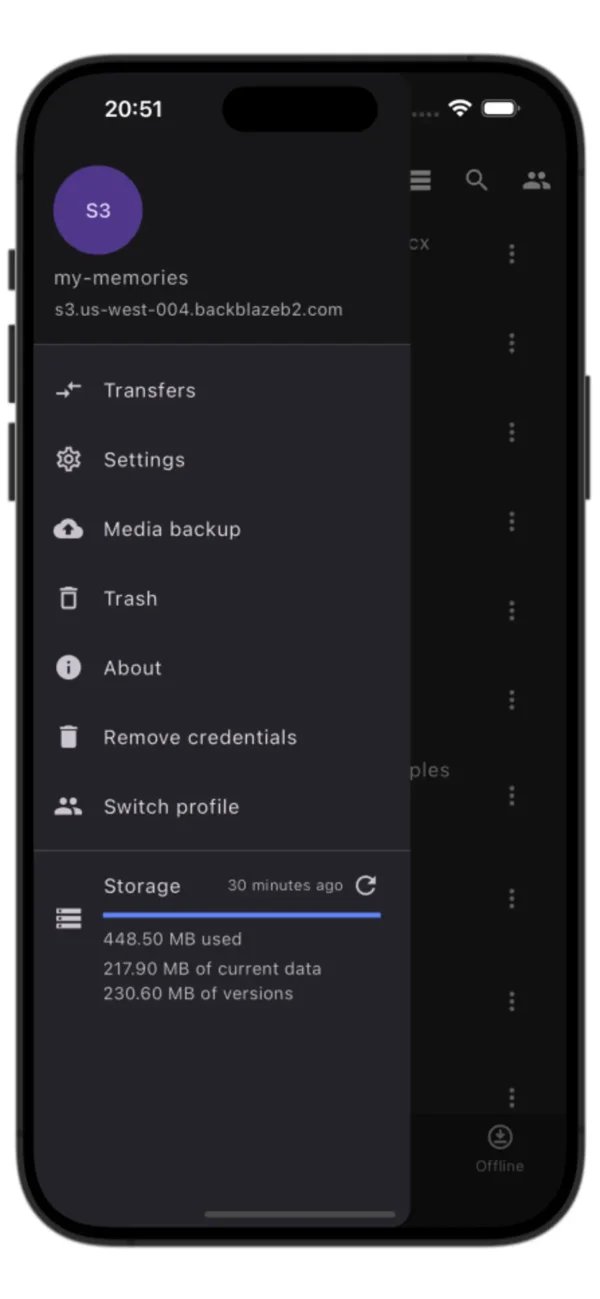
- Multiple accounts support,
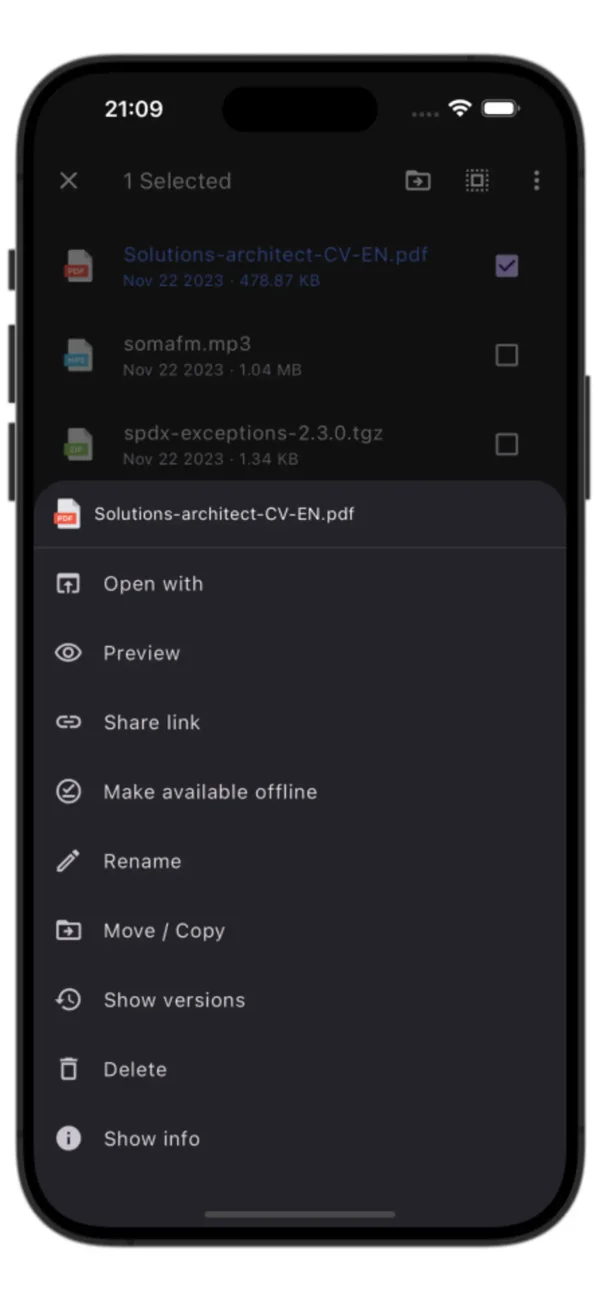
- Manage files & directories (open, preview, download, copy, delete, rename, folder upload etc.),
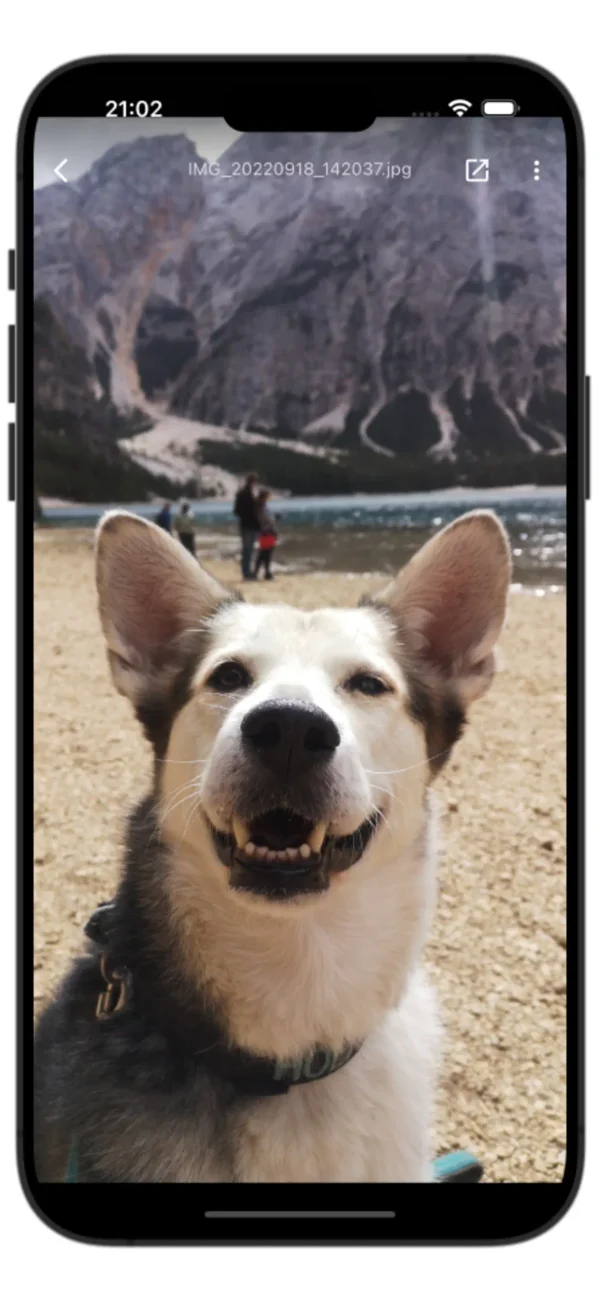
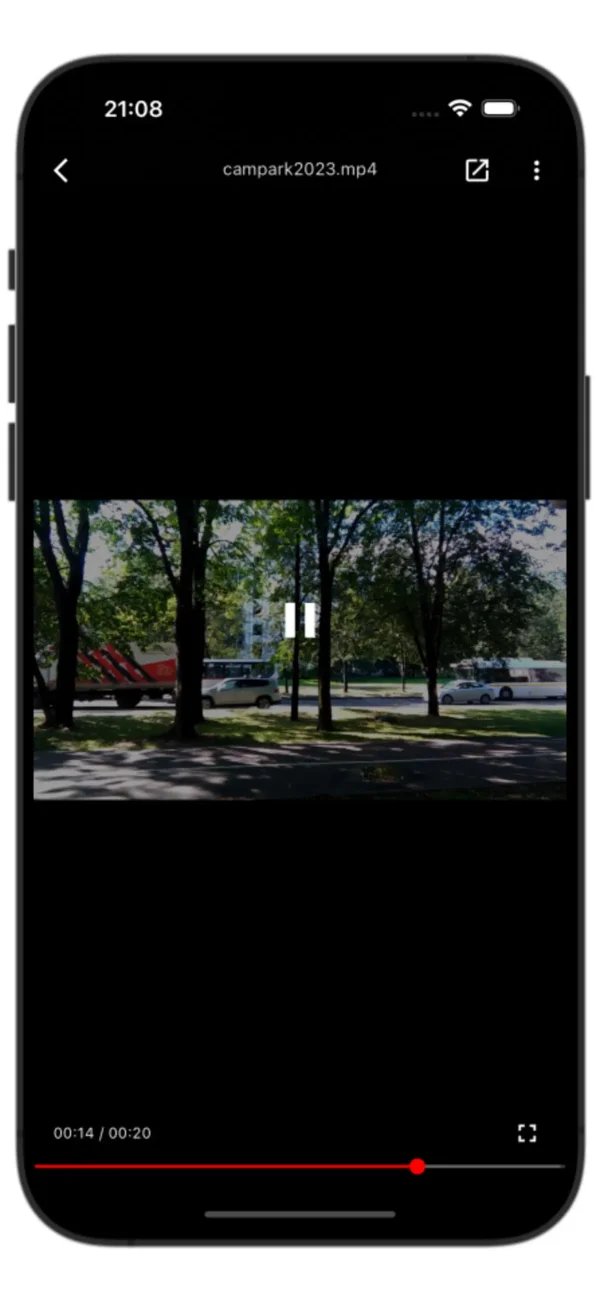
- Preview different file formats (pdf, markdown, txt, audio, video),
- Background audio play-out,
- Simple text editor,
- Search within directories,
- Object Lock support,
- File versioning (delete & restore),
- Light and dark themes
==Supported providers==
Protocols: S3, WebDAV, SFTP, SMB, FTP, HTTP
Personal storage: Dropbox, Box, Microsoft OneDrive, pCloud, Proton Drive, Koofr
S3 clouds: AWS S3, Backblaze B2, Synology C2, Cloudflare R2, Google Cloud Storage, Wasabi, Linode, IDrive e2, Storj, Scaleway, DigitalOcean Spaces
Self-hosted: MinIO, SeaweedFS, GarageFS, Openstack Swift S3, Ceph, Zenko CloudServer
Full list: https://docs.s3drive.app/setup/providers
Encryption
Full compatibility with Rclone crypt - free and open-source encryption scheme.
Media backup
Backup your valuable photos&videos automatically in the background
Sync
Synchronize between different accounts. Choose folders and select mode (one-way copy/sync, two-way sync).
Import/export
Import your data from other providers or export your data if it's time to switch. No vendor lock-in.
Cost-effectiveness
Choose provider with best pricing model, combine multiple tiers.
Self-sovereignty
Stay independent from external providers, connect to your own server or NAS... or enable encryption and store your files privately pretty much anywhere.
Sign-up for a free account, no credit card required.
Available on desktop, mobile and web.
If you would like to support our mission considering rating our app and spread the word.
We would love to hear from you !
Missing some features? App not working as intended? Need help?
Please visit our support channel: https://s3drive.app/support
User Agreement:
https://www.apple.com/legal/internet-services/itunes/dev/stdeula/
What’s new
Version 1.18.2 · Aug 31, 2026
Fix oAuth providers setup (Google Drive, Dropbox etc.),
Proton Drive integration improvements
App privacy
What Tomasz Raganowicz declares on the App Store about how this app handles data.
-
Data not linked to you
May be collected but is not linked to your identity.
- Diagnostics
Privacy practices may vary, for example with the features you use or your age.
Information
- Seller
- Tomasz Raganowicz
- Category
- Utilities
- Version
- 1.18.2
- Updated
- Aug 31, 2026
- Released
- Nov 13, 2024
- Size
- 207.1 MB
- Requires
- iOS 16.6 or later
- Age rating
- 4+
- Price
- Free
- In-app purchases
- Yes
- Languages
- English
- Copyright
- © 2026 S3Drive
You might also like
-
 CryptCloudViewerEncryption for cloud storages
-
 Simple S3 BrowserSimple S3 Browser
-
 JRDrive Rclone File ManagerSMB, S3 Files & Video Player
-
 S3 Client & BrowserManage AWS, R2 & B2 Buckets
-
 Rclone UIUtilities
-
 FileLuSync - Auto File BackupFile syncing and cloud backup
-
 Cloud Media Streamer - VideoCryptomator Rclone for Webdav
-
 OK CloudSave Videos to Cloud Storage
-
 S3 ManagerS3 File & Media Browser
-
 ControlHub RemoteLive DNS manager for Control D