JustClock: Desk & Bedside
Your clock, date & weather
Designed for iPhone, iPad
Free
- Age rating4+
- CategoryUtilities
- DeveloperJiwon Park
- LanguagesEnglish+ 1 more
- Size29.6 MB
Links to the official App Store page
Download.org hosts no file of JustClock: Desk & Bedside. The button opens its official App Store page, published by Jiwon Park. Listing last checked on Nov 12, 2026.
Screenshots
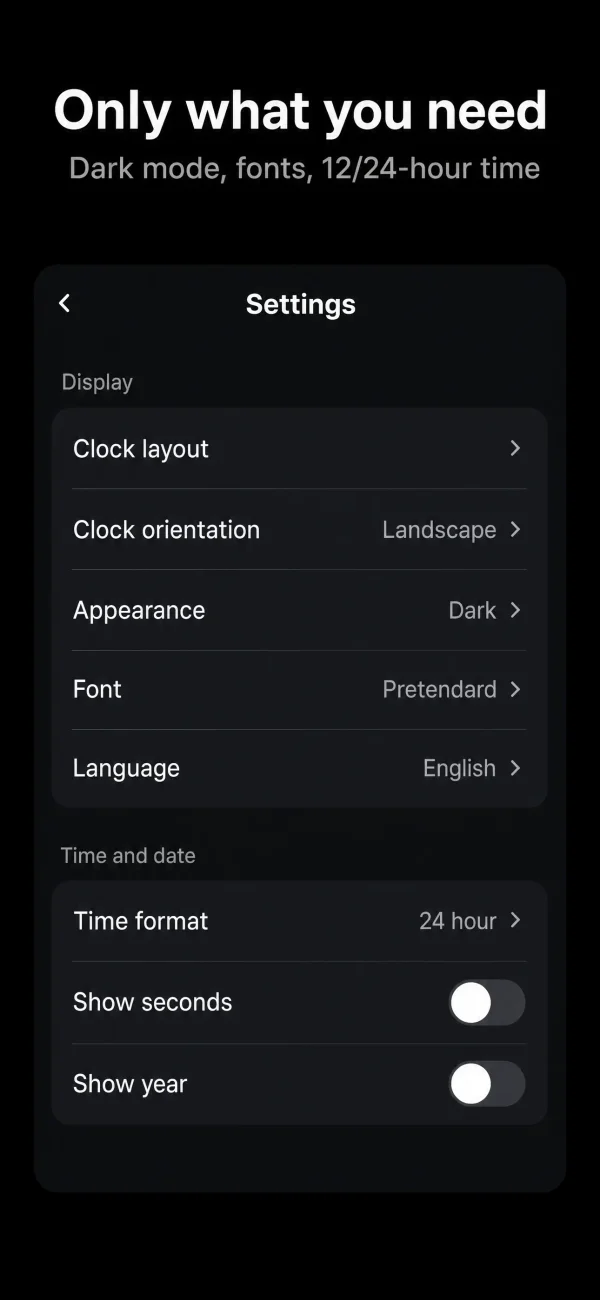
About
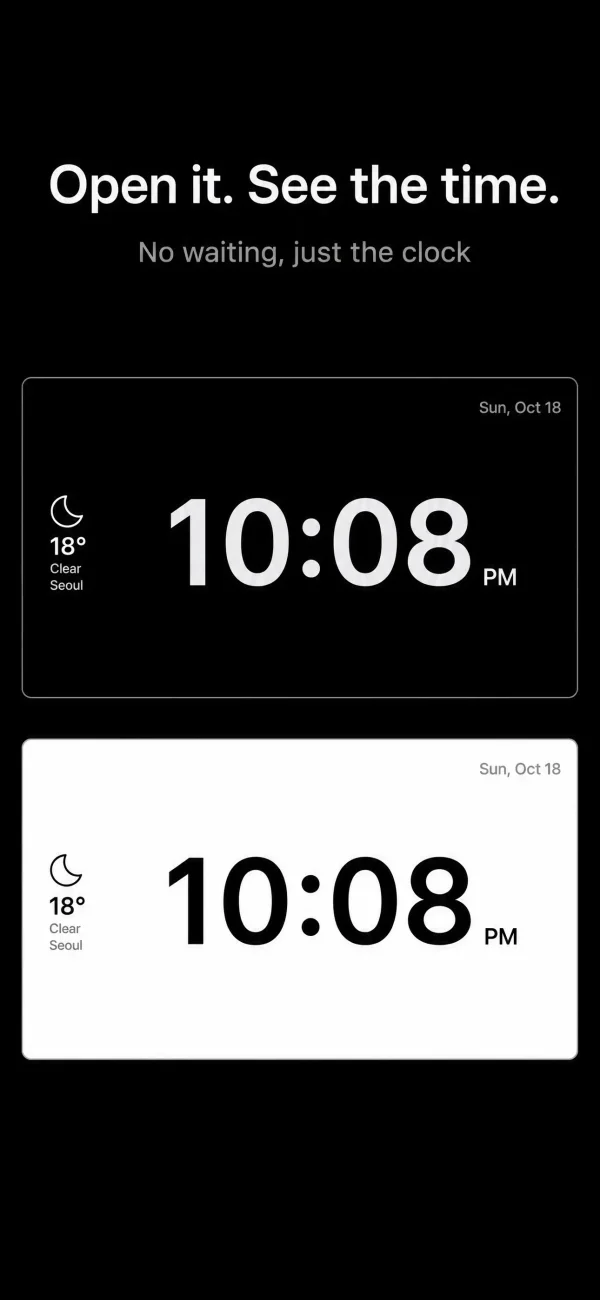
Open it. See the time.
JustClock is a quiet clock for your desk or bedside. A clear digital clock, the date, and local weather share one simple screen. The time appears without waiting for the weather.
Make room for your day
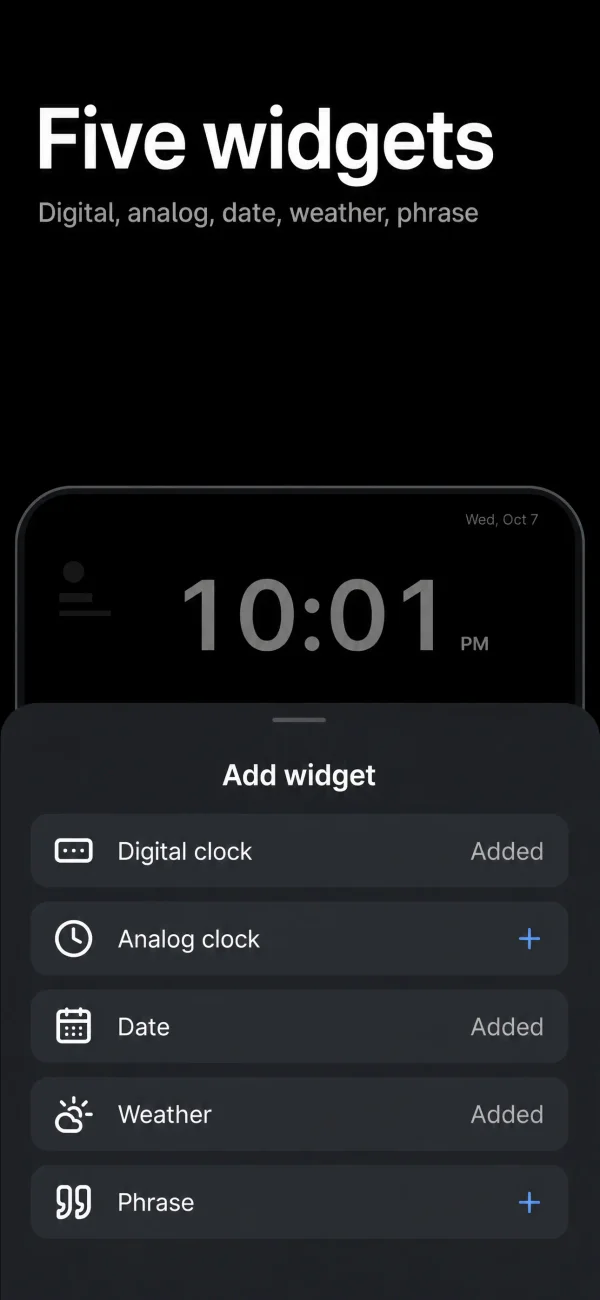
• Five in-app widgets: digital clock, analog clock, date, weather, and phrase
• Place digital and analog clocks together
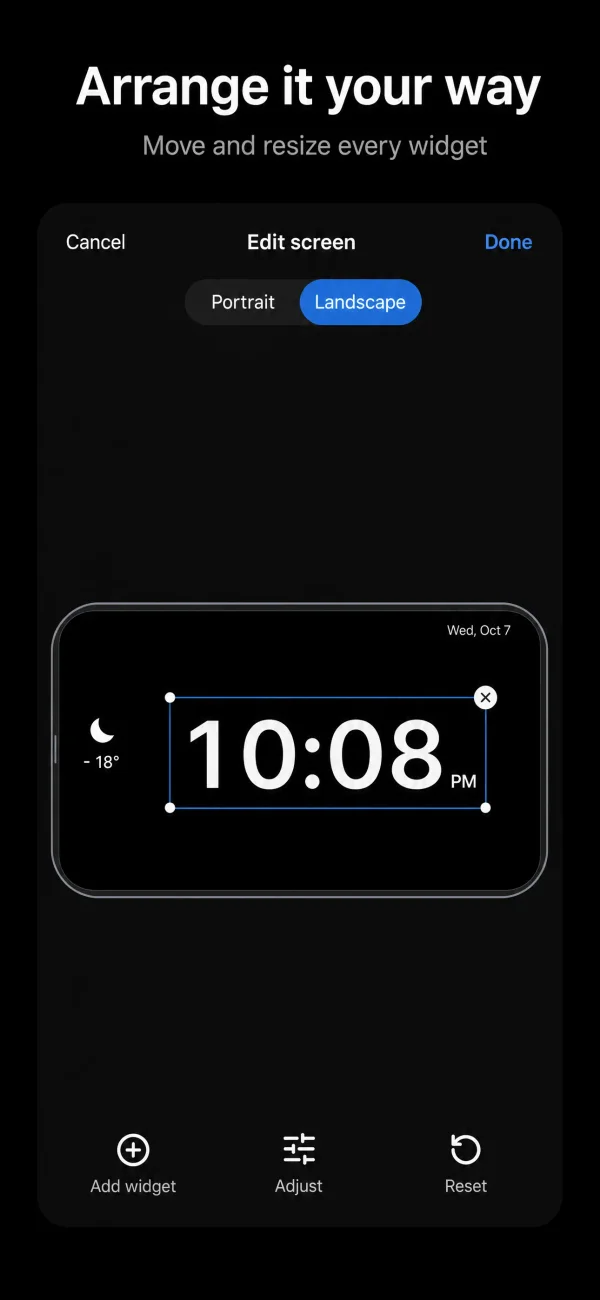
• Add, remove, move, and resize widgets
• Light and dark modes, with an option to follow your system
• Manual portrait and landscape modes, each with its own saved layout
• Arrange widgets in one editable clock composition
• One app-wide font, with widget colors and opacity
• Pretendard included; optional fonts download after confirmation
• 12-hour or 24-hour time, optional seconds, and an optional year in the date
• Twelve night weather icons that follow the actual lunar phase
A phrase when you want one
The default clock starts without a phrase. Add a phrase widget to read 120 short adaptations in both English and Korean, or write your own text of up to 100 characters. Included phrases follow your language setting and change daily or hourly. Your clock can use included phrases or your own text. Both work offline.
A calm screen, simple controls
Start in landscape, then keep your last chosen orientation. Tap to reveal clock layout, settings, and orientation controls at the top left; tap again to hide them. Settings with several options open a selection sheet. The clock screen stays awake while open and respects your device's reduced-motion setting.
Free, with no ads, sign-up, or in-app purchases. Settings, widget layouts, and text you write are saved on your device. Weather is optional: with location permission, approximate coordinates are sent to Open-Meteo for a forecast. The clock keeps working if permission is denied or weather is unavailable.
Weather data: Open-Meteo, CC BY 4.0. Temperature and weather codes are formatted for display. Included phrases are adapted from Marcus Aurelius's Meditations, translated into English by George Long, and the Tao Te Ching, translated into English by James Legge. They are not presented as verbatim quotations.
App privacy
What Jiwon Park declares on the App Store about how this app handles data.
-
Data not linked to you
May be collected but is not linked to your identity.
- Location
- Diagnostics
Privacy practices may vary, for example with the features you use or your age.
Information
- Seller
- Jiwon Park
- Category
- Utilities
- Version
- 1.0
- Updated
- Oct 27, 2026
- Released
- Oct 27, 2026
- Size
- 29.6 MB
- Requires
- iOS 16.0 or later
- Age rating
- 4+
- Price
- Free
- Languages
- English, Korean
- Copyright
- © 2026 Kobbokkom Company
You might also like
-
 AllyClockFullscreen clock, world time
-
 Present: Clock, Date + WeatherAlways On Bedside Display
-
 Stay Clock: Flip Desk ClockDigital Nightstand & Bedside
-
 Battery Life: Charge SpeedCharging animation & 80% alert
-
 BitSpeed - GPS SpeedometerSpeed. Zero info tracked.
-
 NiteTime ClockNight Clock, Perfectly Styled
-
 Siloam PhoneUtilities
-
 Studio Clock - Studio UhrUtilities
-
 Long Lasting Clock: FullscreenDigital time & your message
-
 BatteryPro++Battery Testing