- Age rating4+
- CategoryUtilities
- DeveloperPatrick OShaughnessy
- LanguagesEnglish
- Size7.1 MB
Links to the official App Store page
Download.org hosts no file of NiteTime Clock. The button opens its official App Store page, published by Patrick OShaughnessy. Listing last checked on Nov 13, 2026.
Screenshots
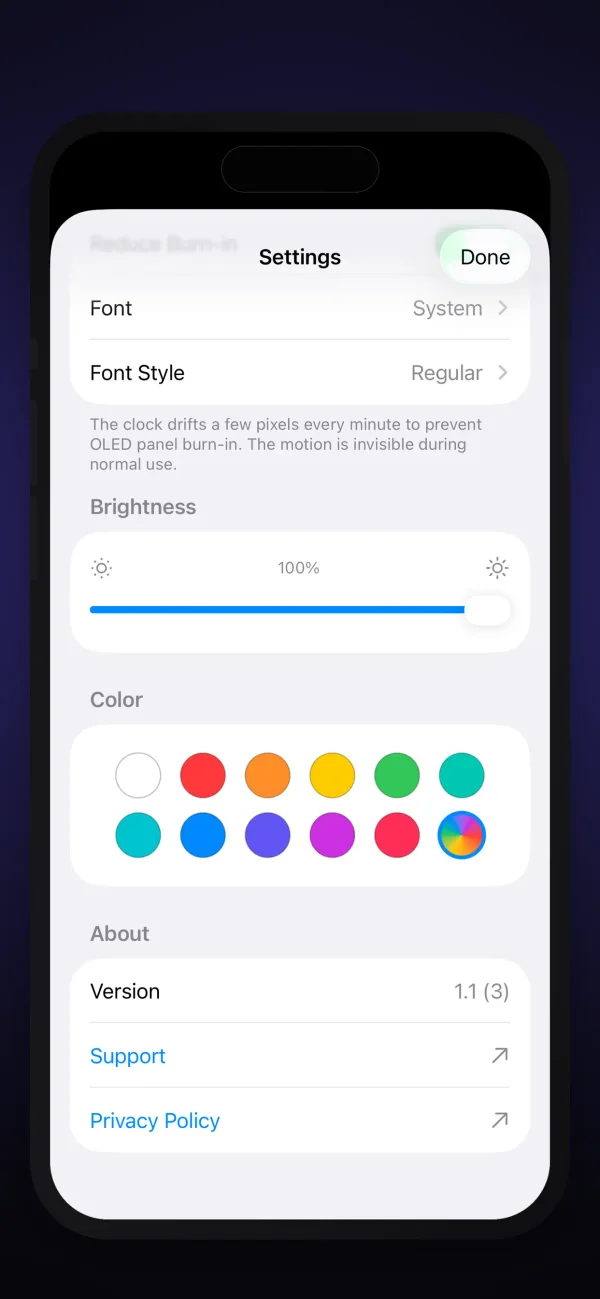
About
NiteTime Clock: Your Bedside Companion
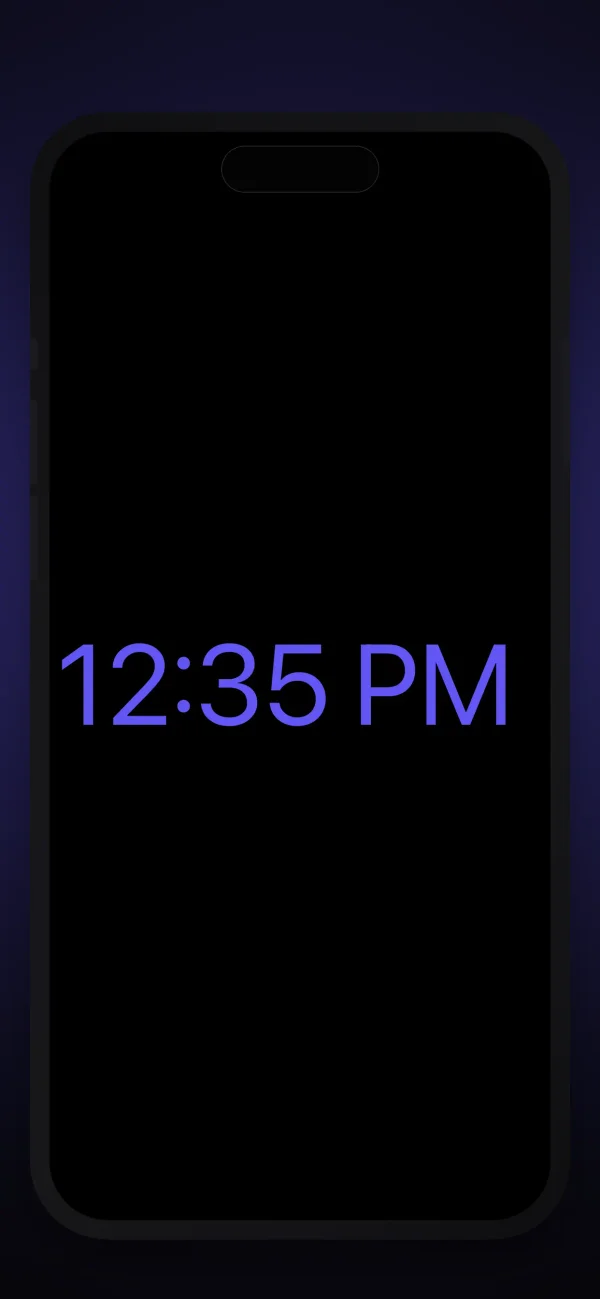
NiteTime Clock fills your screen with a large, glanceable time display — built for the nightstand, the desk, or anywhere you want the time visible from across the room without the glow of a full phone screen.
**Customize it your way**
— Choose from a curated set of system and classic fonts, in five weights
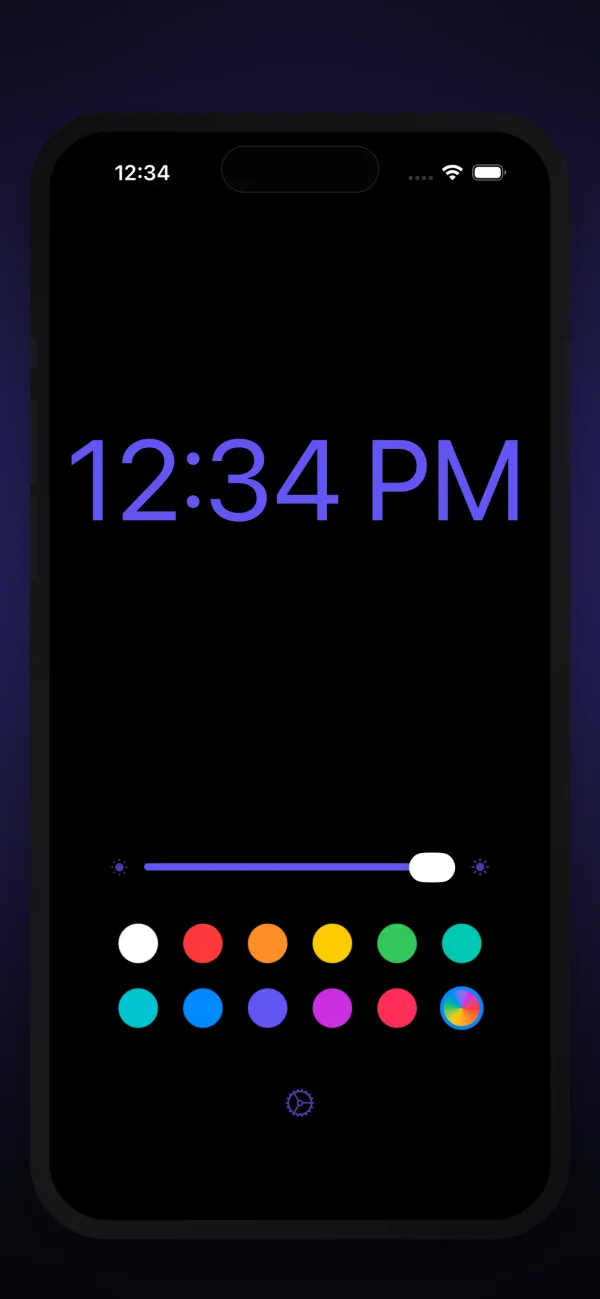
— Pick any color with the full hue and brightness wheel, or use one of eleven presets
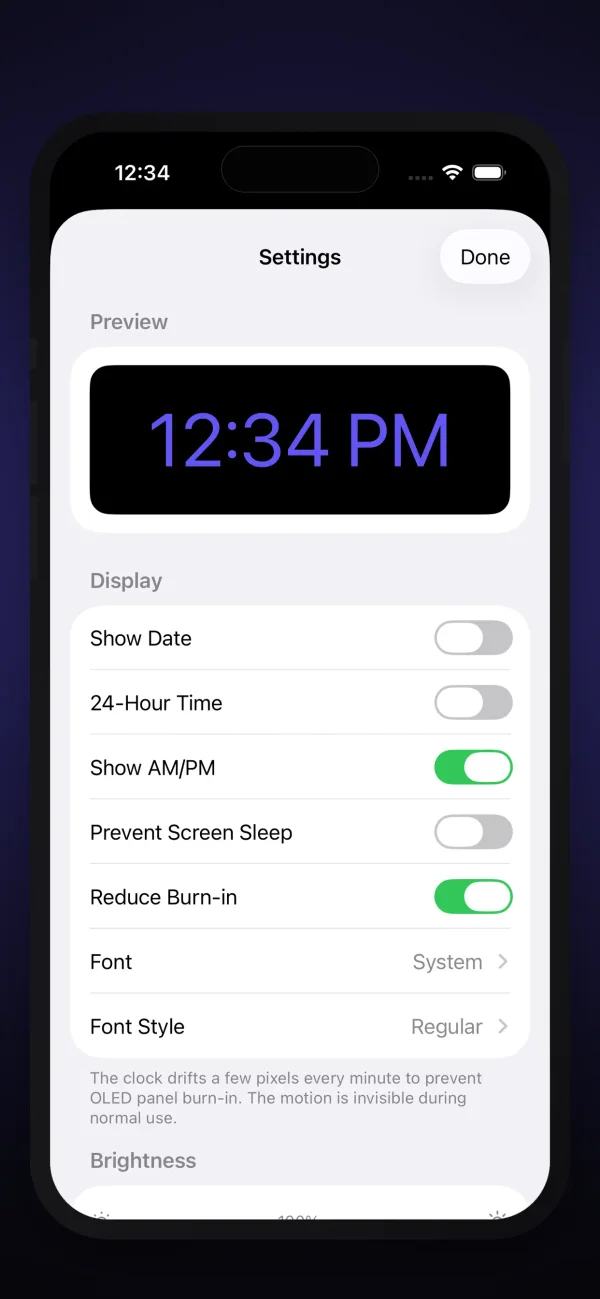
— Show or hide the date
— Switch between 12-hour and 24-hour time, with an optional AM/PM marker
— Dim the display down to a soft glow — never fully dark, never distracting
**Built for all-night use**
— Reduce Burn-in mode gently drifts the clock around the screen over time, protecting OLED displays during long nightly use
— Prevent Screen Sleep keeps the display on for as long as you need it
— Landscape and portrait layouts, both optimized for edge-to-edge visibility
**Simple, gesture-driven controls**
Swipe to change color, drag to adjust brightness, tap to reveal settings — then tap away and the controls disappear, leaving just the time.
No accounts. No ads. No data collected. Just a clock.
Features:
* Versatile Display: Use in portrait or landscape mode
* 12 Elegant Color Themes: Find your perfect night-time aesthetic
* Customizable Typography: Choose from multiple fonts and styles
* Optional Date Display: Keep track of the day at a glance
* Adjustable Brightness: Comfortable viewing from dim to bright
* Keep Active: Option to keep clock displayed and not sleep
Ideal for nightstands, bedrooms, and anyone who wants a clean, reliable clock display. No complicated settings—just pure, practical timekeeping.
Download NiteTime Clock and bring sleek, personalized timekeeping to your nightstand.
What’s new
Version 1.1 · Jul 6, 2026
Version 1.1 focuses on nightly comfort and finer control:
- New: Reduce Burn-in mode slowly drifts the clock around the screen to protect OLED displays during extended overnight use (on by default)
- New: Show/hide the AM/PM marker independently of 12-hour vs. 24-hour mode
- New: Full color wheel — pick any hue and brightness, not just the preset palette
- Fixed: the clock could freeze in the wrong orientation when the phone was lying flat on a nightstand
- Fixed: a couple of gesture quirks with brightness and color swiping
- Fixed: the version number shown in Settings now always matches the actual build
App privacy
What Patrick OShaughnessy declares on the App Store about how this app handles data.
-
Data not linked to you
May be collected but is not linked to your identity.
- Usage data
- Diagnostics
Privacy practices may vary, for example with the features you use or your age.
Information
- Seller
- Patrick OShaughnessy
- Category
- Utilities
- Version
- 1.1
- Updated
- Jul 6, 2026
- Released
- Dec 17, 2024
- Size
- 7.1 MB
- Requires
- iOS 18.1 or later
- Age rating
- 4+
- Price
- Free
- Languages
- English
- Copyright
- © 2026 Patrick O'Shaughnessy
You might also like
-
 AutoSnooze Bedside ClockUtilities
-
 Nite Time - 2Big Bold Bedside Clock
-
 Nocturn - Nightstand ClockMinimalist digital clock
-
 ClocksOn: Bedside ClockAdaptive bedside night clock
-
 Studio Clock - Studio UhrUtilities
-
 Digital Clock - LED RetroNight stand clock
-
 Minimal Digital Clock & AlarmAesthetic Nightstand & Desk
-
 Flux Clock - Beauty in FluxMinimalist Clock & Focus Timer
-
 AllyClockFullscreen clock, world time
-
 ScreenseerClocks with some flair.