
- Age rating4+
- CategoryUtilities
- DeveloperIEyes
- LanguagesGerman+ 12 more
- Size73.8 MB
Links to the official App Store page
Download.org hosts no file of JustSee. The button opens its official App Store page, published by IEyes. Listing last checked on Nov 12, 2026.
Screenshots

About
JustSee tells you what your photos show and turns them into memories. Built for blind and low vision users and fully compatible with VoiceOver, the app describes every picture, so you want to keep it, come back to it or share it.
A photo that speaks
A scene, an object, a moment: JustSee describes what a picture shows, so your photos are not just files but memories you can read again, on screen or out loud.
Your library, finally clear
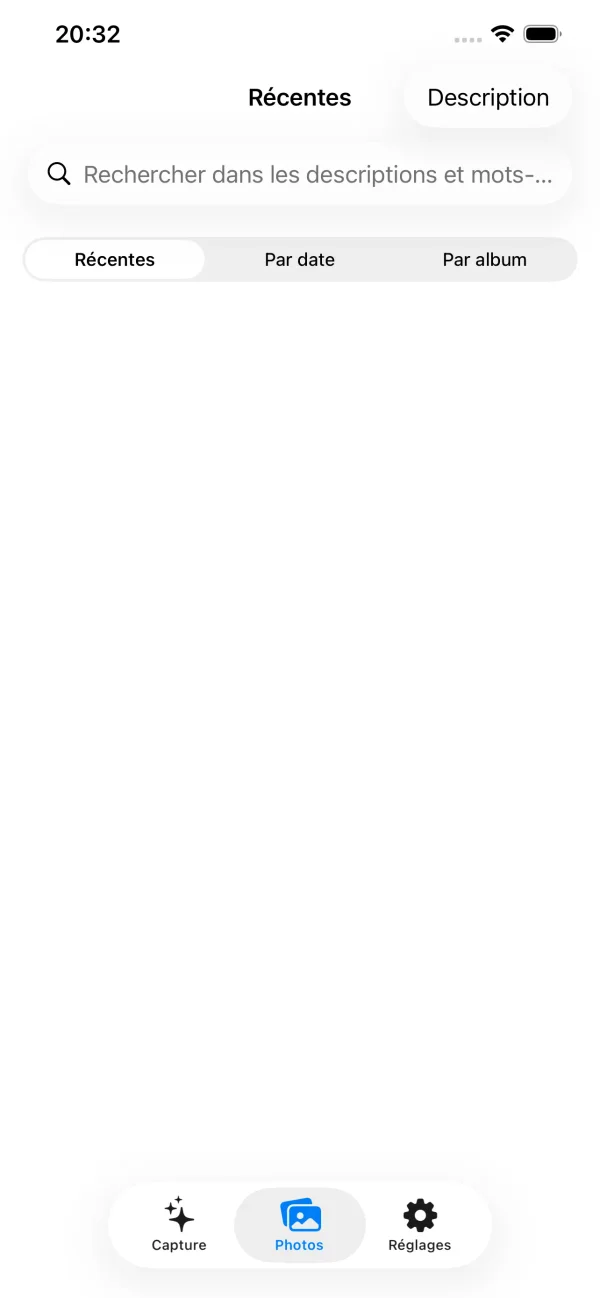
You no longer have to guess what each thumbnail is. You read, you sort, you find your photos again instead of letting them pile up on your phone.
Sharing that makes sense
A described photo is easier to share, because the people around you understand straight away what it shows.
Documents and mail too
A handout from a teacher, a letter, a board full of text: JustSee helps you understand what it says and read it again later. Useful for students, and for everyday mail.
Even faster
On iPhone 16 and later, press Camera Control, the button on the right side, to take a photo and hear the description right away.
How it works
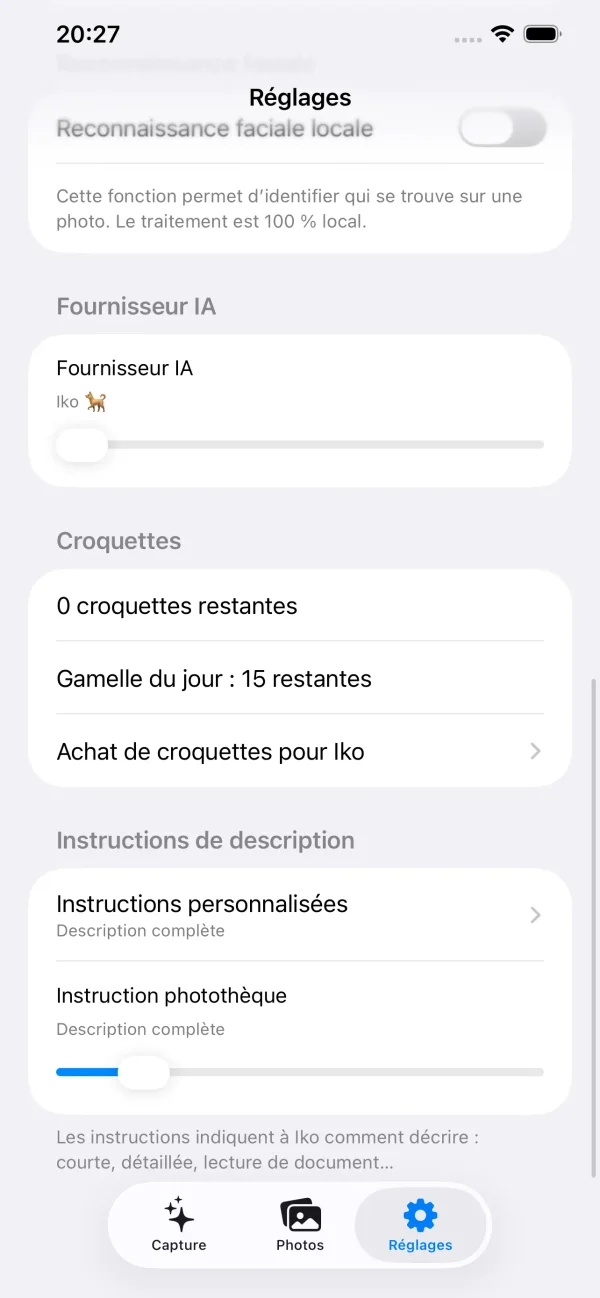
You choose. You can use Iko, our assistant that picks the most capable AI for each situation, with nothing to set up. You can also have the description done on your device, for more privacy if your iPhone is recent*, or connect the AI of your choice with your own API key (Google Gemini, OpenAI, Claude, Grok, Mistral, OpenRouter) in Settings.
Faces stay apart
Face recognition and identifying the people close to you happen only on your iPhone or iPad. Nothing is sent over the internet for this feature.
Made by and for blind and low vision people
JustSee is designed to be clear, accessible and pleasant to use every day.
Download JustSee: describe to keep, and keep to remember.
* Note, on-device description
Plan on an iPhone 15 Pro or later, a download of about 3 GB, and a result that is sometimes less rich or slower than Iko online. Details vary from one device to another.
What’s new
Version 1.1 · Sep 19, 2026
Framing guidance
JustSee can tell you what is in front of the lens before you take the photo: a face and where it is, a document, a barcode, an animal. It speaks on its own, or only when you ask. The setting is in Settings, Feedback while using the app.
Read the scene whenever you want
A button on the capture screen does it on demand. On iPhone models with Camera Control, a light press is enough.
Two new instructions
Check my appearance describes your clothes, your hair, a stain or a crooked collar, with no judgement about looks. Store aisle reads the brands, the products and the prices in front of you, grouped by area and by shelf height.
Describe an image you received elsewhere
From Messages, an email or the web, share the image with JustSee: it is described without leaving the app you are in, and you can ask questions about it.
Several photos at once
In Photos, select several photos to share them, delete them or add them to an album in one go.
Automatic saving
A setting keeps the photos JustSee has just described in your photo library.
Camera Control opens the capture screen
If you had left the app on the Photos or Settings tab, it now comes back straight to capture, ready to shoot.
Flash
Three clear choices instead of two settings that contradicted each other: automatic, always on, always off.
Sharing fixed
A shared video now goes out as a video, not as a still picture. Sharing and deleting several selected photos work again.
Deleting photos
Deleting a photo from JustSee works, and the app no longer says it is done when it is not.
Treats
The screen now shows a single balance, the one that actually matters, instead of several numbers that were hard to read. The balance and the purchase stay available whichever provider you use.
Get your treats back on a new iPhone
A button restores the treats you bought, even after changing device.
Five more languages
JustSee now speaks Japanese, Russian, Swedish, Danish and Turkish.
About screen
It introduces the app, IEyes and our other solutions, with a link to write to us.
AI models up to date
Models withdrawn by their providers have been replaced, and descriptions through Claude work again.
Performance improvements
App privacy
What IEyes declares on the App Store about how this app handles data.
-
Data not linked to you
May be collected but is not linked to your identity.
- Purchases
- Identifiers
- Usage data
Privacy practices may vary, for example with the features you use or your age.
Information
- Seller
- IEyes
- Category
- Utilities
- Version
- 1.1
- Updated
- Sep 19, 2026
- Released
- Aug 18, 2026
- Size
- 73.8 MB
- Requires
- iOS 18.4 or later
- Age rating
- 4+
- In-app purchases
- Yes
- Languages
- German, Danish, English, French, Italian, Japanese, Dutch, Polish, Portuguese, Russian, Swedish, Spanish + 1 more
- Copyright
- Copyright © IEyes. Tous droits réservés.
You might also like
-
 Compagnon SonoreUtilities
-
 Voice-TagVoice memos on NFC tags
-
 Lumyeye ClassicEveryday voice assistant
-
 Lumyeye PROAI for blind and low vision
-
 navaccessUtilities
-
 ANM' Chiens GuidesUtilities
-
 Perception AssistVisual help for blind users
-
 HelpUSee – Help You SeeHelp for blind & low vision
-
 Bri VisionDescribes, reads and scans
-
 Hear the LightHear light, even tiny LEDs