Lumyeye PRO
AI for blind and low vision
Designed for iPhone, iPad
Free · In-app purchases
- Age rating4+
- CategoryUtilities
- DeveloperLumyEYE
- LanguagesEnglish+ 3 more
- Size33.2 MB
Links to the official App Store page
Download.org hosts no file of Lumyeye PRO. The button opens its official App Store page, published by LumyEYE. Listing last checked on Nov 23, 2026.
Screenshots

About
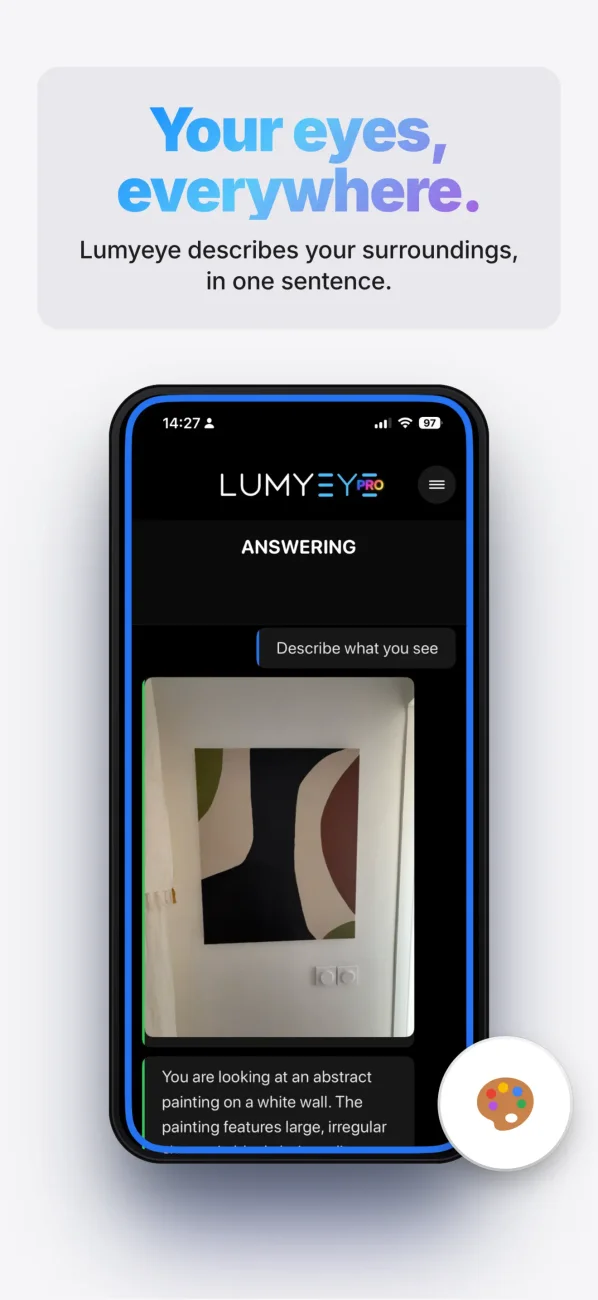
Lumyeye Pro: tap, speak, listen.
Tap the screen, or double-tap with VoiceOver, to ask a question and hear the answer. Lumyeye Pro helps blind and low-vision people with everyday tasks on iPhone.
PHOTOS, READING AND DOCUMENTS
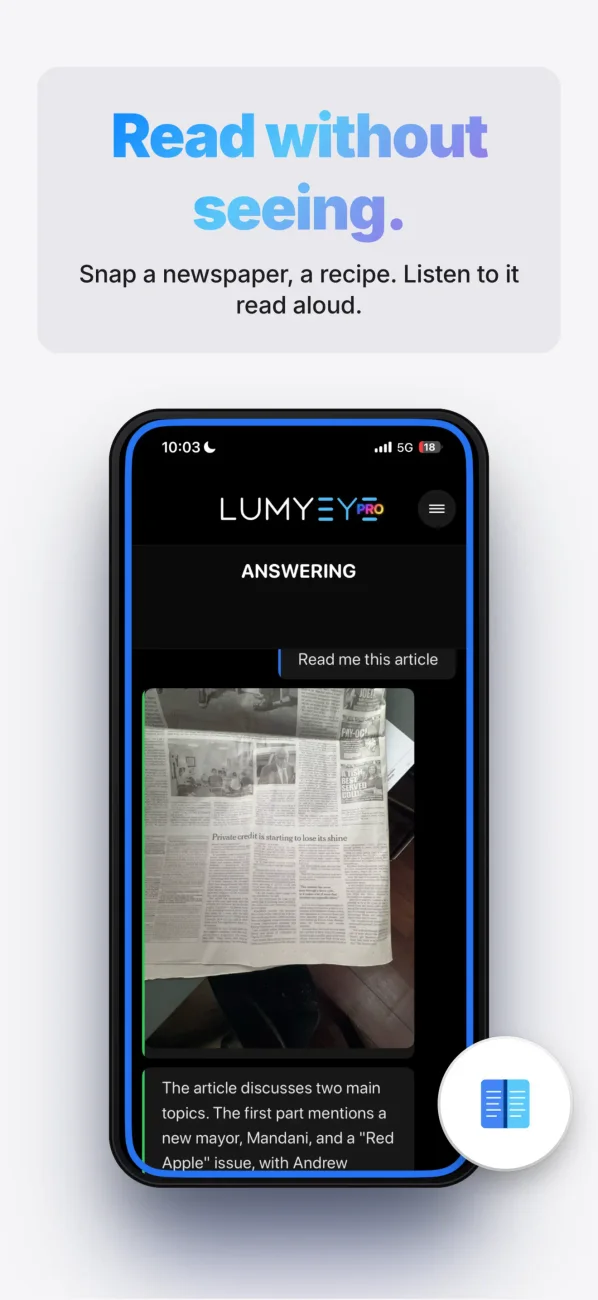
Ask “Read this document”, then “Summarize it” or “What is the deadline?”. Ask about the previous photo or request a new one. The assistant chooses the appropriate workflow for your request. A dedicated comic reader mode is also available.
SCANNING AND FOLDERS
Scan one or several pages with framing assistance, create a PDF, file your document and find it again to read or prepare to share it.
VISION LIVE
Ask questions during a live camera session: “What do you see?” or “Can you see my bag?”. Vision Live answers in its own voice. Guidance starts when you request it. A target never detected is distinguished from one that has left the camera view. A daily quota applies.
OBJECT SEARCH
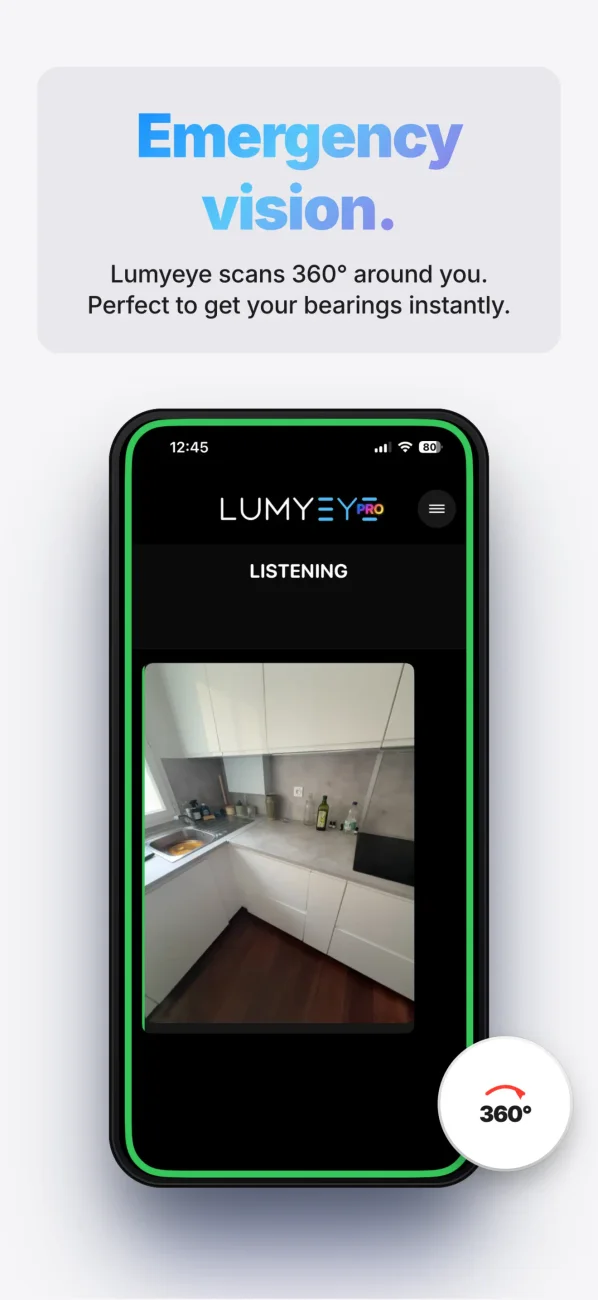
Indoor Vision helps you locate an object and orient yourself with voice and sound cues. Results depend on the visible scene. Some distance measurements and proximity beeps require a compatible iPhone.
NEARBY PLACES, WEB AND TRANSPORT
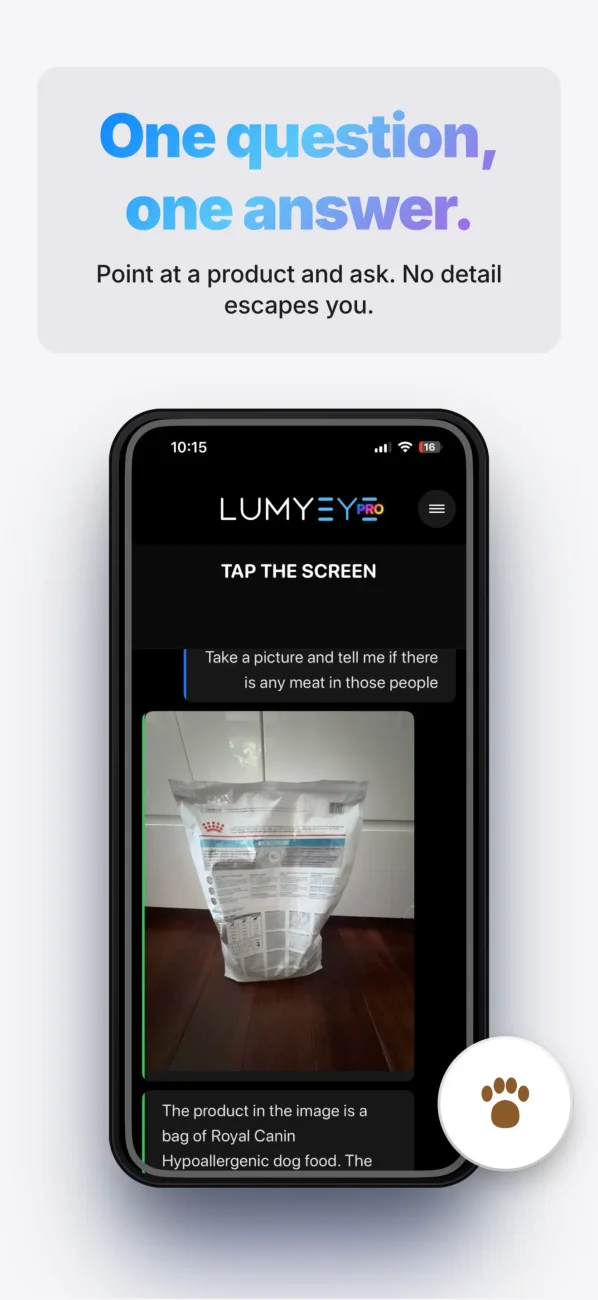
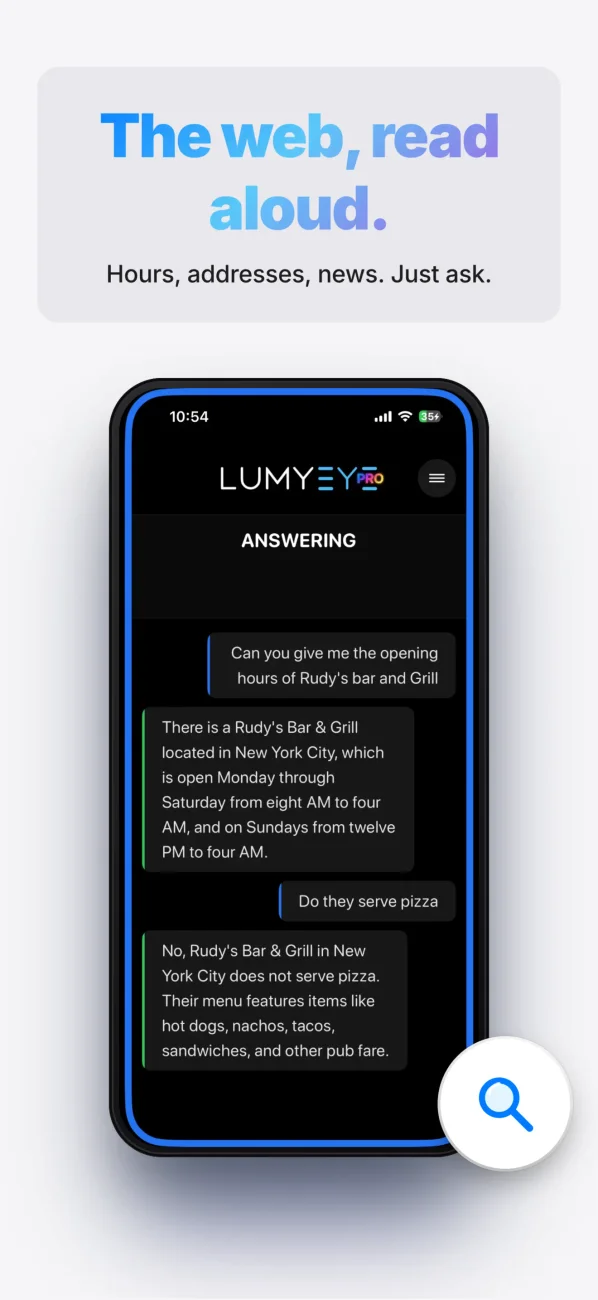
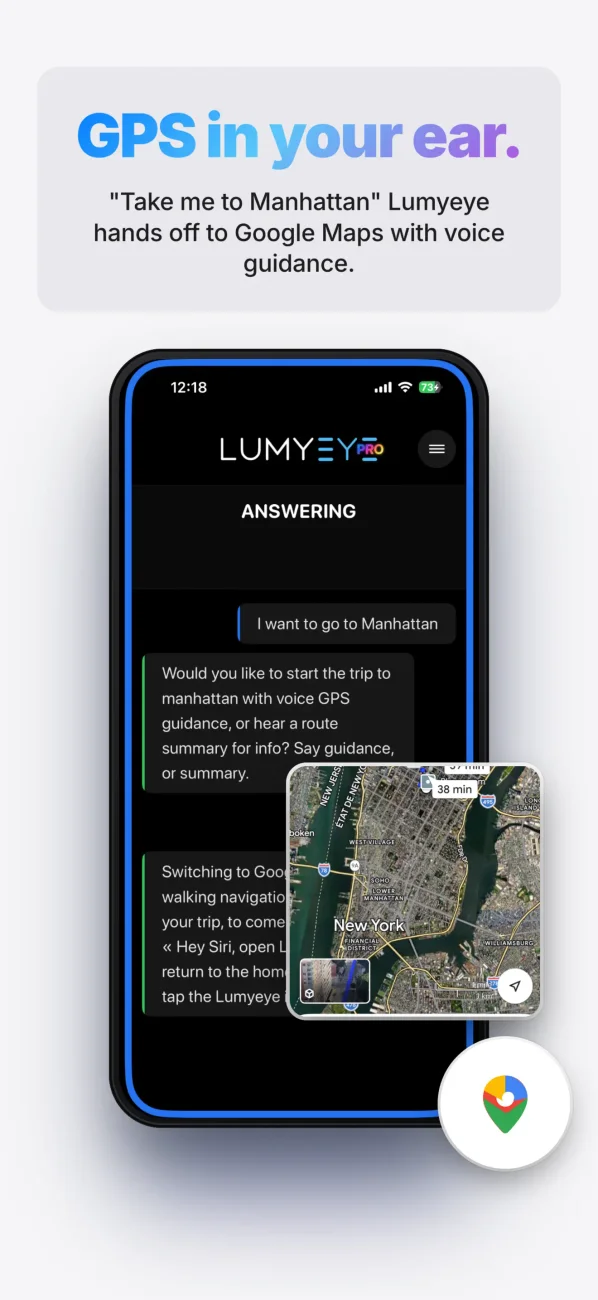
Find a nearby bakery or look up information online. After a product question, continue the comparison at another retailer. Ask for your location, prepare a route or check upcoming public transport departures available in your area.
SMS AND EMAIL
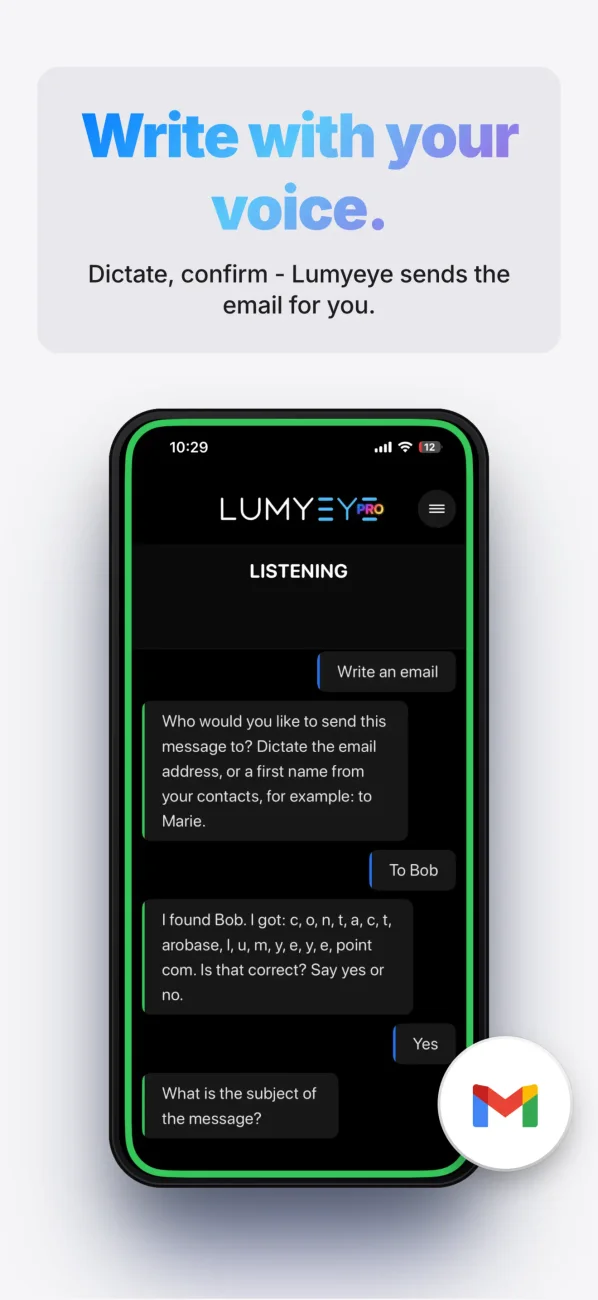
Dictate a message or ask “Send that by text” or “Send that by email”. The assistant uses recent context to select the content to share while retaining recipient selection and confirmation steps.
EVERYDAY TASKS
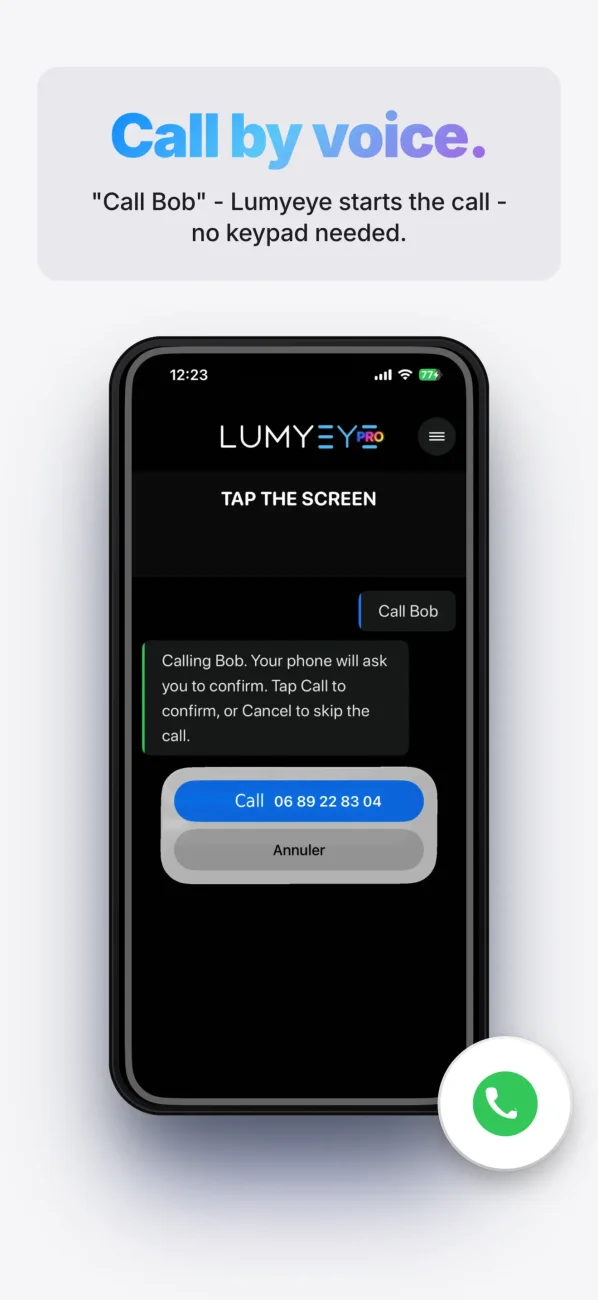
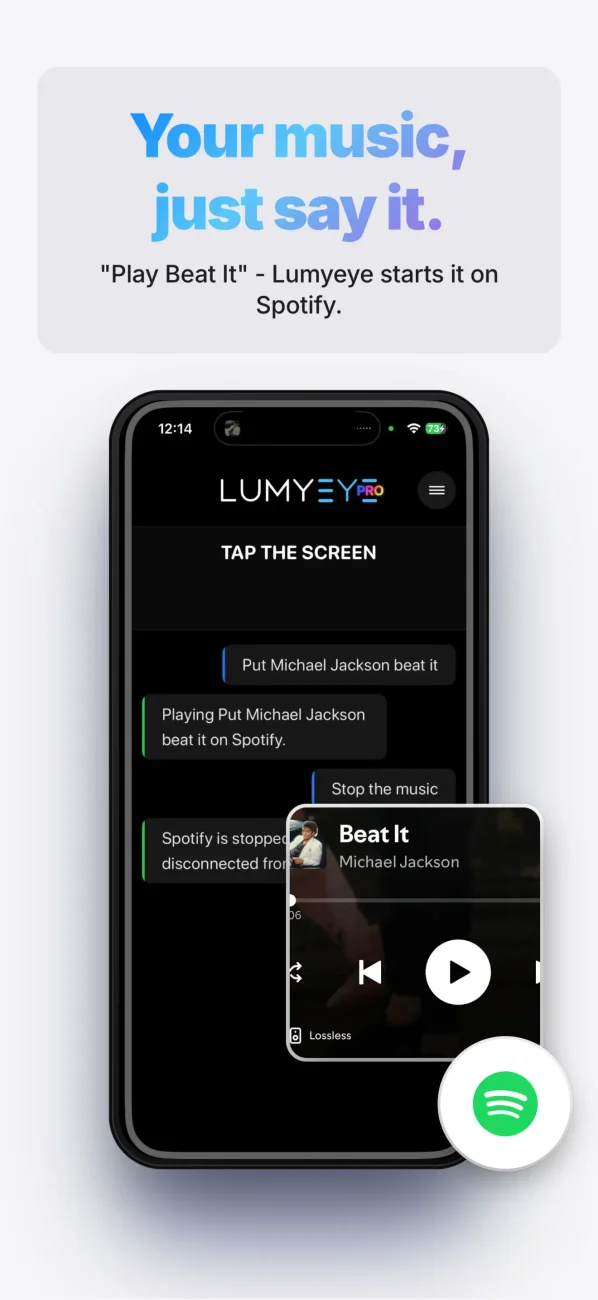
Call a contact, check or add a calendar appointment, ask the time, start a timer or control Spotify by voice. Adjust the reading speed to your preference.
FRENCH, ENGLISH, SPANISH AND ARABIC
Conversations follow your chosen language. Verbatim document reading and dictated content retain their original language unless you request a translation.
ACCESSIBILITY AND USAGE
Supports VoiceOver and audio feedback. You choose when to speak to the app. Some features require Internet access, iPhone permissions, a third-party service or a subscription. Vision Live and Indoor Vision are complementary aids: continue using your usual mobility aids.
SUBSCRIPTIONS
Auto-renewing monthly, six-month and annual plans. Applicable prices and terms are displayed before purchase.
Terms: https://www.lumyeye.com/mentions-legales-cgu-cgv
Privacy: https://www.lumyeye.com/privacy-policy-lumyeye-pro
What’s new
Version 4.6 · Nov 20, 2026
• The calendar keeps the date and time you’ve already provided and goes straight to asking how long the appointment should last.
• If the microphone fails to start when you first activate listening, Lumyeye retries automatically.
• The “Listening” announcement is quieter, including during document scanning.
• Improved workflows and faster performance.
App privacy
What LumyEYE declares on the App Store about how this app handles data.
-
Data linked to you
May be collected and linked to your identity.
- Purchases
- Contact info
- Identifiers
- Usage data
-
Data not linked to you
May be collected but is not linked to your identity.
- Location
- Contacts
Privacy practices may vary, for example with the features you use or your age.
Information
- Seller
- Lumyeye
- Category
- Utilities
- Version
- 4.6
- Updated
- Nov 20, 2026
- Released
- May 12, 2026
- Size
- 33.2 MB
- Requires
- iOS 17.6 or later
- Age rating
- 4+
- Price
- Free
- In-app purchases
- Yes
- Languages
- English, Arabic, French, Spanish
- Copyright
- © Lumyeye - 2026