
- Age rating4+
- CategoryProductivity
- DeveloperAndrew Jacka
- Size33.1 MB
Links to the official App Store page
Download.org hosts no file of JXCirrus Diary. The button opens its official App Store page, published by Andrew Jacka. Listing last checked on Nov 15, 2026.
Screenshots


About
Life can be very complex. Sometimes you find yourself staring at a 2 page to-do list wondering where to start.
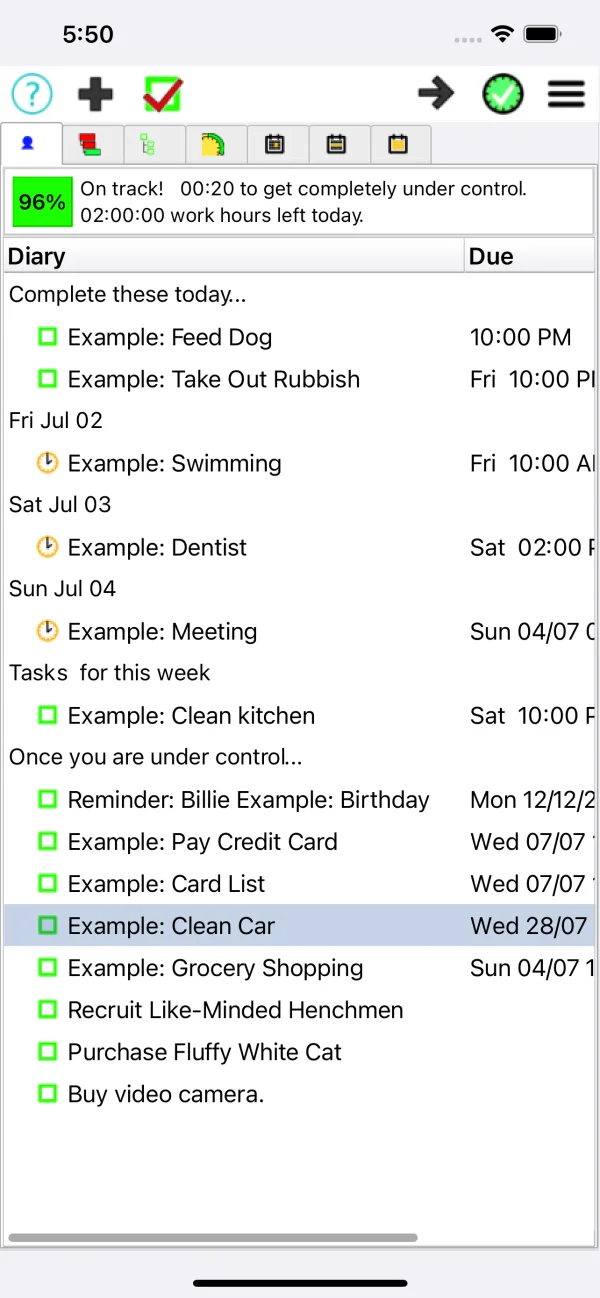
JXCirrus Diary makes sense out of the chaos by taking your to-do list and calendar answering two important questions:
- Can I fit everything in?
- What should I work on first?
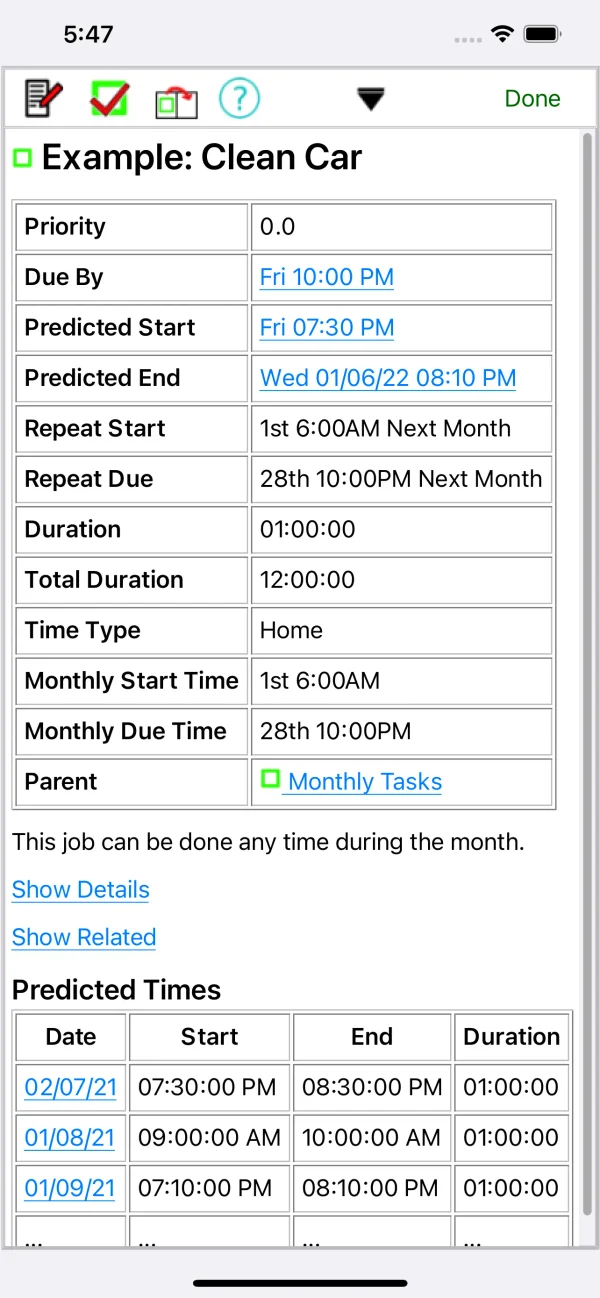
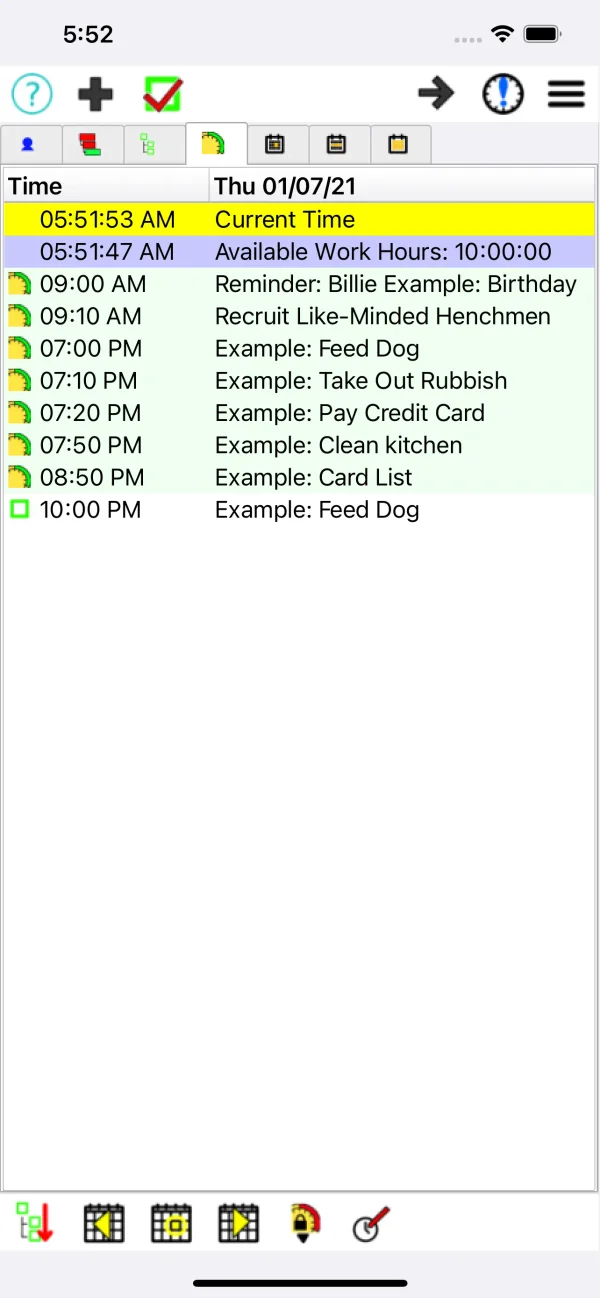
Enter your calendar and your to-do list, and JXCirrus Diary will fit them altogether into a complete plan for the next 9 months. It will try to make sure tasks are finished by their due date, and high priority tasks are finished first. Once it has this plan, it can tell you whether you can fit everything in, and what you ought to work on first.
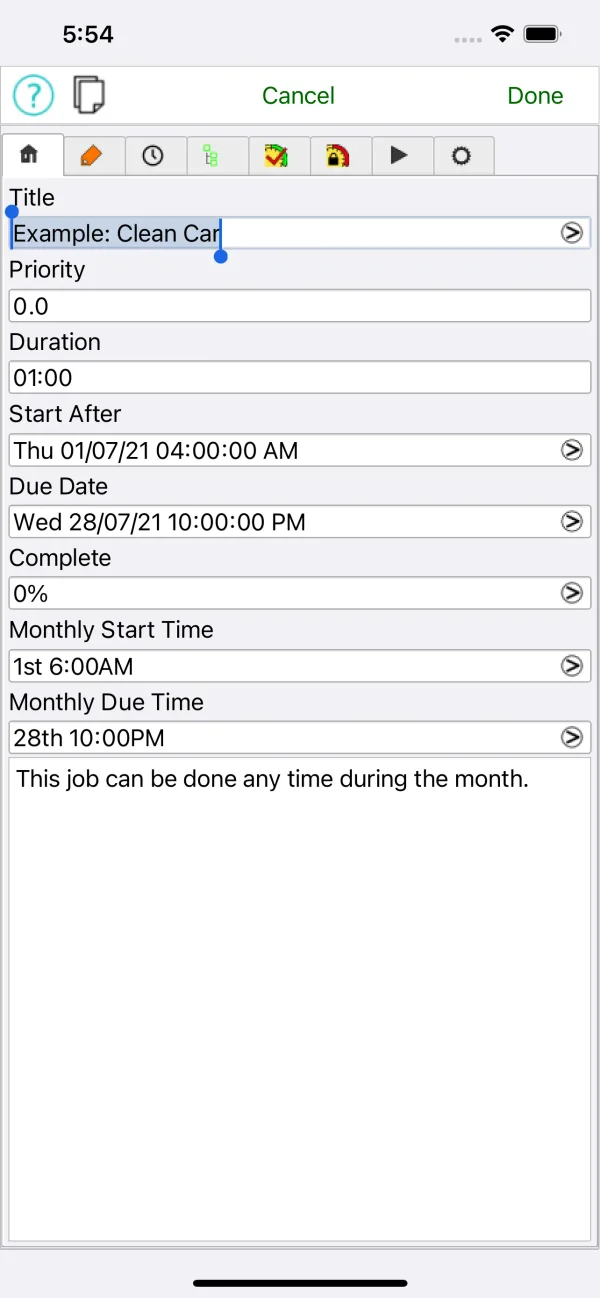
At its most basic, JXCirrus Diary is a combination of calendar, to-do list, addressbook and journal. You can enter your list of jobs for the week, and tick them off as you finish them. It is nice and quick to enter the information, and JXCirrus Diary will warn you when tasks or appointments are due.
JXCirrus Diary will scale happily to full-sized projects with thousands of interrelated tasks. Use it at work to plan and track jobs months in advance. Use it at home to plan your big D.I.Y job. Self employed people can use it to plan and quote all upcoming work. Think of it as a personal project planning tool.
Some of the features are:
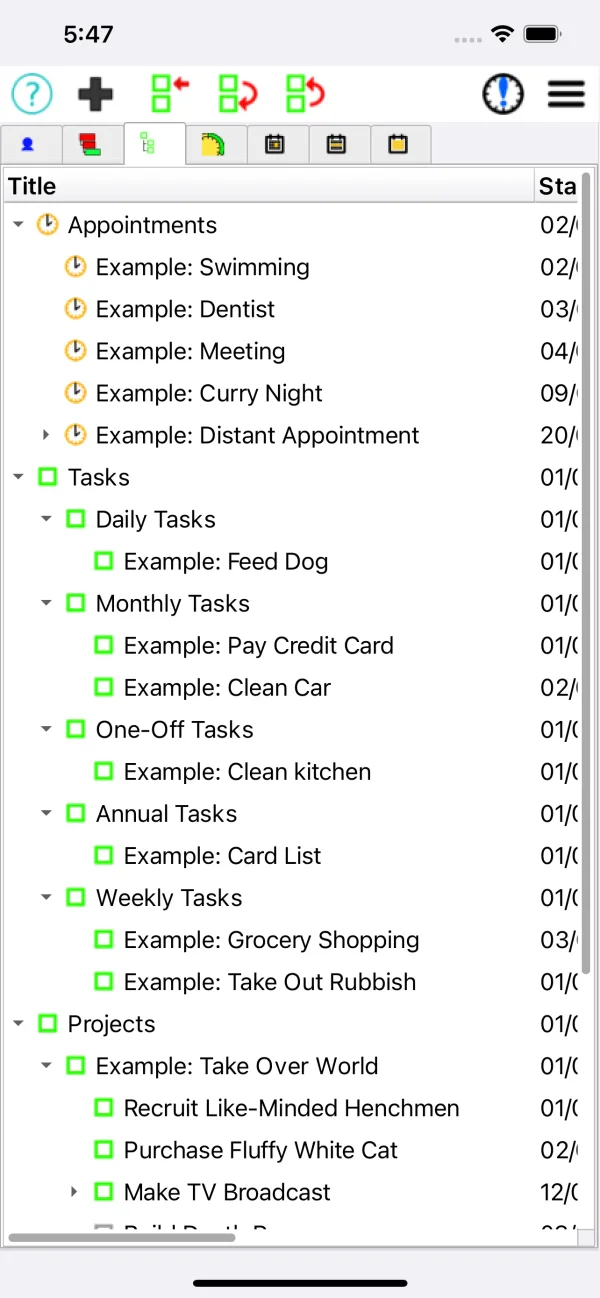
- Arrange your data however you like using the flexible list/tree view.
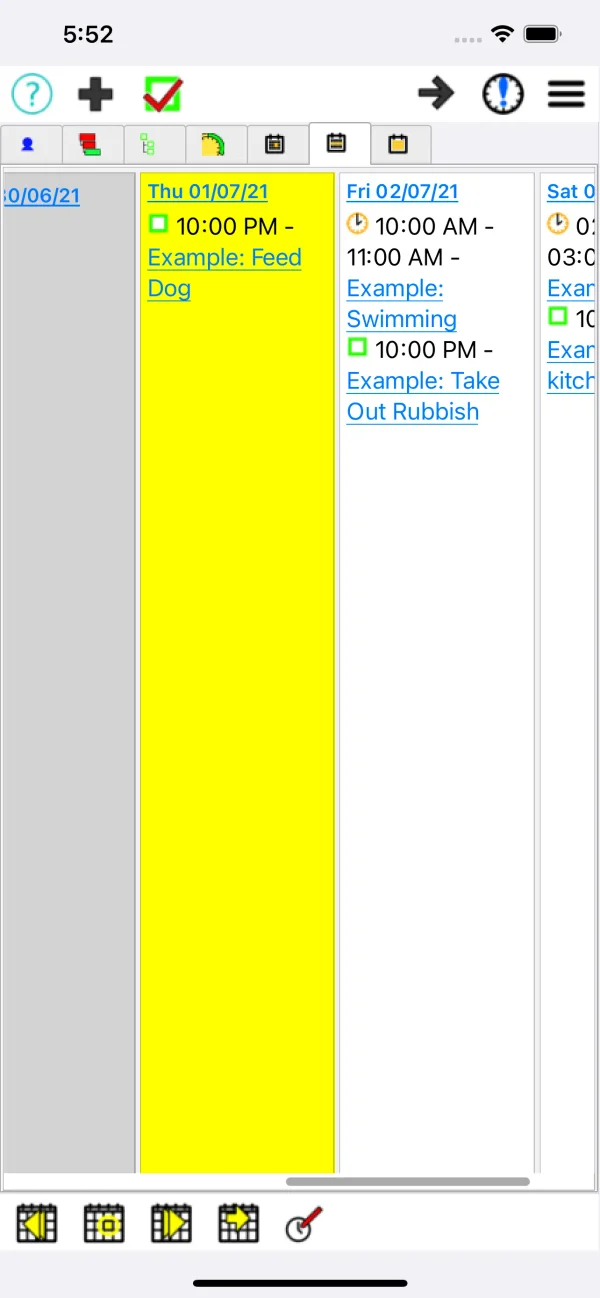
- Calendar views show you what is planned for the day, week or month.
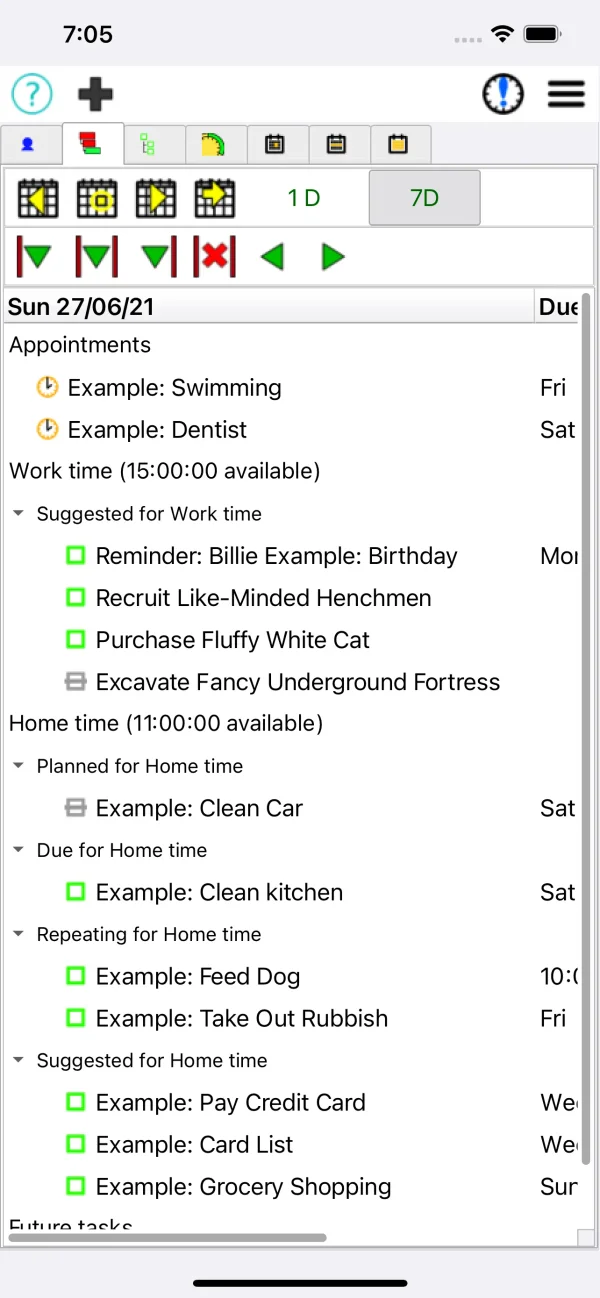
- A summary view shows you what tasks should be done first and which tasks look like finishing late.
- Handle events and journal entries in different timezones.
- Easily save your data to cloud services to access your calendar from anywhere.
- Record and review the actual time that you spend on tasks.
- Advanced repeating tasks and appointments can take holidays and other events into account.
- Handles tasks that cannot be started until other tasks have finished.
- Split your days into working hours and home hours for improved planning.
What’s new
Version 4.6.01 · Dec 23, 2024
Improved support for more recent iOS versions.
App privacy
What Andrew Jacka declares on the App Store about how this app handles data.
-
Data not collected
The developer does not collect any data from this app.
Privacy practices may vary, for example with the features you use or your age.
Information
- Seller
- Andrew Jacka
- Category
- Productivity
- Version
- 4.6.01
- Updated
- Dec 23, 2024
- Released
- Sep 29, 2018
- Size
- 33.1 MB
- Requires
- iOS 11.0 or later
- Age rating
- 4+
- Price
- Free
- In-app purchases
- Yes
- Copyright
- © (c) 1992-2024 JXCirrus
You might also like
-
 Perfect+ for PresentationsEditor for presentations
-
 Untold Novel - Story PlannerBook writing & planning
-
 Data RhythmProductivity
-
 Taskful Day: Day PlannerCalm Task Tracker & To-Do List
-
 WriteOnThe Ultimate Writing Companion
-
 iPocket DrawProductivity
-
 Note Taker: Audio to TextMeeting Notes & Voice Memos
-
 TickList: To Do Daily PlannerOrganiser, Tasks & Reminders
-
 Notes: Notebook & RemindersNotepad, Note Taking & Memo
-
 Daily Schedule Planner・MyTimeoVoice Task, Reminders & Lists