
Perfect+ for Presentations
Editor for presentations
Designed for iPhone, iPad, iPod touch
- Age rating4+
- CategoryProductivity
- DevelopermorePaths.com
- LanguagesRussian+ 6 more
- Size15.1 MB
Links to the official App Store page
Download.org hosts no file of Perfect+ for Presentations. The button opens its official App Store page, published by morePaths.com. Listing last checked on Nov 13, 2026.
Screenshots


About
Create, edit, present, and share anywhere, business slides, and more...
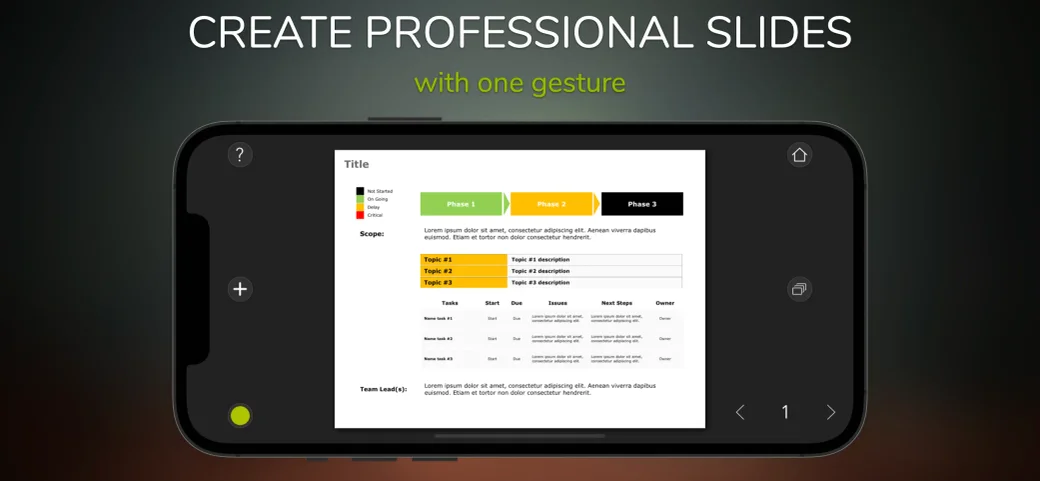
PerfectPlus is the new app for business slides, specifically designed for mobile devices.
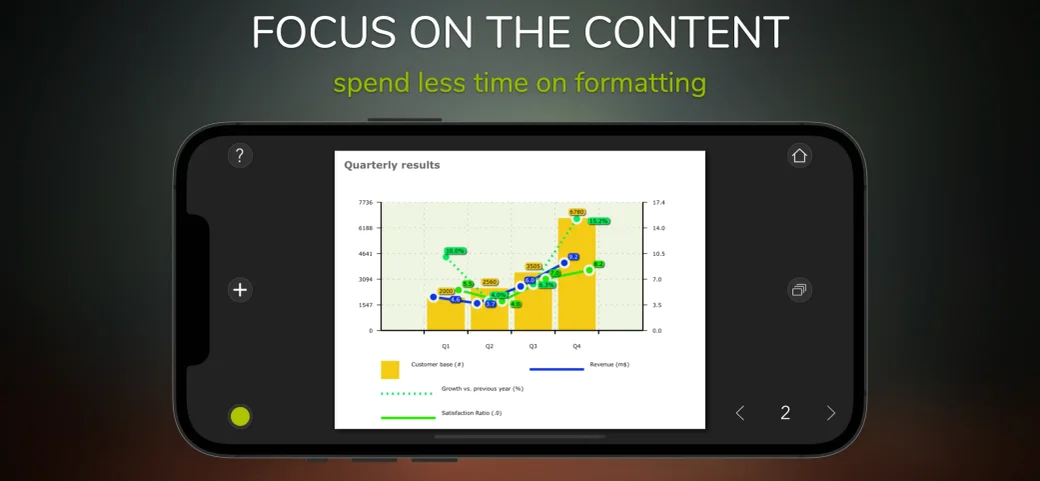
You add the content, and we will take care of the formatting. Create professional presentations in no time with predefined (customizable) templates.
Examples:
> Propose your ideas to an audience.
> Present an executive summary to your team or on an external screen.
> Publish a newsletter.
> Present a report or a project status.
> Introduce a product portfolio or describe a roadmap.
> Review projects proposal.
> Create just any business slide.
Creating presentations on a mobile device can sometimes be problematic. Particularly during transits (on a train, during flights, etc.). This app solves the issue with slides already tuned for a professional meeting. Select which one fits the best, and add additional content if needed.
To release professional presentations usually means to spend at least 60% - 80% of the time formatting the content. Sometimes a finger is not precise enough to position items precisely… and precision is always required if you need to present to executives or high-level management. This app can help with that!
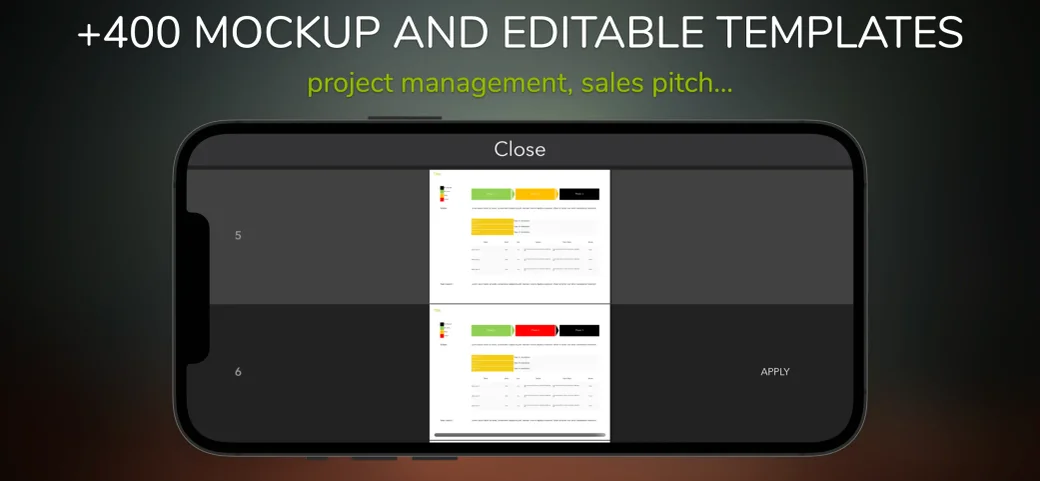
The app comes with pre-built professional slide templates created by experts in the field. If you have to present about a project status (SWOT analysis, roadmaps, etc.) or have a meeting for a sales pitch, you will find what you need in an instant.
Not just a presentation maker but also an app to create and share effective professional slides, using the knowledge of people who translated the business-as-usual into beautiful business presentations.
Collections of predefined templates:
There are more than 400 models to create reports, executive summaries for meetings, or sales pitches.
Stickers:
Stickers are extra information that you can add to the slide.
If you need more than the default templates, you can create your slides by choosing among the many stickers available.
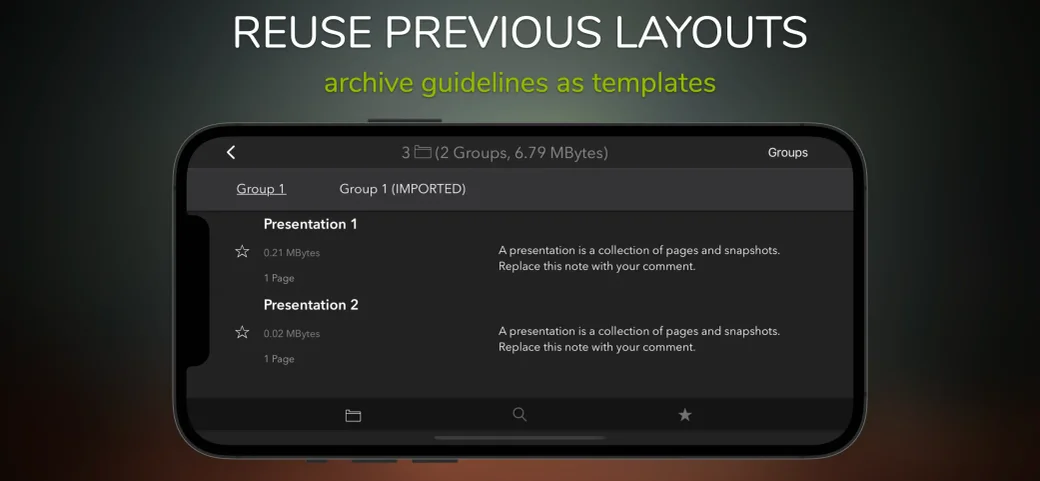
You can customize each sticker (fonts, color, layout, etc.) and save it in the project library for later use.
Formatting groups:
Use always your favorite template font and colors for your presentations.
Automatic page layout:
Items added to the page are re-positioned automatically depending on the orientation iPad. You can print the same document in two different versions (portrait and landscape) with just a flip.
Add external content:
Paste images and texts that are taken from the web to the slide.
Storyboard:
You can assign to each slide a name and a note.
Build your story by reordering the slides and adding comments.
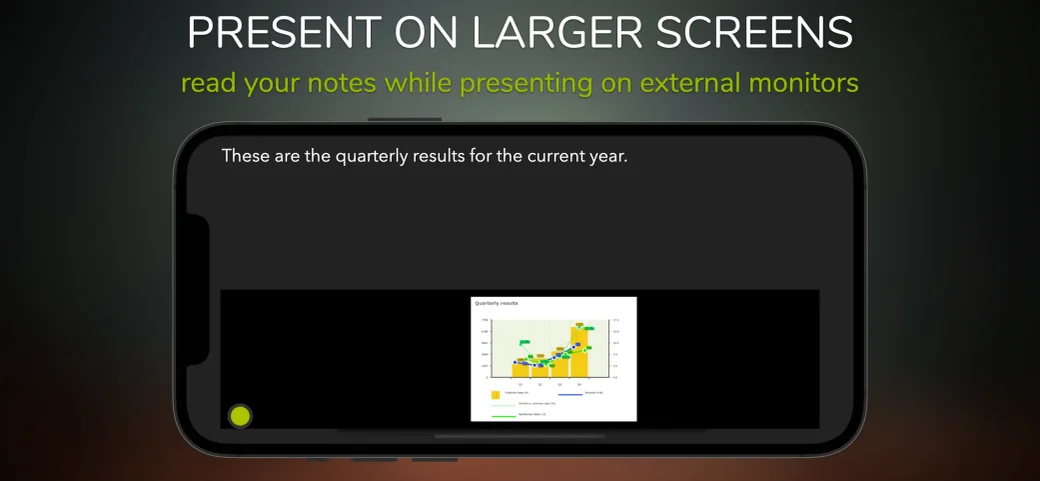
Lecturer mode:
Use this feature to present on an external screen the slide meanwhile you are reading the notes.
Export:
Each project can be shared with other users or shared as a PDF. You can secure your content using encryption and a personal password.
Export snapshots and versioning:
You can always take an instant picture of your slide to share it with colleagues for comments or create a photo album. Versioning is available to keep track of your changes.
Working remotely with your team anywhere:
Any project can be shared securely (with a password) with other people using the same application.
What’s new
Version 1.5.10 · Dec 2, 2024
We regularly update this app to offer the best user experience on all the supported devices.
The latest version includes improvements in the user experience and translations.
To request new features, additional tutorials or report issues, write to: ask@morepaths.com
App privacy
What morePaths.com declares on the App Store about how this app handles data.
-
Data not collected
The developer does not collect any data from this app.
Privacy practices may vary, for example with the features you use or your age.
Information
- Seller
- Cristiano Pontani
- Category
- Productivity
- Version
- 1.5.10
- Updated
- Dec 2, 2024
- Released
- Feb 4, 2015
- Size
- 15.1 MB
- Requires
- iOS 12.0 or later
- Age rating
- 4+
- Languages
- Russian, German, Italian, French, English, Portuguese, Spanish
- Copyright
- Copyright © 2024 morepaths.com. All rights reserved.
You might also like
-
 All 168Time Budget & Weekly Planner
-
 OptiFest+Productivity
-
 JXCirrus DiaryProductivity
-
 Thrivner PlannerTask Manager & Time Management
-
 Project Planner - Gantt appTasks, Gantt Charts & Planning
-
 Note Taker: Audio to TextMeeting Notes & Voice Memos
-
 WEConventionProductivity
-
 RoutineFactoryProductivity
-
 Smart Arrow Project ManagerProject, Resource & Time Mgmt.
-
 Project Planner: MilestonesTask Manager & Goal Tracker