
- Age rating4+
- CategoryEducation
- Developerjing chen
- LanguagesEnglish
- Size10.2 MB
Links to the official App Store page
Download.org hosts no file of K-6 Math Practice. The button opens its official App Store page, published by jing chen. Listing last checked on Nov 18, 2026.
Screenshots
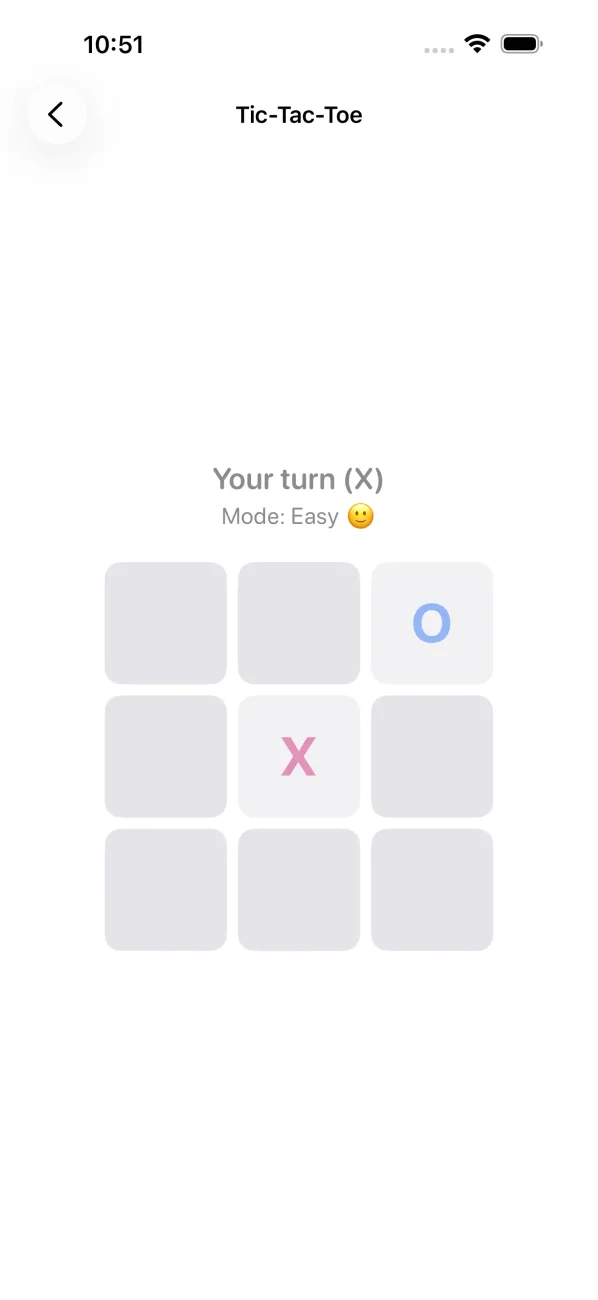
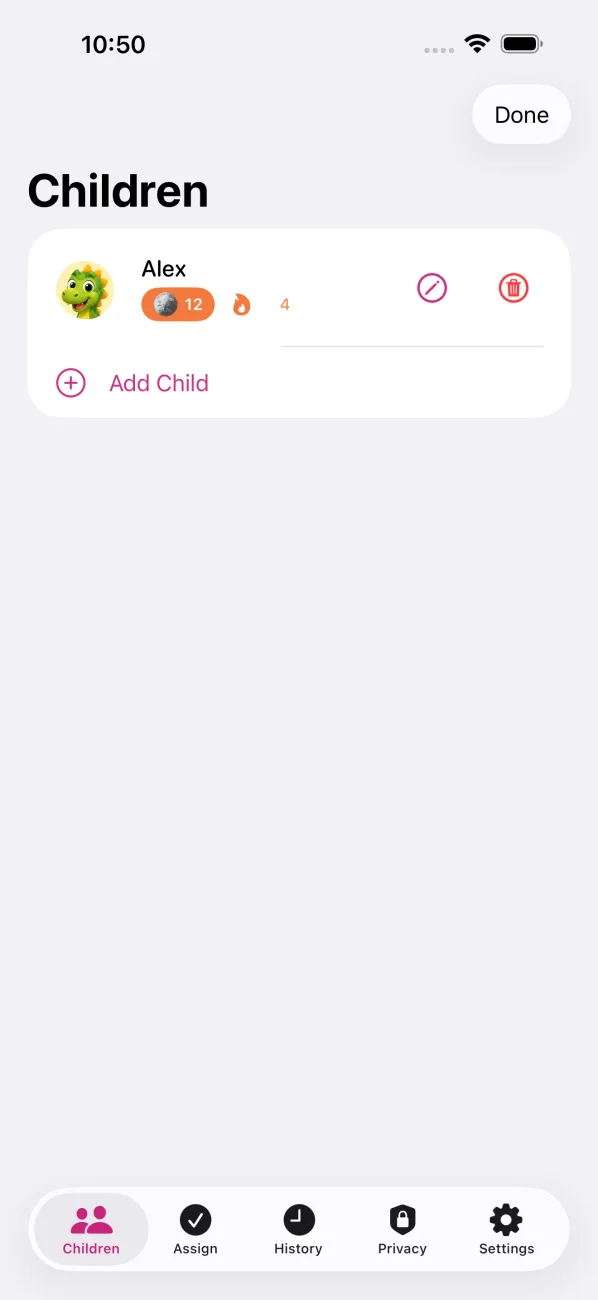
About
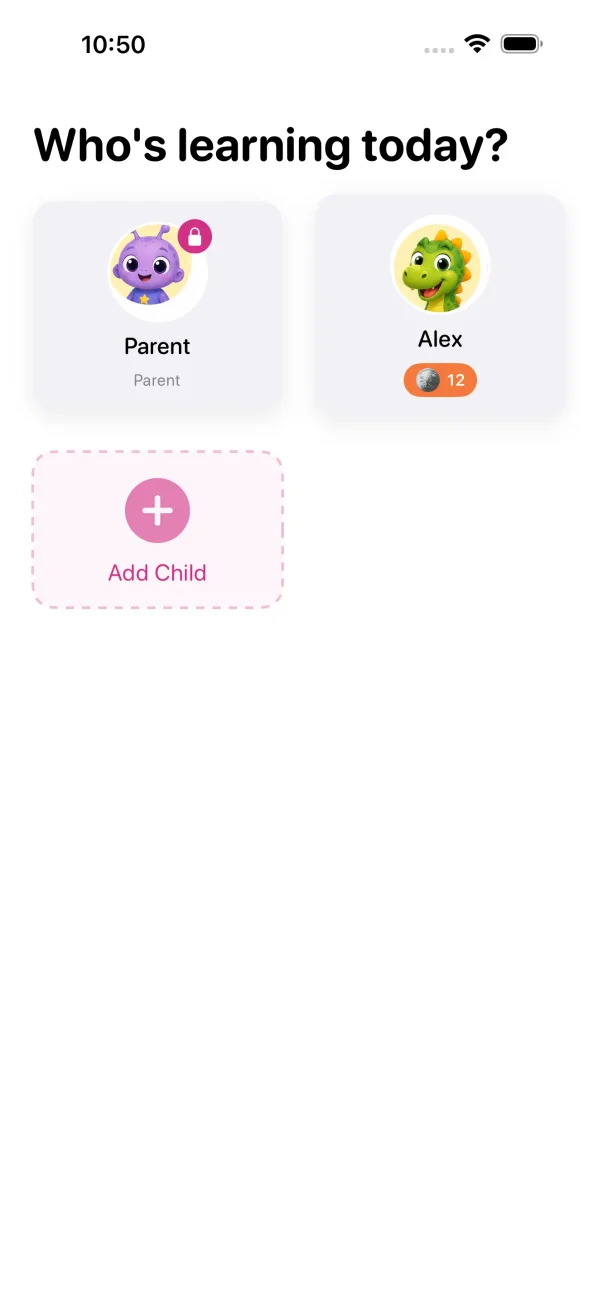
Math4Fun is a primary-school math practice app for kids from Kindergarten through Grade 6. Parents set up profiles for each child, optionally assign specific exercises, and watch progress build streaks and credits that unlock fun mini-games.
Every question is generated and rendered on the device. There are no ads, no sign-ups, and no logins — just open the app and start practicing.
WHAT'S INSIDE
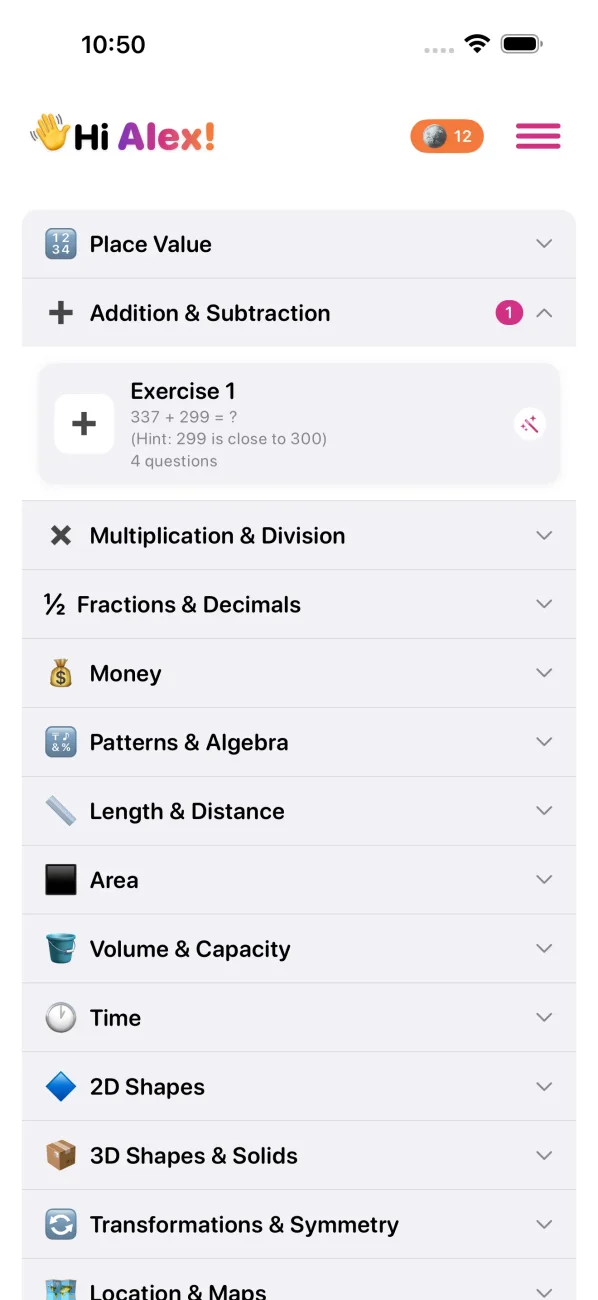
• 19 math topics aligned to primary curriculum: place value, addition & subtraction, multiplication & division, fractions & decimals, money, patterns & algebra, length & distance, area, volume & capacity, time, 2D and 3D geometry, transformations & symmetry, location & maps, data & graphs, probability, logic & sets, word problems, and number lines.
• Visual questions that make abstract concepts concrete — analog clocks, fraction strips, bar/line/pie charts, number lines, coordinate grids, polygons drawn to scale, 3D solids, length bars, dual-scale rulers, scale-bar maps, and more.
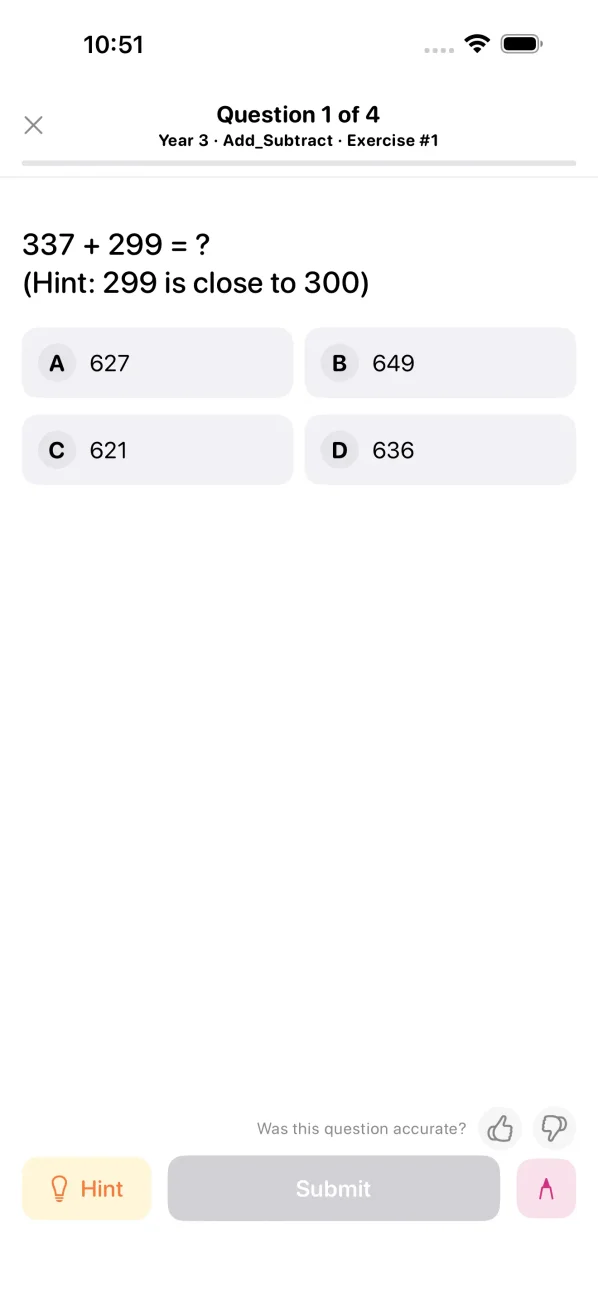
• An optional on-device AI tutor that gives hints and explains wrong answers privately — your child's prompts never leave the device.
• A whiteboard for working through problems and a hint sheet for stuck moments.
• Per-child grade level so the same family can share an iPad.
GAMES THAT REWARD PRACTICE
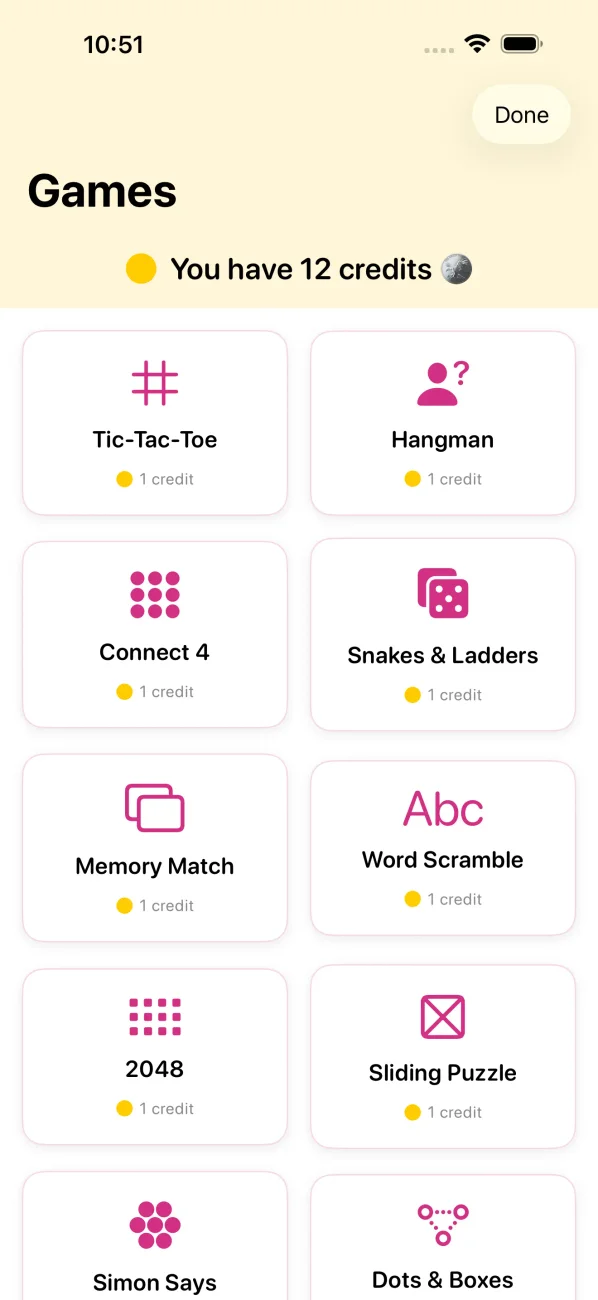
Finishing exercises earns credits and grows daily streaks. Credits unlock games: Tic-Tac-Toe (with adjustable difficulty), Hangman, Connect 4, Snakes & Ladders, Memory Match, Word Scramble, 2048, Sliding Puzzle, Simon Says, and Dots & Boxes.
FOR PARENTS
The Parent Portal is locked behind a PIN. From there you can:
• Add, edit, and remove child profiles
• Assign specific exercises to a child
• Review session history and per-question results
• Adjust how many credits each exercise awards
• Send anonymous feedback on individual exercises that need improvement
PRIVACY FIRST
• All child profiles and progress stay on your device
• The on-device AI tutor never sends prompts or content to a server
• Anonymous feedback is the only optional network call and can be disabled
Made by a parent for kids who want practice that feels like play.
App privacy
What jing chen declares on the App Store about how this app handles data.
-
Data not linked to you
May be collected but is not linked to your identity.
- Usage data
- Diagnostics
Privacy practices may vary, for example with the features you use or your age.
Information
- Seller
- jing chen
- Category
- Education
- Version
- 1.5.5
- Updated
- Jun 10, 2026
- Released
- Jun 10, 2026
- Size
- 10.2 MB
- Requires
- iOS 17.0 or later
- Age rating
- 4+
- Price
- Free
- Languages
- English
- Copyright
- © 2026 DI Consulting
You might also like
-
 Polynomial-SolverSolve, Plot, Find Complex Root
-
 Derivative-CalculusPartial derivative tree, ODE
-
 Math Practice – Daily SumsDaily sums, stars & calendar
-
 Math24-3DPuzzleMath Puzzle games
-
 Plus Minus Math SDPlay and learn math
-
 Studyo Math Games: Play+ LearnFractions Equations Geometry +
-
 All Maths Formulas appMath formulas pack in offline
-
 Derivative Calculator SolverSolve Derivative Problems
-
 Graph84 for TI 84 CalculatorGraphing Calc, Plus CE & Evo
-
 Scientific Calculator fx-991EXNatural Textbook Calculator