
Obsidian - Connected Notes
Your second brain on the go
Designed for iPhone, iPad, iPod touch
Free
- Age rating4+
- CategoryProductivity
- DeveloperDynalist Inc.
- LanguagesEnglish+ 41 more
- Size38.8 MB
Links to the official App Store page
Download.org hosts no file of Obsidian - Connected Notes. The button opens its official App Store page, published by Dynalist Inc. Listing last checked on Nov 22, 2026.
Screenshots
About
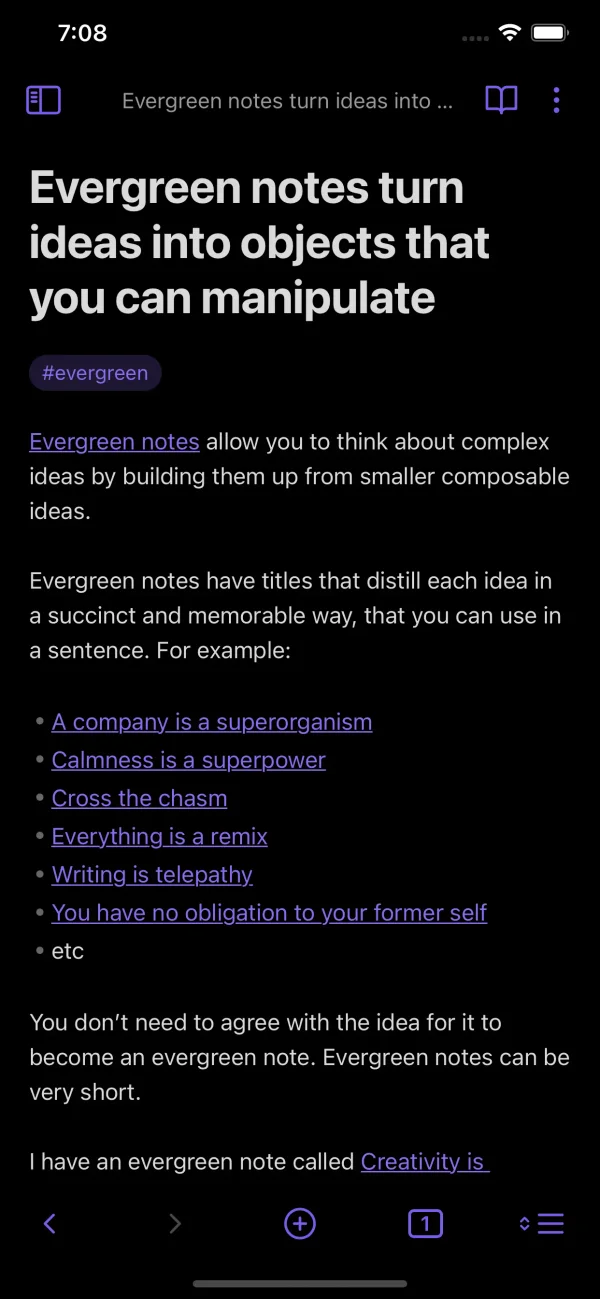
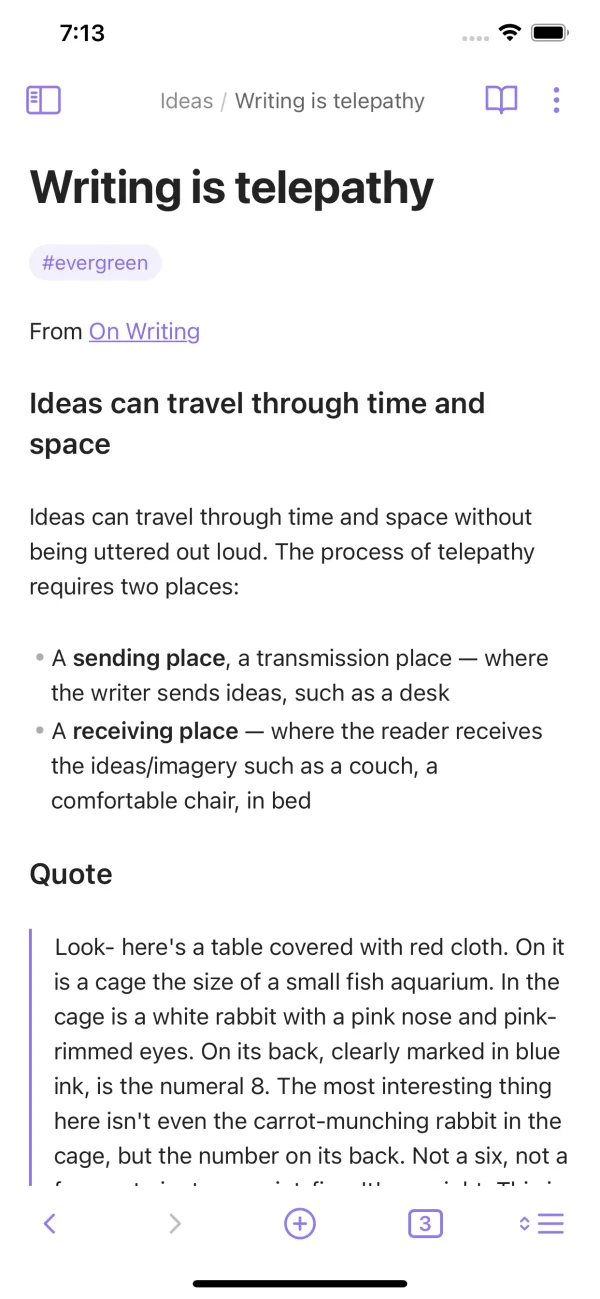
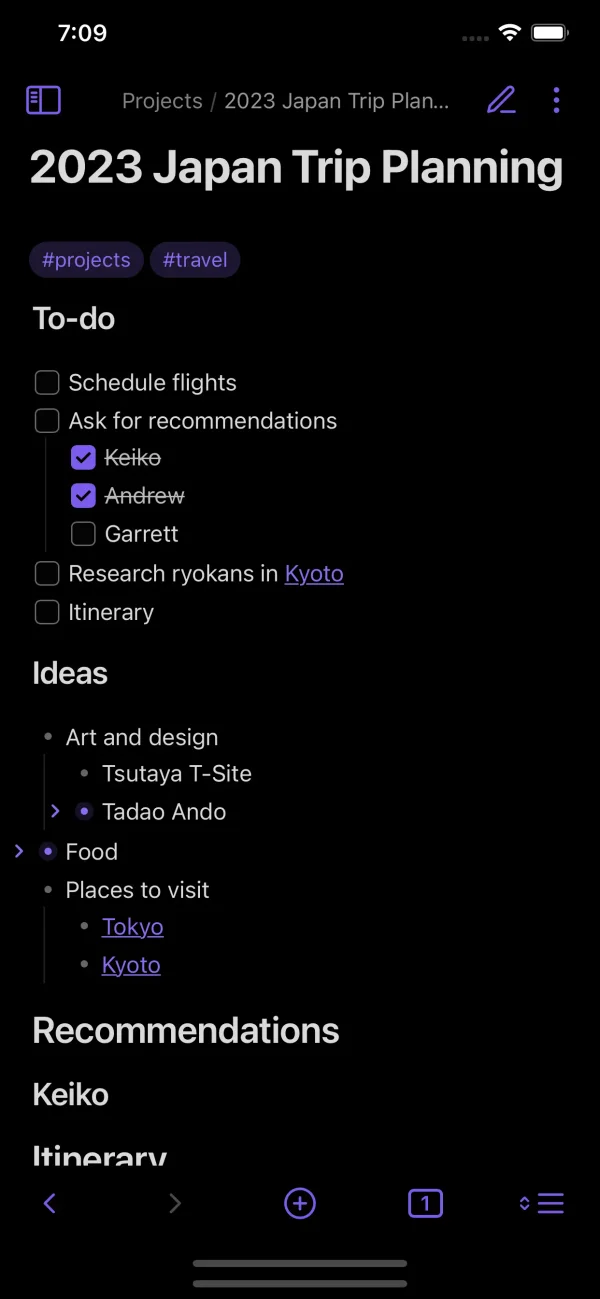
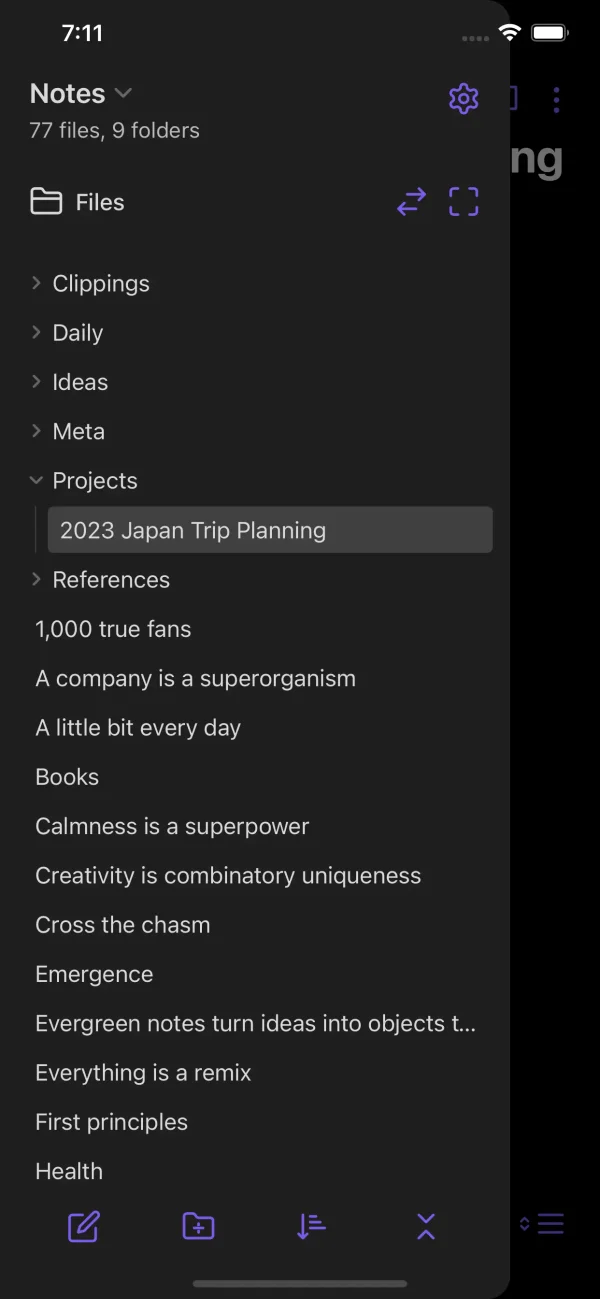
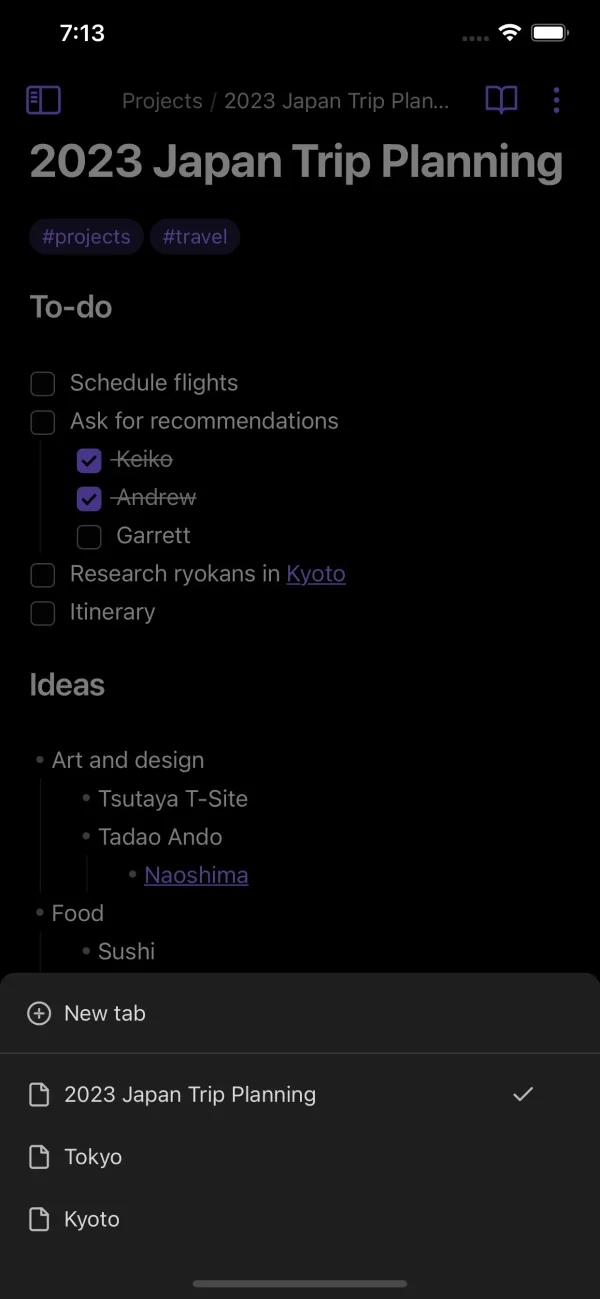
Obsidian is a powerful knowledge base that works on top of a local folder of plain text Markdown files.
It is a second brain, for you, forever. Now available on the go for iOS!
Features include:
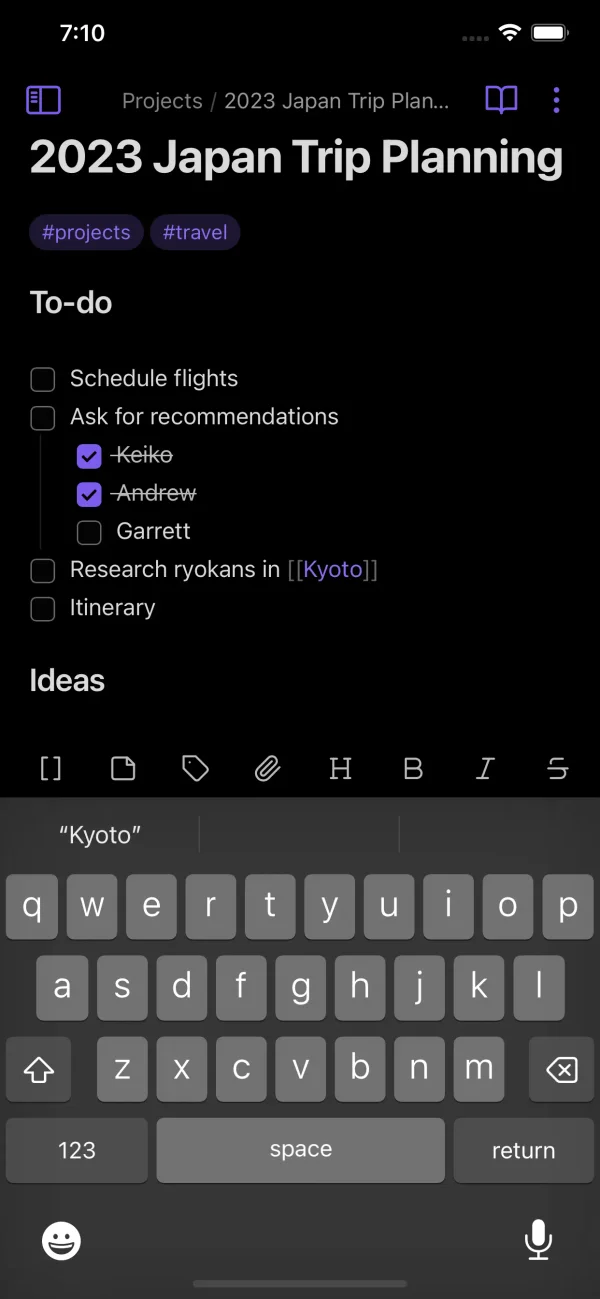
- Customizable toolbar
- Pull down quick actions
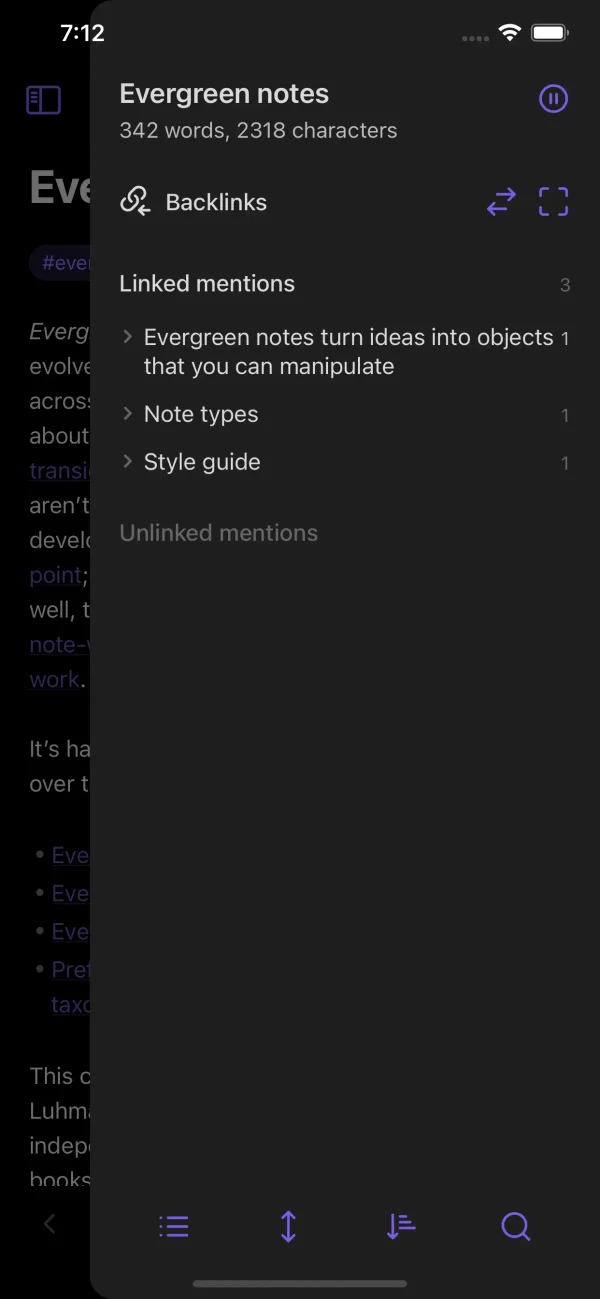
- Graph view
- Community plugins
- Themes
- Sidebar pinning for tablet
- iCloud vaults
What’s new
Version 1.15.1 · Nov 12, 2026
New
- iOS: Added an Obsidian tile to the Quick Capture home screen widgets.
- Added the Web viewer core plugin. With Open external links turned on in its settings, links to web pages open in an in-app browser that slides up over your note.
Improvements
- Settings, menus and other sheets now open and close more smoothly.
- Sidebars on phone stay in place and fade in as the note slides to the side. The Sliding sidebars setting has been removed.
- Community plugins now load faster when Obsidian starts.
- iOS: The small Quick Capture home screen widget now shows up to 4 tiles in a 2×2 grid.
- iOS: Save Audio File in voice capture settings is now off by default. Turn it on to also keep the audio file.
- iOS: Voice capture now starts a new line when you pause speaking for 2 seconds.
- iOS: Signing up for an account now opens in a sheet that slides up from the bottom.
- Manage vaults: Swiping from the edge of the screen now goes back.
- Manage vaults: Renaming, moving, and deleting a vault are now in the ... menu at the top of the vault's screen.
- Manage vaults: Each vault now shows where it's stored, file count, Sync vault, and community plugins before you open it. If community plugins were slow to load last time, it suggests opening in restricted mode.
- Manage vaults: If a vault didn't finish opening last time, Obsidian now shows the vault screen instead of reopening it, including when opened from a link. The vault is marked in the vault list, and suggests opening in restricted mode.
- Manage vaults: A new vault with the same name as a deleted, forgotten or renamed vault confirms again whether to trust community plugins.
- Settings and Community plugins: Swiping back from the edge of the screen now takes a lighter flick, and the previous page slides in underneath.
- Formatting buttons in the editor toolbar now highlight when their style is active.
No longer broken
- iOS: Fixed the Add button in Quick Capture Locations staying greyed out after deleting every location, until you closed and reopened the sheet.
- Tablet: Fixed an open sidebar staying in its old layout after resizing the app between tablet and phone sizes, such as in Split View.
- Fixed settings and open tabs changed right before leaving the app sometimes going back to how they were the next time Obsidian opened.
Developers
- Sheets on phones no longer use --anim-motion-swing when opening.
- On phones, the note and navbar get the is-sliding-sidebar class while a sidebar is open, and are dimmed by .workspace-drawer-backdrop and .workspace-drawer-navbar-backdrop. The sidebar itself no longer moves. The slidingSidebar config option has been removed.
App privacy
What Dynalist Inc. declares on the App Store about how this app handles data.
-
Data not collected
The developer does not collect any data from this app.
Privacy practices may vary, for example with the features you use or your age.
Information
- Seller
- Dynalist Inc.
- Category
- Productivity
- Version
- 1.15.1
- Updated
- Nov 12, 2026
- Released
- Jul 10, 2021
- Size
- 38.8 MB
- Requires
- iOS 15.6 or later
- Age rating
- 4+
- Price
- Free
- Languages
- English, Albanian, Amharic, Arabic, Belarusian, Bengali, Cambodian, Catalan, Czech, Danish, Dutch, Finnish + 30 more
- Copyright
- © Dynalist Inc.
You might also like
-
 Bear Markdown Notes & JournalWriting app, notepad & editor
-
 Google AI Edge GalleryPrivate, Fast, Offline AI
-
 Craft: Notes, Documents, AITask, Schedule & Reminder
-
 Notion CalendarFor your work and life
-
 ZoteroYour research assistant
-
 Proton Drive: Cloud StorageDocs, photos & file manager
-
 MilanoteThe notes app for creatives
-
 Locally AI by LM StudioLocal & Private AI Assistant
-
 Proton Pass - Password ManagerPasskeys, 2FA & secure vault
-
 KDE ConnectCommunication Between Devices