- Age rating4+
- CategoryUtilities
- DeveloperKEBA Energy Automation GmbH
- LanguagesEnglish+ 2 more
- Size34.3 MB
Links to the official App Store page
Download.org hosts no file of KEBA eMobility App. The button opens its official App Store page, published by KEBA Energy Automation GmbH. Listing last checked on Nov 27, 2026.
Screenshots




About
The KEBA eMobility App is the digital service for KeContact P30 & P40 users (P40, P30 x-series, company car wallbox, PV EDITION and P30 c-series). The App allows you to communicate with, manage and configure a charging station. This gives you full control over your wallbox.
What the KEBA eMobility App can do:
- Communicate with your wallbox via remote access from anywhere (communication with KeContact P30 c-series takes place via the local network or remote in a charging network).
- Find out the current status of your wallbox: Is it charging? Is it ready to charge? Is it offline? Or is there an error?
- Check your charging process by starting and stopping the current charging process - with just one click.
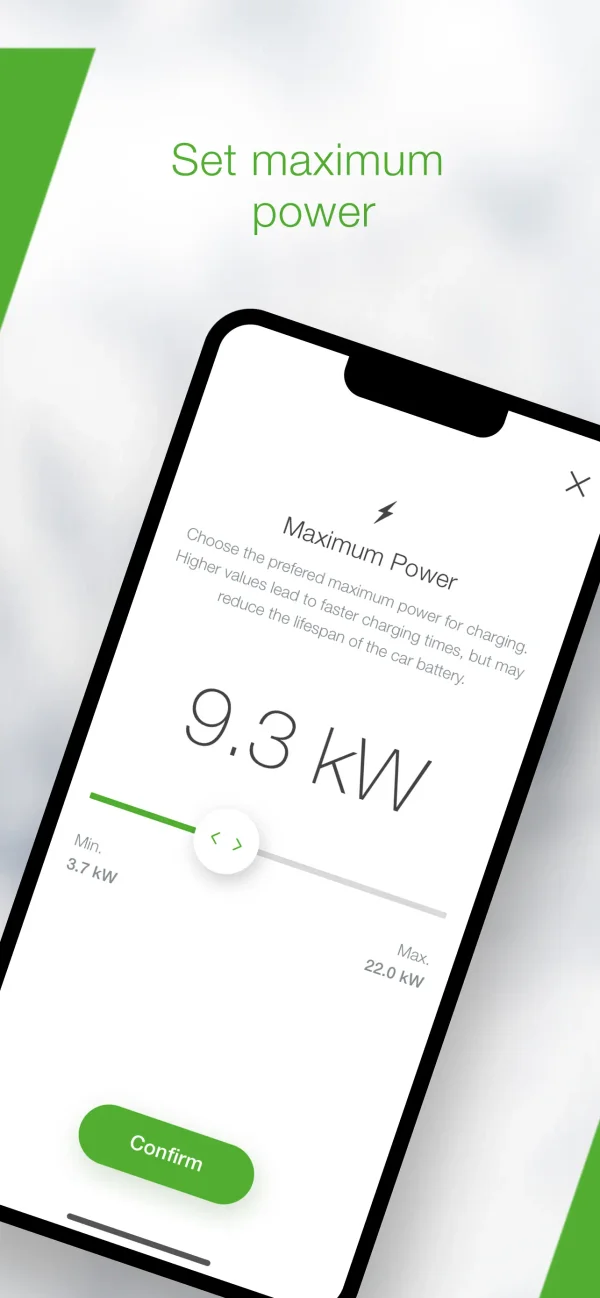
- By setting the maximum charging power, you have full control over the current power consumption of your vehicle and therefore the charging time.
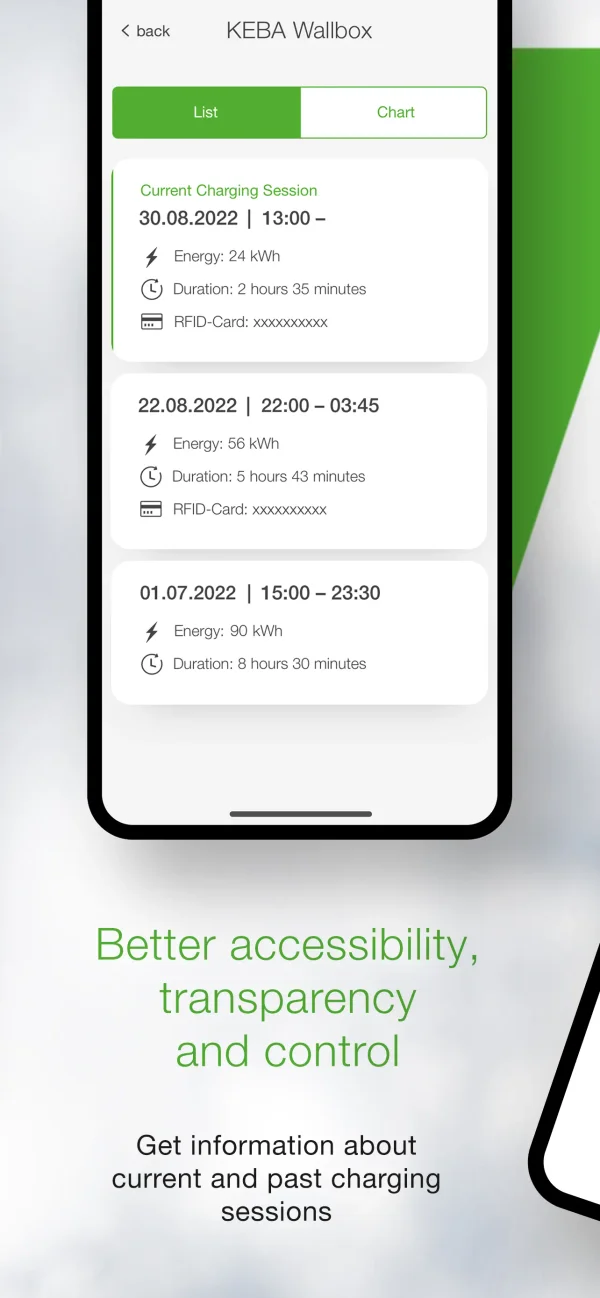
- You can track all details and real-time data (time, energy, power, amperage, etc.) of the current charging process directly in the App and view past charging sessions in the history.
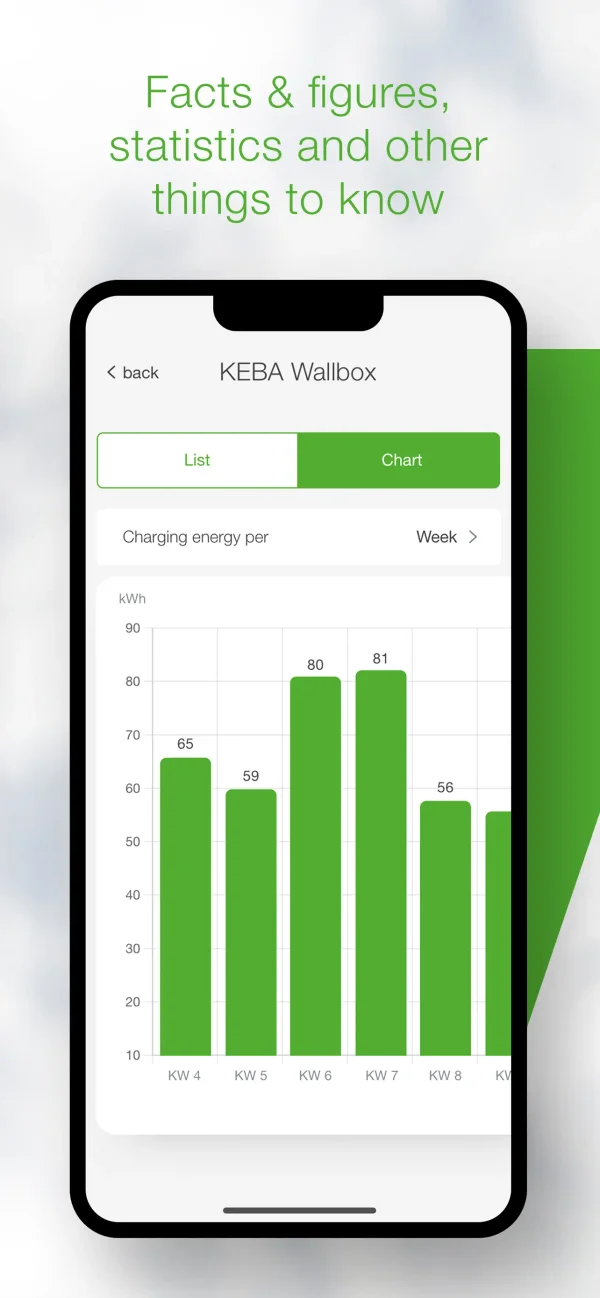
- You can call up all the data on your previous energy consumption in the statistics area.
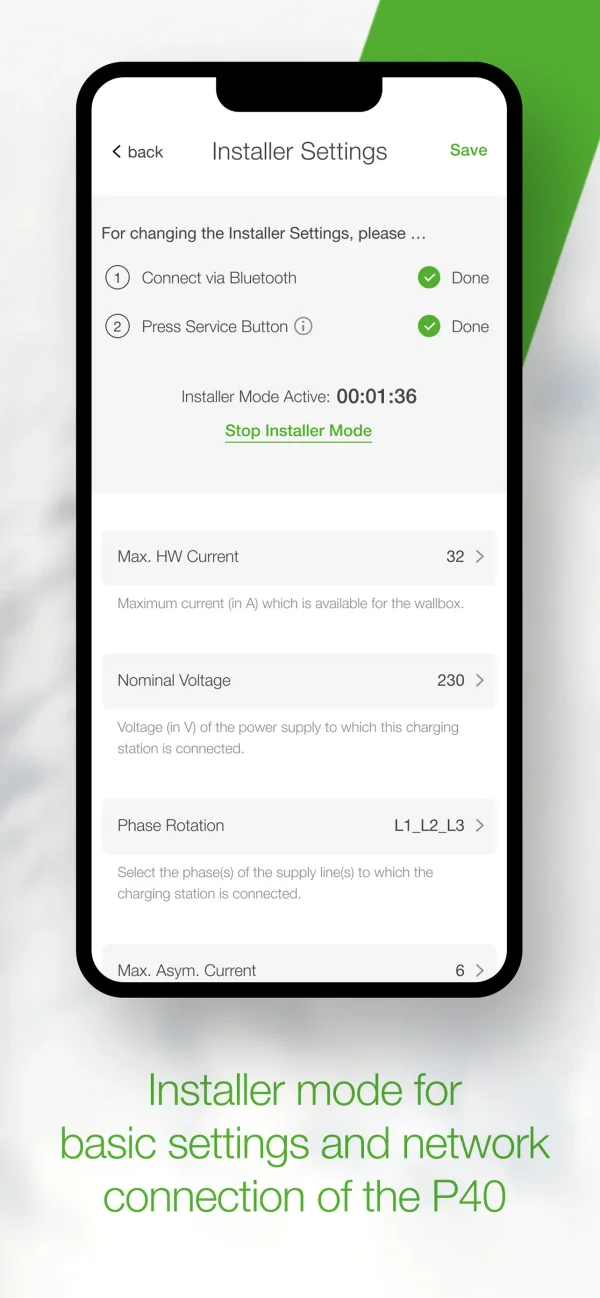
- The installer mode helps you step by step to configure, set up and connect your P30 or P40 Wallbox for the first time.
- Charging sessions can be started and stopped automatically at predefined times and with predefined maximum charging power using power profiles. (Setting via the KEBA eMobility Portal and only for P40, P30 x-series, company car wallboxes and PV EDITION).
- Always keep your wallbox up to date with the latest software using the App by activating automatic updates (not for KeContact P30 c-series models in stand-alone operation).
- As a user of the x-series, use all configurations in the App that you already know from the web-interface (only for KeContact P30 x-series models).
The following KEBA wallboxes are app-compatible:
- KeContact P40, P40 Pro, P30 x-series, company car wallbox, PV EDITION
- KeContact P30 c-series (no need to update your c-series firmware to use the App)
Charging stations operated by Charge Point Operators may not be suitable for using the App. This is definitely the case if you do not have the web-interface password or serial number.
If the KEBA eMobility App is connected to a KeContact P30 c-series, not all functions are fully available compared to using an x-series. You can find an overview of the various functions for each series at www.keba.com/emobility-app.
Connecting a P40 Wallbox via Bluetooth to the KEBA eMobility App offers basic features to configure and setup the P40. The full feature set of the P40 is available when registered to the Portal.
Are you already familiar with the KEBA eMobility Portal? Register in the App or in the Portal and use all the advantages and other features now also on the browser-based KEBA eMobility Portal: emobility-portal.keba.com
Important for electrical installers:
- The DIP switch settings on the P30 wallbox must still be made manually.
- Configurations that are already known from the P30 web interface can also be made via the App.
- For the KeContact P30 c-series, DIP switch settings must be made in order to activate the full UDP communication functionality (this is also described in the setup guide).
- The basic settings of the KeContact P40 can be made in the Installer Mode in the KEBA eMobility App or alternatively directly on the device itself.
What’s new
Version 5.23.1 · Nov 18, 2026
• Reworked wallbox settings: all fields are shown correctly, with units and clear messages when saving.
• More stable Bluetooth connection, also after changing the PIN.
• Account settings now apply consistently across all devices.
• Easier download of diagnostic and security logs.
App privacy
What KEBA Energy Automation GmbH declares on the App Store about how this app handles data.
-
Data linked to you
May be collected and linked to your identity.
- Contact info
- User content
- Identifiers
- Usage data
- Diagnostics
-
Data not linked to you
May be collected but is not linked to your identity.
- Diagnostics
- Other data
Privacy practices may vary, for example with the features you use or your age.
Information
- Seller
- KEBA Energy Automation GmbH
- Category
- Utilities
- Version
- 5.23.1
- Updated
- Nov 18, 2026
- Released
- Sep 13, 2022
- Size
- 34.3 MB
- Requires
- iOS 17.6 or later
- Age rating
- 4+
- Price
- Free
- Languages
- English, French, German
- Copyright
- © 2022 KEBA Energy Automation GmbH
You might also like
-
 FENECONUtilities
-
 BYD EnergyUtilities
-
 KOSTAL Solar AppUtilities
-
 MENNEKES AMTRON 4InstallersAMTRON 4You/4Business
-
 SMA 360°PV solar power
-
 evcc.iosmart charging
-
 Fronius Solar.wattpilotCharging on my terms.
-
 SolarEdge GoElevated installer experience.
-
 Fronius Solar.SOSFronius Customer Support Tool
-
 M-TEC E-SmartThe App for the Energy-Hero