Keepass digital vault: Lockd
Password Manager, IDs & Cards
Designed for iPhone
Free · In-app purchases
- Age rating4+
- CategoryUtilities
- DeveloperSasikumar Chhotelal Das
- LanguagesEnglish
- Size6.0 MB
Links to the official App Store page
Download.org hosts no file of Keepass digital vault: Lockd. The button opens its official App Store page, published by Sasikumar Chhotelal Das. Listing last checked on Nov 18, 2026.
Screenshots
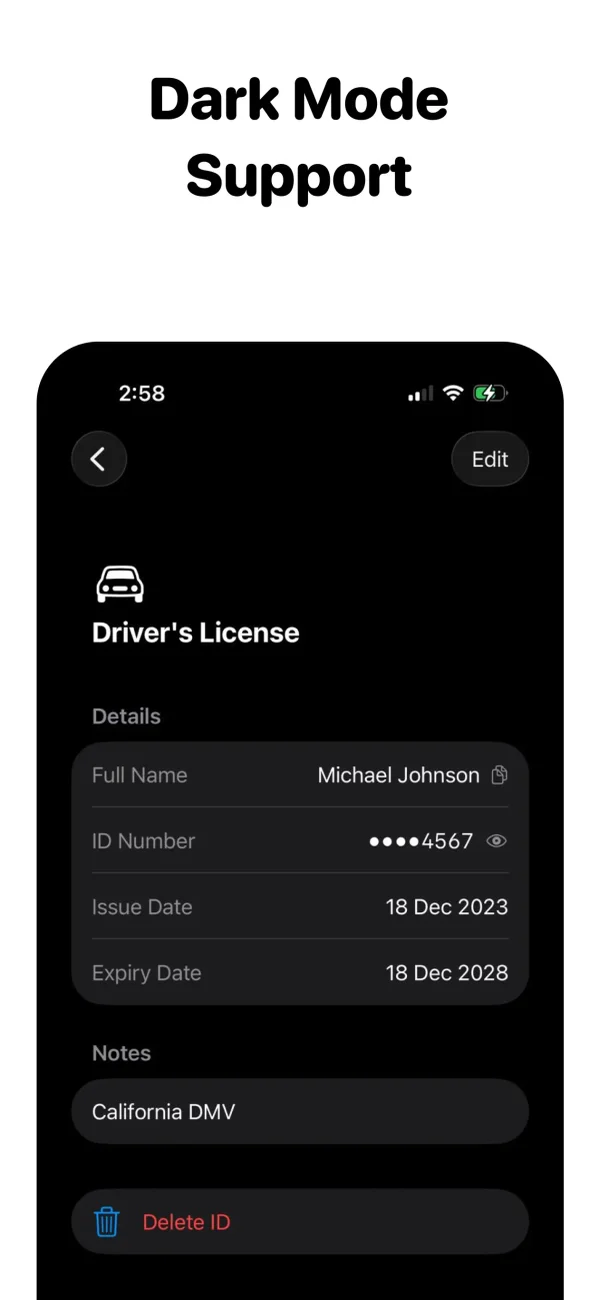
About
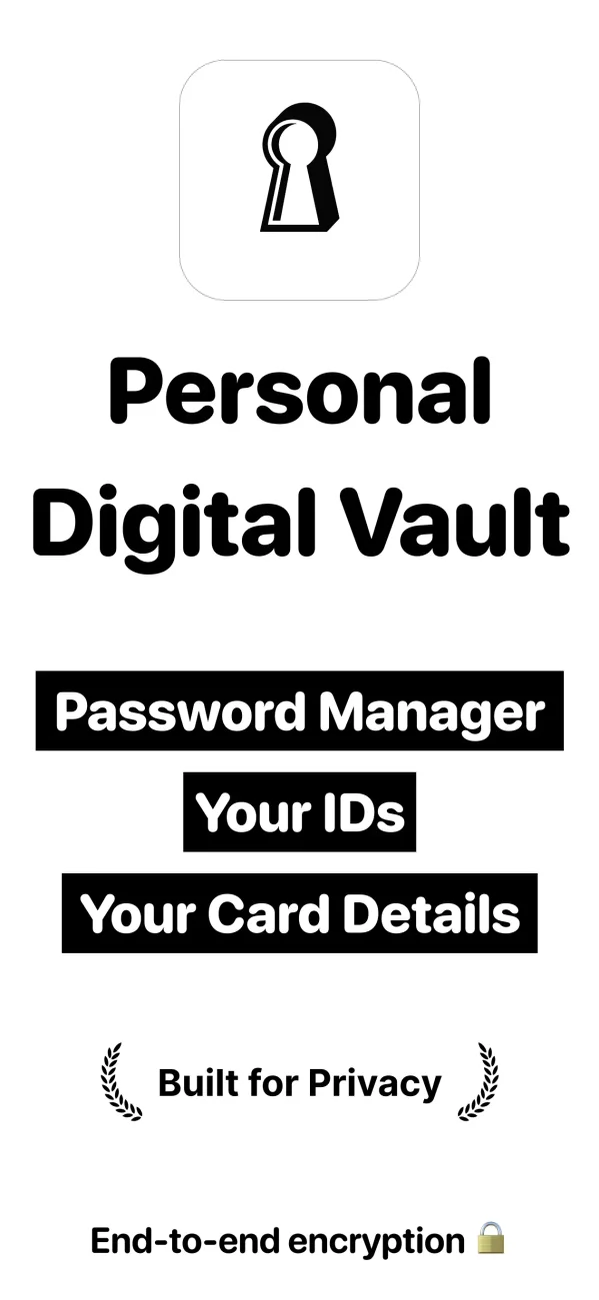
Lockd is a secure password manager built to protect your digital life. Safely store passwords, Smart Passes, cards, and sensitive information in one encrypted vault—accessible only by you.
Designed for privacy, simplicity, and trust, Lockd helps you manage passwords the smart way without compromising security.
Your data stays private. Always locked.
Why Lockd?
Today, your digital identity is spread across dozens of apps, websites, and services. Reusing passwords or storing them insecurely puts your personal data at risk.
Lockd solves this with a Smart Pass system—a secure, structured way to store and manage passwords and sensitive credentials in one place.
No weak passwords.
No messy notes.
No compromises on privacy.
Key Features
Smart Pass Vault
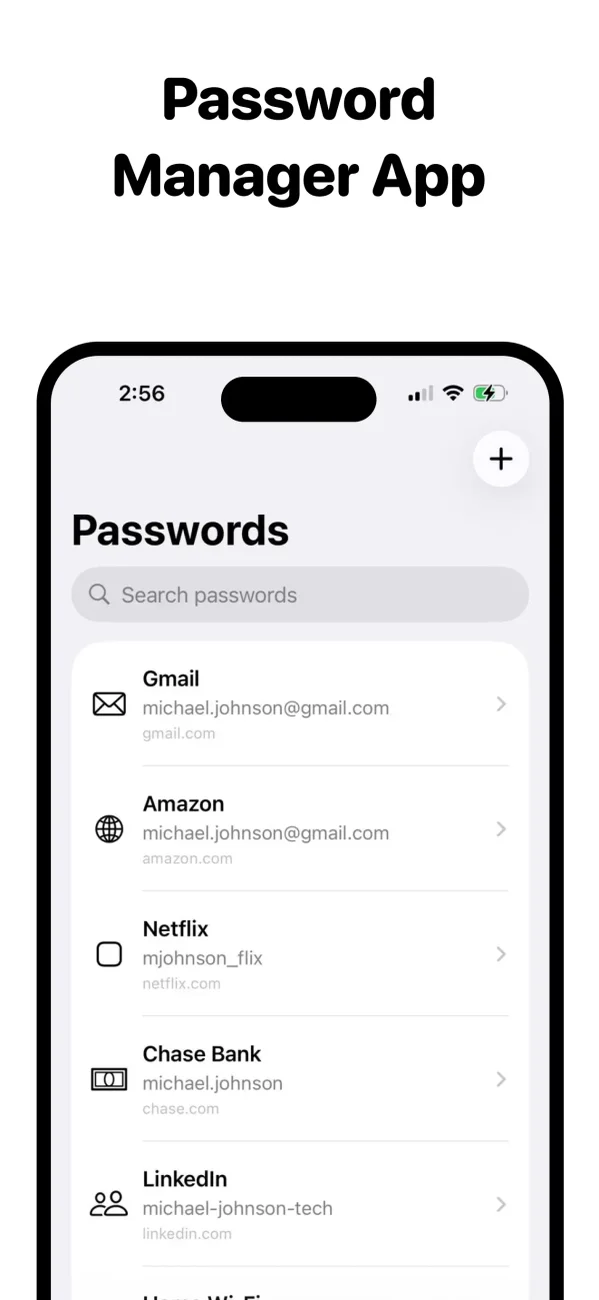
Store all your passwords as Smart Passes—secure entries designed to keep credentials organized, readable, and protected inside an encrypted vault.
Bank-Grade Encryption
All your data is protected using strong, modern encryption. Lockd is built with a zero-knowledge approach—only you can access your vault.
Face ID & Biometric Lock
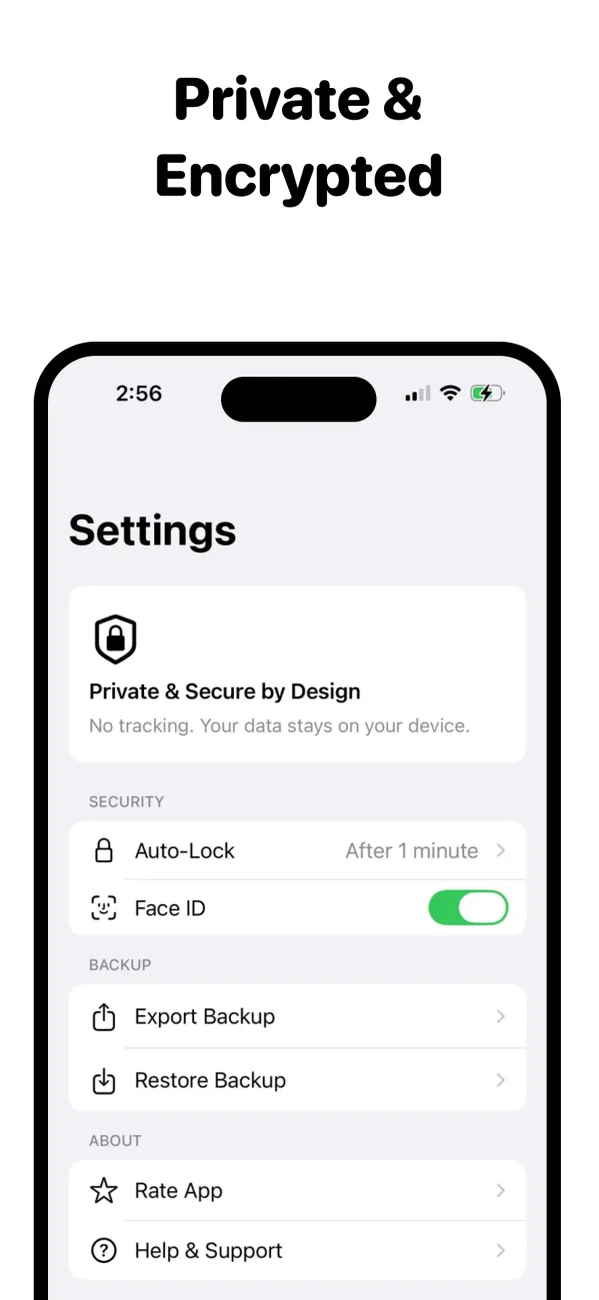
Unlock your vault using Face ID, Touch ID, or device authentication. Your Smart Passes stay inaccessible to anyone else.
Strong Password Generator
Create strong, unique passwords instantly. Lockd helps you avoid weak or reused passwords that put accounts at risk.
Secure Notes & Private Information
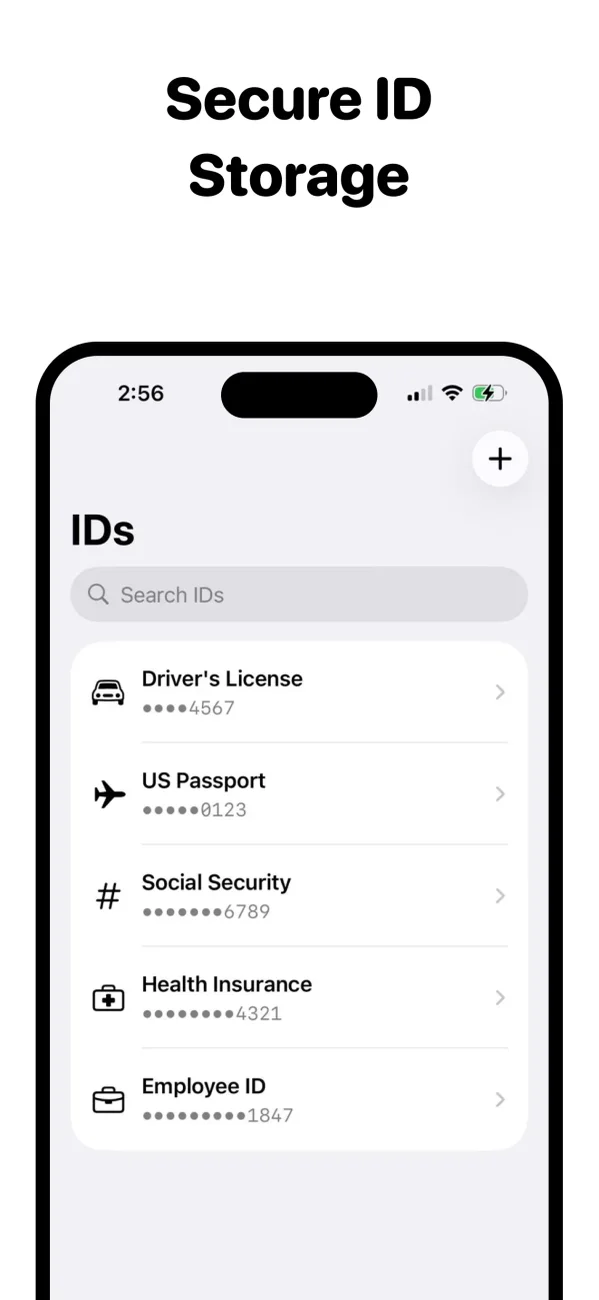
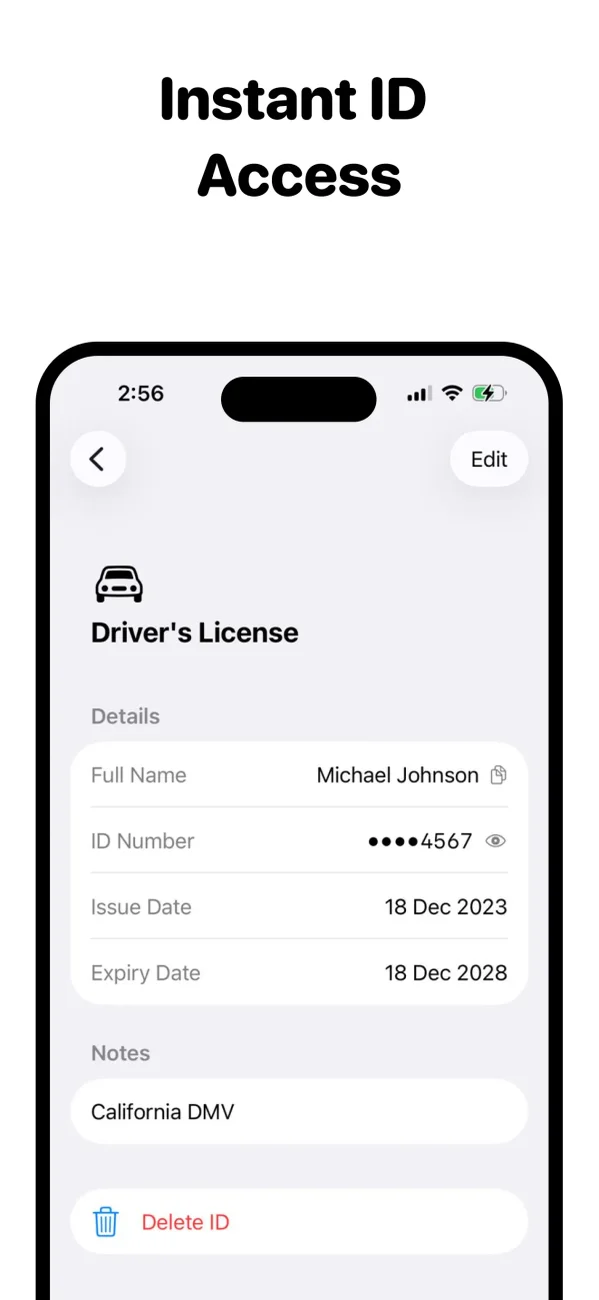
Safely store sensitive information like recovery codes, PINs, account details, Wi-Fi passwords, IDs, and private notes.
Cards & Credentials
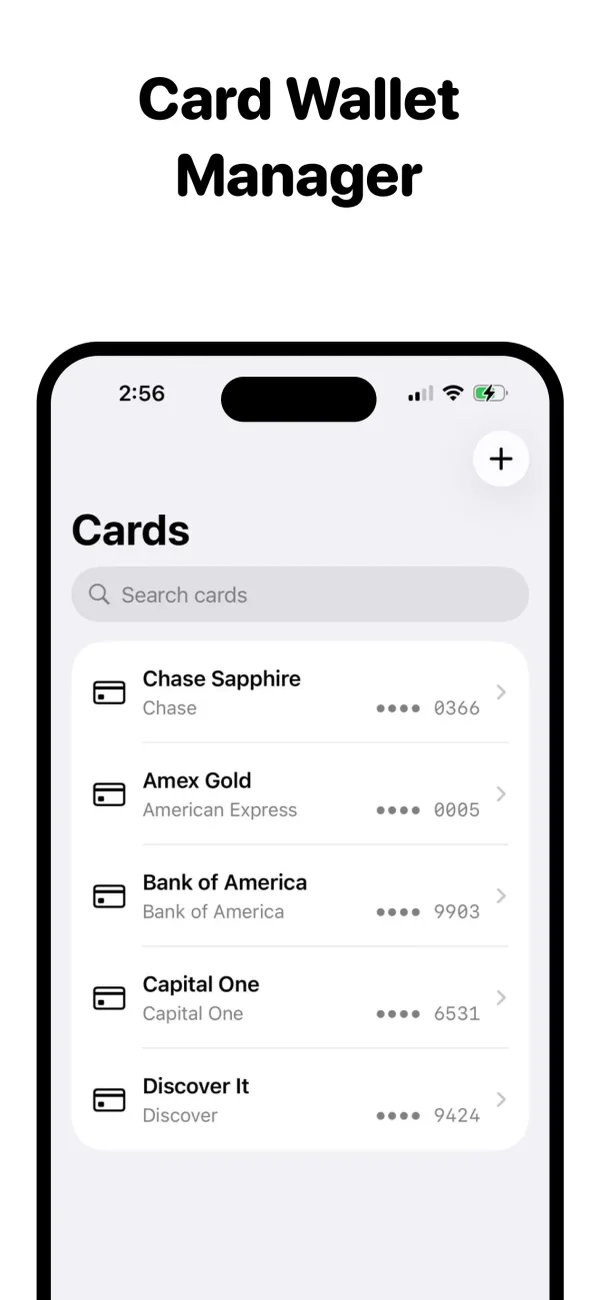
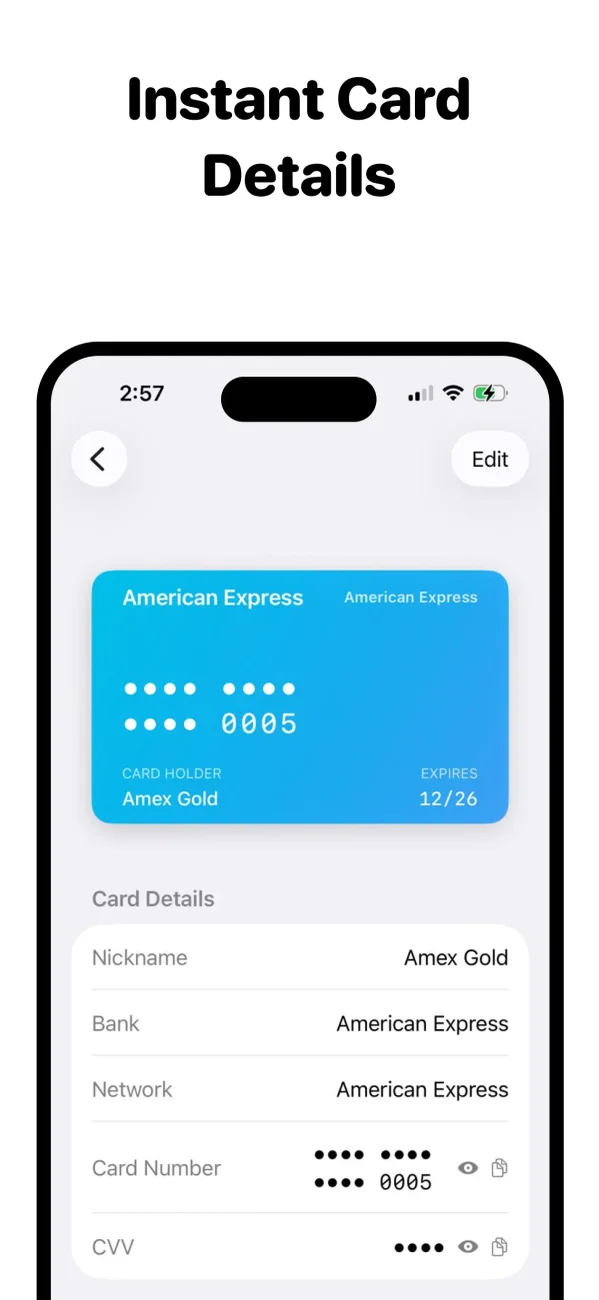
Keep important card details and credentials securely stored for quick reference—protected inside your encrypted vault.
Zero-Knowledge Privacy
Your passwords and Smart Passes are encrypted on your device. Lockd never sees, stores, or tracks your data.
Clean, Minimal Design
A simple, distraction-free interface designed for clarity and ease of use. Find, edit, and manage your Smart Passes effortlessly.
Security You Can Trust
• Bank-grade encryption
• End-to-end encrypted storage
• Biometric authentication
• Zero-knowledge architecture
• Privacy-first design
Your data stays yours—always.
Built for Everyday Use
Whether you’re managing a few accounts or your entire digital life, Lockd scales with you.
Ideal for:
• Professionals
• Students
• Freelancers
• Creators
• Privacy-focused users
Smart Pass. Smart Security.
Passwords, cards, notes, and sensitive information—securely stored with Smart Pass inside Lockd.
Download Lockd today and take control of your password security with confidence.
Privacy Policy - https://indielabs.app/lockd/privacy
Terms & Conditions - https://indielabs.app/lockd/terms
What’s new
Version 1.0.7 · Feb 4, 2026
Added iCloud sync and performance fixes.
App privacy
What Sasikumar Chhotelal Das declares on the App Store about how this app handles data.
-
Data not collected
The developer does not collect any data from this app.
Privacy practices may vary, for example with the features you use or your age.
Information
- Seller
- Sasikumar Chhotelal Das
- Category
- Utilities
- Version
- 1.0.7
- Updated
- Feb 4, 2026
- Released
- Dec 24, 2025
- Size
- 6.0 MB
- Requires
- iOS 17.0 or later
- Age rating
- 4+
- Price
- Free
- In-app purchases
- Yes
- Languages
- English
- Copyright
- © 2025 indielabs. all rights reserved.
You might also like
-
 Veil - Encrypted VaultsUtilities
-
 Greenbox SafeEncrypted Files, Always Safe
-
 Vault: Offline Password SafeSecure Password Manager
-
 FinalpassSimple&secure password manager
-
 NoteCrypt: Encrypted NotesPrivate encrypted notes & lock
-
 Password Generator: Pixel ModeUnique & Strong Passwords
-
 CallSign CheckHam radio license lookup & DX
-
 Psswd: Password GeneratorCreate Secure Passwords
-
 OneCryptionPrivate files. Offline keys.
-
 ProEncryptor: File EncryptionEncrypt files on your device