OneCryption
Private files. Offline keys.
Designed for iPhone
Free · In-app purchases
- Age rating4+
- CategoryUtilities
- DeveloperChristian Hell
- LanguagesEnglish+ 7 more
- Size11.1 MB
Links to the official App Store page
Download.org hosts no file of OneCryption. The button opens its official App Store page, published by Christian Hell. Listing last checked on Nov 15, 2026.
Screenshots
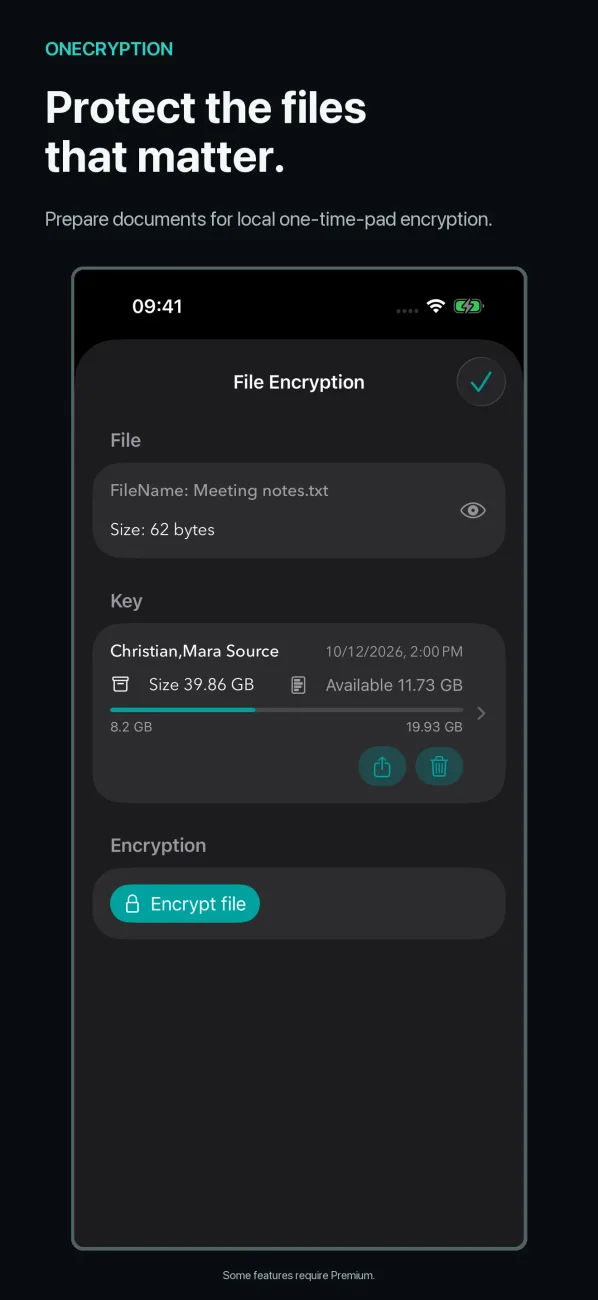
About
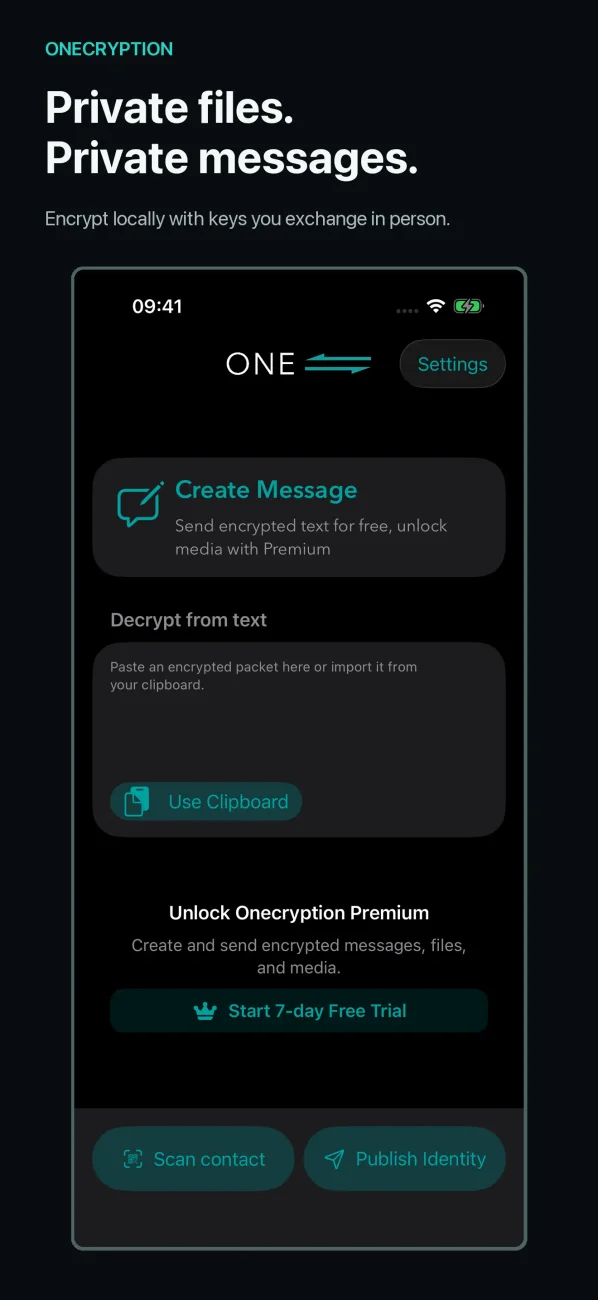
Private files and messages, encrypted on your iPhone.
OneCryption is an offline encryption tool for people who prefer to exchange secret keys in person. It does not operate a message-delivery network: you choose how to send the encrypted result.
HOW IT WORKS
1. Meet your contact and confirm their identity.
2. Generate shared secret key material and transfer it directly between nearby devices.
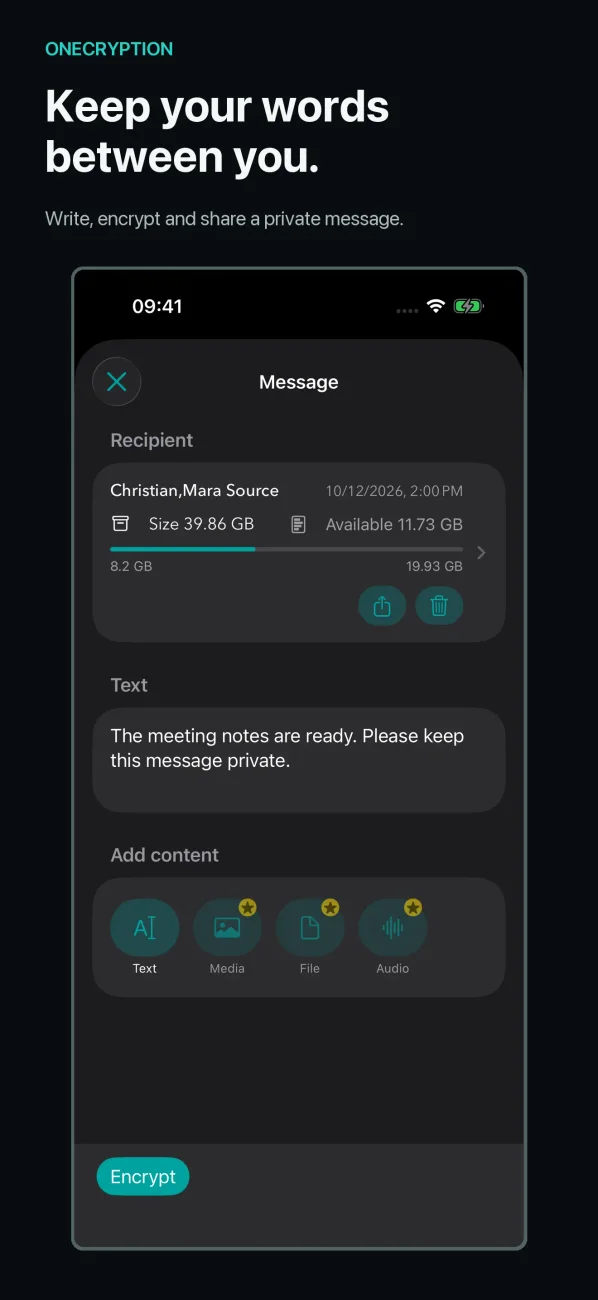
3. Write a message or select content, encrypt it locally, and share the encrypted result through a channel you choose.
4. The recipient decrypts it with the matching shared key.
YOUR KEYS, YOUR CONTROL
- Encrypt and decrypt text, photos, videos, audio and files.
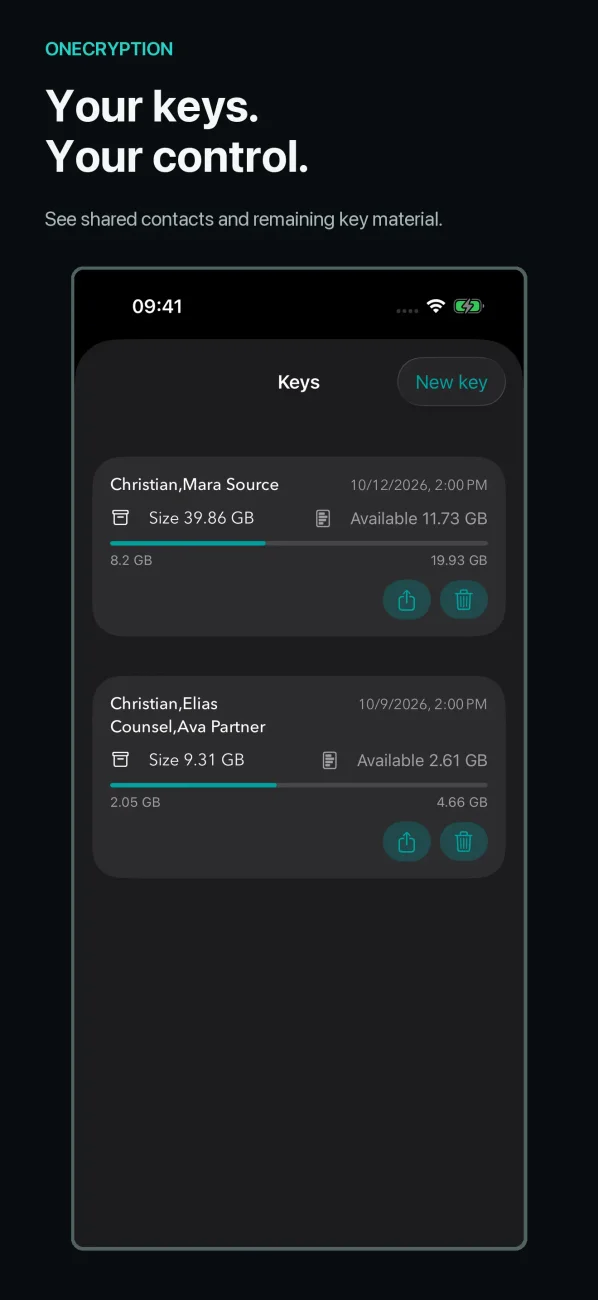
- Manage contacts and shared keys on your device.
- See how much key material remains and exchange a fresh key when needed.
- Use local encryption without a OneCryption messaging account.
OneCryption uses a one-time-pad workflow. Key material must remain secret and must never be reused. Protect the devices and the key exchange. The channel you use to deliver encrypted content has its own privacy and metadata implications; encryption does not make a compromised device safe.
FREE AND PREMIUM
Text encryption is available for free. Some media and file features require Premium. Purchase options and current prices are shown in the app. If you choose a subscription, it renews automatically unless you cancel it in your App Store account settings.
Privacy policy: https://www.onecryption.com/privacy
Terms of Use (EULA): https://www.apple.com/legal/internet-services/itunes/dev/stdeula/
What’s new
Version 2.1.1 · Oct 13, 2026
Security update for file and audio encryption. Key material is now reserved before encryption, and key counters cannot be reset by stale saves.
Previously encrypted messages remain readable. Newly encrypted files and audio require OneCryption 2.1.1 or later on both devices.
Messages using a future unsupported format now show an update notice with a link to the App Store.
Adaptive layouts for iPhone Duo and improved translations across all eight supported languages.
App privacy
What Christian Hell declares on the App Store about how this app handles data.
-
Data not collected
The developer does not collect any data from this app.
Privacy practices may vary, for example with the features you use or your age.
Information
- Seller
- Christian Hell
- Category
- Utilities
- Version
- 2.1.1
- Updated
- Oct 13, 2026
- Released
- Nov 30, 2018
- Size
- 11.1 MB
- Requires
- iOS 17.6 or later
- Age rating
- 4+
- Price
- Free
- In-app purchases
- Yes
- Languages
- English, French, German, Italian, Portuguese, Russian, Spanish, Swedish
- Copyright
- © 2026 Christian Hell
You might also like
-
 Encryption: Secure Text100% offline, absolute privacy
-
 Enigma Cipher The UnbreakableEngima Simulated & Revitalized
-
 Authenticate By KDCSimple TOTP Authentication.
-
 Password StudioSecure Passphrase Generator
-
 KeeHolderTrustworthy KeePass editor
-
 Encryption Hub ProSecure File Encryption Tool
-
 Keepass digital vault: LockdPassword Manager, IDs & Cards
-
 SUYLEX-DIGITAL SECURITY RADARFind email/password breaches
-
 DotBGE: File EncryptionPrivate vault & secure sharing
-
 Generate Secure PasswordsPassword generator made easy!