
Keeper Password Manager
Secure Vault: Passkeys & 2FA
Designed for iPhone, iPad
Free · In-app purchases
- Age rating4+
- CategoryProductivity
- DeveloperCallpod Inc.
- LanguagesEnglish+ 19 more
- Size206.4 MB
Links to the official App Store page
Download.org hosts no file of Keeper Password Manager. The button opens its official App Store page, published by Callpod Inc. Listing last checked on Nov 23, 2026.
Screenshots


About
Keeper is a secure password manager and digital vault trusted by 5,000,000+ people and 100,000+ businesses globally. Rated 4.9 stars by 228,000 people, Keeper combines enterprise-grade security with real human support to protect your passwords, passkeys, files and private information. Named Best Password Manager of 2026 by CNET, and the Top-Ranked Identity Security Solution by Newsweek.
PASSWORD MANAGER FOR EVERYDAY SECURITY
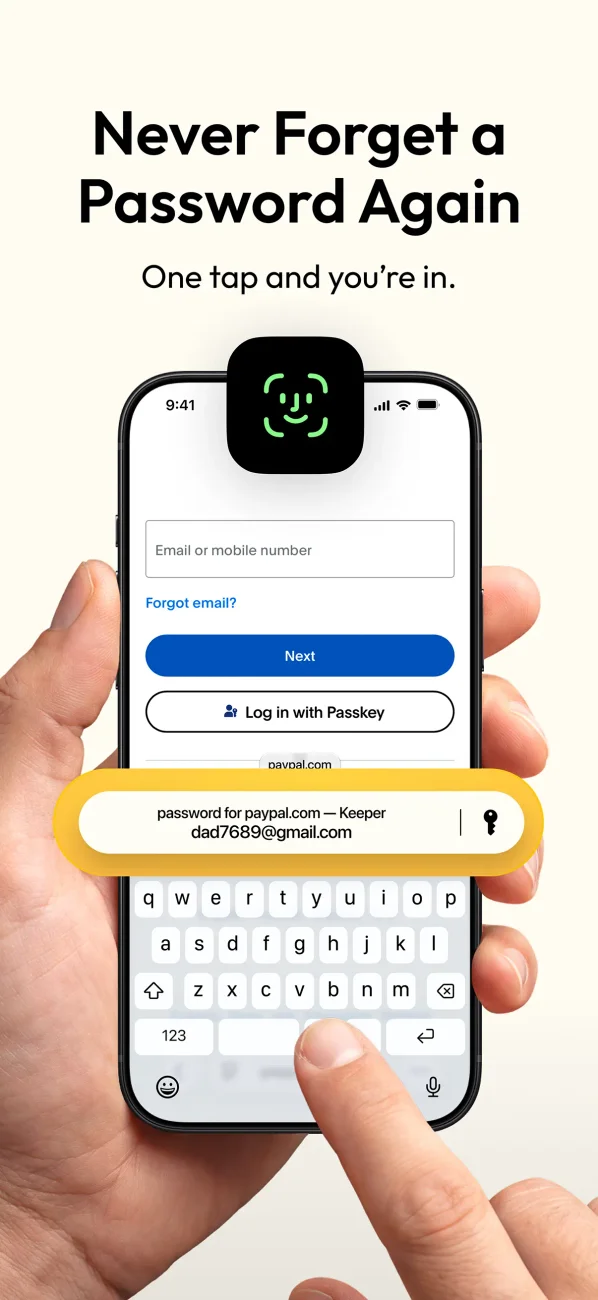
Create strong, unique passwords and passphrases with Keeper’s password generator. Save them in your encrypted password vault, autofill logins across apps and websites and unlock your digital life with Face ID or Touch ID.
PASSKEYS AND 2FA
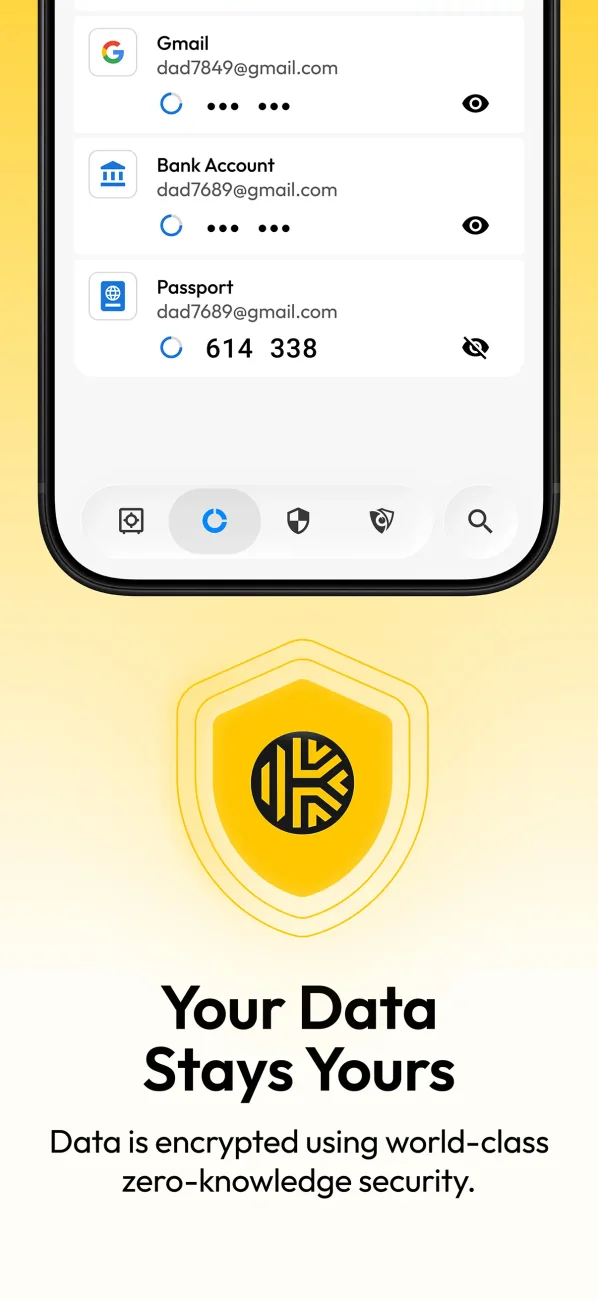
Create and save passkeys that sync across your devices. Store two-factor authentication codes directly in Keeper for fast, secure, one-tap logins without a separate authenticator app.
WORLD-CLASS SECURITY
Every record is encrypted on your device before it ever touches our servers – unreadable to everyone, including Keeper. Protect your vault with hardware security keys such as YubiKey® and remotely lock or wipe a lost device.
Keeper supports zero-knowledge security and advanced encryption, including quantum-resistant cryptography for data in transit. Keeper is SOC 2 Type I and II; ISO 27001, 27017 and 27018 certified; FedRAMP High Certified; GovRAMP High Authorized; and recognized in the Gartner® Magic Quadrant™ for Privileged Access Management.
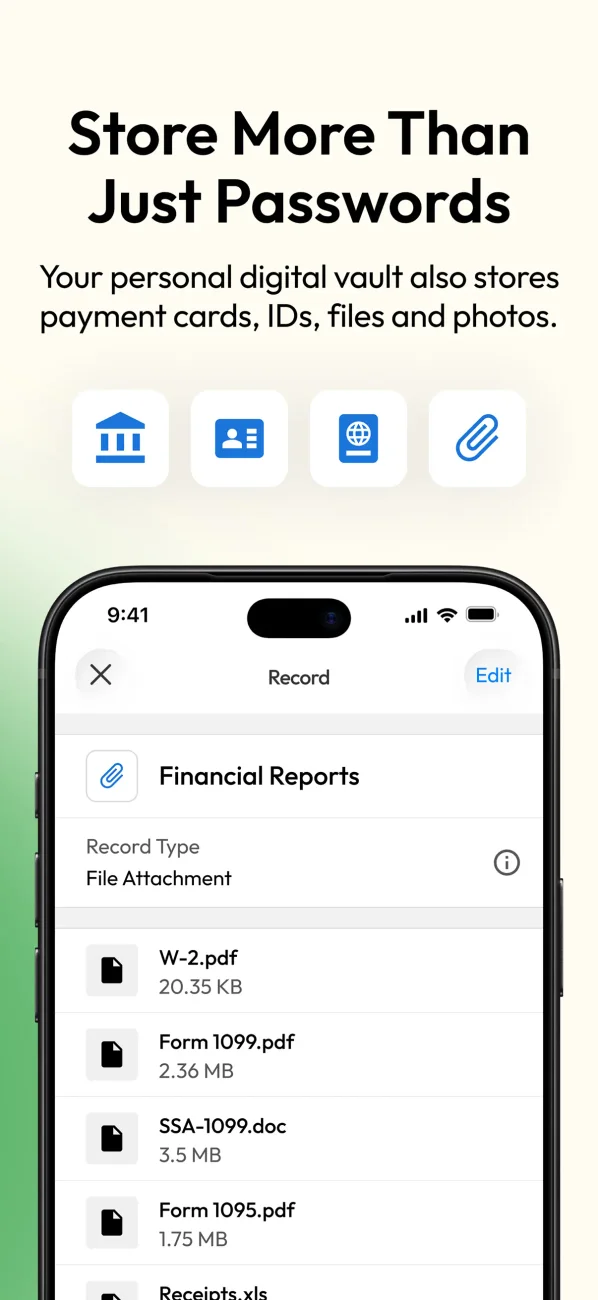
MORE THAN JUST PASSWORDS
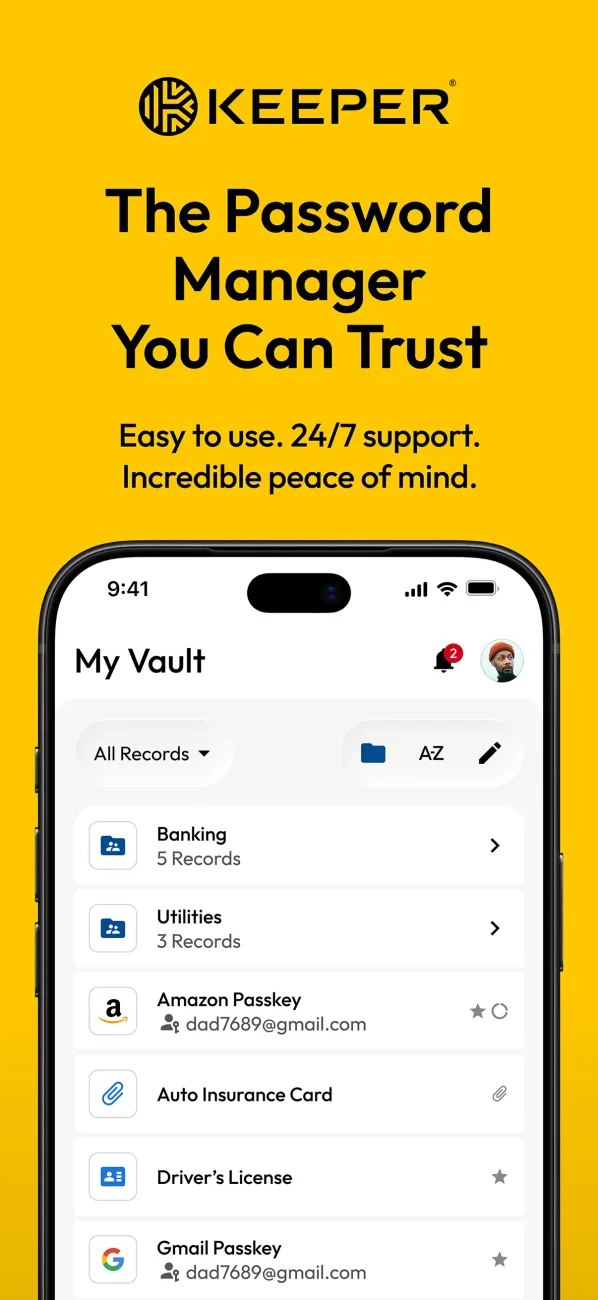
Keeper is your complete digital vault. Store and organize payment cards, passports, driver’s licenses, insurance cards, secure notes, SSH keys, software licenses, medical records and other important documents alongside your passwords.
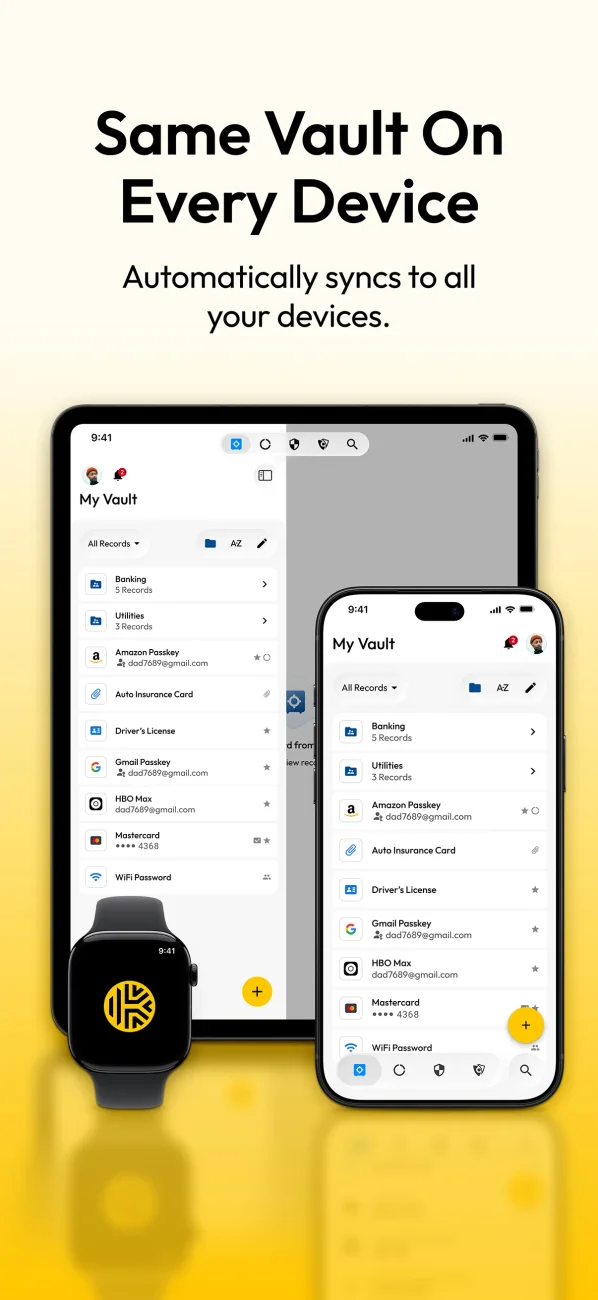
Everything is encrypted, searchable and available across your devices. Automatically fill payment details, addresses and forms on websites and in apps.
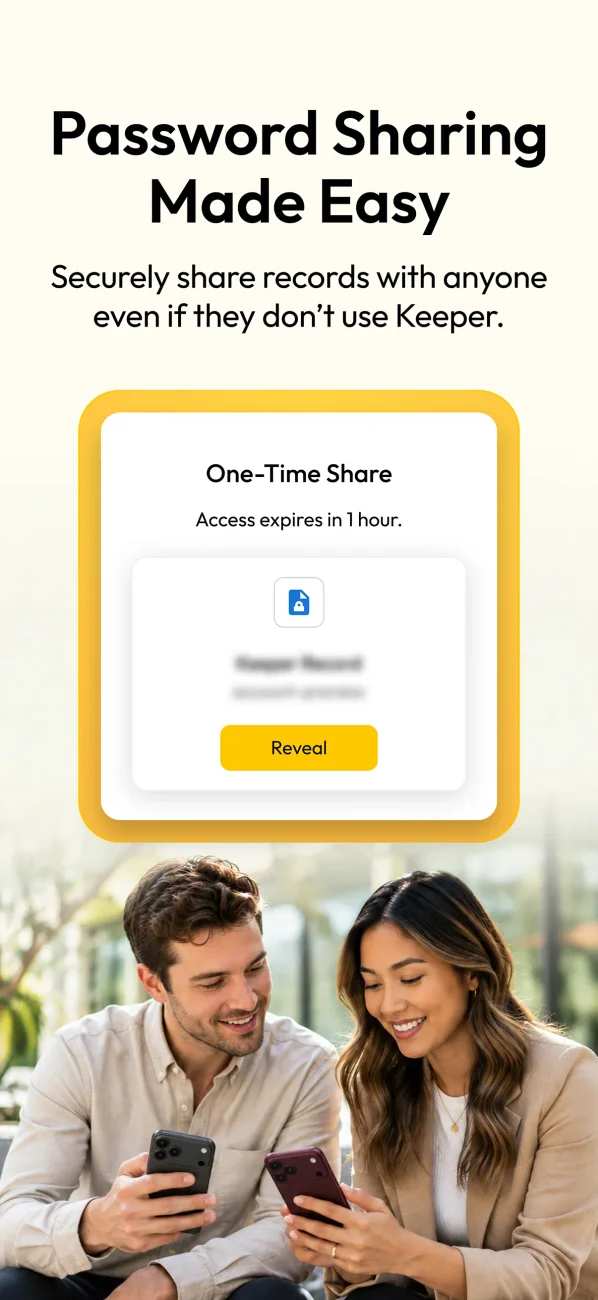
SECURE SHARING
Share passwords, passkeys or files with anyone – even people who do not use Keeper – with a One-Time Share link that expires automatically. Set view-only or edit access, revoke access instantly and organize credentials in shared folders with nested subfolders and individual permissions.
DARK WEB MONITORING
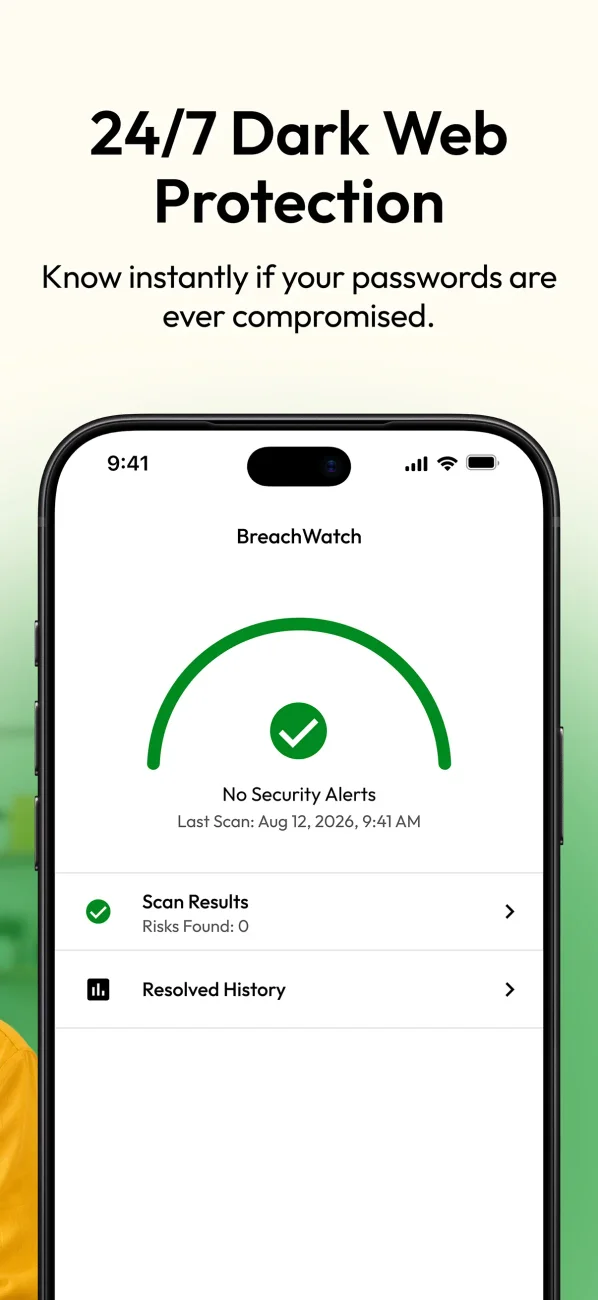
BreachWatch® continuously scans the dark web and alerts you when one of your accounts appears in a data breach, so you can change the password before cybercriminals use it. Monitoring runs within Keeper’s secure infrastructure, so your personal data stays private.
PERFECT FOR FAMILIES
Keeper Family includes five private vaults, 10GB of secure file storage, unlimited devices and emergency access.
Safely store Wi-Fi passwords, streaming logins, insurance documents and passport photos in one place for everyone you trust.
24/7 EXPERT SUPPORT
Get help from a real Keeper expert anytime. Our dedicated support team is available around the clock, every day of the year.
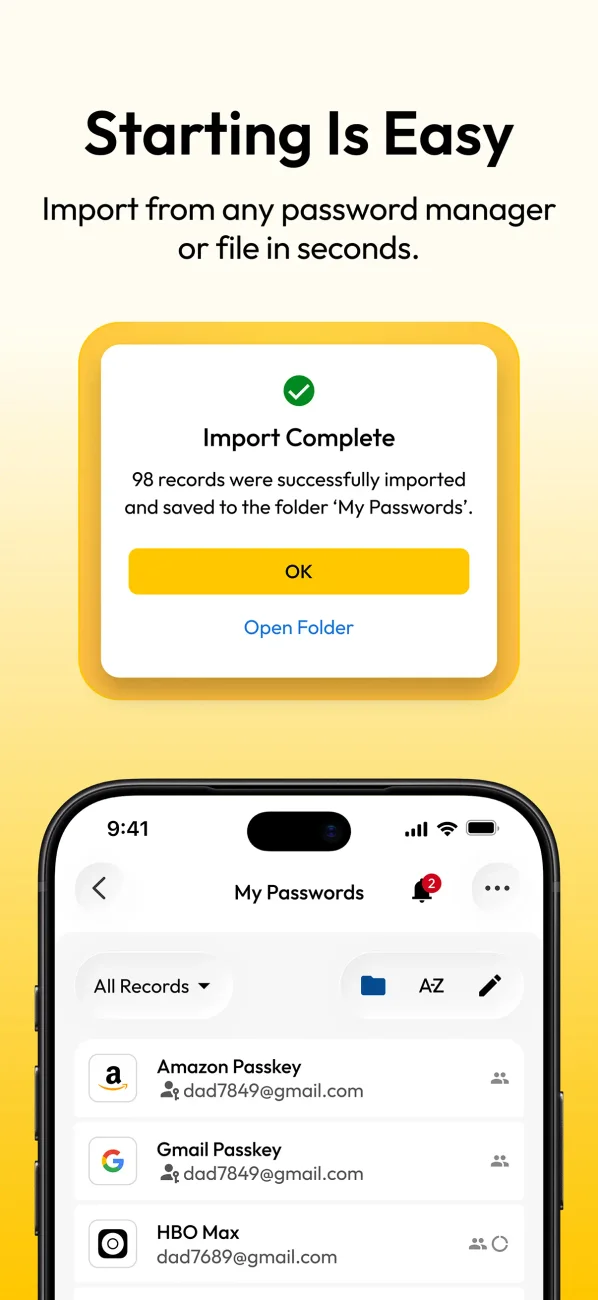
GET STARTED QUICKLY
Seamlessly import passwords, passkeys and other records from iCloud Keychain, Chrome, 1Password, LastPass, Bitwarden, Dashlane and more, including direct secure transfer from other apps.
Privacy Policy: https://keepersecurity.com/privacypolicy.html
Terms of Use: https://keepersecurity.com/termsofuse.html
What’s new
Version 18.1.2 · Nov 21, 2026
Vault Refresh: The vault screen has been redesigned. Filtering is easier to reach, and the active filter is always shown so you know what you are looking at. Your account controls and settings have moved into a new avatar menu, and both folder view and list view have been refreshed.
Faster Navigation: A new bottom tab bar puts your vault, two-factor codes, Security Audit, BreachWatch, and search a single tap away.
Redesigned Screens: Two-factor codes, Security Audit, and search have all been rebuilt to be clearer and faster.
Smarter Autofill: Keeper can suggest a strong password right in the iOS password prompt and save the record for you.
Various bug fixes.
App privacy
What Callpod Inc. declares on the App Store about how this app handles data.
-
Data linked to you
May be collected and linked to your identity.
- Contact info
- Identifiers
Privacy practices may vary, for example with the features you use or your age.
Information
- Seller
- Callpod Inc.
- Category
- Productivity
- Version
- 18.1.2
- Updated
- Nov 21, 2026
- Released
- Feb 12, 2019
- Size
- 206.4 MB
- Requires
- iOS 17.0 or later
- Age rating
- 4+
- Price
- Free
- In-app purchases
- Yes
- Languages
- English, Arabic, Dutch, Finnish, French, German, Greek, Hebrew, Italian, Japanese, Korean, Polish + 8 more
- Copyright
- © 2026 Keeper Security, Inc.
You might also like
-
 Dashlane Password ManagerAutofill, VPN, Authenticator
-
 mSecure: Password ManagerSecure Storage Digital Wallet
-
 Bitwarden Password ManagerSecure your digital life
-
 LastPass Password ManagerStore & Autofill Passwords
-
 1Password: Password ManagerSave & share passwords safely
-
 Proton Pass - Password ManagerPasskeys, 2FA & secure vault
-
 RoboForm Password ManagerKeep Secure & Auto Fill Forms
-
 Microsoft 365 AdminProductivity
-
 NordPass: Password ManagerPasskey keeper & secure vault
-
 UniFiEnterprise Network Management