mSecure: Password Manager
Secure Storage Digital Wallet
Designed for iPhone, iPad
Free · In-app purchases
- Age rating17+
- CategoryProductivity
- DevelopermSeven Software, LLC
- LanguagesEnglish+ 4 more
- Size125.7 MB
Links to the official App Store page
Download.org hosts no file of mSecure: Password Manager. The button opens its official App Store page, published by mSeven Software, LLC. Listing last checked on Nov 23, 2026.
Screenshots



About
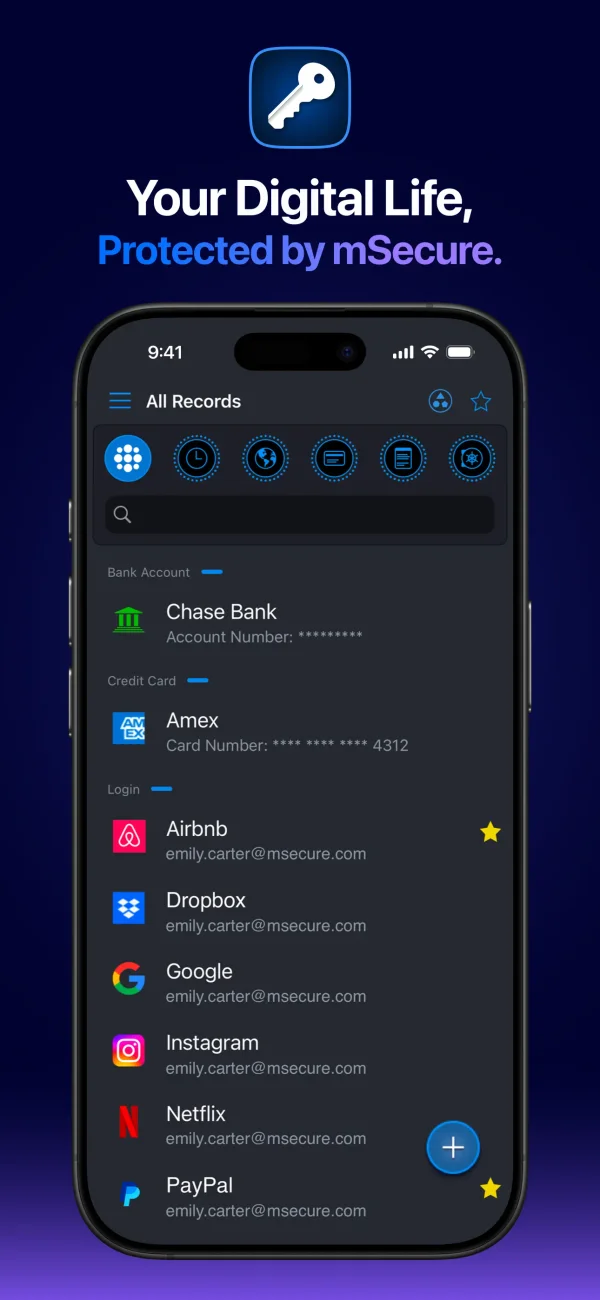
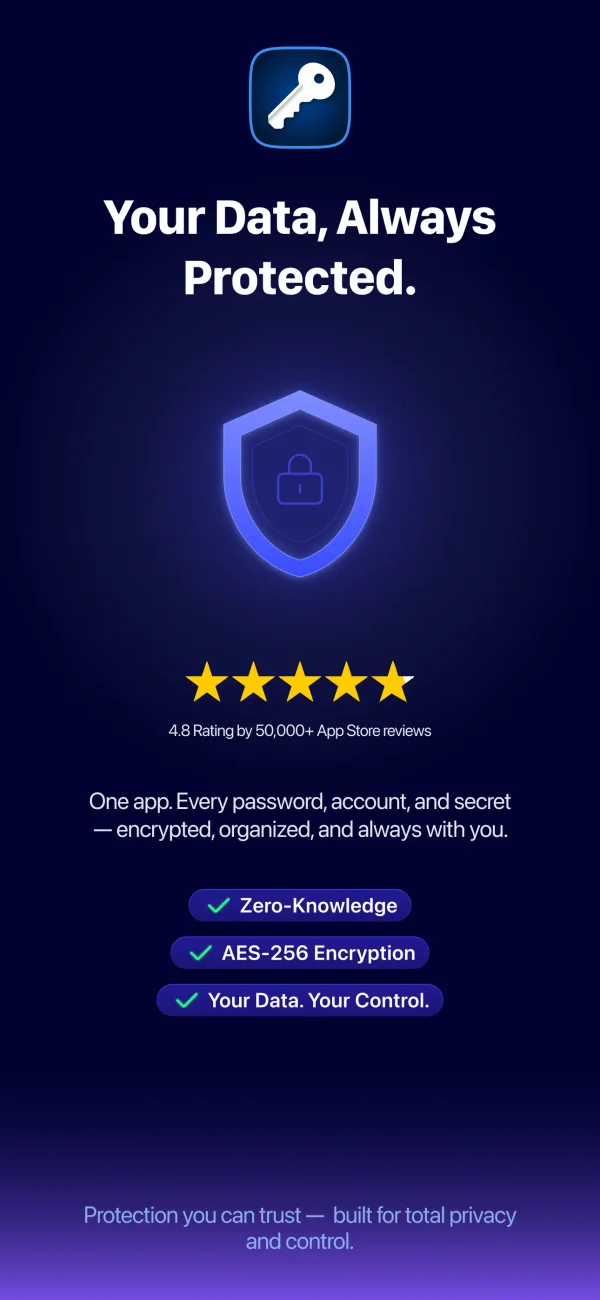
Don't take chances with your passwords or private information. mSecure is the simple, secure way to manage logins, passkeys, 2FA codes, and sensitive data across every device you own — protected by industry-standard AES-256 encryption and zero-knowledge architecture.
WHAT'S NEW IN MSECURE 7
● Passkeys — sign in to passkey-enabled sites without a password.
● Built-in one-time passwords (OTP) — keep your 2FA codes alongside your logins, no separate authenticator app required.
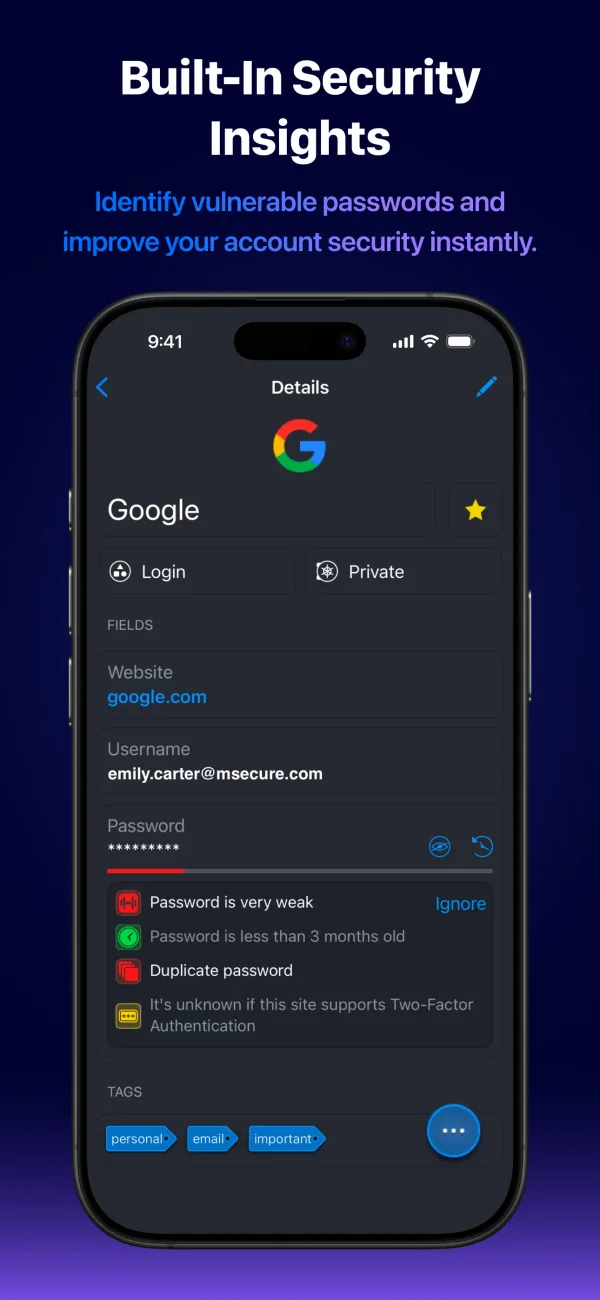
● Two-Factor Aware — see which of your logins support two-factor authentication, so you know where it's worth turning on.
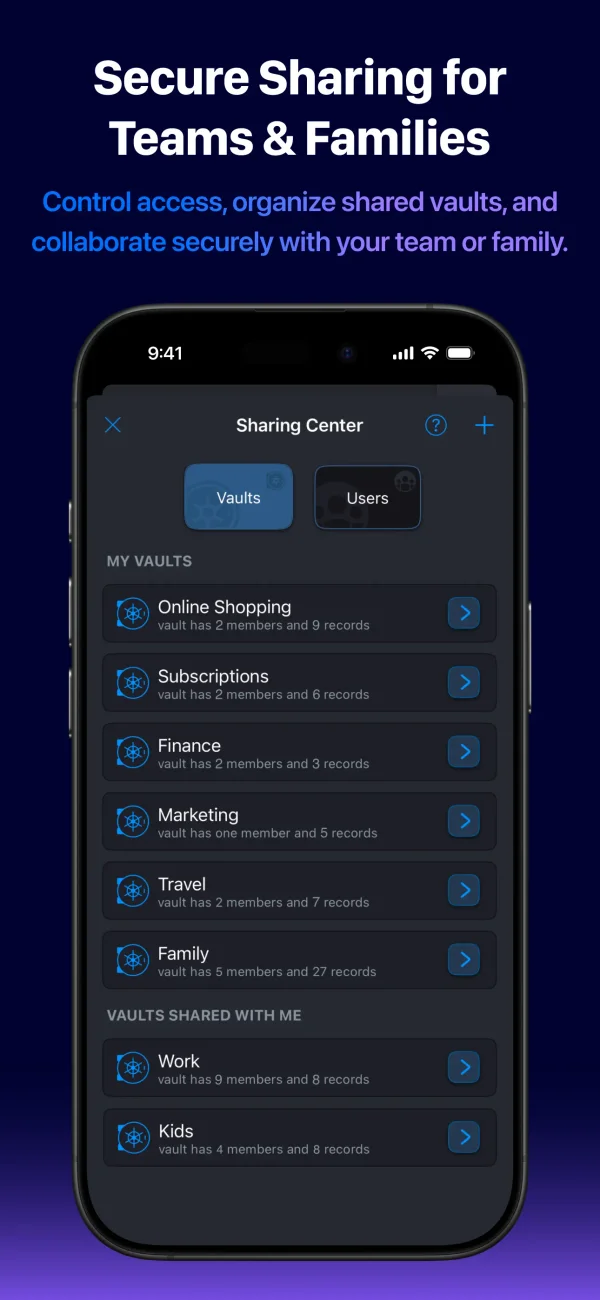
● Sharing Center — a unified place to manage vaults and shared records.
● Redesigned Record Details, Edit, and Recents views.
● Custom filters — save up to 5 views.
● Enhanced search with the search bar pinned to the top.
● Improved password generator and a refreshed light mode.
—————————————————
CHOOSE THE PLAN THAT FITS
Every tier is protected by the same AES-256 encryption and zero-knowledge architecture.
● Free — unlimited records, password generator, smart search and sorting, over 20 built-in templates, and AES-256 encryption with auto-lock.
● Essentials — adds AutoFill, cloud syncing (mSecure Cloud, Dropbox, iCloud, or Wi-Fi), Face ID and Touch ID unlock, passkeys, built-in one-time passwords, Two-Factor Aware, Security Center, custom templates, custom icons, file attachments, backup and CSV import, and Apple Watch support.
● Premium — adds the Sharing Center, custom filters, advanced field settings, multiple tags per record, and username selection.
● Family — every Premium feature for you plus 4 family members, with shared vaults and a Family Sharing Center for admins.
● Teams — 10 licenses so you and up to 9 colleagues are covered under one plan, with shared vaults, monthly add and remove of members, more licenses available at cost, and a separate Family plan included for the team admin.
—————————————————
SECURE — Protect your information with confidence
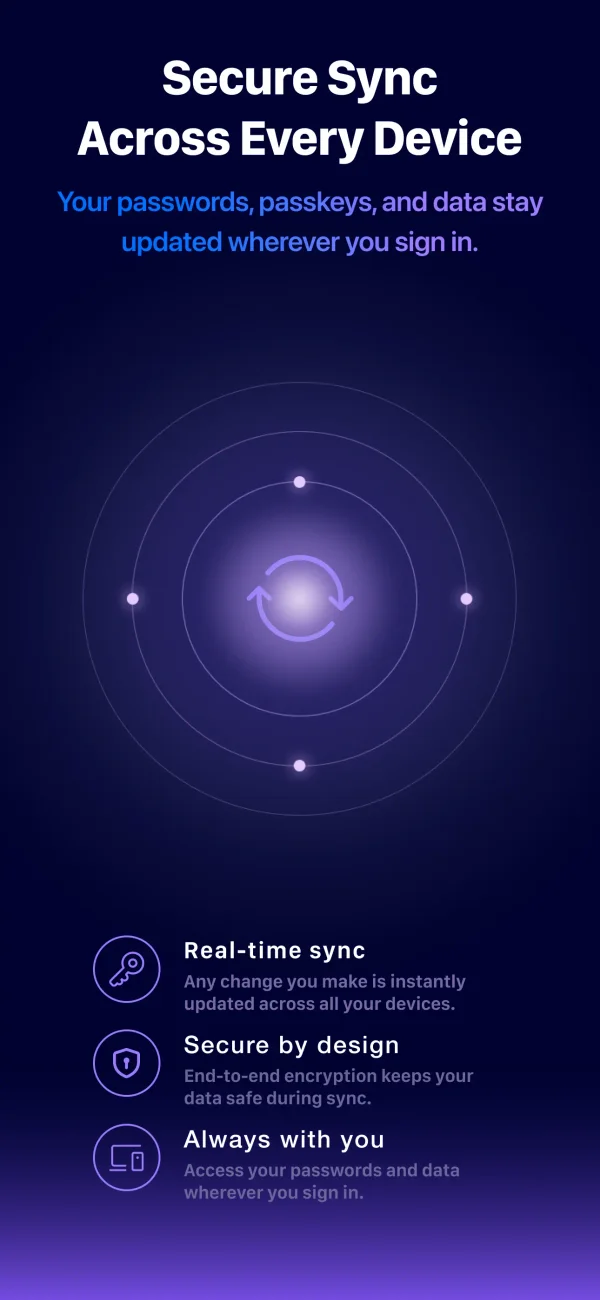
● AES-256 encryption, end to end, on every plan.
● Zero-knowledge architecture — your master password never leaves your device.
● Biometric unlock with Face ID or Touch ID.
● Auto-lock keeps your vault safe when you step away.
● Security Center surfaces weak, duplicate, and old passwords, and flags which accounts support two-factor authentication.
● Password generator with customizable length, symbols, and complexity.
SIMPLE — Add, find, and organize without friction
● iOS Password AutoFill in Safari and supported third-party apps.
● Over 20 built-in templates, plus full custom templates.
● Powerful search, smart sorting, tags, and custom filters.
● Redesigned Record Details and Edit views speed up data entry.
● Apple Watch support for quick lookups on the go.
SEAMLESS — Sync all of your devices seamlessly. Choose to sync via mSecure Cloud, Dropbox, iCloud, or Wi-Fi to access your records on all of your devices across multiple platforms. Keep your data safe and secure with mSecure.
—————————————————
SUPPORT
Questions or feedback? Visit support.msecure.com/support/discussions or email support@msevensoftware.com.
Terms of Use: https://www.apple.com/legal/internet-services/itunes/dev/stdeula/
Privacy Policy: https://redirect.msecure.com/ios/privacy
What’s new
Version 7.1.1 · Nov 22, 2026
7.1.1
● Added capability to send users important messages
● Added an export to CSV feature
● Search feature to find records with Passkeys and One time passwords
● Bug fixes
7.1.0
● Support for iPhone Duo
● Other bug fixes and minor improvements
7.0.2
● Bug fixes and minor improvements
7.0.1
● Bug fixes and minor improvements
7.0.0
● Passkeys — sign in to passkey-enabled sites without a password.
● Built-in one-time passwords (OTP) — keep your 2FA codes alongside your logins, no separate authenticator app required.
● Sharing Center — a unified place to manage vaults and shared records.
● Redesigned Record Details, Edit, and Recents views.
● Custom filters — up to 5 saved views.
● Enhanced search with the search bar pinned to the top.
● Improved password generator and a refreshed light mode.
App privacy
What mSeven Software, LLC declares on the App Store about how this app handles data.
-
Data linked to you
May be collected and linked to your identity.
- Contact info
-
Data not linked to you
May be collected but is not linked to your identity.
- Identifiers
- Usage data
Privacy practices may vary, for example with the features you use or your age.
Information
- Seller
- mSeven Software, LLC
- Category
- Productivity
- Version
- 7.1.1
- Updated
- Nov 22, 2026
- Released
- May 15, 2017
- Size
- 125.7 MB
- Requires
- iOS 17.6 or later
- Age rating
- 17+
- Price
- Free
- In-app purchases
- Yes
- Languages
- English, French, German, Italian, Spanish
- Copyright
- © 2008-2026 mSeven Software LLC
You might also like
-
 Keeper Password ManagerSecure Vault: Passkeys & 2FA
-
 iPassworder Password ManagerEasiest way to store passwords
-
 My Passwords ManagerProductivity
-
 Dashlane Password ManagerAutofill, VPN, Authenticator
-
 RoboForm Password ManagerKeep Secure & Auto Fill Forms
-
 SecureSafe Password ManagerPassword Generator & Autofill
-
 Enpass Password ManagerGenerate & Autofill Passwords
-
 Password Manager - Safe LockAutofill Passwords & Passcode
-
 Password Manager: SafePasskeys & 2FA
-
 Password Manager'Lock Apps Keep Vault Safe