
Keyflow Shortcuts
Run shortcuts from keyboard
Designed for iPhone, iPad
Free · In-app purchases
- Age rating4+
- CategoryUtilities
- Developercameron maciel
- LanguagesEnglish
- Size83.6 MB
Links to the official App Store page
Download.org hosts no file of Keyflow Shortcuts. The button opens its official App Store page, published by cameron maciel. Listing last checked on Nov 20, 2026.
Screenshots
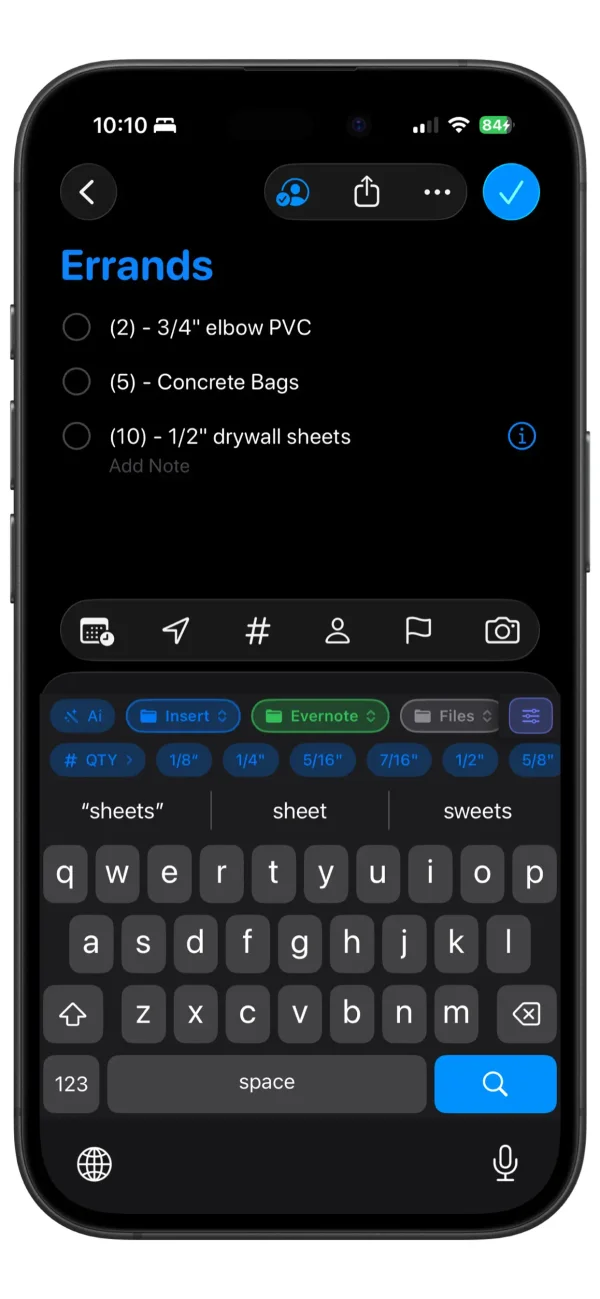

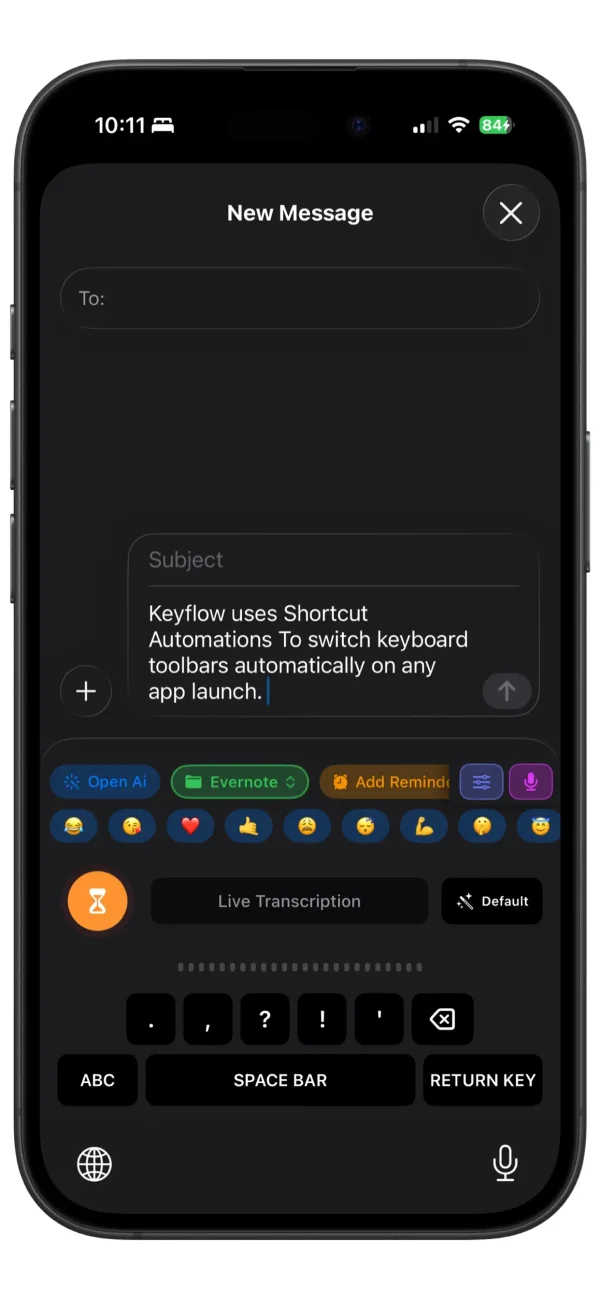

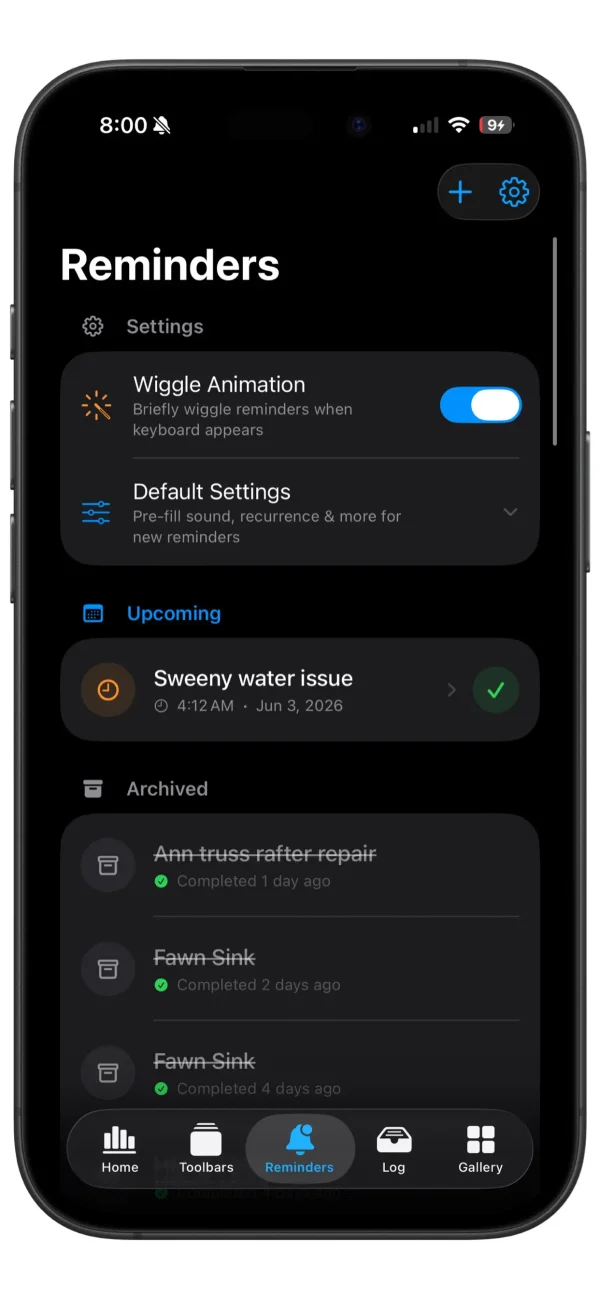
About
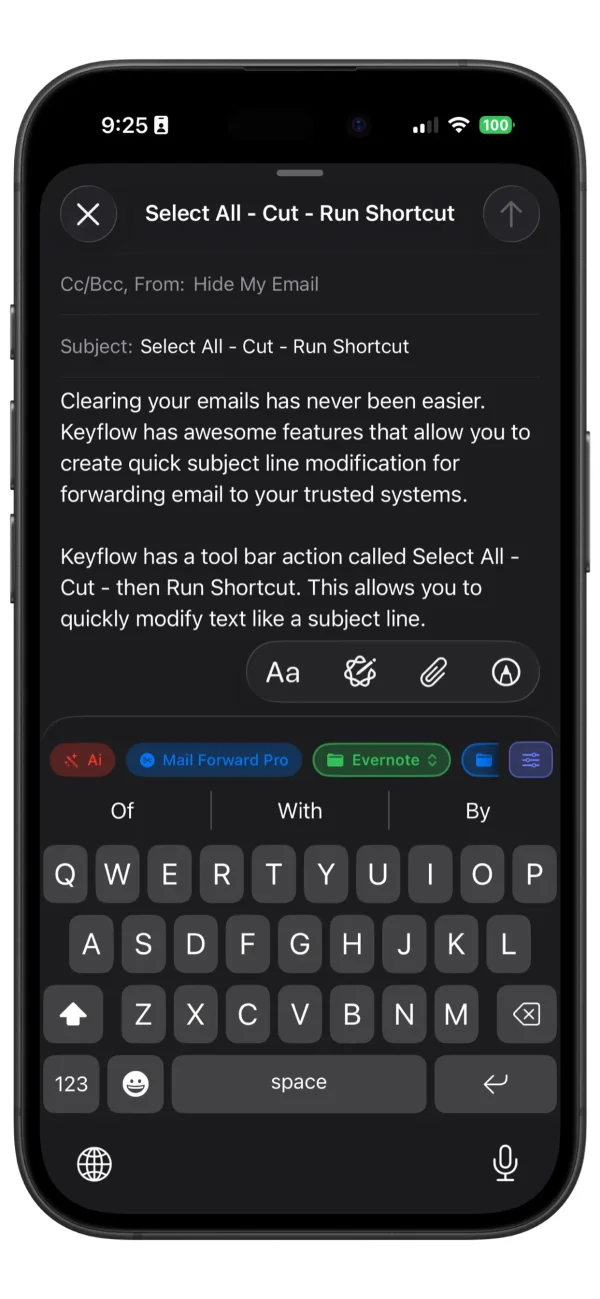
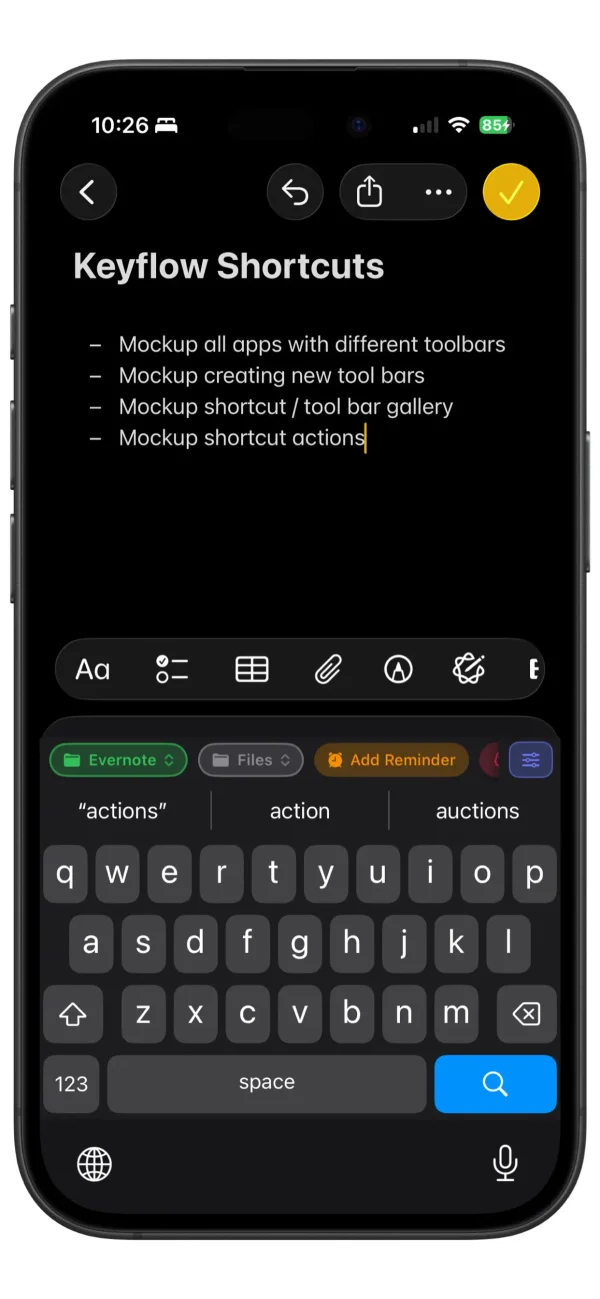
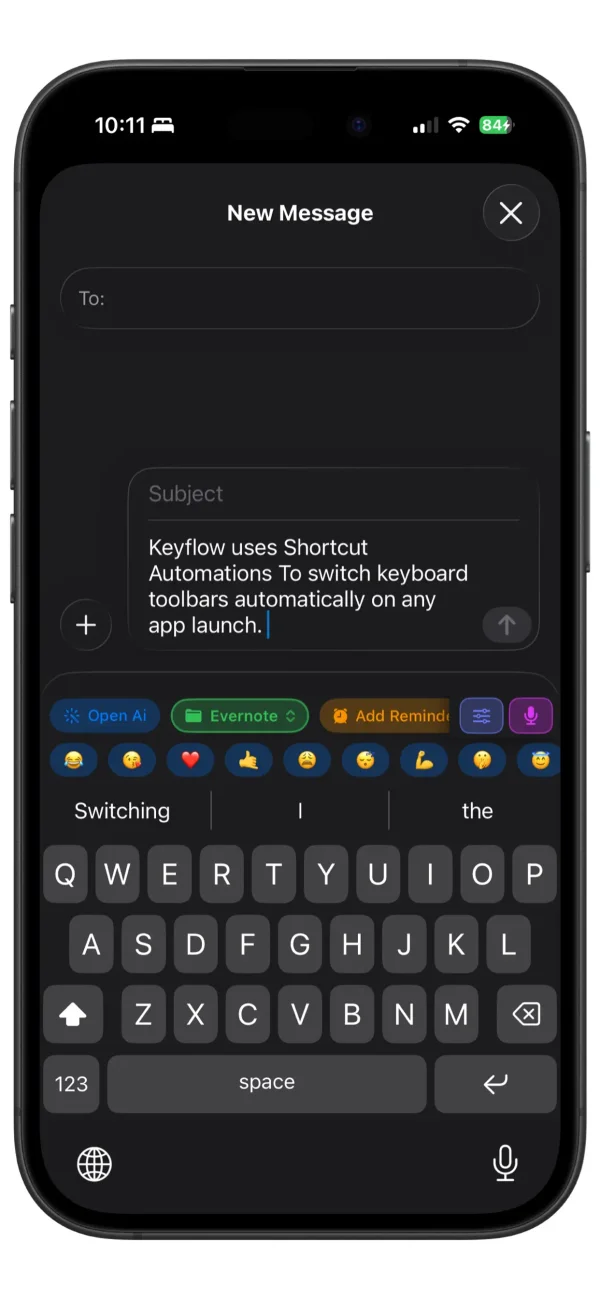
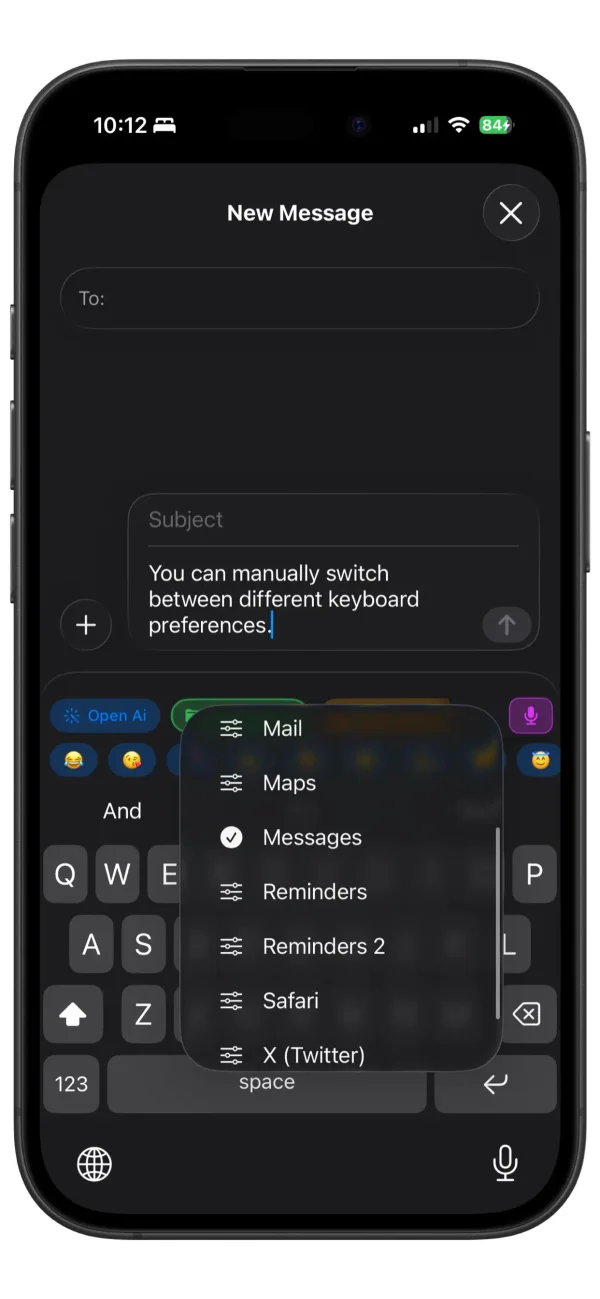
Keyflow is a customizable iOS keyboard built for faster action: Keyboard Shortcuts, save repeat text, organize toolbars, clean up writing with AI, and keep key tasks one tap away.
Try Keyflow’s custom toolbars, shortcuts, and reminder tools free for 3 days from your first app launch. This preview does not start a subscription and you will not be charged automatically. After the preview, choose a monthly or yearly auto-renewable subscription to continue using these tools. Basic keyboard typing remains available without a subscription.
Subscription prices and any eligible introductory offer are shown in the app before you confirm with Apple. Payment is charged to your Apple Account upon purchase confirmation, subject to any offer shown. Subscriptions renew automatically unless canceled at least 24 hours before the current period ends. Manage or cancel your subscription in your Apple Account settings.
Privacy Policy: https://keyflow-drab.vercel.app/privacy
Terms of Use (EULA): https://www.apple.com/legal/internet-services/itunes/dev/stdeula/
What’s new
Version 1.1 · Oct 21, 2026
Improved dictation reliability, including starting dictation from Shortcuts.
Fixed an issue that could switch you to the system keyboard after dictation.
Improved automatic return to supported apps after microphone setup.
Added clearer consent controls for AI Cleanup. Choose whether to share text for AI processing, and change your preference in Settings. Dictation preserves your original transcript when AI Cleanup isn’t allowed.
App privacy
What cameron maciel declares on the App Store about how this app handles data.
-
Data not collected
The developer does not collect any data from this app.
Privacy practices may vary, for example with the features you use or your age.
Information
- Seller
- cameron maciel
- Category
- Utilities
- Version
- 1.1
- Updated
- Oct 21, 2026
- Released
- Oct 16, 2026
- Size
- 83.6 MB
- Requires
- iOS 18.0 or later
- Age rating
- 4+
- Price
- Free
- In-app purchases
- Yes
- Languages
- English
- Copyright
- © Cameron Maciel
You might also like
-
 Scale ControlUnofficial Headscale Manager
-
 Rotor Load CalcInteragency Load Calc Tool
-
 ClipSlotsYour most used text a tap away
-
 Web CopilotAI Browser Agent
-
 SpyAlert: Keep Your PrivacyVerify your privacy on the go
-
 Summary For SafariAI-powered summary
-
 TonotaPrivate On-Device Voice Memos
-
 SnapCutterAI Shortcut Builder & Maker
-
 Tianjige - Baccarat Road StatsRoad analysis & your rule lab
-
 Stockpile Scan: Measure VolumeMeasure piles in 3D