KeyoAI
Al Image, Video, Audio,Chatbot
Designed for iPhone, iPad, iPod touch
Free · In-app purchases
- Age rating4+
- CategoryProductivity
- DeveloperKeyoAI
- LanguagesEnglish
- Size89.2 MB
Links to the official App Store page
Download.org hosts no file of KeyoAI. The button opens its official App Store page, published by KeyoAI. Listing last checked on Nov 17, 2026.
Screenshots



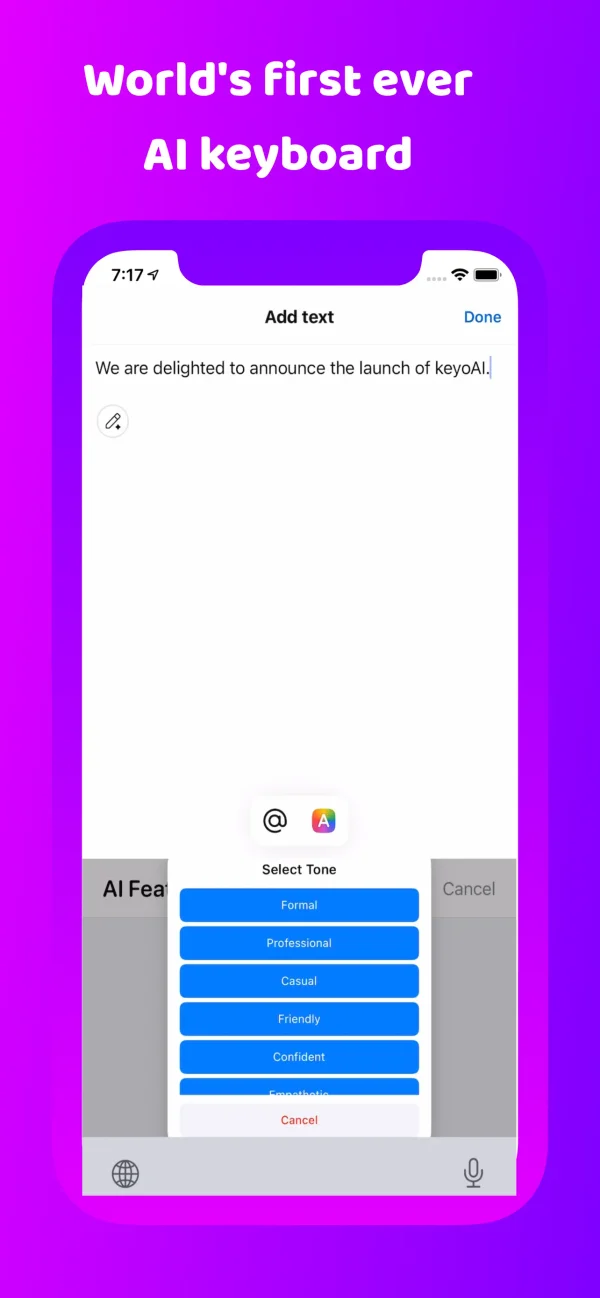
About
KeyoAI is an AI-powered keyboard and creative studio for iPhone. It helps you write faster and with more confidence in the apps you already use, and it also lets you generate images, video, and audio from simple prompts.
Add KeyoAI in Settings under General → Keyboard → Keyboards, then switch to it when you type.
AI Keyboard
Get smart suggestions as you type so you can finish thoughts quickly and keep your flow. Open built-in AI tools from the keyboard to improve grammar, adjust tone, translate, summarize, rewrite, draft replies, and handle everyday writing tasks without leaving the app you are in.
AI Chatbot
Use the in-app AI Chatbot for longer conversations and deeper help—brainstorming, drafting messages and emails, refining content, and iterating with context. It’s ideal when you need more than one-line keyboard assistance.
AI Image, Video, and Audio
Create content directly in the app:
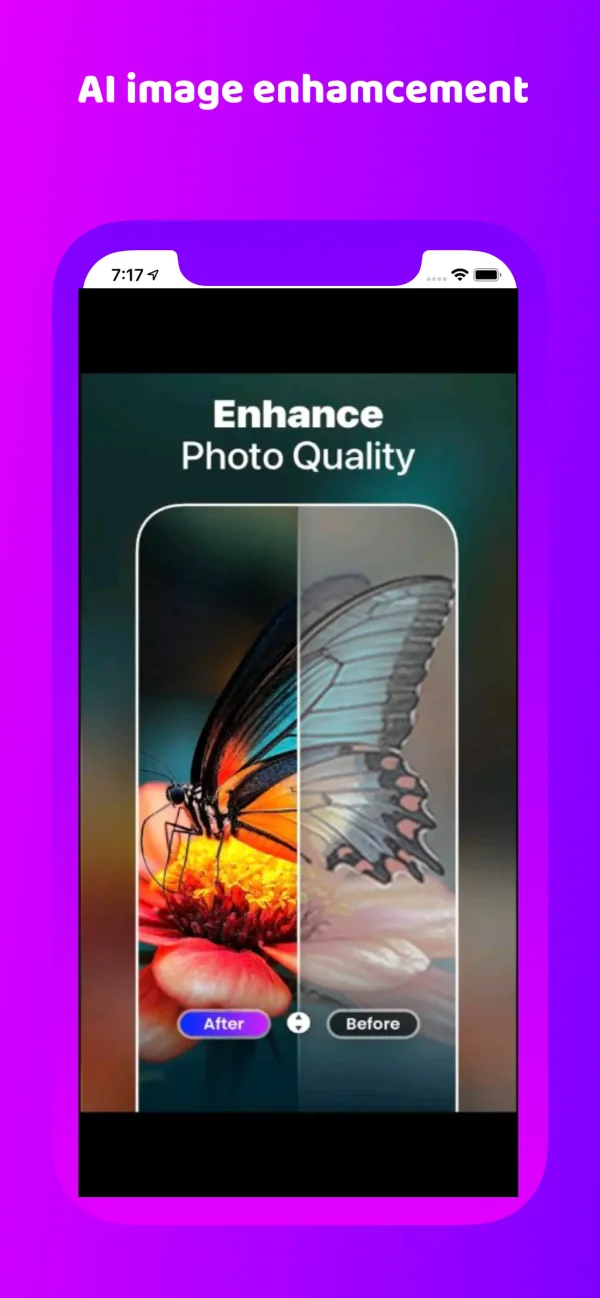
Generate images for posts, ideas, and visuals
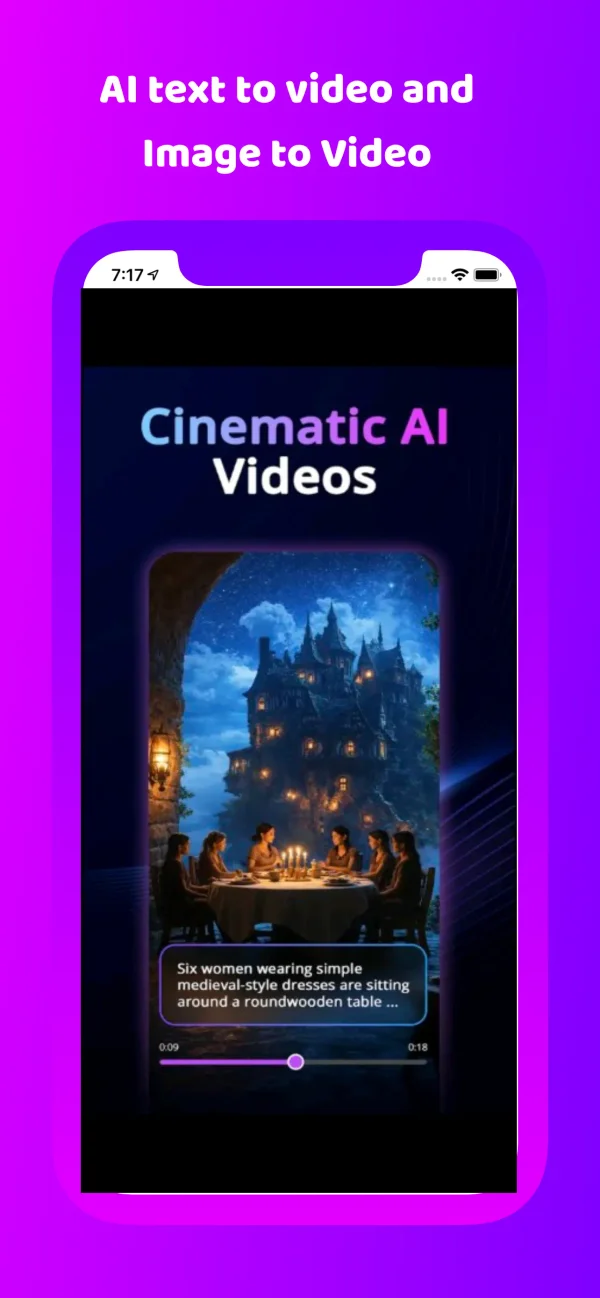
Generate short videos based on your prompt and selected options
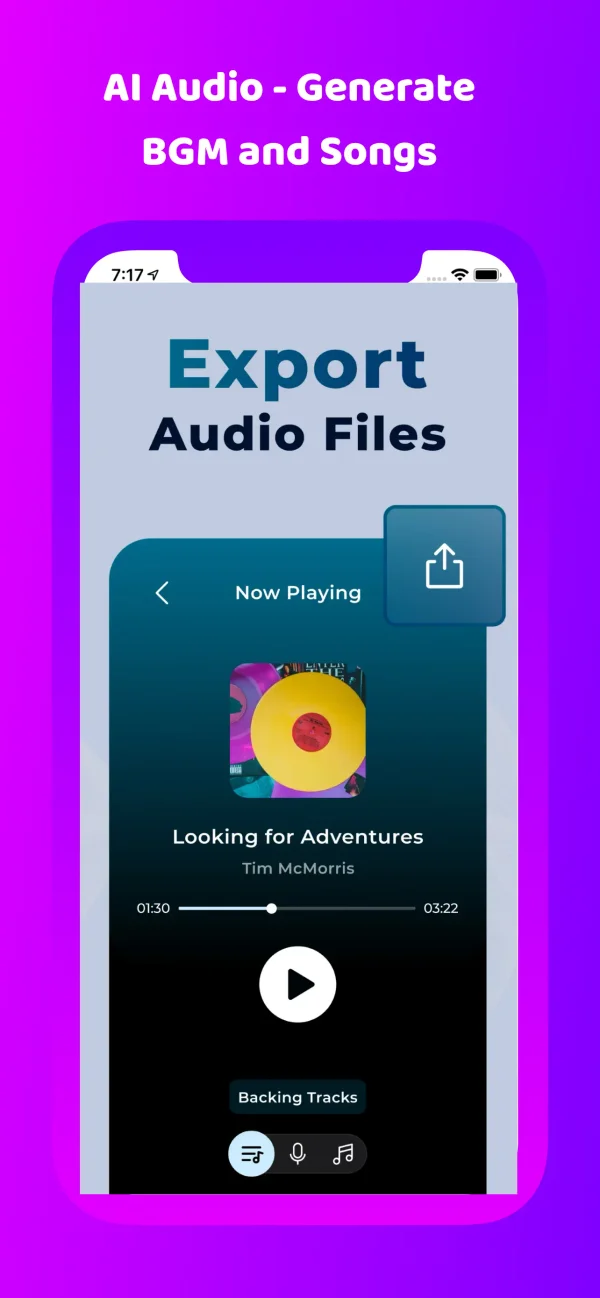
Generate audio for concepts, backgrounds, and quick creative experiments
AI Trading
Use AI Trading in the app with a chart screenshot from your gallery or camera. KeyoAI turns it into structured, narrative-style commentary—ideas around levels, scenarios, and context—for learning and brainstorming only. This is not personalized investment, tax, or legal advice, not a recommendation to buy or sell any security, and not a substitute for your own judgment or a licensed professional. Availability and pricing (including subscription or pass options where offered) are shown in the app before you use the feature.
Designed for everyday use
KeyoAI is built for messaging, email, notes, and social posts—plus fast creation when you need visuals or media, and optional chart reads when you want a second lens on a screenshot you already have. Whether you want clearer wording, a friendlier tone, a shorter version of what you wrote, or a brand-new image/video/audio idea, you can do it from one place.
Internet access and control
Some features use the internet to run AI. On iPhone, third‑party keyboards need Full Access turned on for features that use the network. You stay in control and can change Full Access or remove the keyboard anytime in Settings.
Subscriptions and billing
Subscription options (and/or passes) may be available in the app to unlock premium AI features—including AI Trading where offered. Details and pricing are shown in the app before you purchase.
Privacy and support
We care about transparency. A privacy policy is available inside the app on the Contact Us screen. If you have questions or feedback, use Contact Us in the app to reach support.
KeyoAI is built to make typing on your phone feel smarter and simpler—and to give you an all-in-one AI studio in your pocket.
Terms of Use (EULA): https://www.apple.com/legal/internet-services/itunes/dev/stdeula/
What’s new
Version 4 · May 14, 2026
• AI Trading — Analyze chart screenshots from your gallery or camera for structured, narrative-style reads to support learning and ideas. Not personalized investment advice; eligibility and pricing are shown in the app.
• Bug fixes — Stability and polish improvements across the keyboard and studio.
App privacy
What KeyoAI declares on the App Store about how this app handles data.
-
Data not collected
The developer does not collect any data from this app.
Privacy practices may vary, for example with the features you use or your age.
Information
- Seller
- KeyoAI
- Category
- Productivity
- Version
- 4
- Updated
- May 14, 2026
- Released
- Apr 2, 2026
- Size
- 89.2 MB
- Requires
- iOS 15.5 or later
- Age rating
- 4+
- Price
- Free
- In-app purchases
- Yes
- Languages
- English
- Copyright
- © 2026 Vijayasekar Thanga mani
You might also like
-
 ASOWise – App Ranking ToolKeyword Finder & ASO Tracker
-
 What? - AI RewriterRewrite anything with AI
-
 Shortcut Manager - App HubRight-Click Launch Apps in Hub
-
 Screen Time - Break CheckHabit Timers, No App Blocking
-
 Snap VPN: Fast & Secure VPNFast & Private VPN Servers
-
 PumpSniperpump.fun tracker & risk radar
-
 Noteleap Meeting Summary AIVoice Notes Taker & Transcribe
-
 Unlocked: Business CoachAI mindset coach
-
 yeknegahPersian Calendar,Notes,Planner
-
 TimeTempOnline time management