
KeyVox
Type, send in your own voice
Designed for iPhone, iPad
Free · In-app purchases
- Age rating4+
- CategoryUtilities
- Developer三平 黎
- LanguagesEnglish+ 1 more
- Size7.6 MB
Links to the official App Store page
Download.org hosts no file of KeyVox. The button opens its official App Store page, published by 三平 黎. Listing last checked on Nov 13, 2026.
Screenshots


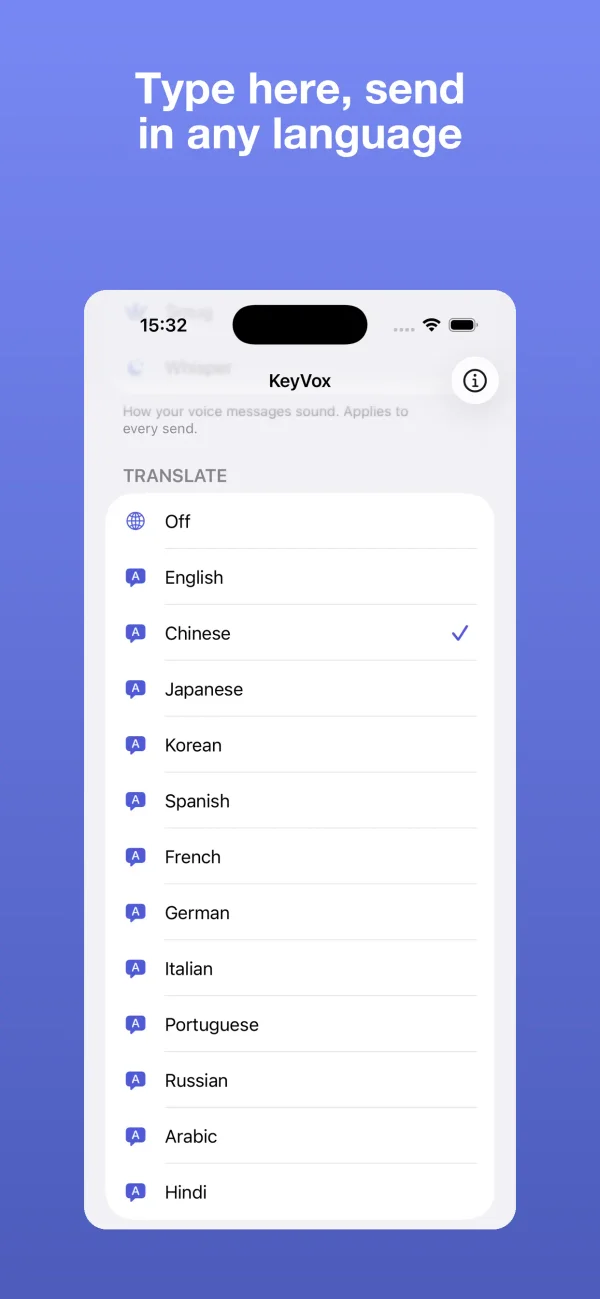
About
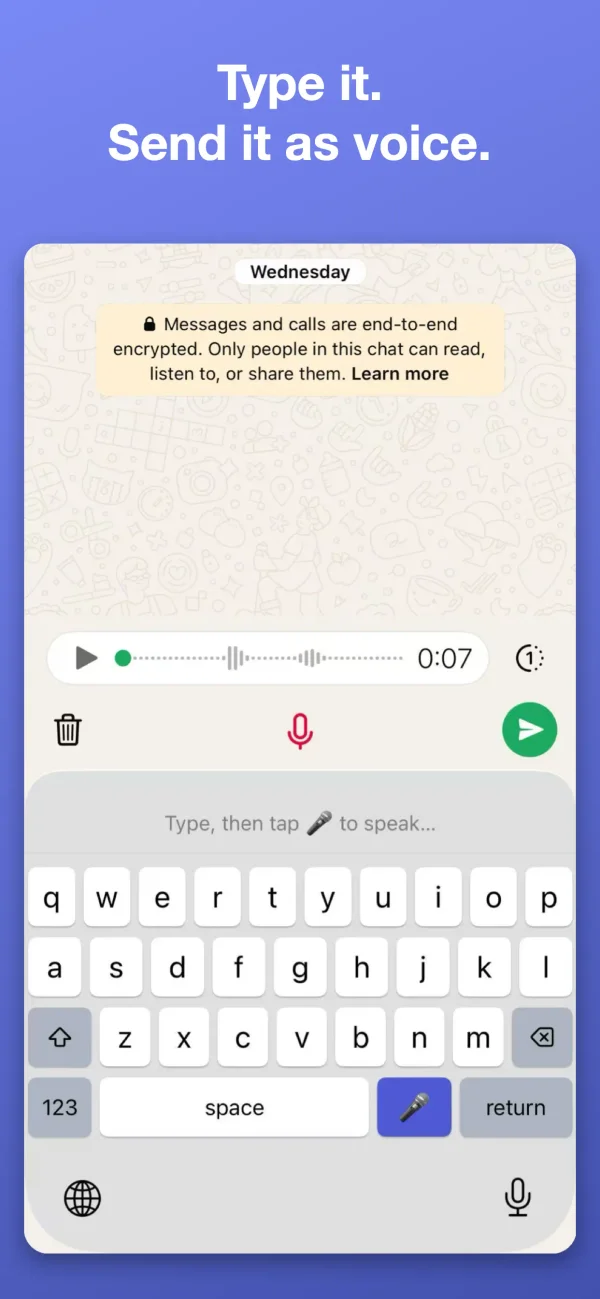
KeyVox turns typed messages into audio using a default voice or your own cloned voice.
CREATE AUDIO WITH YOUR USUAL KEYBOARD
Open KeyVox, tap Create audio, and type with your usual keyboard. Generate audio, review the spoken text, then choose Listen or Share audio file. You can try the default voice without installing the keyboard extension.
MORE ROOM ON IPHONE DUO
The interface adapts to the available window size. Wider windows show writing and audio controls side by side; narrow windows use a single column.
CHOOSE HOW YOU SOUND
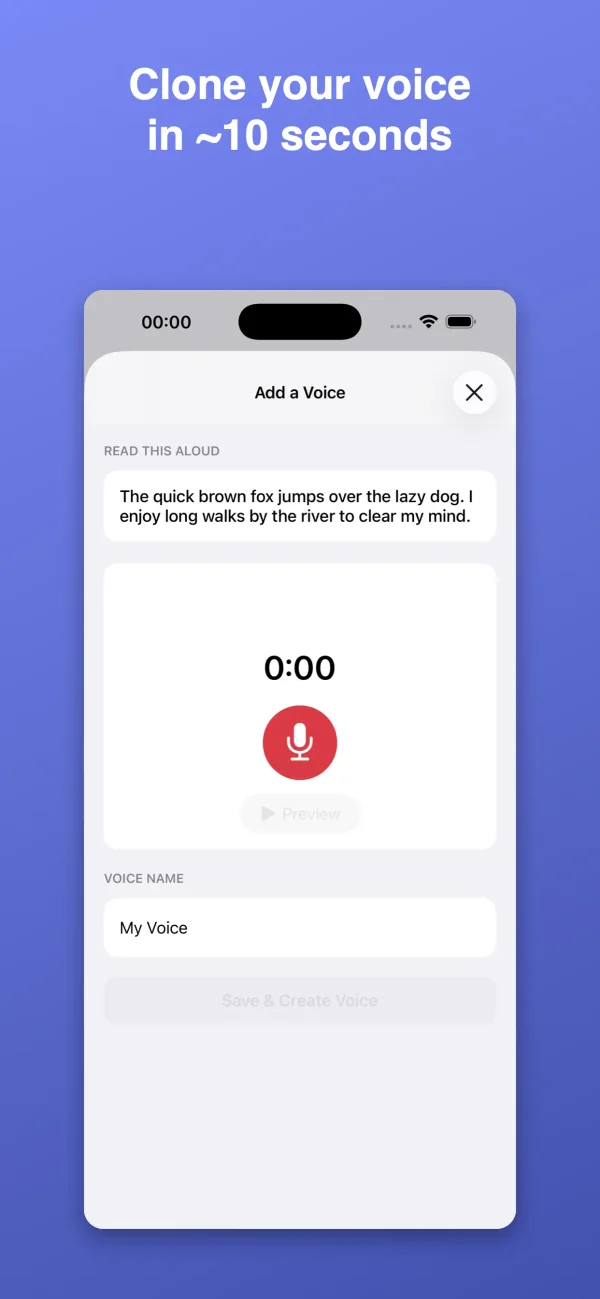
Use the included voice, or create a personal voice with KeyVox Pro. Choose a speaking style for your message. Save your own frequently used phrases locally for quick reuse.
OPTIONAL TRANSLATION
On supported systems, select a target language and review the translated text. If translation is unavailable, KeyVox asks before using your original text. Language availability and downloads depend on Apple's Translation framework.
SHARE AN AUDIO FILE
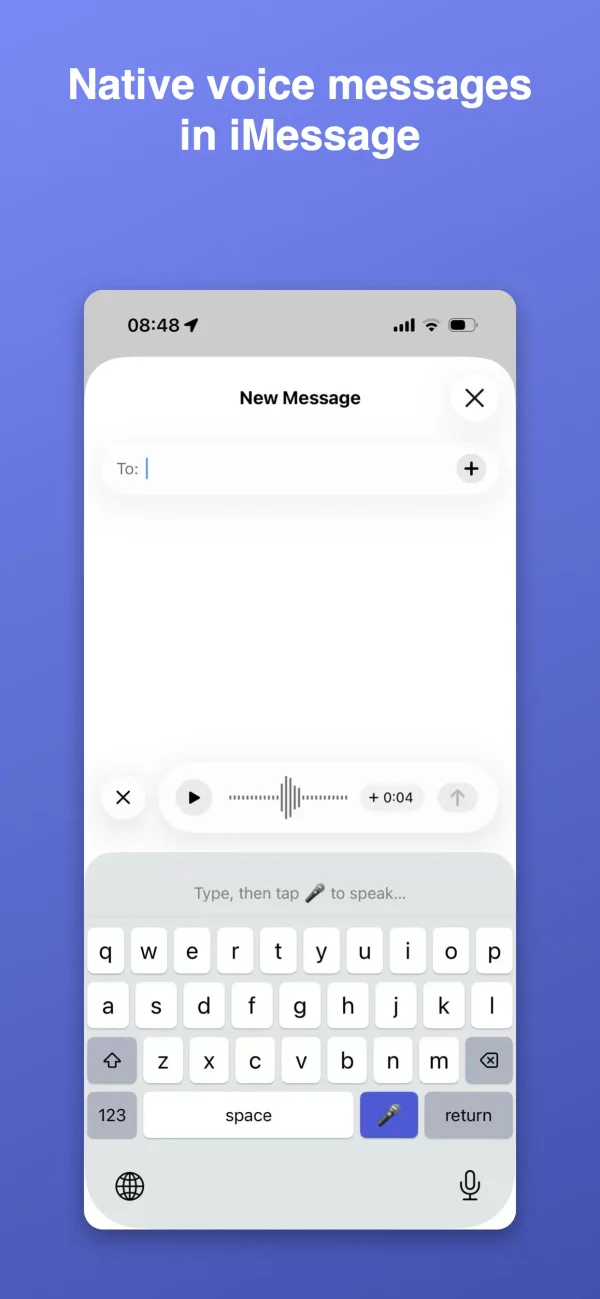
Sharing passes an audio file to the app you select. Its appearance depends on the receiving app and may not be a native voice-message bubble. Generation and sharing do not automatically play audio; Listen plays aloud.
OPTIONAL KEYBOARD SHORTCUT
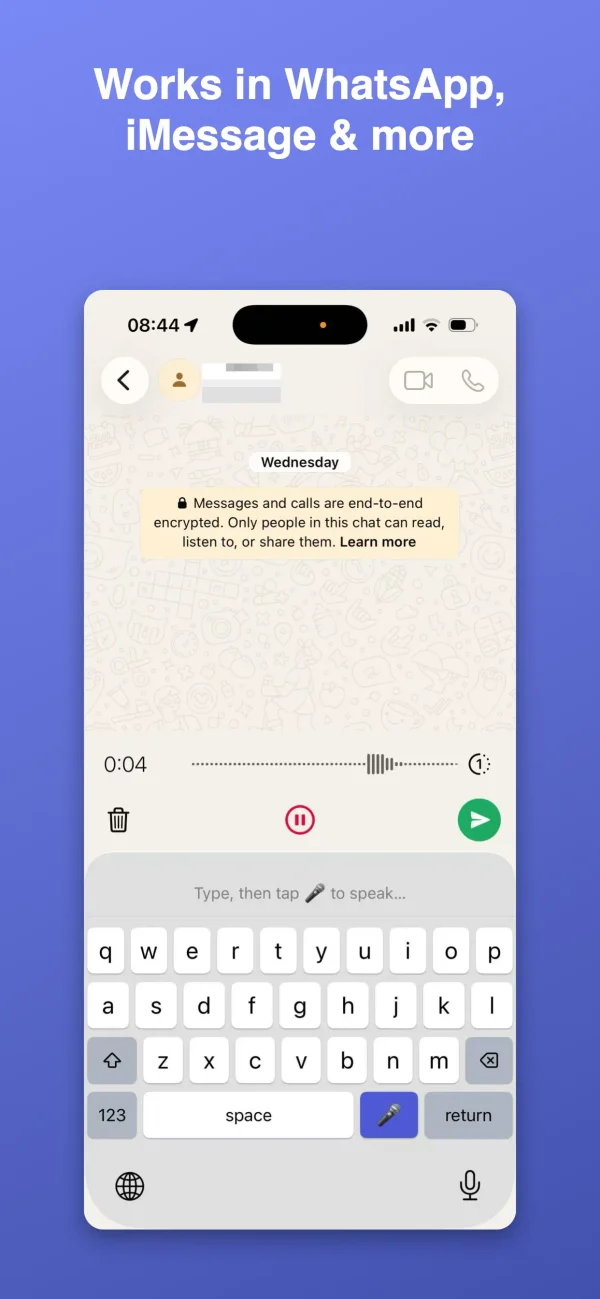
The KeyVox keyboard can open the app to prepare speech, then play it aloud after a countdown while you switch back and hold a chat app's record button. This method requires a suitable audio setup and compatible app. It is not silent sending and does not inject audio into other apps. Full Access is needed only for the keyboard's voice feature.
FREE & PRO
Generate up to 2 messages a day for free. KeyVox Pro unlocks unlimited generation and personal voice cloning. Replaying or sharing an already generated file does not create a new generation.
SUBSCRIPTION
KeyVox Pro is an auto-renewing yearly subscription. Payment is charged to your Apple ID at confirmation. It renews automatically unless cancelled at least 24 hours before the period ends. Manage or cancel in Settings. Any introductory offer is shown in the app when eligible.
Privacy Policy: https://atom-saturn-567.notion.site/KeyVox-Privacy-Policy-37cc7f4e42e780f5b268f27ebe46e7b9
Terms of Use: https://www.apple.com/legal/internet-services/itunes/dev/stdeula/
What’s new
Version 1.4 · Nov 8, 2026
• New: create audio directly with your usual keyboard, then listen or share an audio file.
• Adaptive single- and two-column layouts for iPhone Duo and resizable windows.
• Save and reuse your own phrases.
• Translation failures now ask before speaking the original text.
• Improved playback cancellation, replay and interruption handling.
App privacy
What 三平 黎 declares on the App Store about how this app handles data.
-
Data linked to you
May be collected and linked to your identity.
- Purchases
- User content
- Identifiers
- Usage data
-
Data not linked to you
May be collected but is not linked to your identity.
- Identifiers
Privacy practices may vary, for example with the features you use or your age.
Information
- Seller
- 三平 黎
- Category
- Utilities
- Version
- 1.4
- Updated
- Nov 8, 2026
- Released
- Jun 23, 2026
- Size
- 7.6 MB
- Requires
- iOS 16.0 or later
- Age rating
- 4+
- Price
- Free
- In-app purchases
- Yes
- Languages
- English, Simplified Chinese
- Copyright
- © 2026 Supern Lee
You might also like
-
 Morph: AI Voice ChangerAI Voice Transform & TTS
-
 Vosay: AI Voice GenerateUtilities
-
 AsteryskAI Chat Assistant for Safari
-
 Personas KeyboardUtilities
-
 FlyVox: AI Live TranslatorSimultaneous Interpretation
-
 Passora: Wallet Pass MakerCreate & keep Wallet passes
-
 TunePocketMulti-functional Microphone
-
 具语配装Utilities
-
 AI Voice Cloner: Voice CloningVoice Generator
-
 calliotelUtilities