
KiCAD PCB Viewer
Fast PCB Layout Viewer for EDA
Designed for iPhone, iPad, iPod touch
$1.99
- Age rating4+
- CategoryGraphics & Design
- Developer明杰 曾
- LanguagesEnglish+ 7 more
- Size13.6 MB
Links to the official App Store page
Download.org hosts no file of KiCAD PCB Viewer. The button opens its official App Store page, published by 明杰 曾. Listing last checked on Nov 26, 2026.
Screenshots
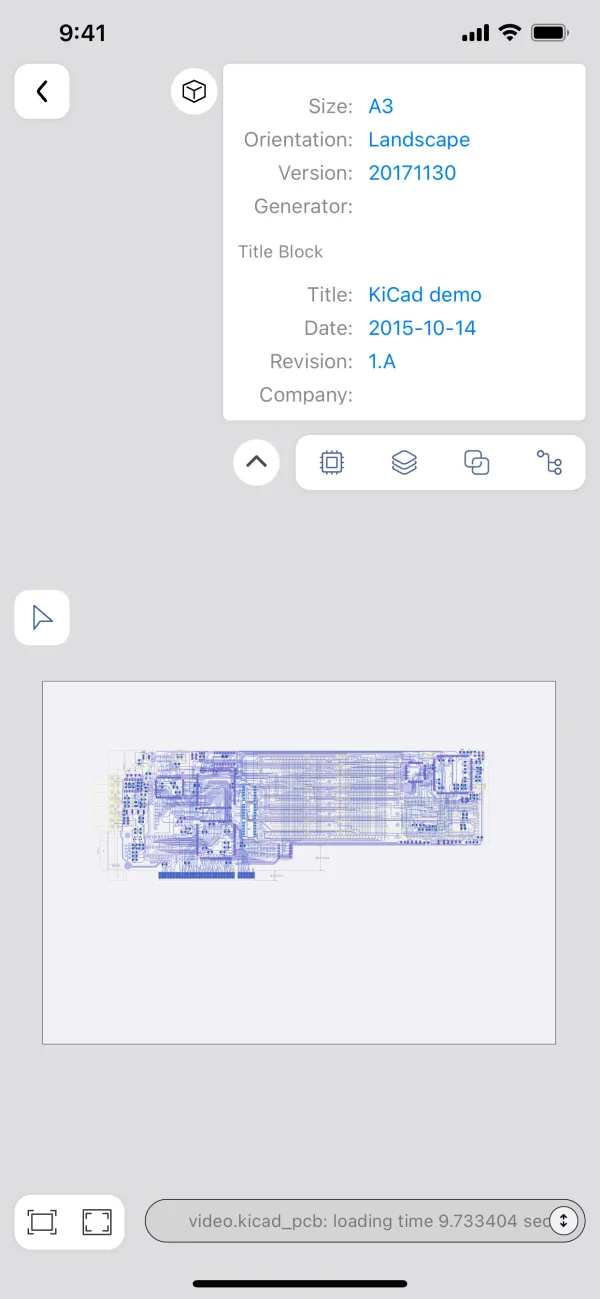
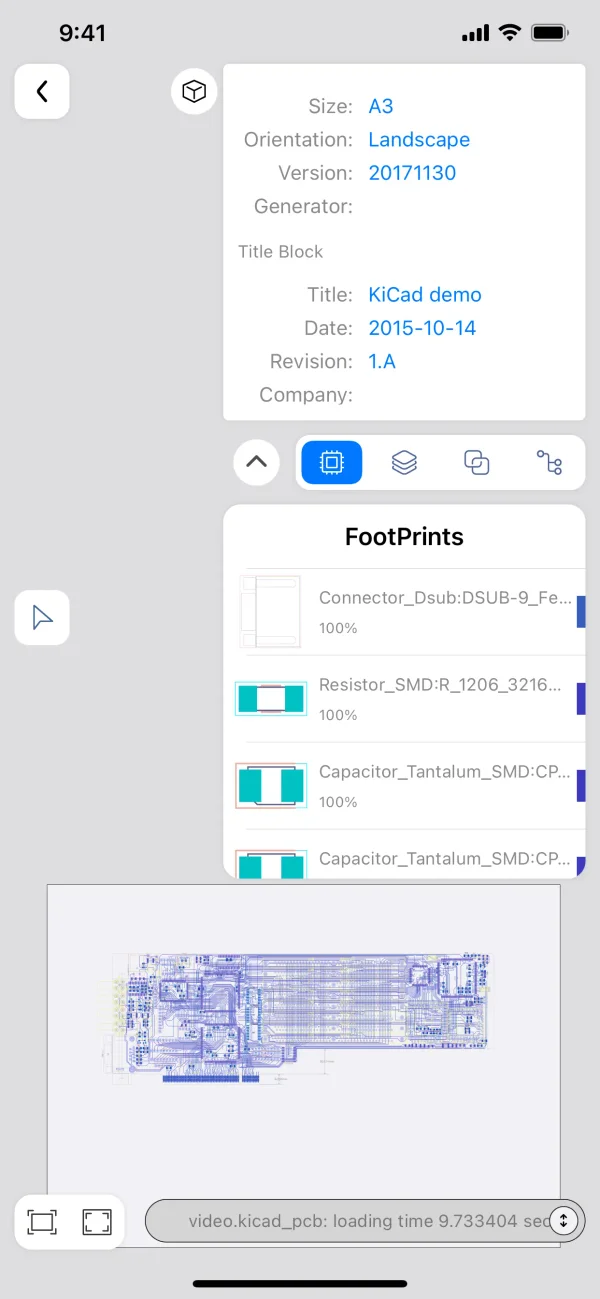
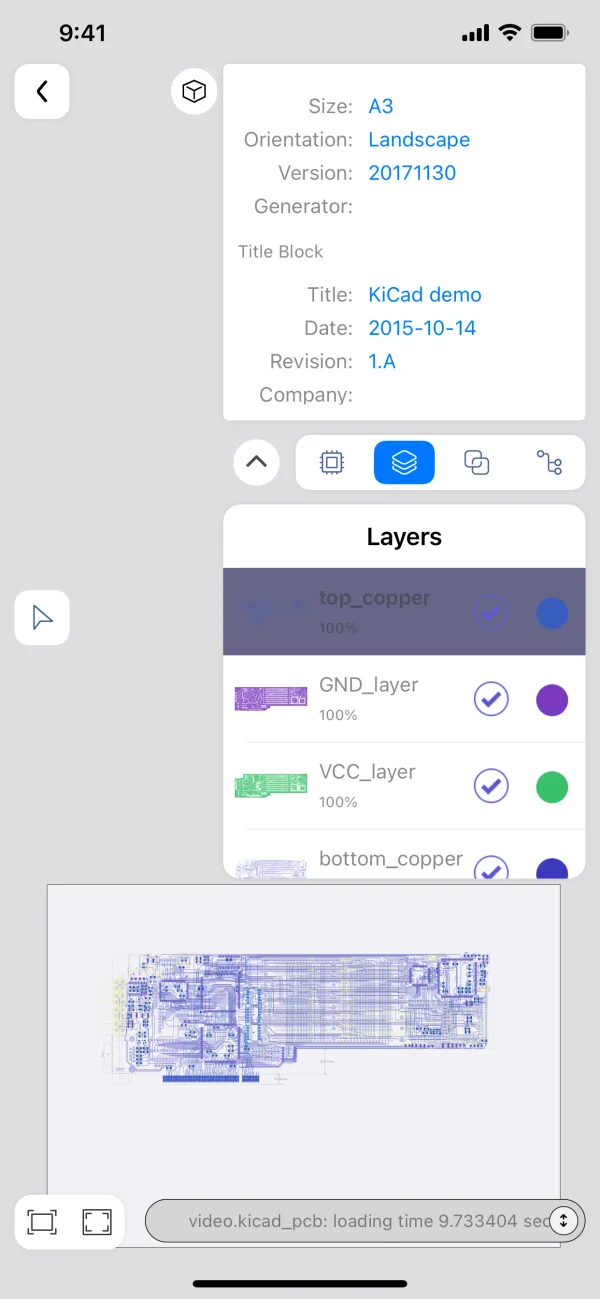
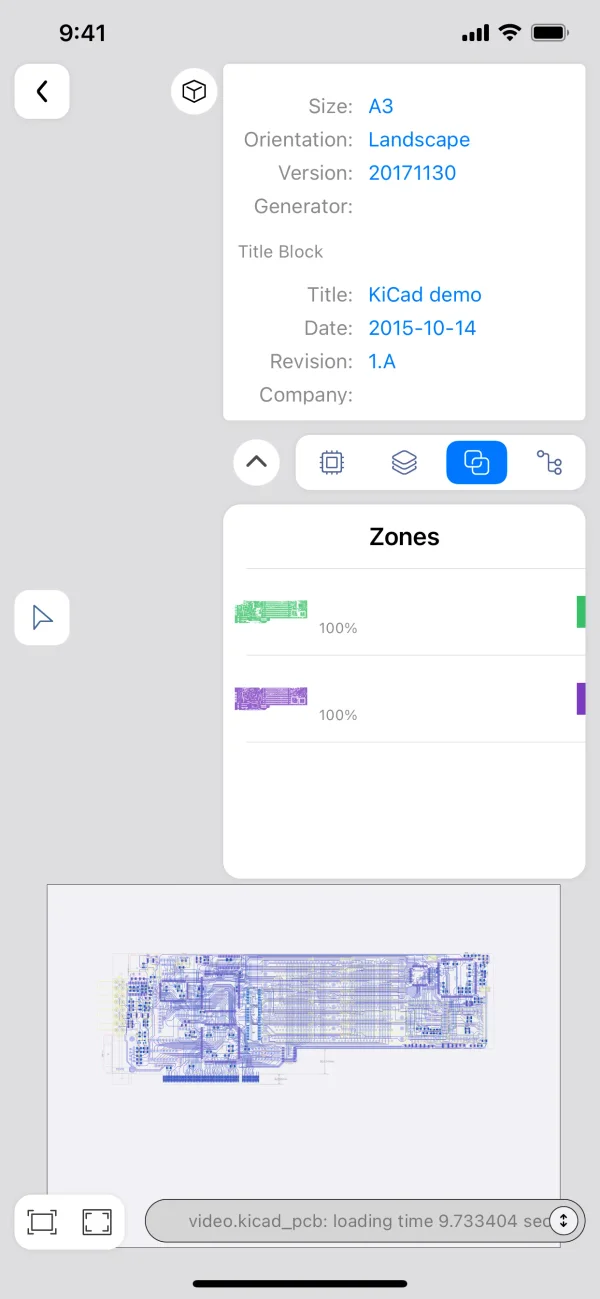
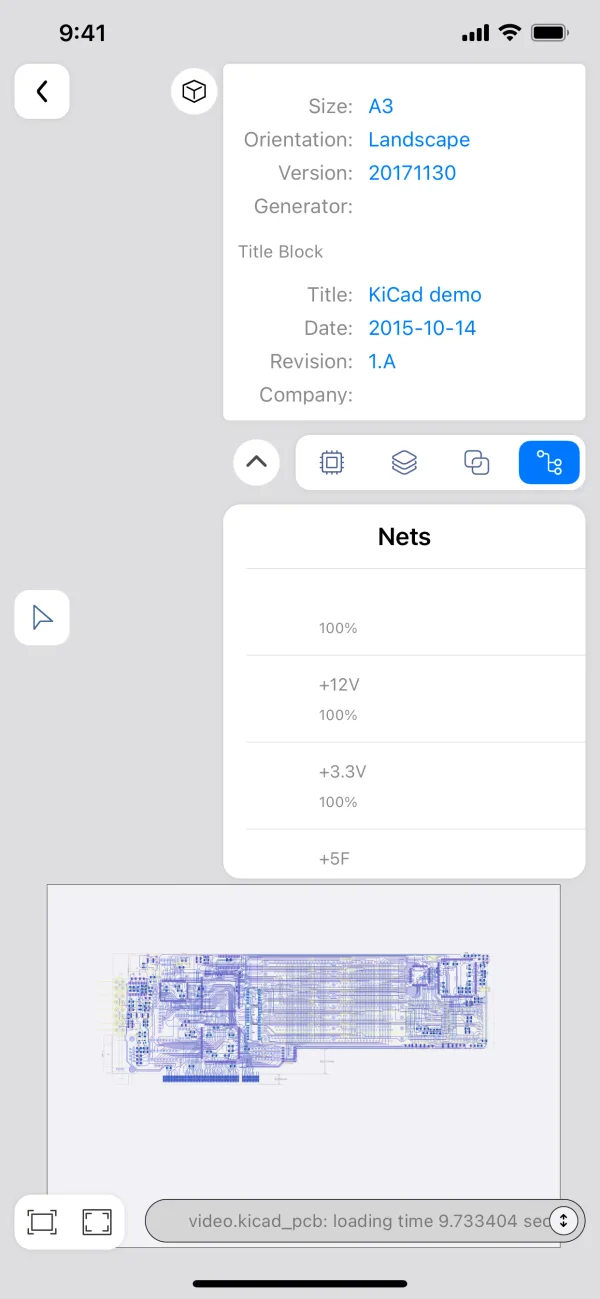
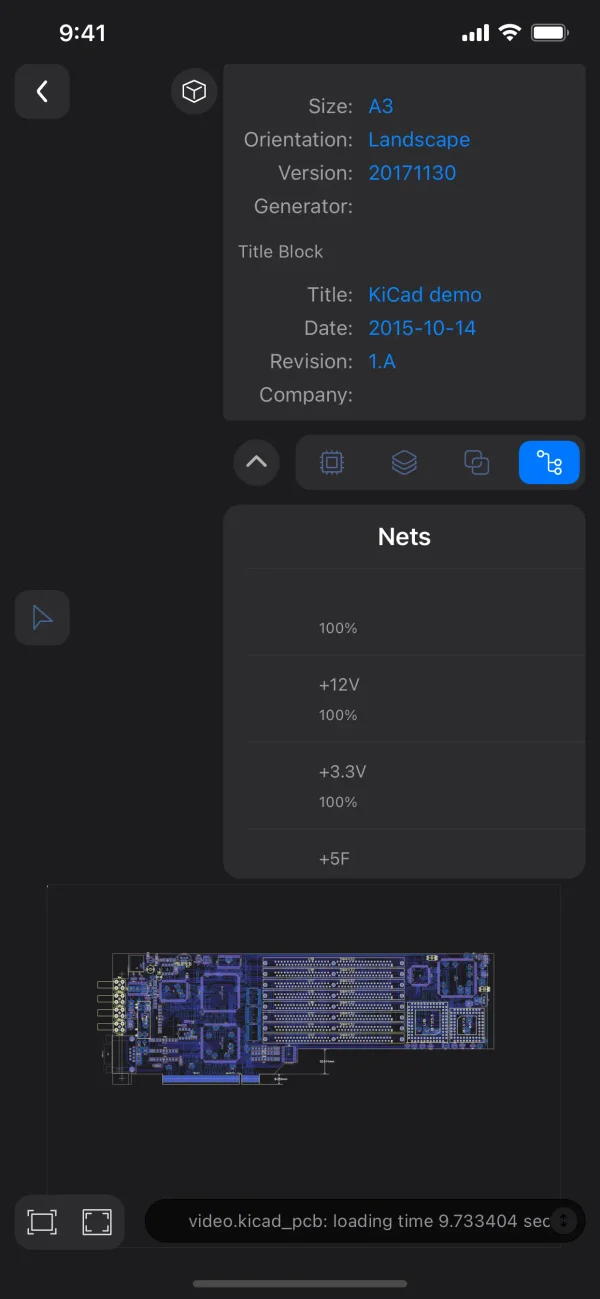
About
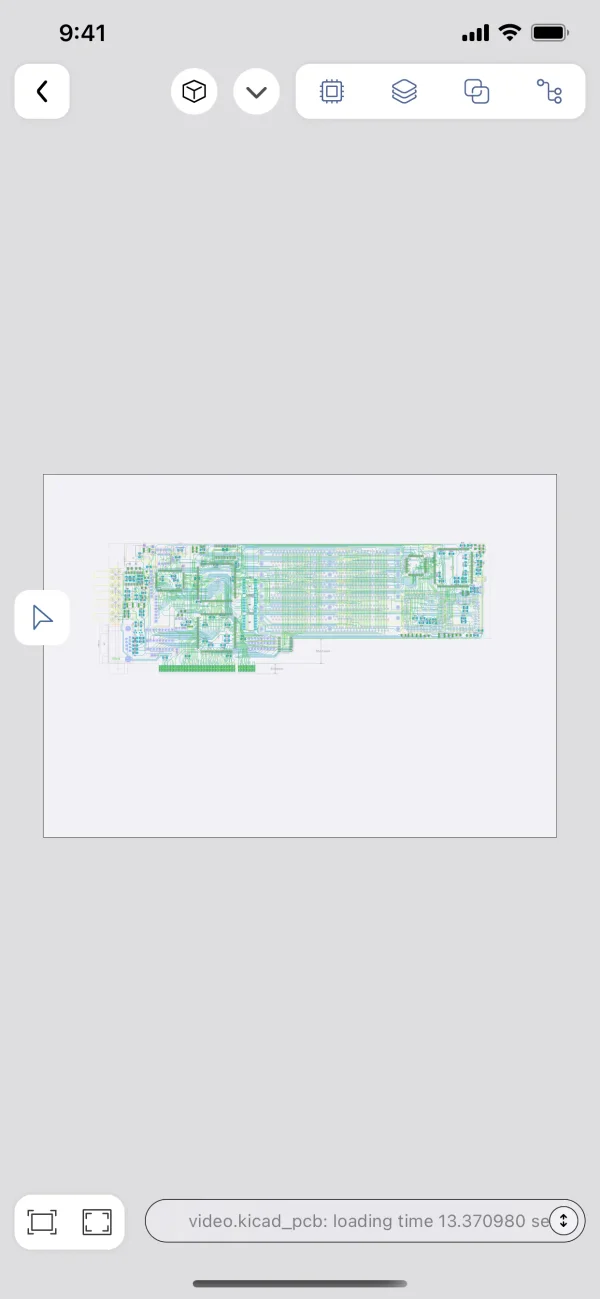
A native, high-performance mobile viewer for KiCAD 3 - 10 PCB files, built to rapidly open large, complex multi-layer boards with smooth 2D and 3D inspection on iPhone and iPad. For any questions, feedback, or ideas, contact xjerry248@gmail.com.
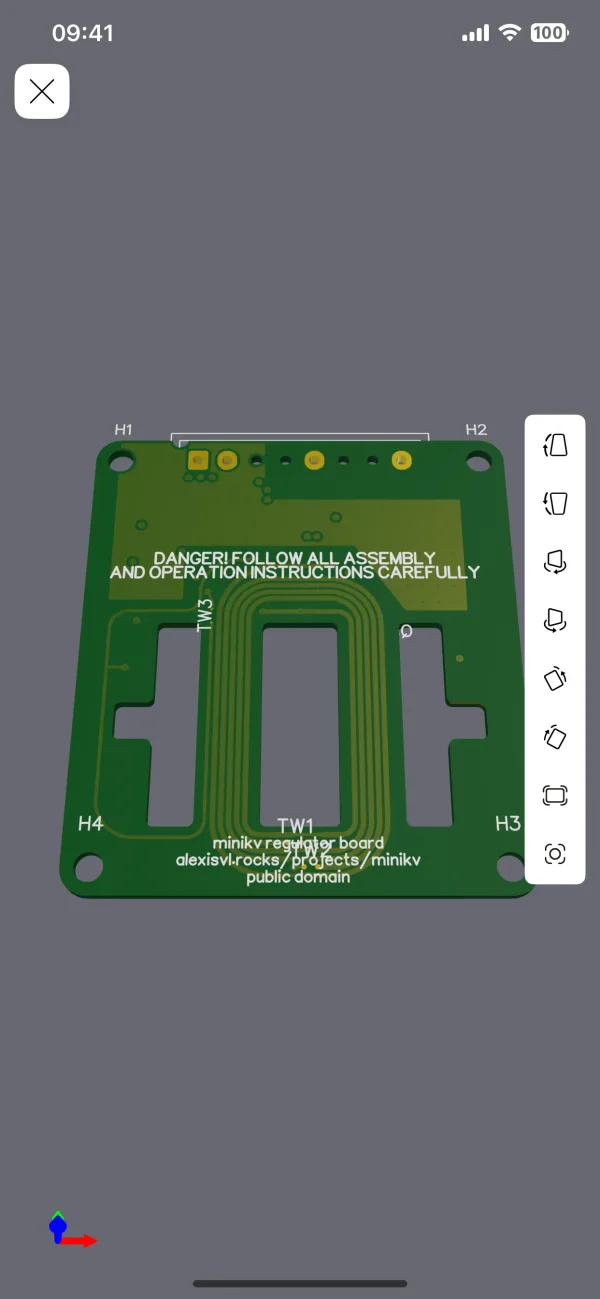
KiCAD PCB Viewer is a highly professional tool developed specifically for viewing and reviewing PCB design files generated by KiCAD. The tool integrates an advanced graphical interface that allows users to deeply browse PCB designs in a multi-layer view mode, supporting comprehensive analysis and verification of complex boards.
Users can view the component layout, electrical connections, and signal paths of each layer in detail, and perform interactive design verification and troubleshooting. KiCAD PCB Viewer provides real-time zoom, pan, and rotation capabilities, enabling users to precisely locate and inspect every detail of the board. At the same time, the tool supports various display modes, including transparent view, high brightness display and inter-layer contrast, helping users to quickly identify and solve potential problems.
KiCAD PCB Viewer also has a powerful Design Rule Check (DRC) feature that automatically detects and flags design violations to ensure that your board design meets industrial manufacturing standards. In addition, the tool supports annotation and marking capabilities, which facilitate team collaboration and design review.
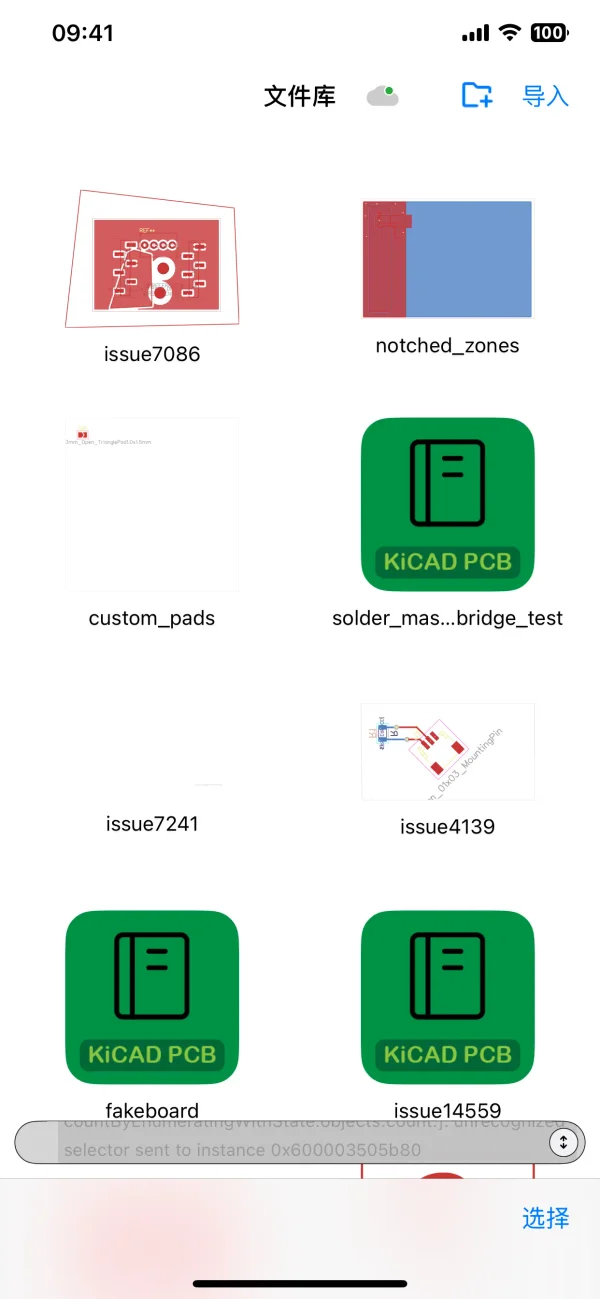
You can access the Web interface of the APP directly in the browser, easily manage, upload and download the PCB design file generated by KiCAD, and achieve cross-platform convenient and efficient file operation.
KiCAD PCB Viewer supports the Model Context Protocol (MCP). Through this protocol, it can provide AI models with the necessary context from PCB files to enhance circuit analysis. Engineers can connect KiCAD PCB Viewer with AI - driven functions like automated design analysis and intelligent verification. This allows them to more effectively identify potential PCB design issues and improve the overall quality of their PCB designs.
KiCAD PCB Viewer provides engineers with comprehensive support to ensure high quality, reliability, and manufacturability of PCB designs, whether at the beginning of design, mid-development, or final review before production. By using KiCAD PCB Viewer, engineers can more efficiently perform design verification, optimization, and fault diagnosis, improving overall design efficiency and product quality.
What’s new
Version 1.4.5 · Nov 25, 2026
Thank you for your feedback! New features in this release:
Added: Structured KiCad 5-10 PCB query tools.
Added: Streaming board caching, concurrent request coalescing, and hardened security checks for the MCP service.
Fixed: Removed leftover startup test server occupying port 3000.
Fixed: Allowed upload file extensions initialization order in the built-in Web server.
Fixed: Address display, template formatting, and error reset issues in Web/MCP settings.
Fixed: 3D preview toolbar layout on expanded/large iPhone viewports.
Fixed: Canvas file info overlay intercepting touch gestures.
App privacy
What 明杰 曾 declares on the App Store about how this app handles data.
-
Data not linked to you
May be collected but is not linked to your identity.
- Diagnostics
Privacy practices may vary, for example with the features you use or your age.
Information
- Seller
- 明杰 曾
- Category
- Graphics & Design
- Version
- 1.4.5
- Updated
- Nov 25, 2026
- Released
- Jun 29, 2023
- Size
- 13.6 MB
- Requires
- iOS 15.0 or later
- Age rating
- 4+
- Price
- $1.99
- Languages
- English, French, German, Italian, Japanese, Korean, Simplified Chinese, Traditional Chinese
- Copyright
- ©PCB Viewer
You might also like
-
 PCBAtlasPCB & Gerber Viewer
-
 Protoboard: PCB Design & CADCircuit Board Layout & Gerber
-
 Infinity SketchGrid-based schematic sketching
-
 易企秀-邀请函H5海报抽奖投票、AI绘画做图抠图创作水印相机Graphics & Design
-
 ælbumVisual Albums
-
 Quick Draw: AR TracingPin images & trace in AR
-
 Relax For A MinuteGraphics & Design
-
 Part3D: 3D CAD & ModelingPowerful CAD for hobbyists
-
 Glowini - AI Photo EditorRemove Backgrounds Instantly
-
 Flowchart Designer 5AI drafts. Pro diagrams on Mac