
PCBAtlas
PCB & Gerber Viewer
Designed for iPhone, iPad, Mac
Free · In-app purchases
- Age rating4+
- CategoryGraphics & Design
- DeveloperShanghai Astroform Software Ltd.
- LanguagesEnglish+ 11 more
- Size160.1 MB
Links to the official App Store page
Download.org hosts no file of PCBAtlas. The button opens its official App Store page, published by Shanghai Astroform Software Ltd. Listing last checked on Nov 17, 2026.
Screenshots
About
Open and review PCB design and manufacturing files locally on iPhone, iPad, and Mac.
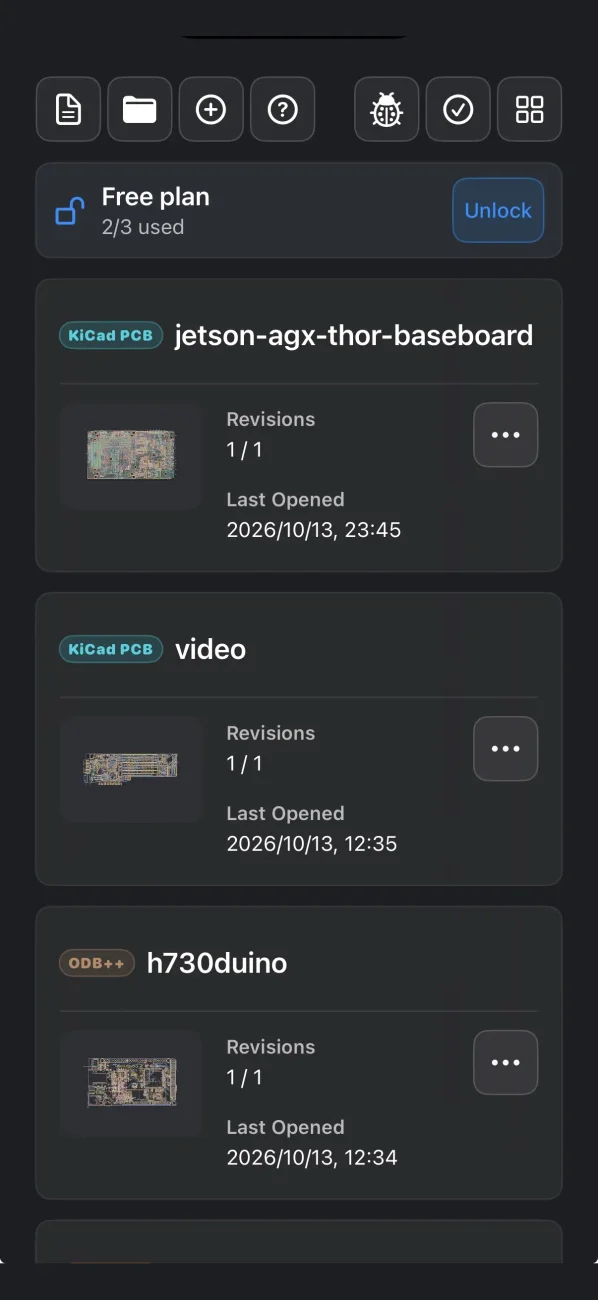
PCBAtlas is a local-first PCB viewer and review workspace for hardware teams, PCB designers, firmware engineers, QA reviewers, and anyone who needs to inspect real board data away from a full EDA station.
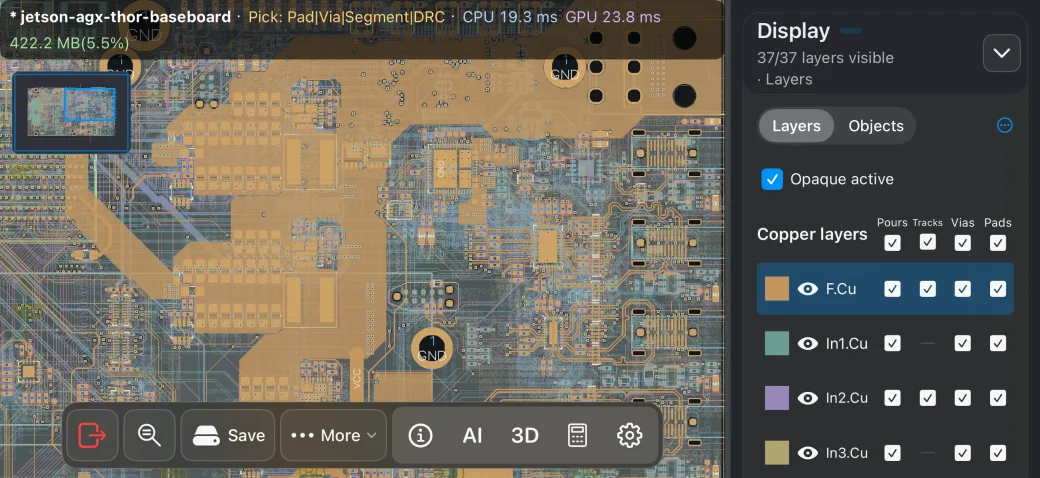
Import supported KiCad projects, schematics, board files, DSN, IPC-2581 XML, ODB++ archives or directories, and recognized manufacturing packages. Keep board revisions in managed PCB workspaces, inspect layouts in 2D, browse project and schematic context where available, and use board-level 3D when spatial context helps.
What PCBAtlas helps with:
- Open supported PCB design and manufacturing files without uploading them to a web viewer
- Organize board revisions in a local library
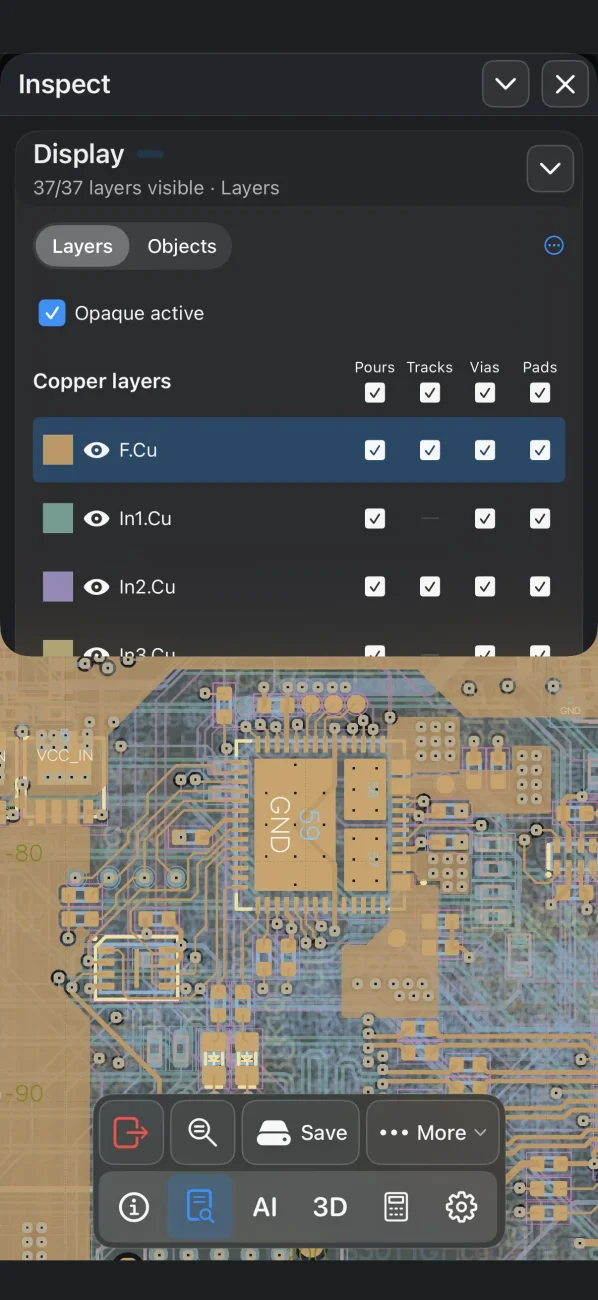
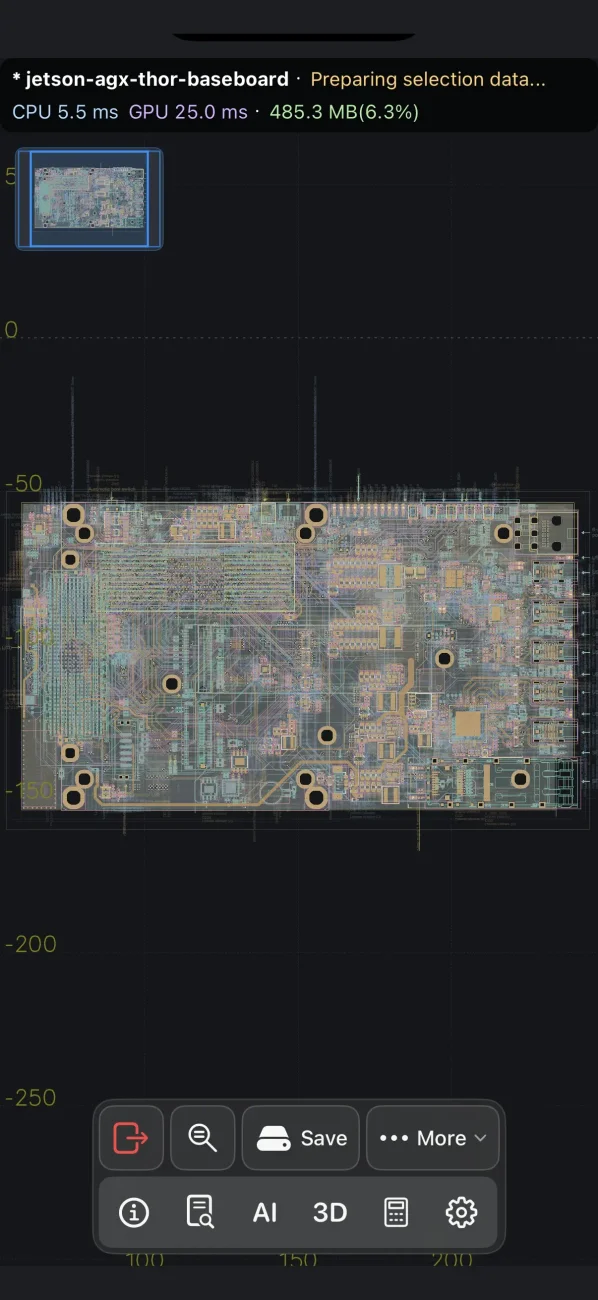
- Inspect dense boards with pan, zoom, layer controls, search, object details, and selection tools
- Review project data, schematic context, statistics, and import status in Data views
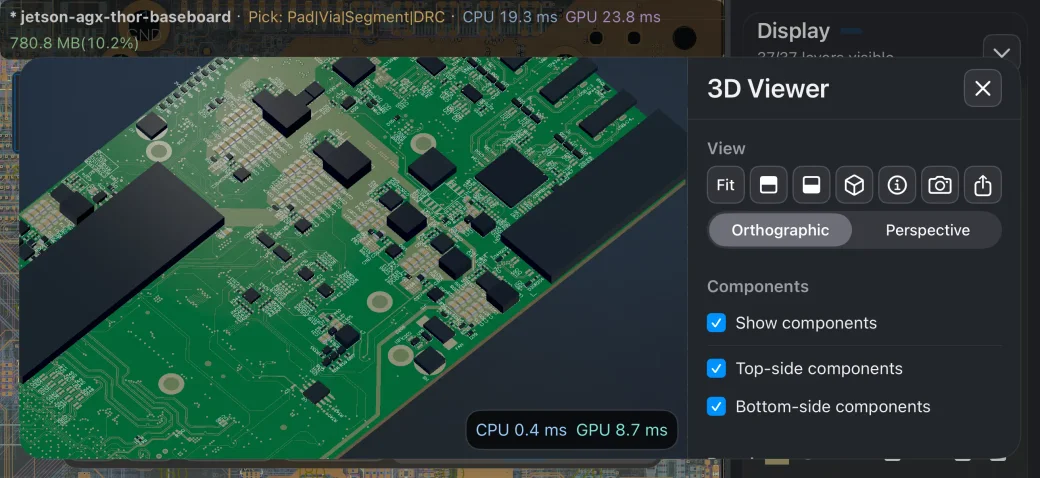
- Use board-level 3D for supported board sessions
- Export PNG/PDF captures, original source packages, converted board outputs, and shareable handoff materials with PCBAtlas Plus
The free tier lets you import and review boards with up to three PCB workspaces. PCBAtlas Plus is a one-time in-app purchase that unlocks unlimited workspaces, export, source delivery, converted outputs, and sharing workflows.
PCBAtlas is built for review, inspection, QA, and delivery workflows.
What’s new
Version 1.3.1 · Oct 26, 2026
- Move tracks and vias with Slide without waiting for automatic rule checks or copper refill. Refill copper manually when ready, with separate undo support.
- Fixed missing Slide controls and kept connected traces attached to vias after saving and reopening native documents.
- Improved Allegro board import compatibility, including pad layer ranges, surface pads, and legacy annotations.
- Enjoy a steadier toolbar, better landscape 3D layouts, and consistent menu colors when switching themes.
- Fixed a crash during repeated schematic-to-PCB navigation.
App privacy
What Shanghai Astroform Software Ltd. declares on the App Store about how this app handles data.
-
Data not collected
The developer does not collect any data from this app.
Privacy practices may vary, for example with the features you use or your age.
Information
- Seller
- Shanghai Astroform Software Ltd.
- Category
- Graphics & Design
- Version
- 1.3.1
- Updated
- Oct 26, 2026
- Released
- Jun 1, 2026
- Size
- 160.1 MB
- Requires
- iOS 17.0 or later
- Age rating
- 4+
- Price
- Free
- In-app purchases
- Yes
- Languages
- English, French, German, Indonesian, Japanese, Korean, Portuguese, Simplified Chinese, Spanish, Traditional Chinese, Turkish, Ukrainian
- Copyright
- © 2026 Astroform Software Ltd.
You might also like
-
 Protoboard: PCB Design & CADCircuit Board Layout & Gerber
-
 KiCAD PCB ViewerFast PCB Layout Viewer for EDA
-
 Electrical Panel DesignerSwitchboard Wiring Diagram
-
 Shapr 3D CAD modelingDesign models, draft drawings
-
 Qlone 3D ScannerEasy, User-Friendly AR Capture
-
 Lazy LightingProjection Mapping
-
 3D modeling: Design my modelSculpt & sketch digital art
-
 Affinity Publisher 2 for iPadPage layout design, publishing
-
 MagiScan - AI 3D Scanner app3D modeling: scan with camera
-
 Google FlowYour AI creative studio