- Age rating4+
- CategoryEducation
- DeveloperHSIEH TIEN-HENG
- LanguagesEnglish
- Size59.7 MB
Links to the official App Store page
Download.org hosts no file of KinetiNote. The button opens its official App Store page, published by HSIEH TIEN-HENG. Listing last checked on Nov 14, 2026.
Screenshots

About
KinetiNote is an iPad notebook for students and teachers who explain ideas with handwritten notes, function graphs, PDF annotations, and animated current-flow paths.
WRITE AND EXPLAIN
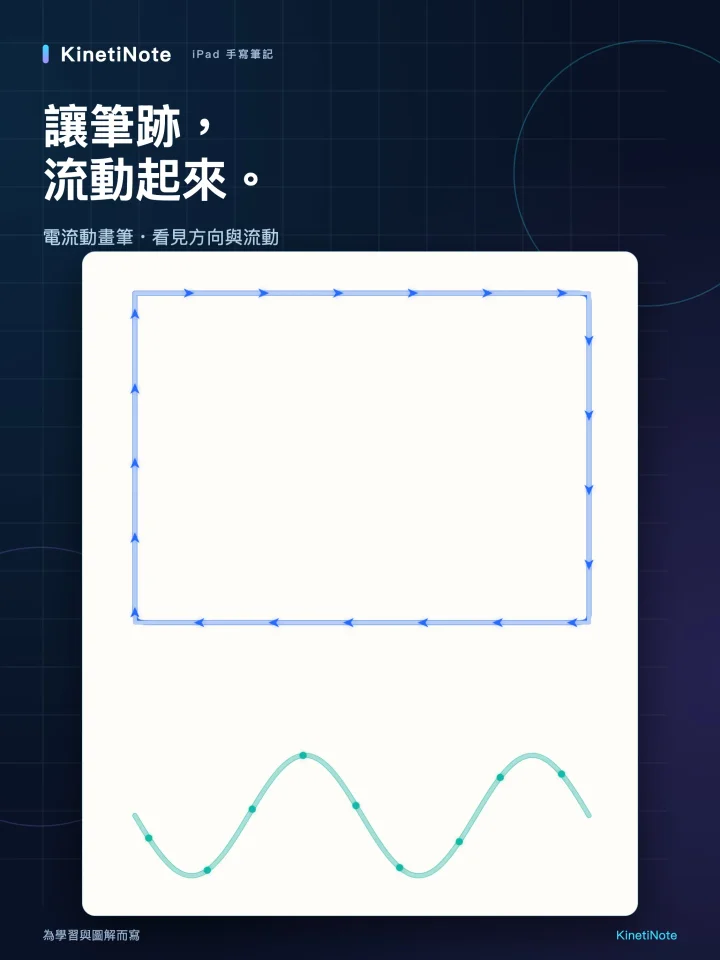
Write with Apple Pencil using pen, pencil, highlighter, and eraser tools. Add circuit symbols and animated current-flow paths. Choose moving dots or arrows, then adjust direction, speed, density, loop, and color to support your explanation. Current-flow paths are visual teaching tools, not numerical circuit simulations.
TYPE A FUNCTION, EXPLORE A GRAPH
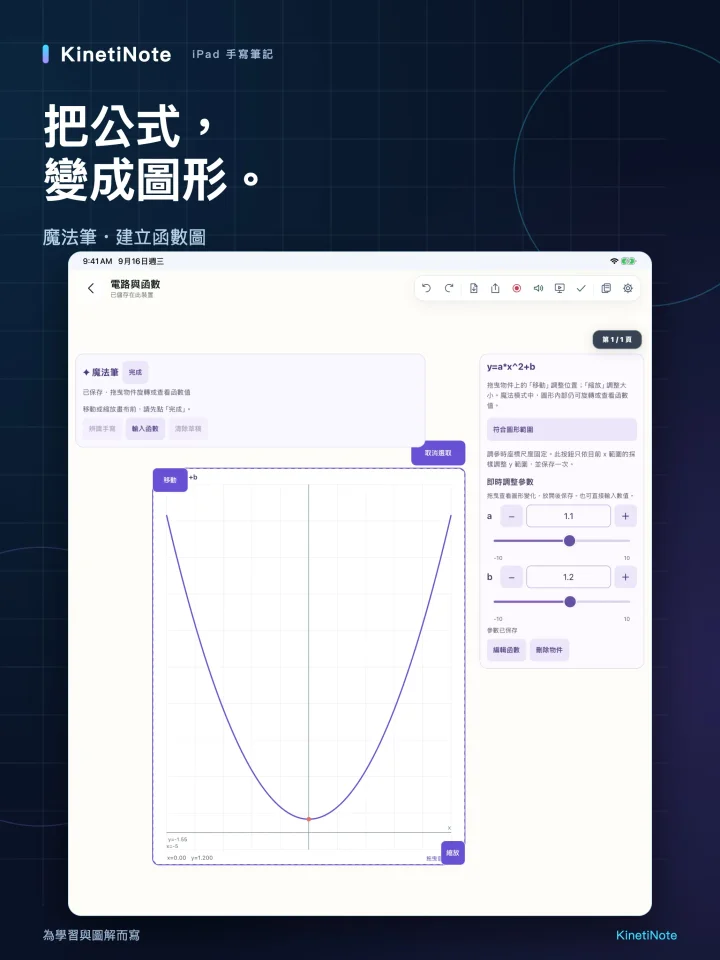
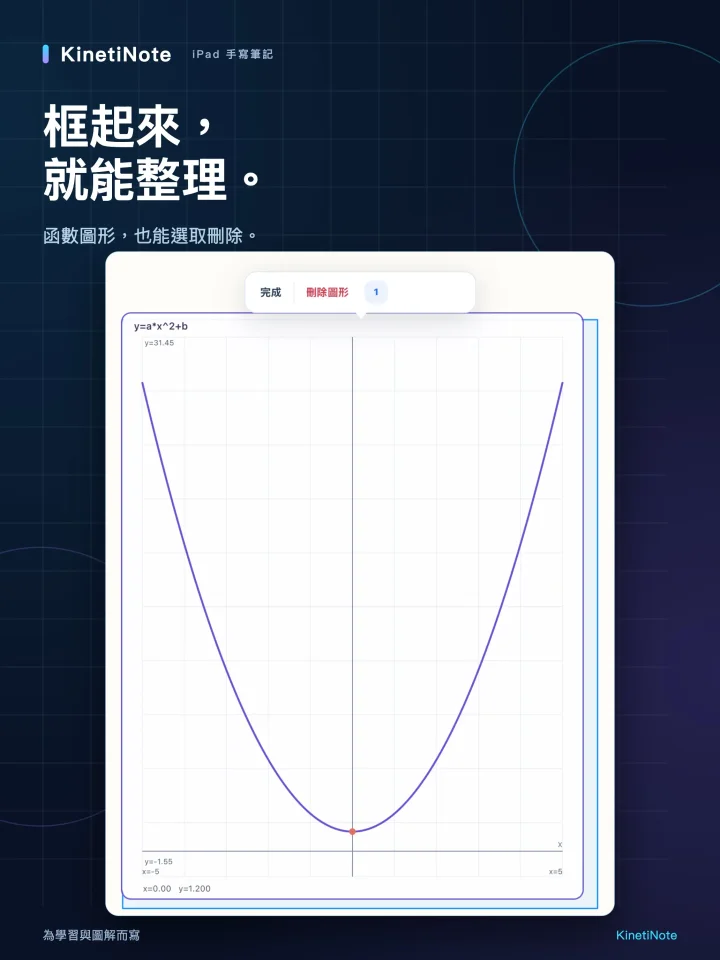
Enter a supported function in Magic Pen or start from a built-in example. Explore 2D curves and 3D surfaces, adjust parameters, and move or resize graph objects. Use rectangular selection to select and delete graph objects. Magic Pen currently uses typed function input; handwriting recognition and freehand shape conversion are not available in this release. Graphing is not a general-purpose math solver.
ANNOTATE AND EXPORT
Import a PDF and annotate its pages on a continuous canvas. Export static pages as PDF, PNG, or JPEG, choosing all pages, the current page, or a selected range. These exports do not play current-flow animations or recordings.
MAKE IT YOUR NOTEBOOK
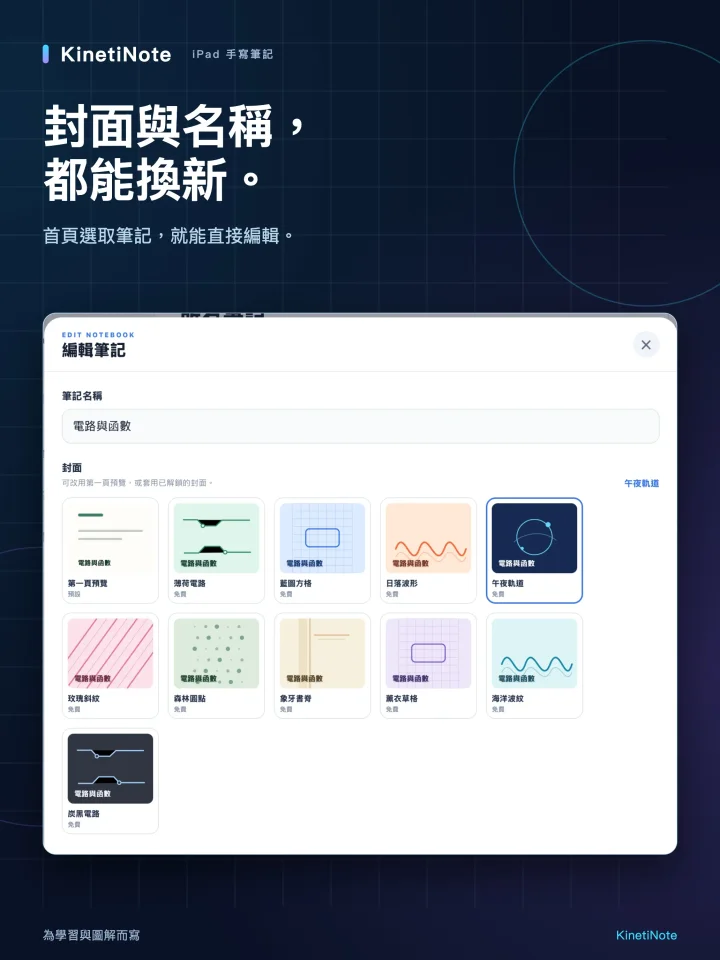
Choose from 10 free covers and six free paper styles: blank, lined, grid, dot grid, Cornell, and dark. Select a regular notebook in the library to edit its name and cover. Optional cover and paper packs are separate one-time purchases.
LOCAL-FIRST
Notes, imported PDFs, and optional recordings are stored on your device. No account is required. Keep your device backed up and export important notes; local storage is not a developer-operated cloud backup.
What’s new
Version 1.0.2 · Sep 27, 2026
• Improved two-finger undo and three-finger redo, including animation restoration for current-flow strokes mixed with ordinary ink.
• Open typed function graphs with ƒx. Drag graph points and move or resize graph objects while using an ordinary pen. Pan inside a 2D graph with one finger and zoom its coordinate range with two fingers.
• Adjust each pen's thickness with a visual slider. Hold the first pen still for one second after drawing a roughly straight line to straighten it, then adjust the endpoint before lifting.
• Improved erasing, local background saving, and restoration of page position and zoom. PDF pages can zoom out below the fitted page size.
• Function input and built-in examples remain available; experimental handwriting recognition and freehand shape conversion remain hidden.
App privacy
What HSIEH TIEN-HENG declares on the App Store about how this app handles data.
-
Data not collected
The developer does not collect any data from this app.
Privacy practices may vary, for example with the features you use or your age.
Information
- Seller
- HSIEH TIEN-HENG
- Category
- Education
- Version
- 1.0.2
- Updated
- Sep 27, 2026
- Released
- Aug 27, 2026
- Size
- 59.7 MB
- Requires
- iOS 16.4 or later
- Age rating
- 4+
- In-app purchases
- Yes
- Languages
- English
- Copyright
- © 2026 ElectronEdu
You might also like
-
 AniNotes: Animated STEM NotesEducation
-
 LCXR Chinese WritingEducation
-
 French Khmer Dictionary ProOffline French to Khmer
-
 CamBeeEducation
-
 3DPhyS : Physics SimulatorLearn with Physics Engine
-
 Math Master: 4th Grade FunMaster Math with Fun Games
-
 MoEYS HRCPDCPDMIS and HRCPD
-
 Khmer Bible AppKhmer Bible
-
 Mekong ScienceFirst education app in Camb...
-
 Essay Writing - IELTS / TOEFLPrepare for competitive exams