KinetiNote
Notes, graphs & animated flow
iPad için tasarlandı
Ücretsiz · Uygulama içi satın alma
- Yaş sınırı4+
- KategoriEğitim
- GeliştiriciHSIEH TIEN-HENG
- Dillerİngilizce
- Boyut59,7 MB
Resmi App Store sayfasına bağlanır
Download.org, KinetiNote için hiçbir dosya barındırmaz. Düğme, uygulamanın App Store üzerindeki sayfasını açar; uygulamayı orada HSIEH TIEN-HENG yayınlar. Sayfanın son kontrolü: 14.11.2026.
Ekran görüntüleri

Hakkında
Geliştirici bu metni dilinizde sunmamış.
KinetiNote is an iPad notebook for students and teachers who explain ideas with handwritten notes, function graphs, PDF annotations, and animated current-flow paths.
WRITE AND EXPLAIN
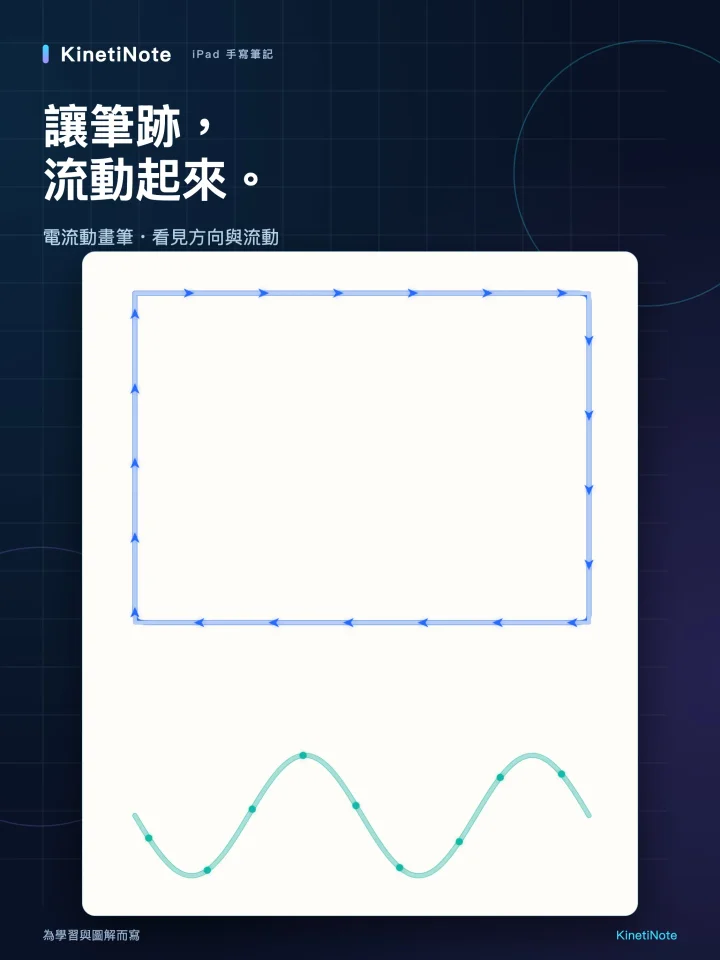
Write with Apple Pencil using pen, pencil, highlighter, and eraser tools. Add circuit symbols and animated current-flow paths. Choose moving dots or arrows, then adjust direction, speed, density, loop, and color to support your explanation. Current-flow paths are visual teaching tools, not numerical circuit simulations.
TYPE A FUNCTION, EXPLORE A GRAPH
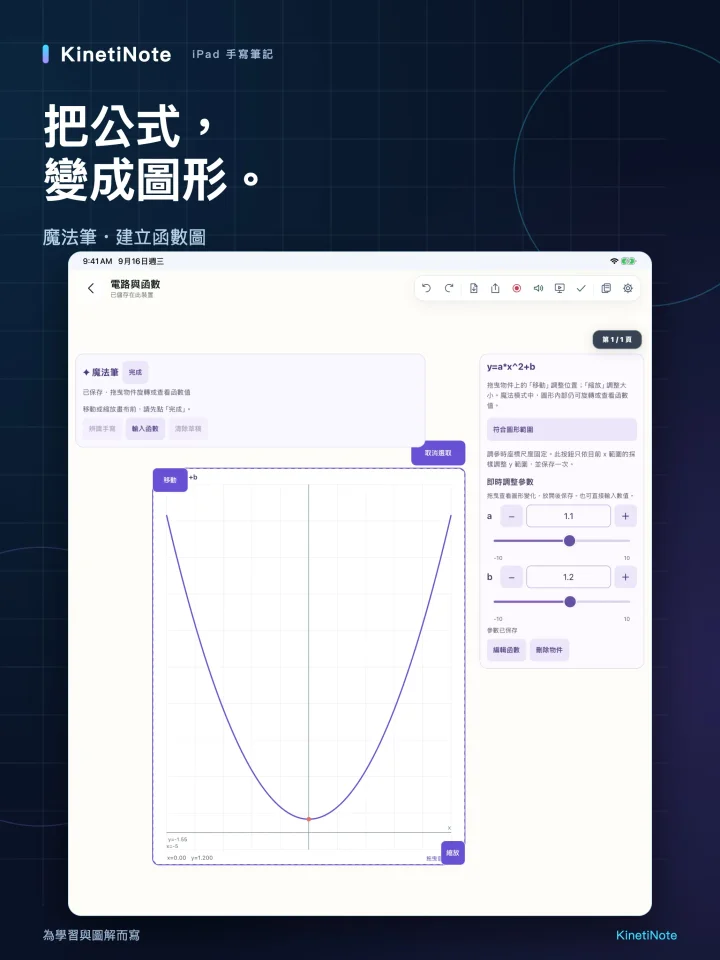
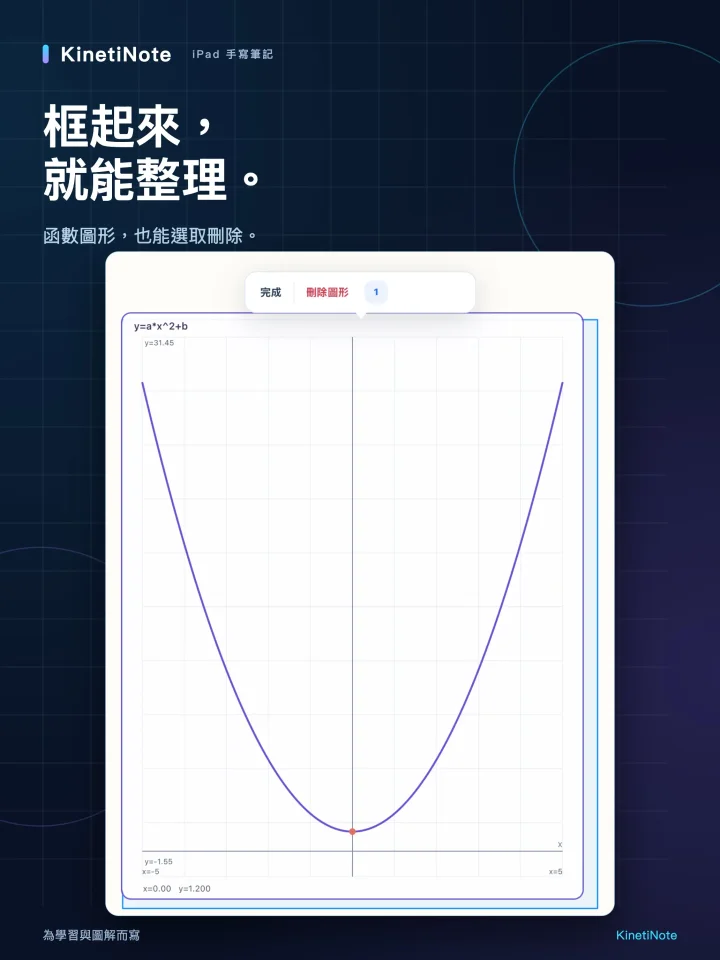
Enter a supported function in Magic Pen or start from a built-in example. Explore 2D curves and 3D surfaces, adjust parameters, and move or resize graph objects. Use rectangular selection to select and delete graph objects. Magic Pen currently uses typed function input; handwriting recognition and freehand shape conversion are not available in this release. Graphing is not a general-purpose math solver.
ANNOTATE AND EXPORT
Import a PDF and annotate its pages on a continuous canvas. Export static pages as PDF, PNG, or JPEG, choosing all pages, the current page, or a selected range. These exports do not play current-flow animations or recordings.
MAKE IT YOUR NOTEBOOK
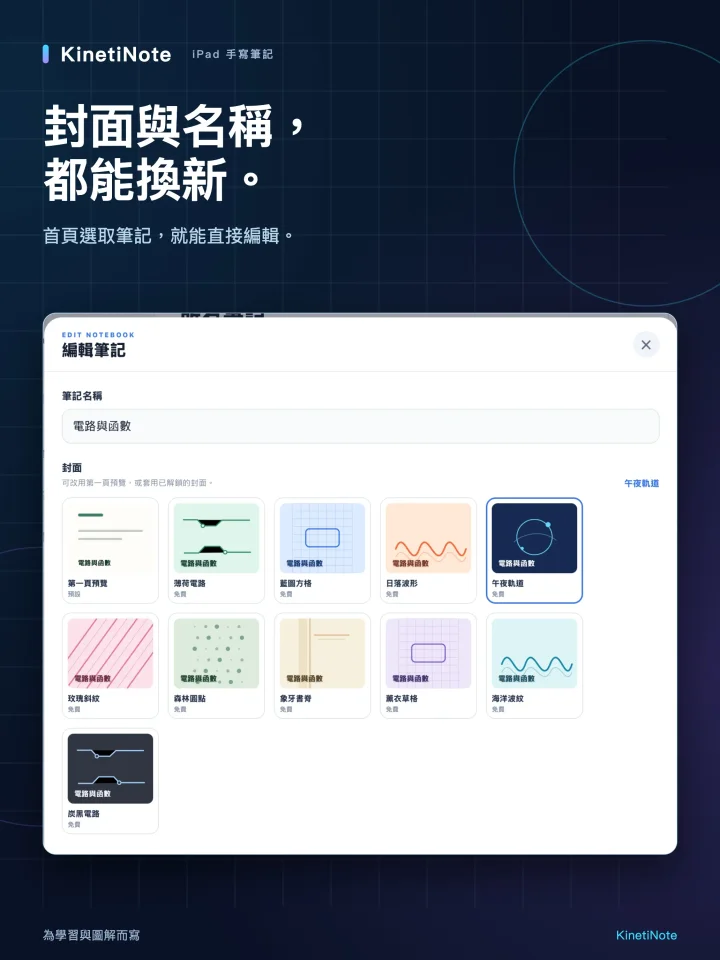
Choose from 10 free covers and six free paper styles: blank, lined, grid, dot grid, Cornell, and dark. Select a regular notebook in the library to edit its name and cover. Optional cover and paper packs are separate one-time purchases.
LOCAL-FIRST
Notes, imported PDFs, and optional recordings are stored on your device. No account is required. Keep your device backed up and export important notes; local storage is not a developer-operated cloud backup.
Yenilikler
Sürüm 1.0.2 · 27.09.2026
• Improved two-finger undo and three-finger redo, including animation restoration for current-flow strokes mixed with ordinary ink.
• Open typed function graphs with ƒx. Drag graph points and move or resize graph objects while using an ordinary pen. Pan inside a 2D graph with one finger and zoom its coordinate range with two fingers.
• Adjust each pen's thickness with a visual slider. Hold the first pen still for one second after drawing a roughly straight line to straighten it, then adjust the endpoint before lifting.
• Improved erasing, local background saving, and restoration of page position and zoom. PDF pages can zoom out below the fitted page size.
• Function input and built-in examples remain available; experimental handwriting recognition and freehand shape conversion remain hidden.
Uygulama gizliliği
Bu uygulamanın verileri nasıl işlediği hakkında HSIEH TIEN-HENG tarafından App Store üzerinde yapılan beyan.
-
Veri toplanmıyor
Geliştirici bu uygulamadan hiçbir veri toplamıyor.
Gizlilik uygulamaları, örneğin kullandığınız özelliklere veya yaşınıza göre değişiklik gösterebilir.
Bilgiler
- Satıcı
- HSIEH TIEN-HENG
- Kategori
- Eğitim
- Sürüm
- 1.0.2
- Güncellendi
- 27.09.2026
- Yayın tarihi
- 27.08.2026
- Boyut
- 59,7 MB
- Gereksinim
- iOS 16.4 veya sonrası
- Yaş sınırı
- 4+
- Fiyat
- Ücretsiz
- Uygulama içi satın alma
- Evet
- Diller
- İngilizce
- Telif hakkı
- © 2026 ElectronEdu