
- Age rating4+
- CategoryShopping
- DeveloperMarco Tini
- LanguagesEnglish+ 32 more
- Size1.0 MB
Links to the official App Store page
Download.org hosts no file of Kode QR. The button opens its official App Store page, published by Marco Tini. Listing last checked on Nov 20, 2026.
Screenshots


About
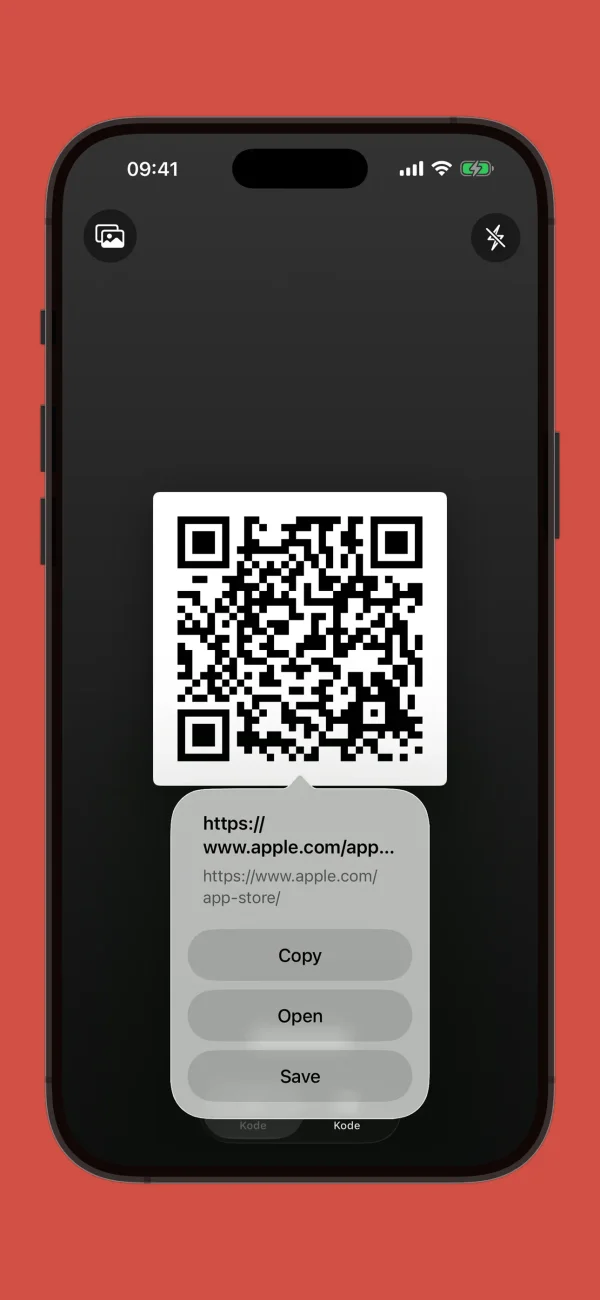
Kode reads QR codes and barcodes with a single tap — no accounts, no tracking, no ads. Everything happens on your device. Your scan history stays on your iPhone and never leaves.
WHAT YOU GET
- Instant scanning from the camera, with a clean distraction-free viewfinder
- Scan from photo: pick any image from your library and Kode pulls the code out for you — great for screenshots and saved receipts
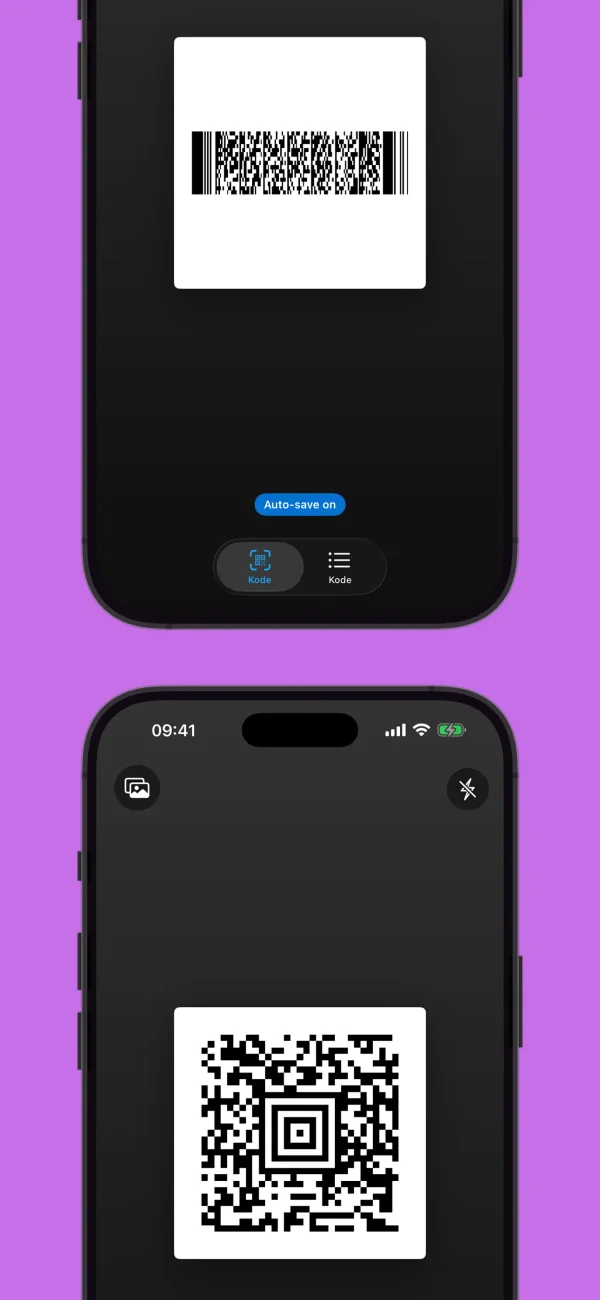
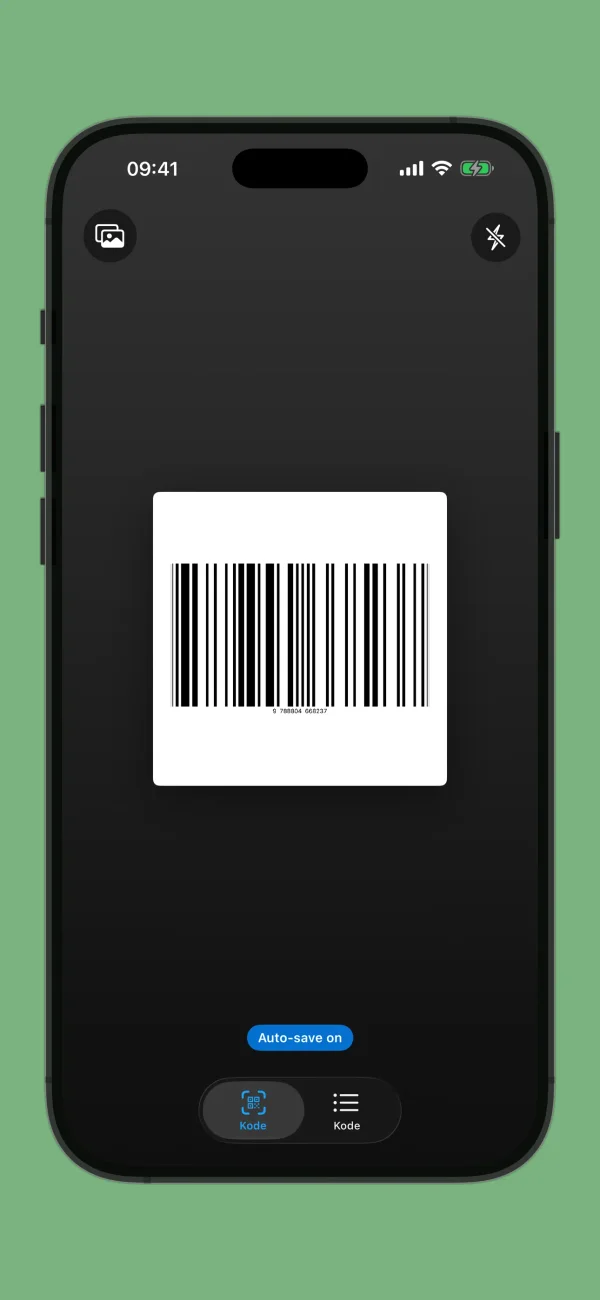
- Batch mode: flip on "Auto-save scans" in Settings and burn through dozens of codes without stopping to confirm each one
- Searchable history with type icons: links, email, phone, Wi-Fi, contacts, SMS, locations, plain text
- From any scanned code you can copy, open the link, search on Google or Amazon, or save it for later
- Export your whole scan archive as a JSON file via share sheet (AirDrop, Files, Mail, iCloud Drive, anywhere)
- Full dark mode, 36 interface languages, haptic feedback on every detection
- Works fully offline — no subscription, no in-app purchases
SUPPORTED FORMATS
QR Code, Code 128, GS1-128, Code 39, Code 39 Mod 43, Code 93, PDF417, Aztec, EAN-8, EAN-13, UPC-A, UPC-E, ISBN 10/13, ISSN, ISMN.
GREAT FOR
- Reading any code you run into — menus, tickets, boarding passes, Wi-Fi shares
- Inventory at home, at work or in a small shop
- Pulling QR codes out of screenshots you already have
- Keeping a searchable record of business cards, events, receipts
- Shopping: compare a barcode on Google or Amazon in one tap
Kode has been on the App Store for years. This release rebuilds it in modern SwiftUI and adds the features long-time users asked for: batch scanning, scan-from-photo, export, and a clearer, faster interface — without giving up the simple, private scanner it has always been.
What’s new
Version 2.0 · Apr 26, 2026
Big rewrite: Kode is now fully SwiftUI and ships the features regulars have been asking for.
- Batch mode: turn on Auto-save in Settings to scan codes in a row without confirming each one. A toast signals every save.
- Scan from photo: a new button on the camera view opens your library. Kode reads codes out of any image, even screenshots.
- Type icons in the saved list — tell URLs from emails from Wi-Fi at a glance. Each row also shows when it was scanned.
- Export your saved scans as a JSON file right from Settings.
- Swipe-to-delete now asks for confirmation, no more accidental loss.
- Haptic feedback on every detection.
- Launch and navigation are noticeably faster.
App privacy
What Marco Tini declares on the App Store about how this app handles data.
-
Data not collected
The developer does not collect any data from this app.
Privacy practices may vary, for example with the features you use or your age.
Information
- Seller
- Marco Tini
- Category
- Shopping
- Version
- 2.0
- Updated
- Apr 26, 2026
- Released
- Sep 10, 2015
- Size
- 1.0 MB
- Requires
- iOS 15.0 or later
- Age rating
- 4+
- Price
- $3.99
- Languages
- English, Arabic, Catalan, Croatian, Czech, Danish, Dutch, Finnish, French, German, Greek, Hebrew + 21 more
- Copyright
- © Marco Tini
You might also like
-
 Shoppers ListsShopping
-
 Shopod - A Shopping ListA simple style shopping list
-
 Smart Closet - Your StylistCloset Organizer & Shop Brands
-
 Robert Franz Shop HeimatortShopping
-
 Harding’s MarketsShopping
-
 Bulan BintangShopping
-
 Conscious - Spend Ethically.Company ethics ratings.
-
 SPAR CroatiaSaving has never been easier