- 対象年齢4+
- カテゴリショッピング
- 開発元Marco Tini
- 言語英語ほか32言語
- サイズ1.0 MB
App Storeの公式ページにリンクしています
Download.orgはKode QRのファイルを一切ホストしていません。ボタンを押すと、Marco Tiniが公開しているApp Storeのアプリページが開きます。ページの最終確認:2026/11/20。
スクリーンショット


概要
開発元はこのテキストをお使いの言語で提供していません。
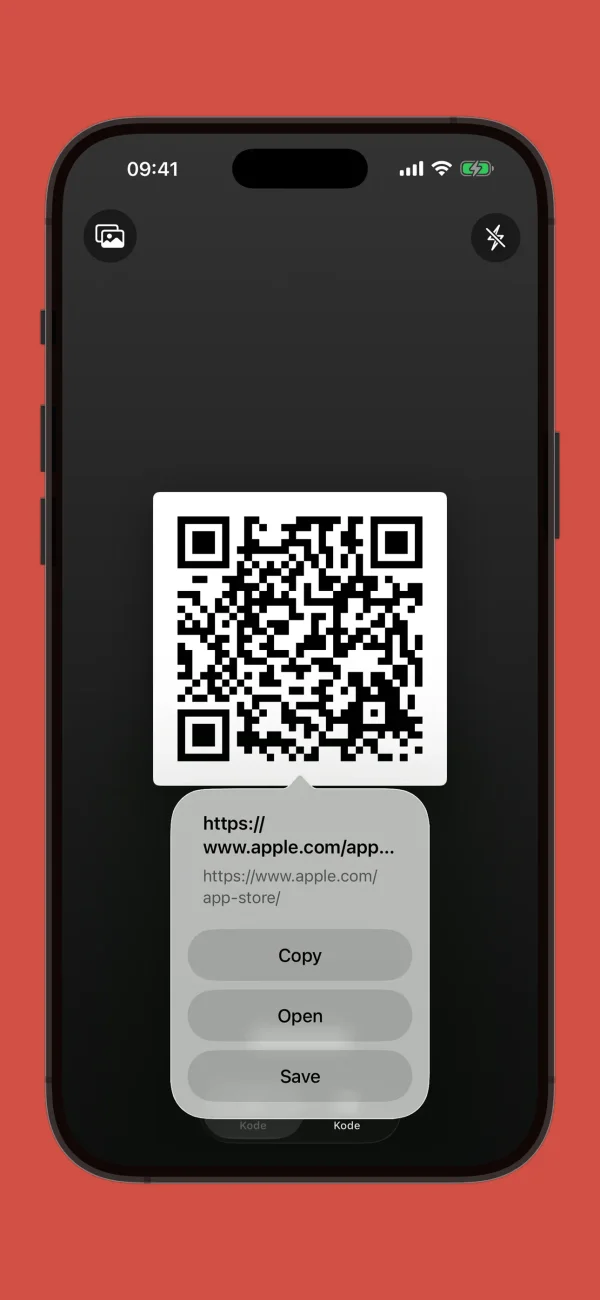
Kode reads QR codes and barcodes with a single tap — no accounts, no tracking, no ads. Everything happens on your device. Your scan history stays on your iPhone and never leaves.
WHAT YOU GET
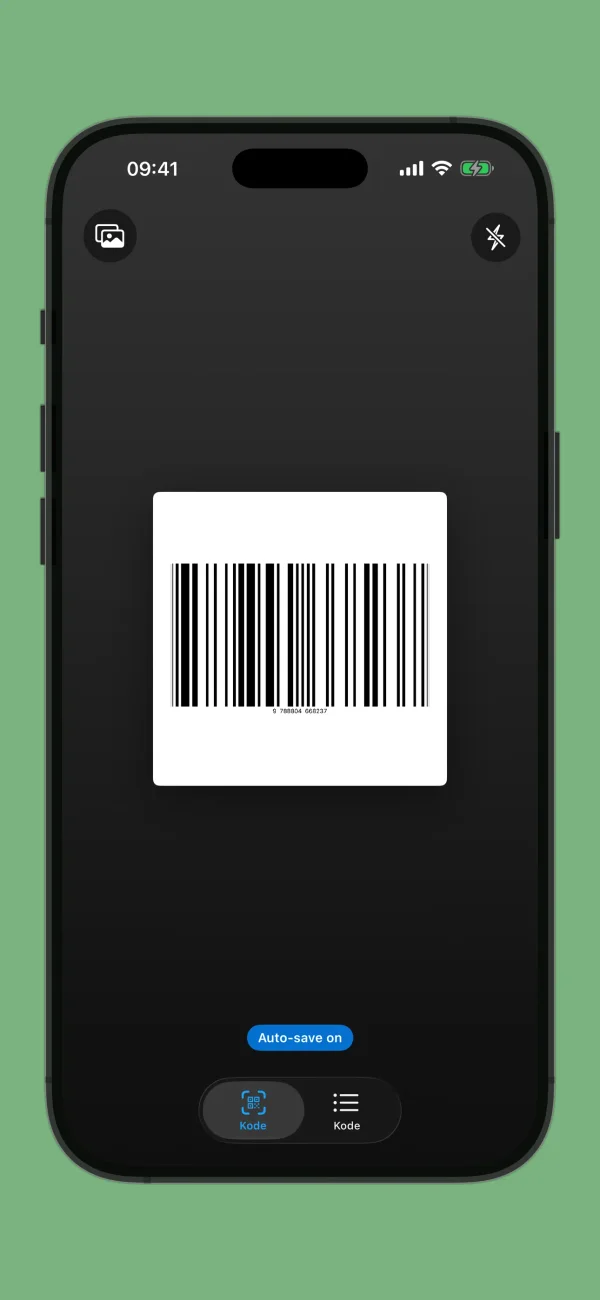
- Instant scanning from the camera, with a clean distraction-free viewfinder
- Scan from photo: pick any image from your library and Kode pulls the code out for you — great for screenshots and saved receipts
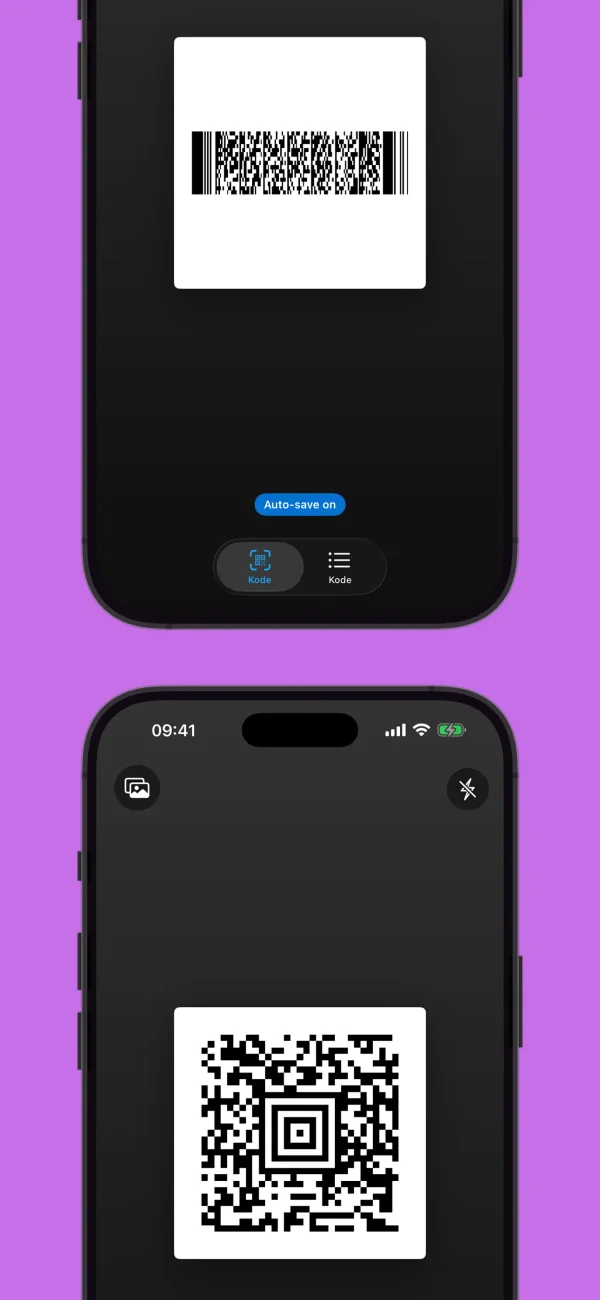
- Batch mode: flip on "Auto-save scans" in Settings and burn through dozens of codes without stopping to confirm each one
- Searchable history with type icons: links, email, phone, Wi-Fi, contacts, SMS, locations, plain text
- From any scanned code you can copy, open the link, search on Google or Amazon, or save it for later
- Export your whole scan archive as a JSON file via share sheet (AirDrop, Files, Mail, iCloud Drive, anywhere)
- Full dark mode, 36 interface languages, haptic feedback on every detection
- Works fully offline — no subscription, no in-app purchases
SUPPORTED FORMATS
QR Code, Code 128, GS1-128, Code 39, Code 39 Mod 43, Code 93, PDF417, Aztec, EAN-8, EAN-13, UPC-A, UPC-E, ISBN 10/13, ISSN, ISMN.
GREAT FOR
- Reading any code you run into — menus, tickets, boarding passes, Wi-Fi shares
- Inventory at home, at work or in a small shop
- Pulling QR codes out of screenshots you already have
- Keeping a searchable record of business cards, events, receipts
- Shopping: compare a barcode on Google or Amazon in one tap
Kode has been on the App Store for years. This release rebuilds it in modern SwiftUI and adds the features long-time users asked for: batch scanning, scan-from-photo, export, and a clearer, faster interface — without giving up the simple, private scanner it has always been.
新機能
バージョン 2.0 · 2026/4/26
Big rewrite: Kode is now fully SwiftUI and ships the features regulars have been asking for.
- Batch mode: turn on Auto-save in Settings to scan codes in a row without confirming each one. A toast signals every save.
- Scan from photo: a new button on the camera view opens your library. Kode reads codes out of any image, even screenshots.
- Type icons in the saved list — tell URLs from emails from Wi-Fi at a glance. Each row also shows when it was scanned.
- Export your saved scans as a JSON file right from Settings.
- Swipe-to-delete now asks for confirmation, no more accidental loss.
- Haptic feedback on every detection.
- Launch and navigation are noticeably faster.
アプリのプライバシー
このアプリのデータの取り扱いについて、Marco TiniがApp Storeで申告している内容です。
-
データの収集なし
開発元はこのアプリからデータを収集しません。
プライバシーの取り扱いは、ご利用の機能やお客様の年齢などに応じて異なる場合があります。
情報
- 販売元
- Marco Tini
- カテゴリ
- ショッピング
- バージョン
- 2.0
- 更新日
- 2026/4/26
- リリース
- 2015/9/10
- サイズ
- 1.0 MB
- 必要条件
- iOS 15.0以降
- 対象年齢
- 4+
- 価格
- ¥600
- 言語
- 英語, アラビア語, カタロニア語, クロアチア語, チェコ語, デンマーク語, オランダ語, フィンランド語, フランス語, ドイツ語, ギリシャ語, ヘブライ ほか21言語
- 著作権
- © Marco Tini