KoolPDF – PDF Tools & Reader
PDF Merge, AI-powered features
Designed for iPhone, iPad, iPod touch
Free
- Age rating4+
- CategoryProductivity
- DeveloperAgevole Innovation Private Limited
- LanguagesEnglish
- Size59.8 MB
Links to the official App Store page
Download.org hosts no file of KoolPDF – PDF Tools & Reader. The button opens its official App Store page, published by Agevole Innovation Private Limited. Listing last checked on Nov 20, 2026.
Screenshots



About
Transform the way you work with PDFs.
KoolPDF is a powerful all-in-one PDF solution that helps you edit, convert, organize, protect, and share documents from anywhere. Whether you're a student, professional, business owner, or everyday user, KoolPDF provides everything you need to handle PDFs efficiently.
With 22+ powerful PDF tools, AI-powered automation, OCR text recognition, unlimited file transfer, and clipboard sync, KoolPDF makes document management faster and smarter.
PDF TOOLS FOR EVERY NEED
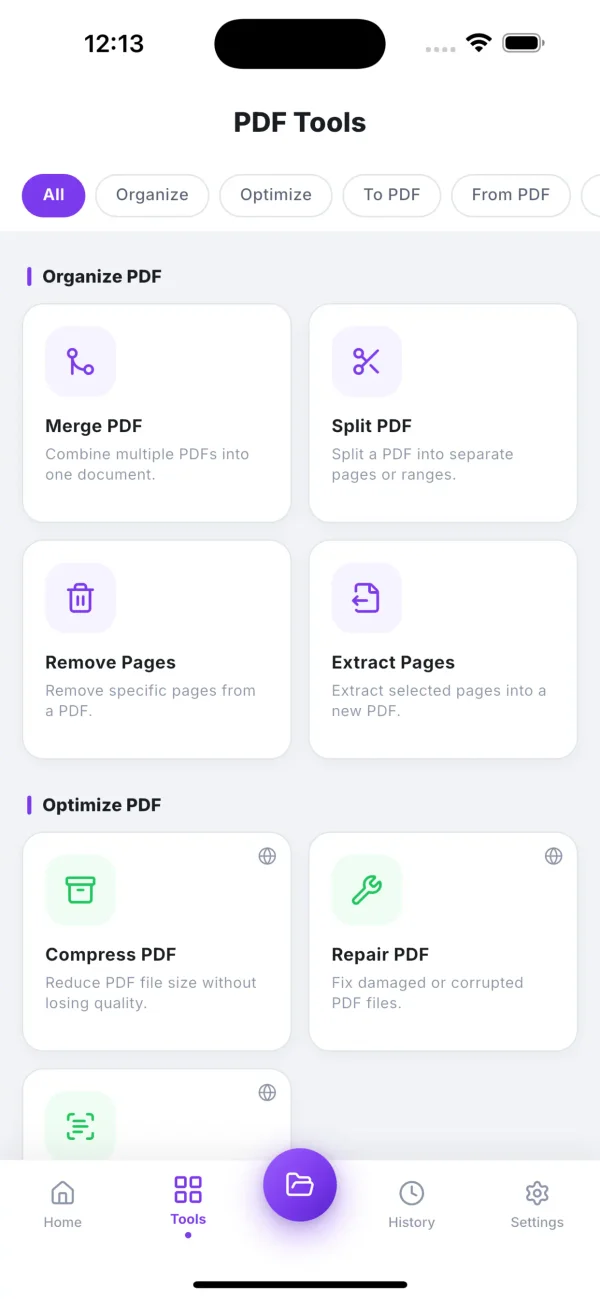
Edit and organize your PDF documents with ease.
• Merge PDF files
• Split PDF documents
• Compress PDF size
• Remove PDF pages
• Extract PDF pages
• Repair damaged PDFs
• Rotate PDF pages
• Add page numbers
• Add watermarks
• Protect PDF with passwords
• Unlock PDF files
• Redact sensitive content
• Organize and rearrange pages
Process documents quickly while maintaining high-quality output.
CONVERT FILES TO AND FROM PDF
Convert documents and images in seconds.
Supported conversions include:
• JPG to PDF
• PNG to PDF
• Word to PDF
• Excel to PDF
• PowerPoint to PDF
• PDF to JPG
• PDF to PNG
• PDF to Word
• PDF to Excel
• PDF to PowerPoint
Preserve formatting and create professional documents effortlessly.
OCR – EXTRACT TEXT FROM IMAGES & SCANNED PDFS
Turn scanned documents into editable text.
OCR helps you:
• Extract text from images
• Convert scanned PDFs into editable documents
• Create searchable PDFs
• Digitize paper documents
• Save time on manual typing
Perfect for invoices, notes, contracts, receipts, and more.
KOOLAI – YOUR AI PDF ASSISTANT
Work smarter with AI.
KoolAI lets you perform complex PDF actions using simple natural language prompts.
Examples:
"Merge all PDF files."
"Compress this PDF below 5 MB."
"Protect this document with a password."
"Convert this PDF to Word."
"Add page numbers and watermark."
Simply describe what you need, and KoolAI handles the rest.
KOOLSHARE – UNLIMITED FILE TRANSFER
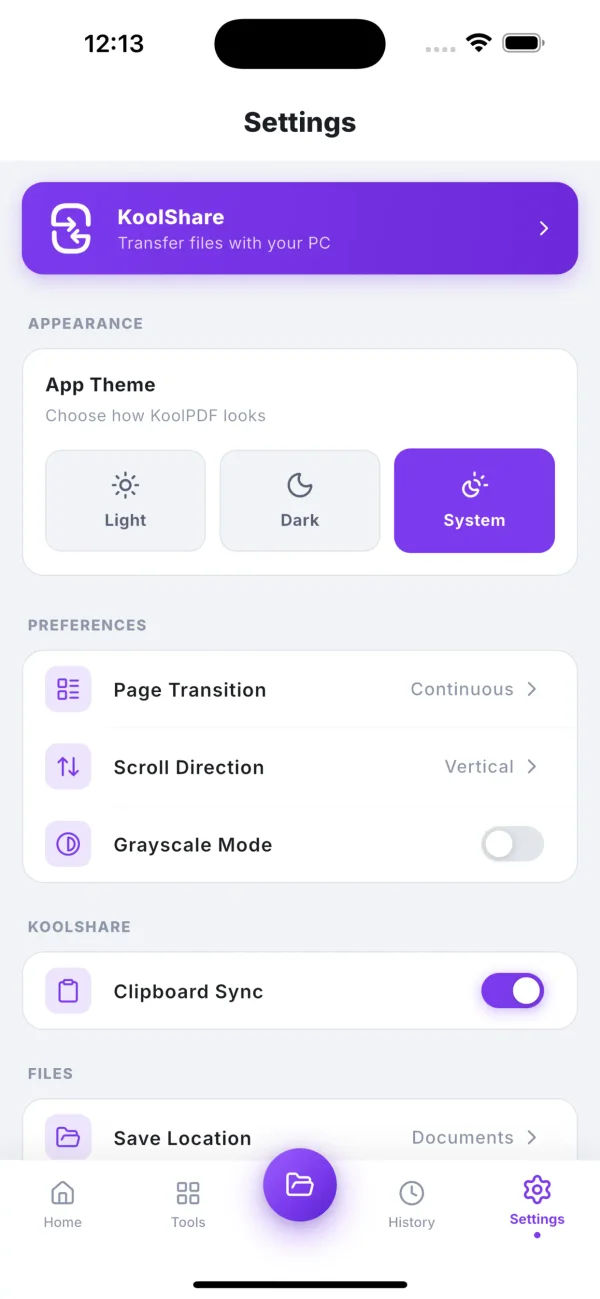
Transfer files between your phone and computer instantly.
No cables. No sign-up. No size limits.
Features include:
• Mobile to desktop transfer
• Desktop to mobile transfer
• Unlimited file size support
• Fast wireless transfers
• Secure local sharing
• Send photos, videos, PDFs, and documents
Move files seamlessly across devices whenever you need them.
CLIPBOARD SYNC
Copy on one device and paste on another.
Clipboard Sync allows you to:
• Copy text on mobile and paste on desktop
• Transfer links instantly
• Move notes between devices
• Improve productivity across platforms
Stay connected and work without interruptions.
FAST, SECURE & EASY TO USE
KoolPDF is designed to be simple for everyone while providing professional-grade PDF capabilities.
Why users love KoolPDF:
• 22+ PDF tools in one app
• AI-powered PDF automation
• Fast PDF conversions
• OCR text recognition
• Unlimited file sharing
• Clipboard synchronization
• Secure document processing
• Clean and intuitive interface
• High-quality output
• Regular feature updates
PERFECT FOR
• Students
• Teachers
• Business professionals
• Freelancers
• Office workers
• Remote teams
• Content creators
• Small businesses
Download KoolPDF today and experience a smarter way to edit, convert, compress, organize, protect, share, and automate your PDF workflows.
App privacy
What Agevole Innovation Private Limited declares on the App Store about how this app handles data.
-
Data not collected
The developer does not collect any data from this app.
Privacy practices may vary, for example with the features you use or your age.
Information
- Seller
- Agevole Innovation Private Limited
- Category
- Productivity
- Version
- 1.0.2
- Updated
- Jun 23, 2026
- Released
- Jun 23, 2026
- Size
- 59.8 MB
- Requires
- iOS 15.5 or later
- Age rating
- 4+
- Price
- Free
- Languages
- English
- Copyright
- © 2026 KoolPDF. All rights reserved
You might also like
-
 ArtifactoRender HTML, Markdown & JSON
-
 PromptSense - Smart AI LibrarySave, organize & reuse prompts
-
 Spectral Text: Voice to TextSpeech to text made simple
-
 PDF Editor: Fill, Sign & ScanEdit, Sign & Fill PDF Forms
-
 PDF Creator : Read,Scan & SignConvert PDF Export & Sign docs
-
 PDF Converter: Create PDF FileConvert Photos・Documents・Files
-
 To Do List : Notes & RemindersNext To Do - To Do List & Task
-
 PDFfiled: PDF Editor-ScannerFill & Sign PDF. No Watermark
-
 SnapCal - for Google CalendarProductivity
-
 LATRA AppProductivity