PDFfiled: PDF Editor-Scanner
Fill & Sign PDF. No Watermark
Designed for iPhone, iPad
Free · In-app purchases
- Age rating4+
- CategoryProductivity
- DeveloperJeet Kakadiya
- LanguagesEnglish
- Size173.1 MB
Links to the official App Store page
Download.org hosts no file of PDFfiled: PDF Editor-Scanner. The button opens its official App Store page, published by Jeet Kakadiya. Listing last checked on Nov 7, 2026.
Screenshots

About
15 PDF tools. No watermark. No sign-up. Truly free.
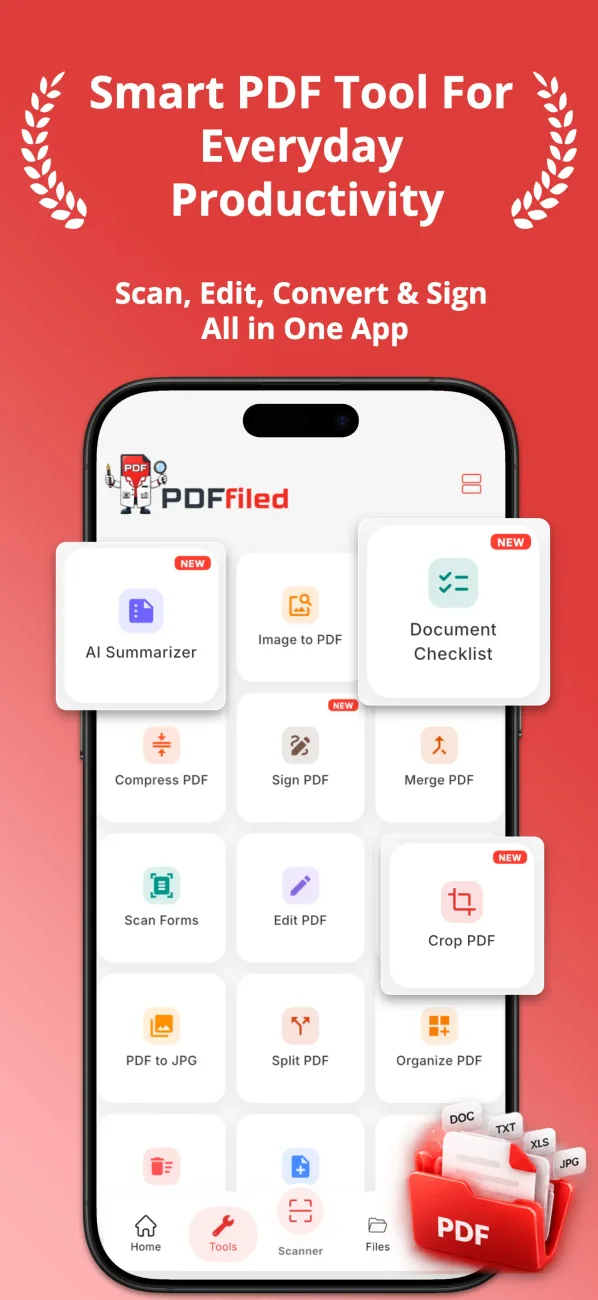
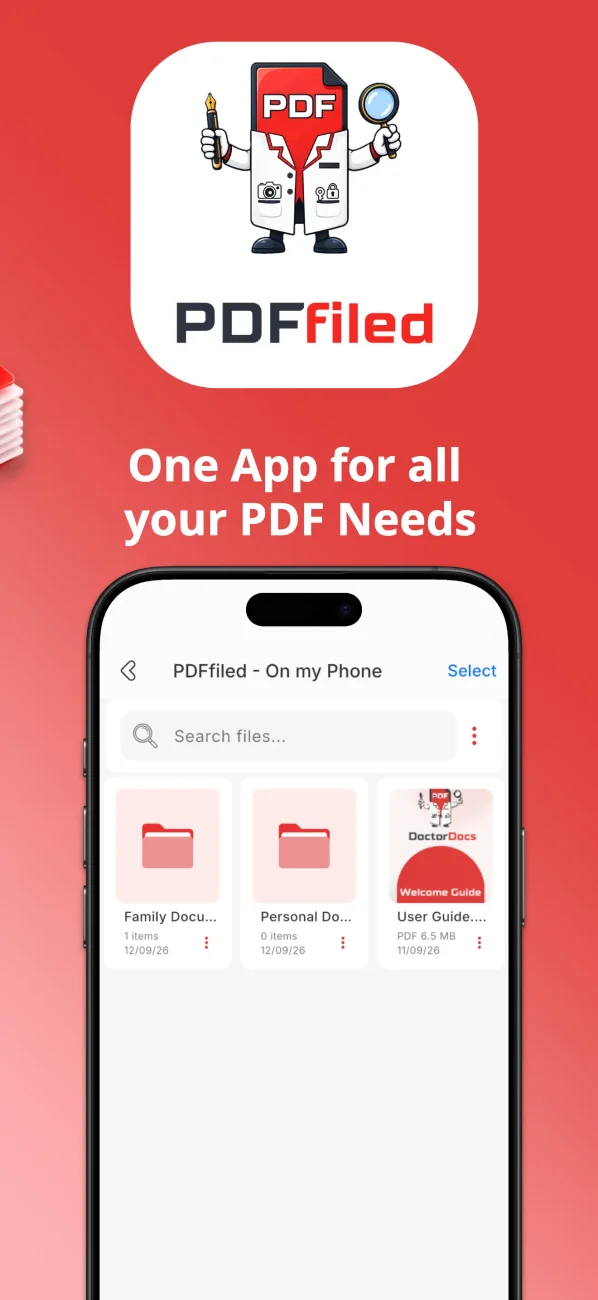
PDFfiled is a complete PDF toolkit — scan, edit, sign, and manage documents in one lightweight app that works entirely offline. Built for students, professionals, and small businesses who need real PDF tools without subscriptions, watermarks, or forced accounts.
FILL & SIGN ANY DOCUMENT
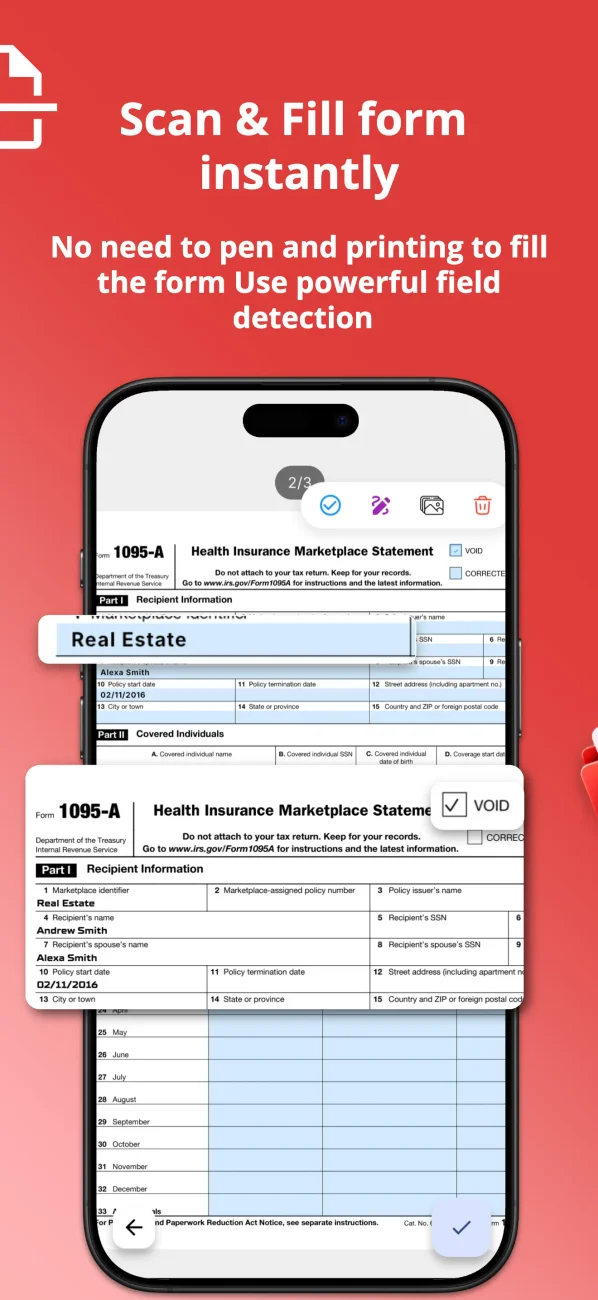
- Skip the printer entirely — fill out any form right on your screen, no pen or paper needed
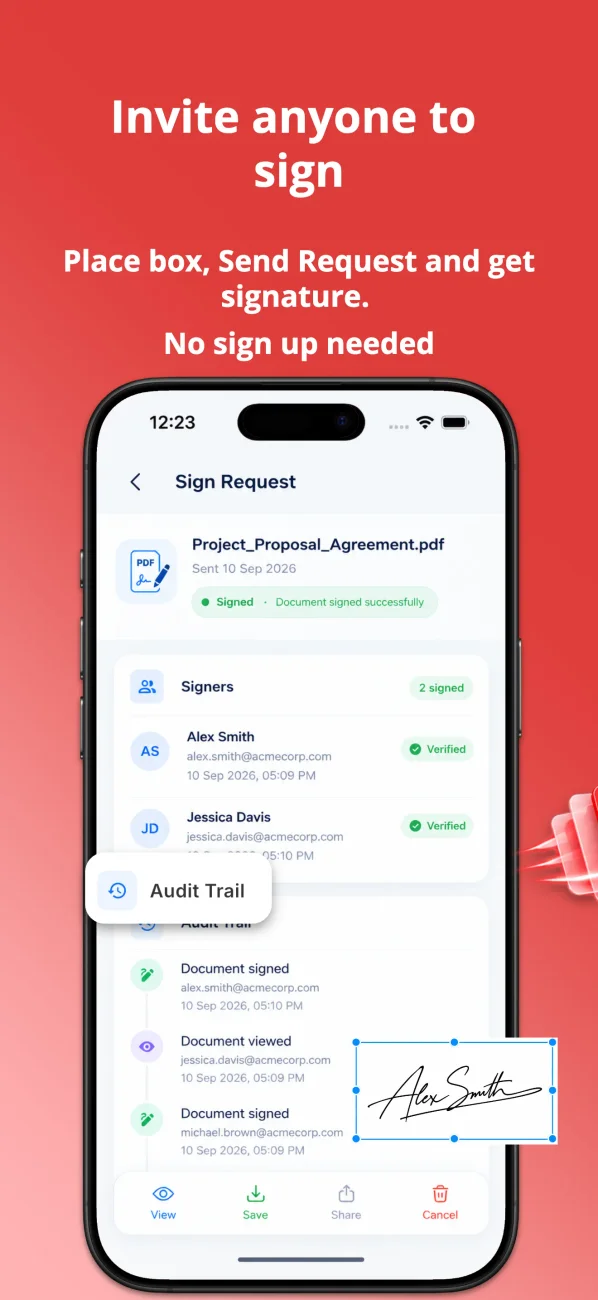
- Scan your signature once, then reuse it with a single tap, forever
- Or draw a fresh signature directly on the page in seconds
- Drop in images, stamps, or custom digital signatures anywhere you need them
- Send a signing link straight to WhatsApp, Gmail, or SMS — no app download required on their end
- Watch signed documents land back in your hands, instantly
- Built for contracts, consent forms, agreements, and invoices — anything that used to mean printing, signing, and scanning back
DOCUMENT SCANNER
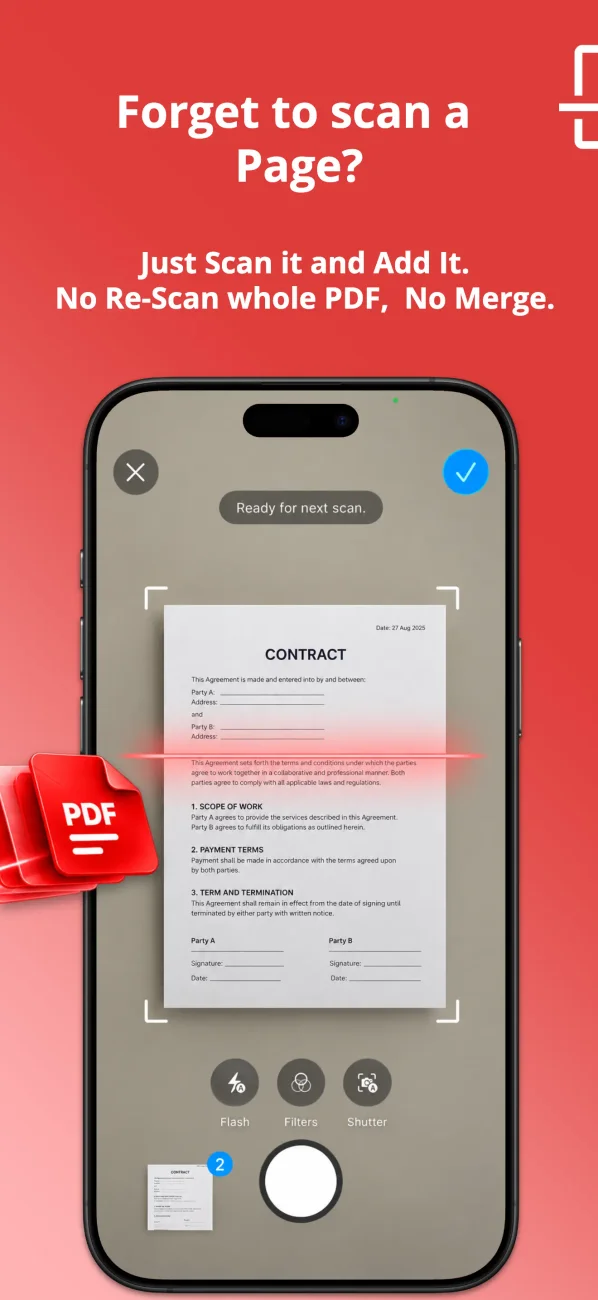
- Smart auto edge detection and perspective correction
- Scan receipts, invoices, contracts, IDs, whiteboards, and textbooks
- Multi-page scanning — combine into a single clean PDF
- Automatic scan quality enhancement
PDF READER & EDITOR
- Read and annotate any PDF
- Draw, highlight, and add comments on any page
- Add blank or scanned pages to existing PDFs
- Reorder, rotate, delete, and organize pages
15 PDF TOOLS IN ONE APP
- Compress — reduce file size by up to 75%
- Merge — combine multiple PDFs into one
- Split — extract specific pages into new files
- Lock / Unlock — add or remove password encryption
- Watermark — add text or image watermarks
- Image to PDF & PDF to Image — convert instantly, full quality
- Page Numbers — add and customize numbering
AI DOCUMENT SUMMARIZER
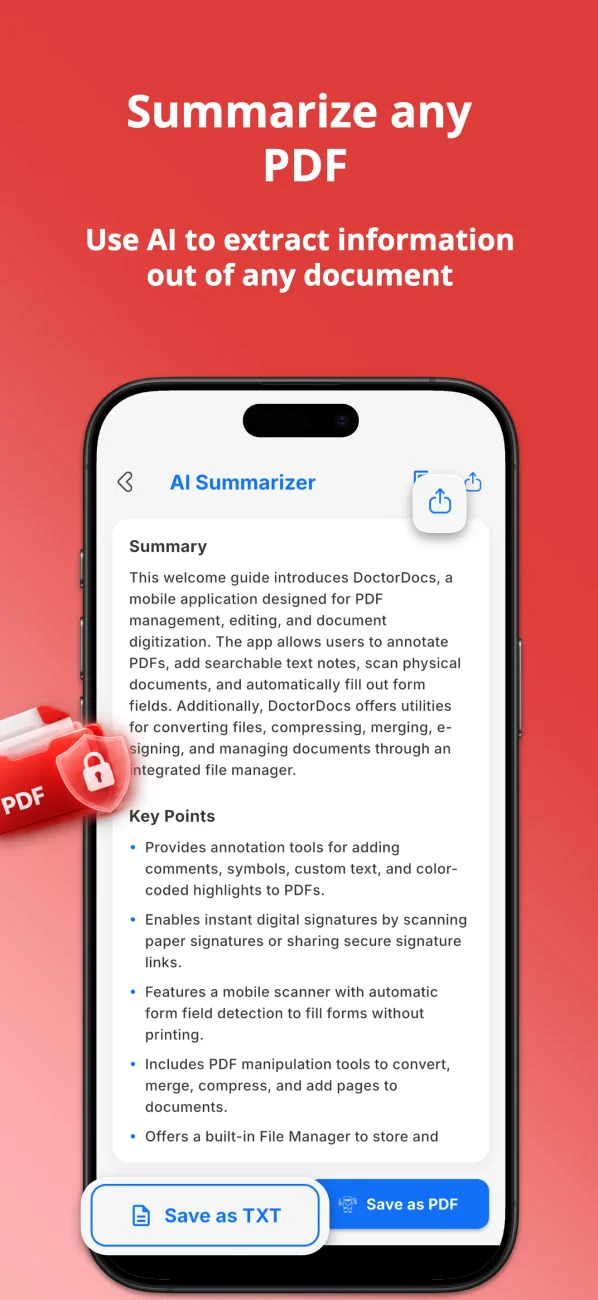
- Summarize lengthy PDFs and documents in seconds with key takeaways
- Export summaries directly as a formatted PDF or TXT file
- Save time reading long contracts, reports, or research papers
SHARE AND EXPORT
- Share via WhatsApp, Gmail, Google Drive, Dropbox, and more
- Export as PDF or image, full quality, no watermark
- Files stay on your device unless you choose to share
WHO IT'S FOR
- Students — scan notes, textbooks, and assignments into clean PDFs
- Professionals — sign contracts and invoices without printing a single page
- Small businesses — merge, compress, and share client documents on the go
- Anyone who wants a fast, reliable PDF app without confusing menus
PDFFILED PRO
- Unlock all 12+ professional PDF tools with an ad-free experience
- Flexible weekly, monthly, and yearly plans
- Instant purchase restoration across all your Apple devices
- Manage your subscription anytime from the Active Member dashboard
PRIVACY FIRST
- Your documents are processed on your device — not uploaded to a server
- No account required to scan, edit, or export
- Full control over what you share, and with whom
WHY PDFFILED
- No watermark, ever — on any export
- No forced account creation — open and start immediately
- Fully offline — no internet required, your files never leave your device
- Lightweight and fast — won't slow down your phone
- Genuinely free — no hidden costs, no premium wall
Download PDFfiled and go paperless today.
What’s new
Version 1.1.4 · Oct 31, 2026
What's New in This Version
Welcome to the latest update of PDFfiled! In this version, we’ve improved our document processing engine, enhanced iOS file handling, and refined overall stability for a smoother experience:
ENHANCED DOCUMENT HANDLING & SHARING • Seamless "Open With" Access: Opening PDFs directly from Apple Mail, Files, Safari, or third-party apps is now faster and more reliable with improved sandbox file handling. • Smarter Document Scanner: Upgraded camera engine and edge-detection algorithms deliver crisper document scans and cleaner auto-cropping. • Effortless Exporting: Enhanced sharing flows allow you to export, print, and share your flattened or signed documents in fewer taps.
REFINED PRO ENGINE & INSTANT RESTORE • Precision Subscription Sync: Upgraded StoreKit verification ensures real-time renewal and entitlement status across all your Apple devices. • Reliable Offline Pro Access: Improved entitlement caching ensures your Pro editing and export tools remain fully accessible even in airplane mode. • Frictionless Restore: Instant, background purchase recognition whenever you switch or set up a new device.
iOS 18 OPTIMIZATIONS & SYSTEM STABILITY • Ready for iOS 18: Modernized runtime performance tailored for the latest iOS versions, offering lower battery consumption and faster app launch times. • Memory & Speed Enhancements: Optimized PDF rendering engine prevents memory spikes when handling multi-page documents, forms, and high-resolution scans. • General polish, UI refinements, and overall stability improvements.
Thank you for choosing PDFfiled! If you love the app, please take a moment to leave us a rating or review on the App Store.
App privacy
What Jeet Kakadiya declares on the App Store about how this app handles data.
-
Data used to track you
May be used to track you across apps and websites owned by other companies.
- Identifiers
- Usage data
-
Data linked to you
May be collected and linked to your identity.
- Identifiers
- Usage data
- Diagnostics
Privacy practices may vary, for example with the features you use or your age.
Information
- Seller
- Jeet Kakadiya
- Category
- Productivity
- Version
- 1.1.4
- Updated
- Oct 31, 2026
- Released
- May 26, 2026
- Size
- 173.1 MB
- Requires
- iOS 18.0 or later
- Age rating
- 4+
- Price
- Free
- In-app purchases
- Yes
- Languages
- English
- Copyright
- © 2026 DoctorDocs
You might also like
-
 FileMaster: Offline ScannerScan, Convert Files
-
 PDFix: Edit, Sign, Convert PDFScan Documents & Image to PDF
-
 Private AI: Personal ChatImage Generator & DeepSeek
-
 DGenius AI CV & Cover BuilderAI-Powered CV & Cover Builder
-
 PDF Extractor: Image & OCROffline OCR, Tables, Markdown
-
 All Document Reader & ScannerFile Reader & PDF Converter
-
 Token: Local AI & Code StudioLocal AI, code, chat & images
-
 AI Notes & Voice Recorder GoOffline Speech to Text
-
 EdgeAI: Local AI GalleryChat, images & PDFs offline
-
 Papriva: PDF ConverterPDF Scanner & Converter