Krypt: Password & Secure Vault
Encrypted Passwords & Photos
Designed for iPhone, iPad, Mac, iPod touch
Free · In-app purchases
- Age rating4+
- CategoryProductivity
- DeveloperIHP Technology LLC
- LanguagesEnglish
- Size126.6 MB
Links to the official App Store page
Download.org hosts no file of Krypt: Password & Secure Vault. The button opens its official App Store page, published by IHP Technology LLC. Listing last checked on Nov 24, 2026.
Screenshots
About
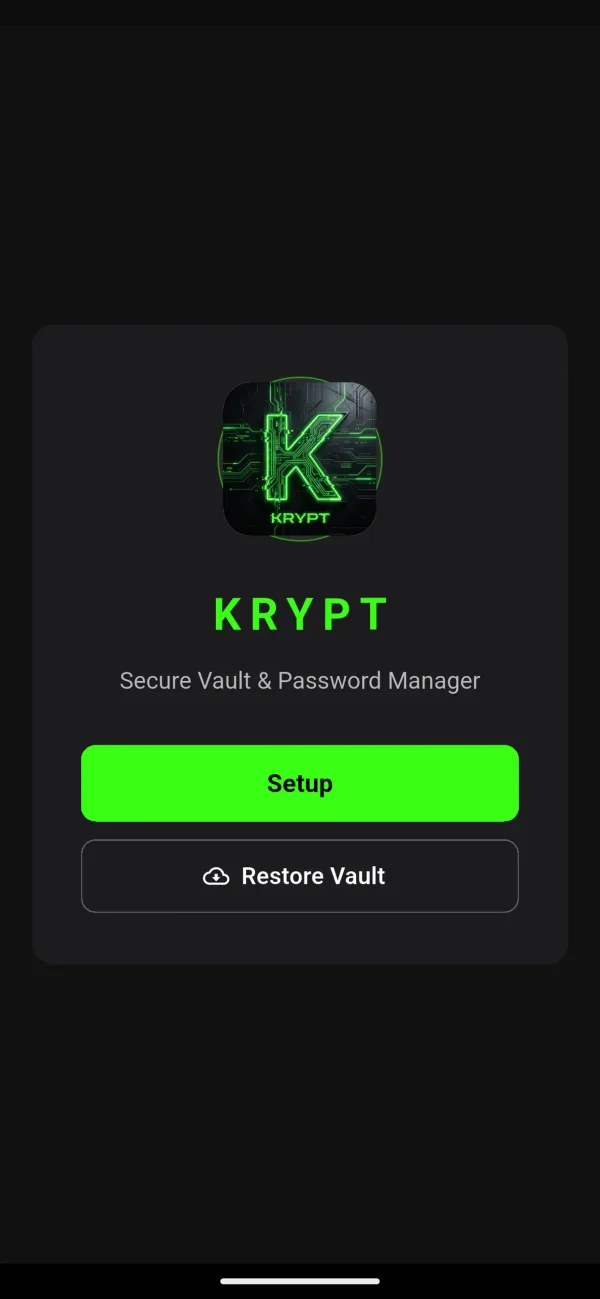
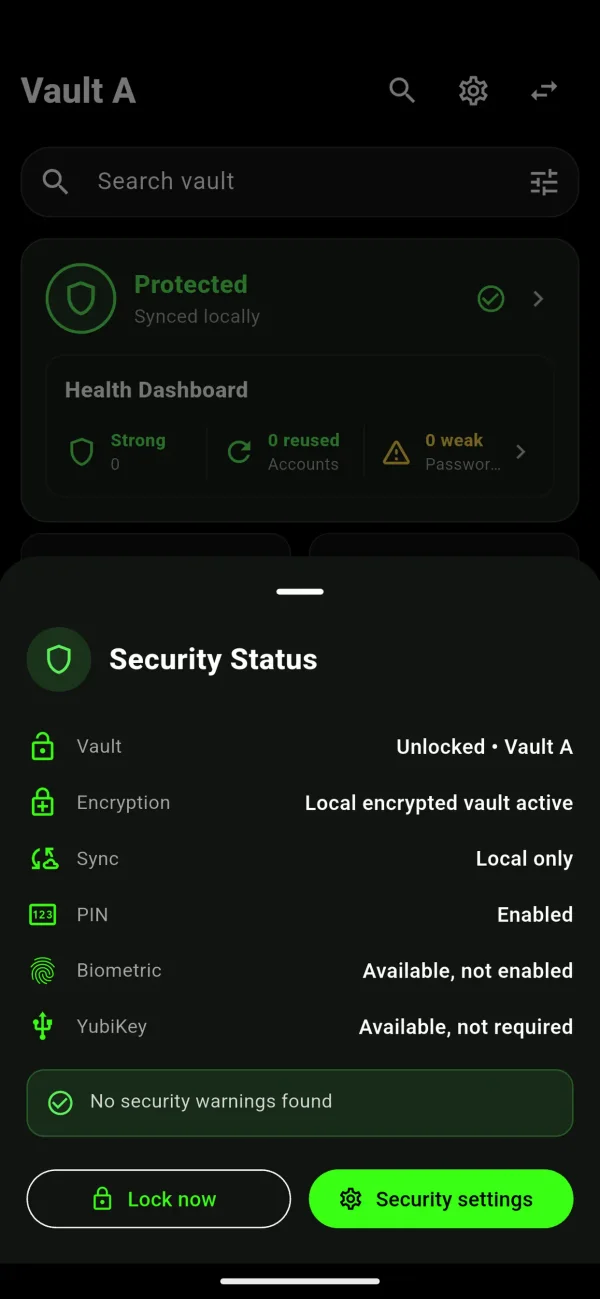
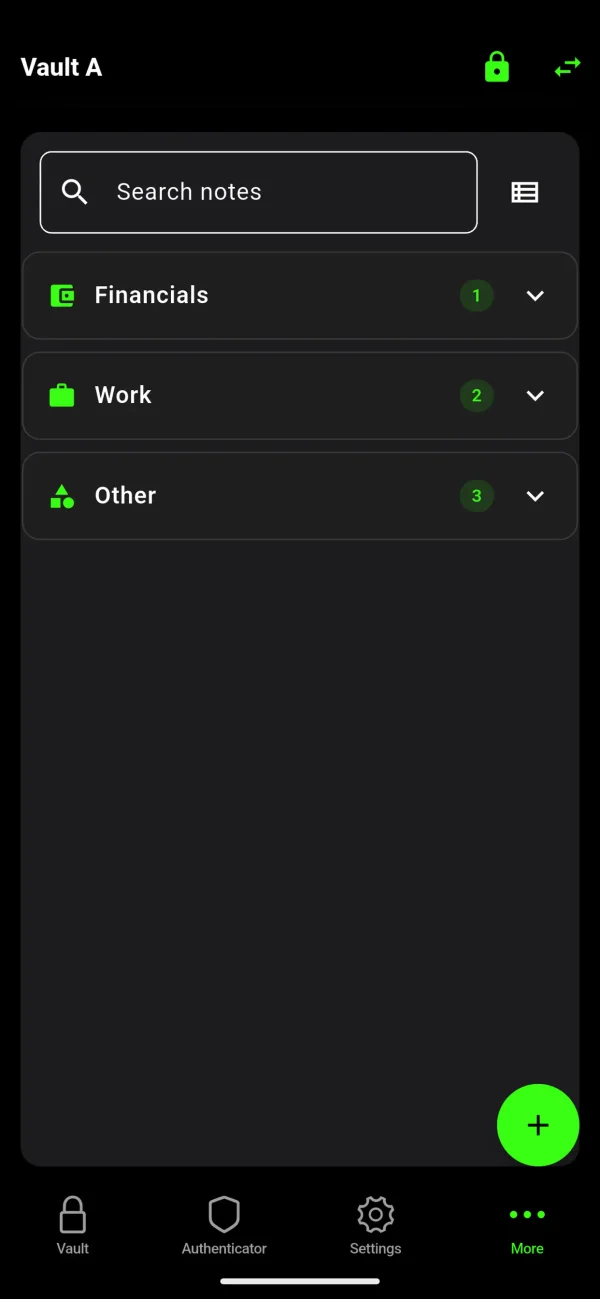
Krypt Vault is a local-first encrypted vault for secure storage of passwords, authenticator codes, private notes, photos, videos, documents, and cards. It keeps sensitive data inside an encrypted vault on your device, with keys protected locally so your vault contents, PINs, and encryption keys are not collected by Krypt.
Use Krypt Vault to:
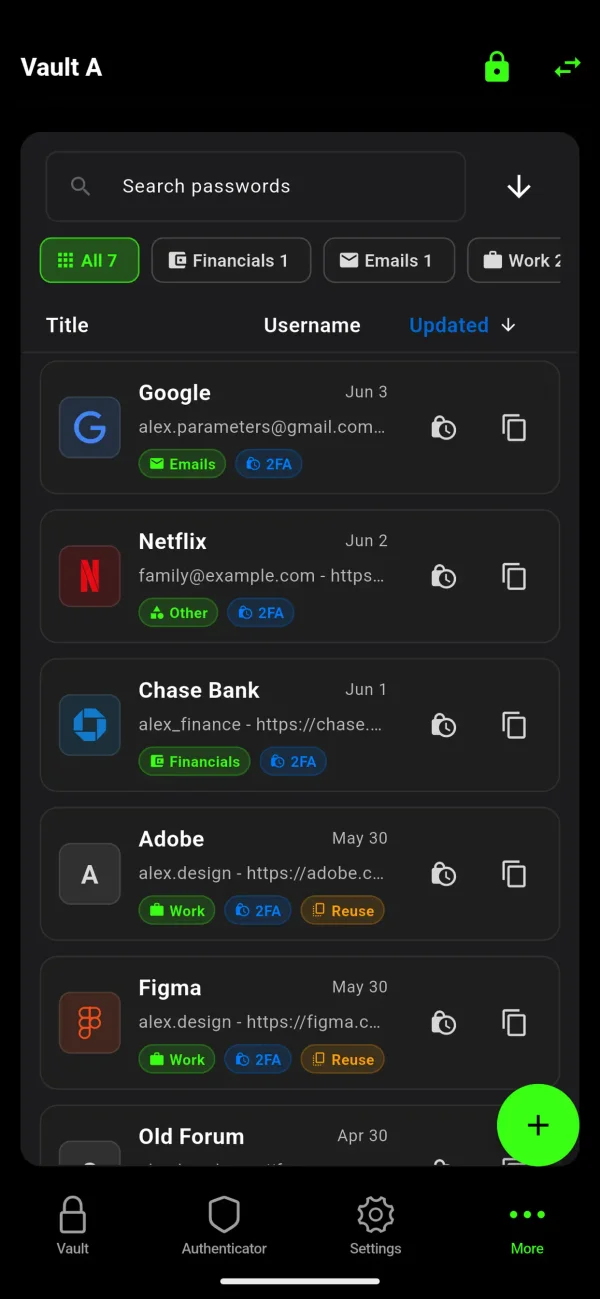
- Store passwords, usernames, websites, recovery codes, security questions, and TOTP secrets.
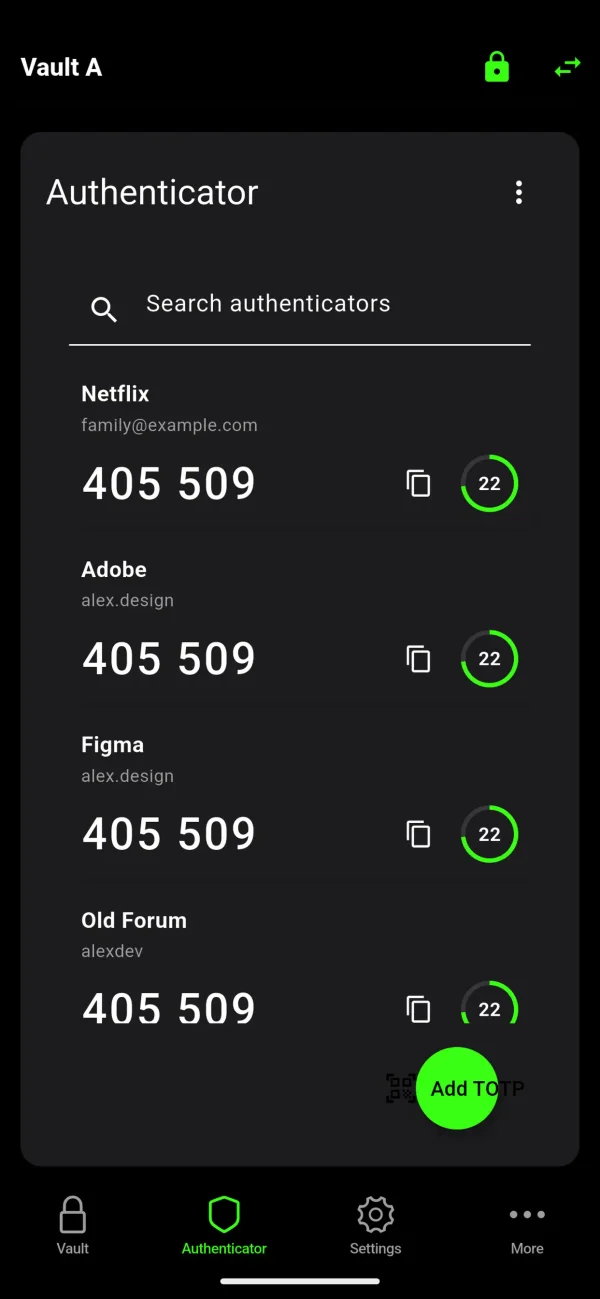
- Keep authenticator codes beside the logins they protect.
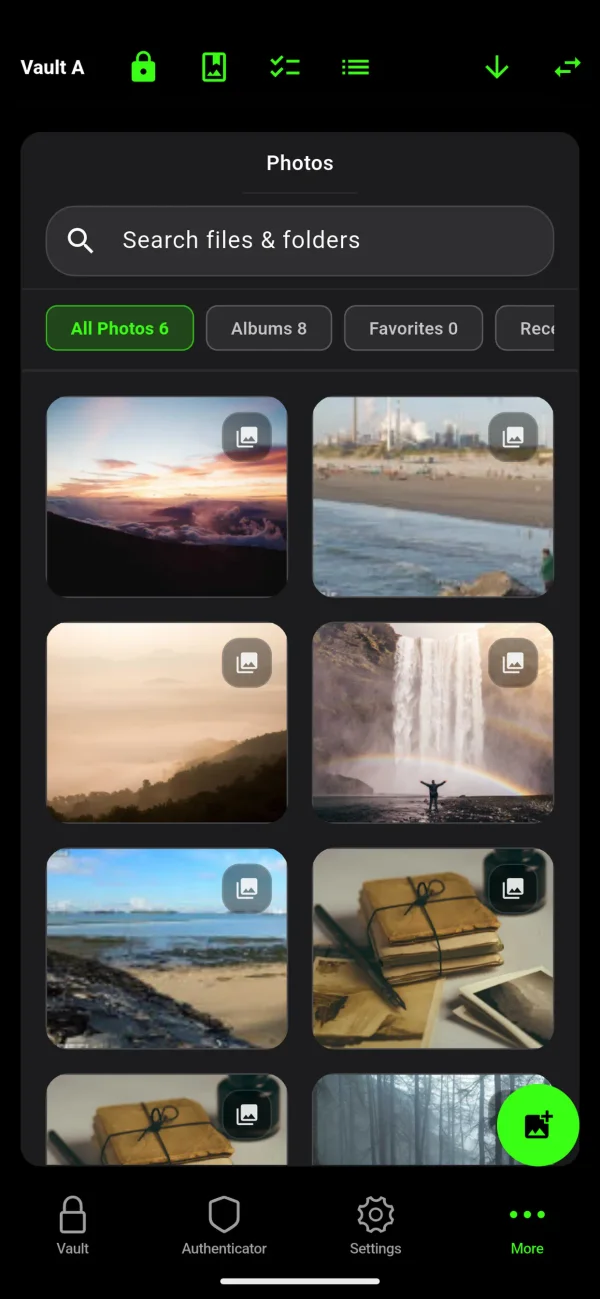
- Place private notes, documents, photos, and videos in encrypted vault storage.
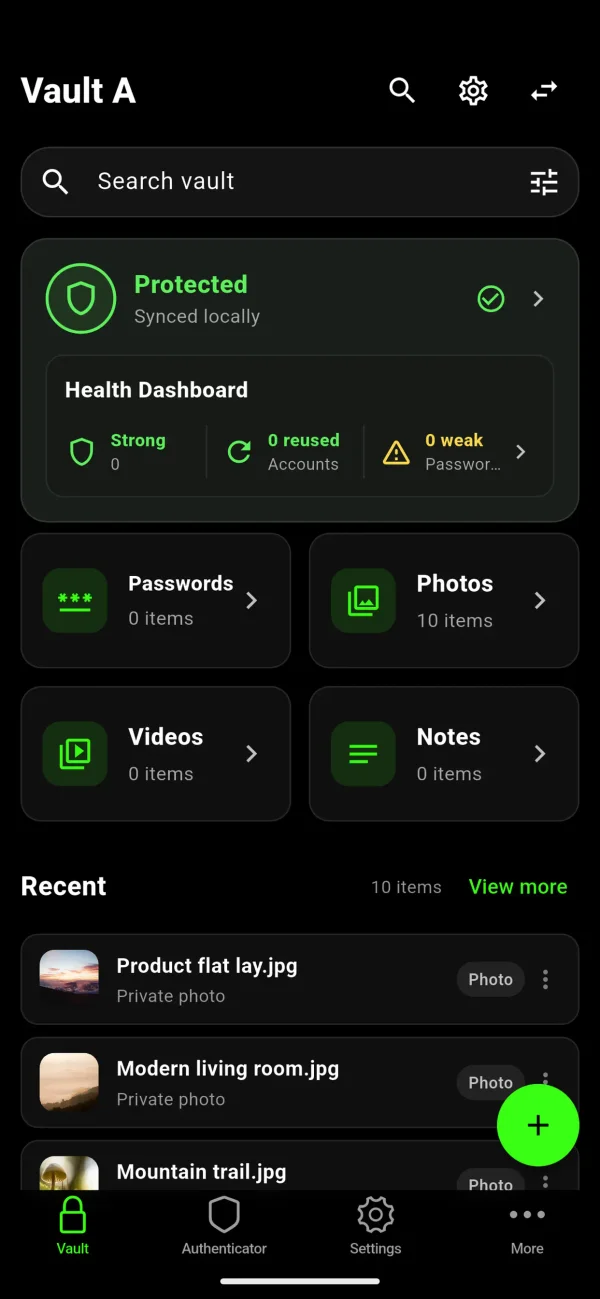
- Organize secure items with folders, albums, favorites, tags, search, and recent activity.
- Use isolated real and decoy vault storage for privacy under pressure.
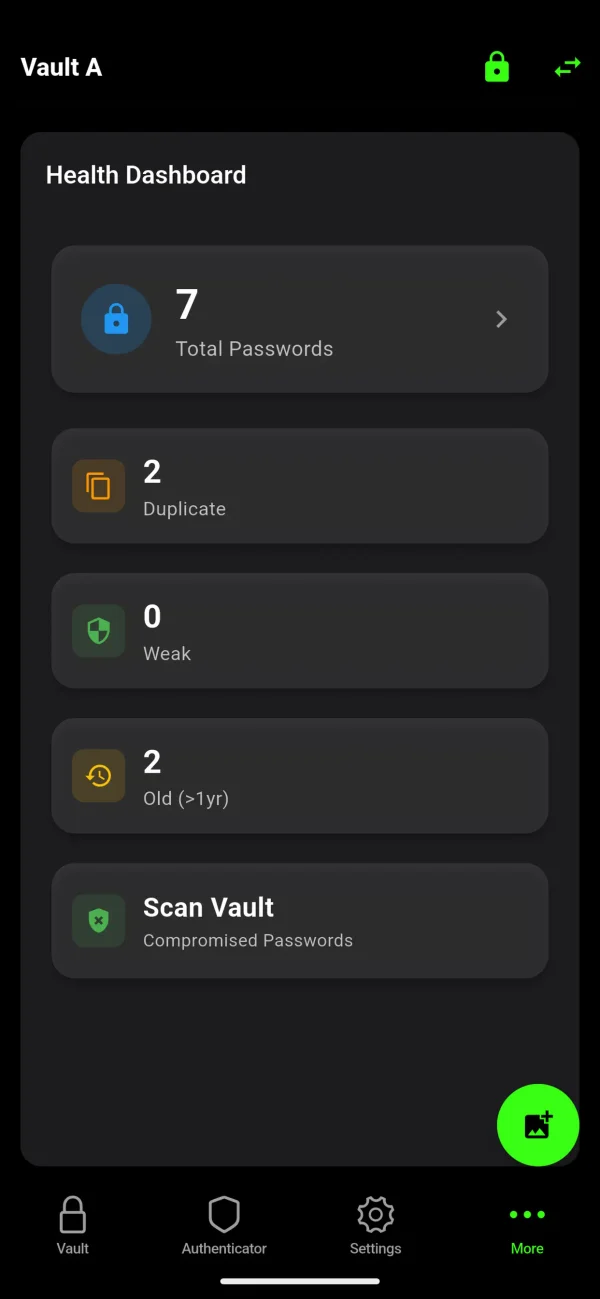
- Generate strong passwords and review password health from the Health Dashboard.
- Export encrypted backup bundles and restore with your Recovery Kit.
Krypt is designed for people who want a private, offline-capable password and file vault without turning sensitive information into a cloud account. Decryption happens locally. Decrypted data leaves the app only when you choose to export or share it.
Settings has collapsible sections, a dedicated section for password tools, and release history in What’s New.
Free features provide a practical private vault. Optional Pro features include encrypted cloud sync, Priority Support, and advanced security workflows through a one-time in-app purchase.
What’s new
Version 2.0.2 · Nov 23, 2026
Settings now has collapsible sections and a dedicated place for password tools. Switch vaults from the iPhone Dashboard. Encrypted recovery backup export handles supported photos and videos, and Password Health results follow your theme. This update also refreshes the launch screen and adds release history in Settings > What's New.
App privacy
What IHP Technology LLC declares on the App Store about how this app handles data.
-
Data not collected
The developer does not collect any data from this app.
Privacy practices may vary, for example with the features you use or your age.
Information
- Seller
- IHP Technology LLC
- Category
- Productivity
- Version
- 2.0.2
- Updated
- Nov 23, 2026
- Released
- May 28, 2026
- Size
- 126.6 MB
- Requires
- iOS 15.5 or later
- Age rating
- 4+
- Price
- Free
- In-app purchases
- Yes
- Languages
- English
- Copyright
- © 2026 IHP Technology LLC
You might also like
-
 AuthWire AuthenticatorAAL3-Compliant Authenticator
-
 Vault – Open Source BackupSeed Phrase & Private Key Safe
-
 MyCryptFS MobileEncrypted files for privacy
-
 GhostCore:Offline Crypto VaultPrivate Notes & Offline Vault
-
 UVaultSecure Files, Photos & Videos
-
 NoterivMarkdown notes in plain files
-
 TresorLink: Private BookmarksEncrypted Vault for Safari
-
 KryptPassPassword & Identity Manager
-
 LinkdexPrivate link manager
-
 Incognito Mail - Temp MailDisposable inbox, block spam