- Age rating4+
- CategoryProductivity
- DeveloperIronStack LLC
- LanguagesEnglish
- Size49.6 MB
Links to the official App Store page
Download.org hosts no file of Noteriv. The button opens its official App Store page, published by IronStack LLC. Listing last checked on Nov 23, 2026.
Screenshots

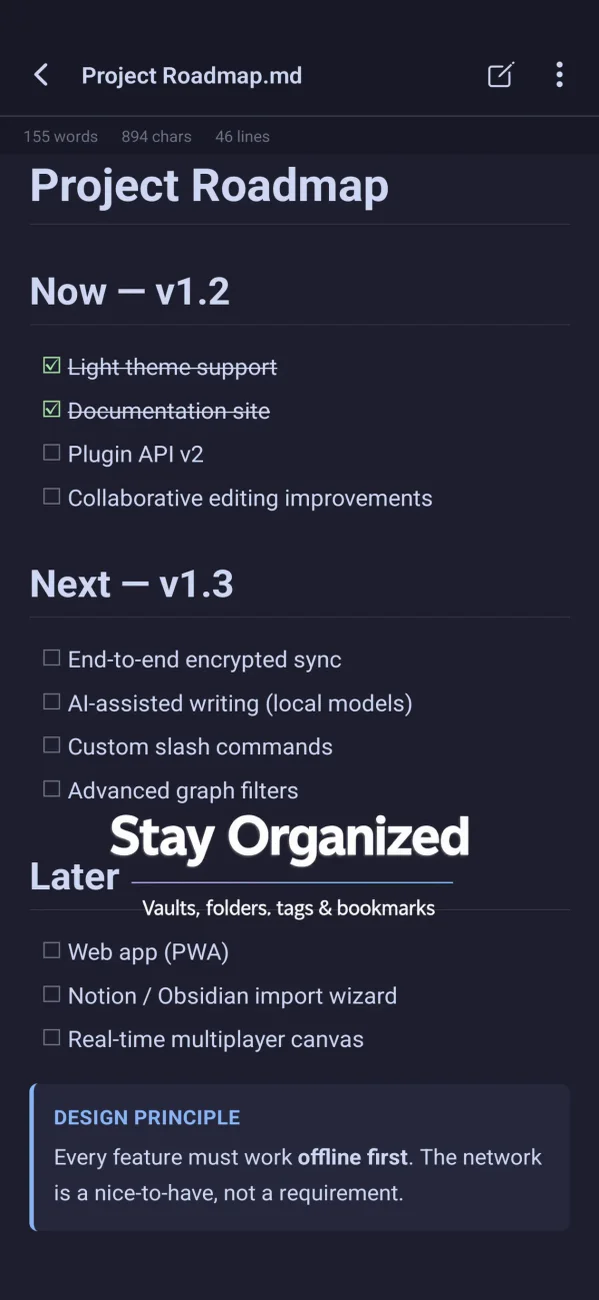
About
Noteriv is a free, open-source markdown notes app. Your notes are plain .md files in a folder you own: no account, no proprietary format, no lock-in. It works with the Noteriv desktop app, so the same notes open on your computer.
WRITE
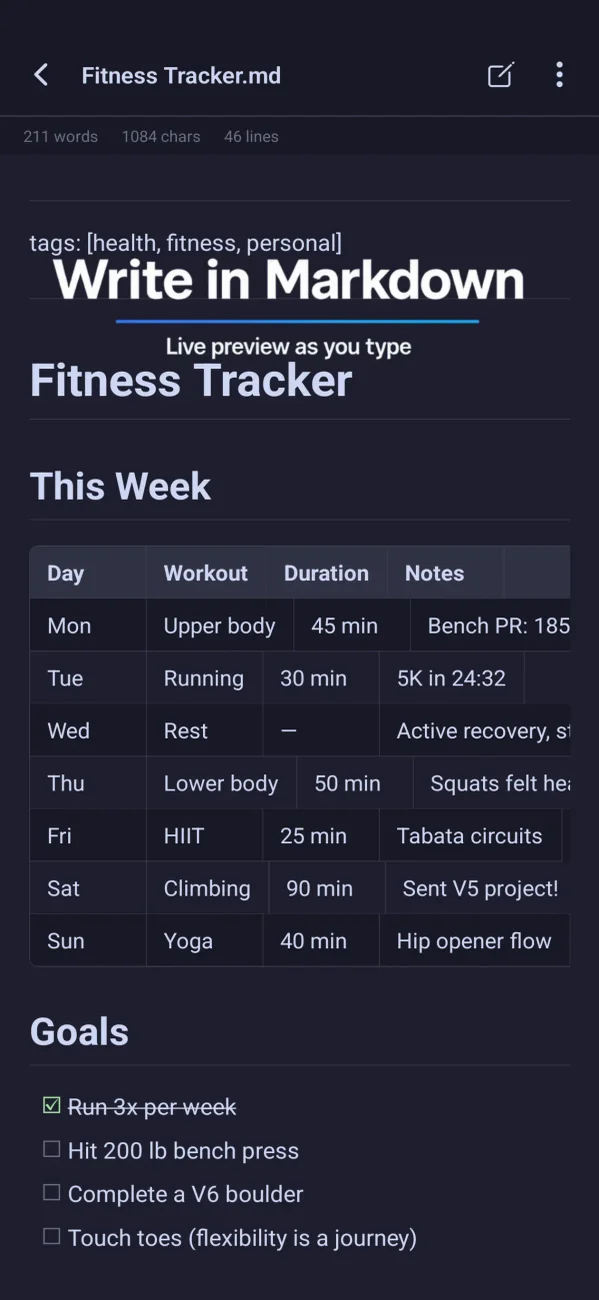
• Markdown editor with a formatting toolbar and a preview one tap away
• Task lists, tables, code blocks with highlighting, callouts, footnotes, math and Mermaid diagrams
• Templates, daily notes and auto-save
• Properties editor for a note's frontmatter
• Focus mode
CONNECT
• Wiki-links between notes: [[Note name]], with aliases and heading links
• Backlinks: every note that links to the one you are reading
• Graph view of the whole vault
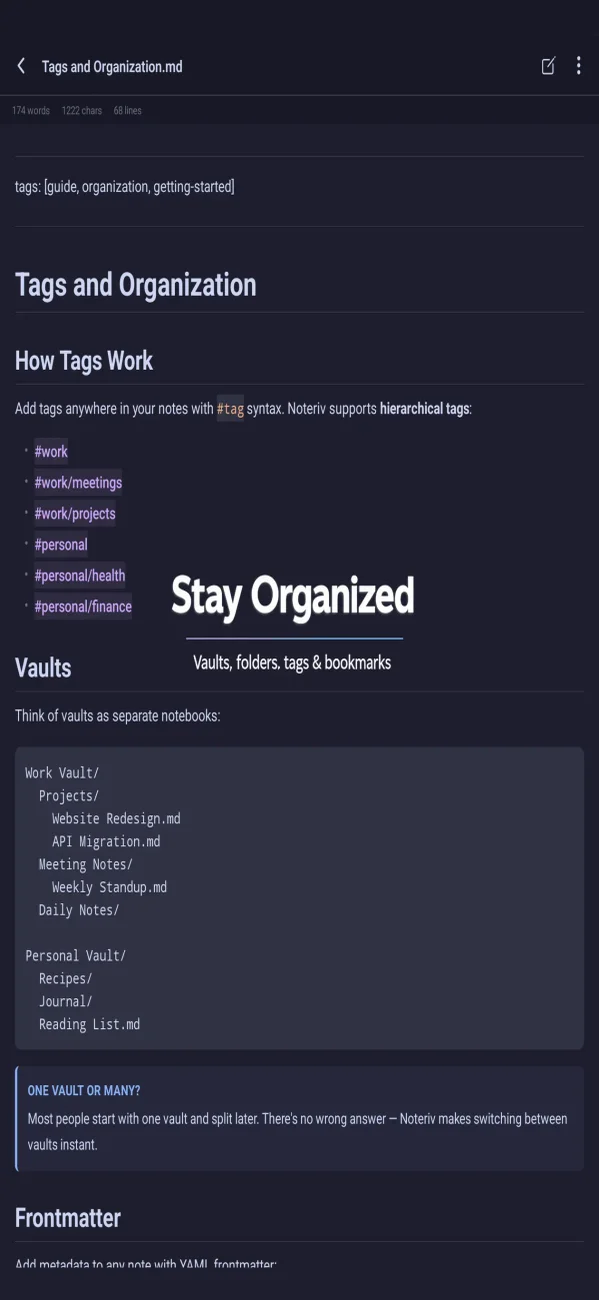
• Tags, nested ones too: #work/meetings
ORGANIZE
• Several vaults, folders, bookmarks and full-text search
• Board view: a note as a kanban board
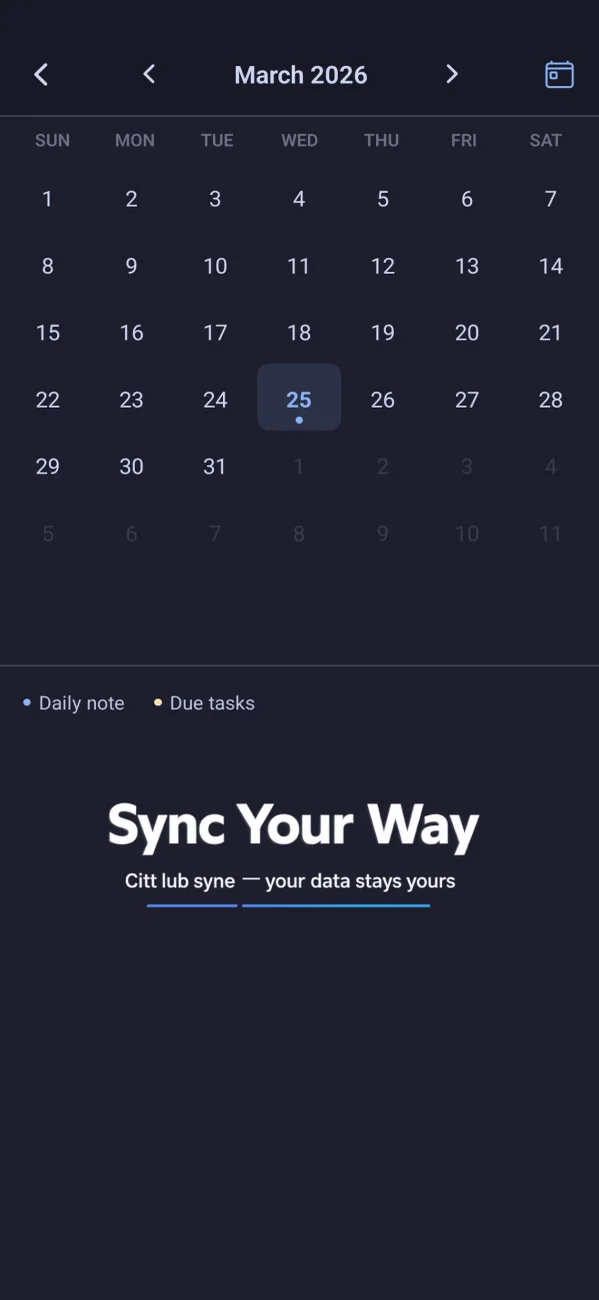
• Calendar of daily notes and due tasks
• Dataview queries that list notes as a table
• Flashcards with spaced repetition
• Trash and file recovery
SYNC
• Git: GitHub, GitLab, Gitea and Forgejo
• WebDAV: Nextcloud, ownCloud, a NAS or any other WebDAV server, in the same folder as the desktop app
• A note changed on two devices is kept twice, not overwritten
MAKE IT YOURS
• 10 themes, dark and light, and 8 accent colors
• CSS snippets and plugins
PRIVATE
• Notes stay on your device unless you turn sync on
• No account, no ads, no tracking
• Open source under the MIT license
What’s new
Version 1.2.0 · Nov 22, 2026
New: WebDAV sync. Connect a vault to Nextcloud, ownCloud, a NAS or any other WebDAV server under Settings > WebDAV Sync. It uses the same remote folder and rules as the desktop app, so a phone and a computer can share one folder.
• A note changed on two devices is kept twice.
• A note deleted on another device goes to the trash.
• Notes, images and PDFs are synced.
Not yet: remote folders the desktop app encrypted. The server address has to start with https://.
App privacy
What IronStack LLC declares on the App Store about how this app handles data.
-
Data not collected
The developer does not collect any data from this app.
Privacy practices may vary, for example with the features you use or your age.
Information
- Seller
- Ironstack LLC
- Category
- Productivity
- Version
- 1.2.0
- Updated
- Nov 22, 2026
- Released
- Apr 11, 2026
- Size
- 49.6 MB
- Requires
- iOS 16.4 or later
- Age rating
- 4+
- Price
- Free
- Languages
- English
- Copyright
- © 2026 IronStack LLC. All rights reserved.
You might also like
-
 Ki-noteYour Personal Knowledge Vault
-
 Zutext - Private Notesprivate, e2ee, folder
-
 Maho NotesBeautiful Markdown note-taking
-
 Snippets: Quick Markdown NotesSync via iCloud
-
 Aino: Markdown WorkspaceYour Personal LifeOS
-
 Vault Notes by HanssonProductivity
-
 Git Sync Markdown Notes: mdnbWiki links, folders & search
-
 Captured!Your box for everything shared
-
 Lucid: Notes & OutlinesEffortless second brain
-
 InksignalRead faster, Focus better