- Age rating4+
- CategoryUtilities
- DeveloperSteve Lidie
- LanguagesEnglish
- Size109.7 MB
Links to the official App Store page
Download.org hosts no file of Krypton. The button opens its official App Store page, published by Steve Lidie. Listing last checked on Nov 18, 2026.
Screenshots
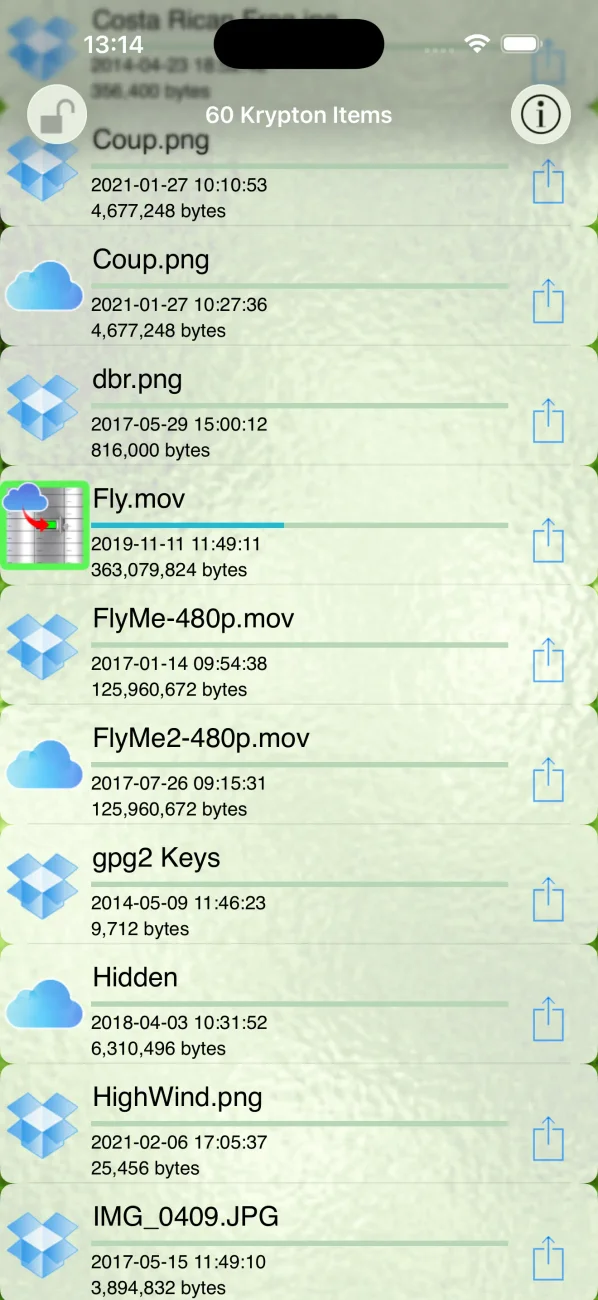
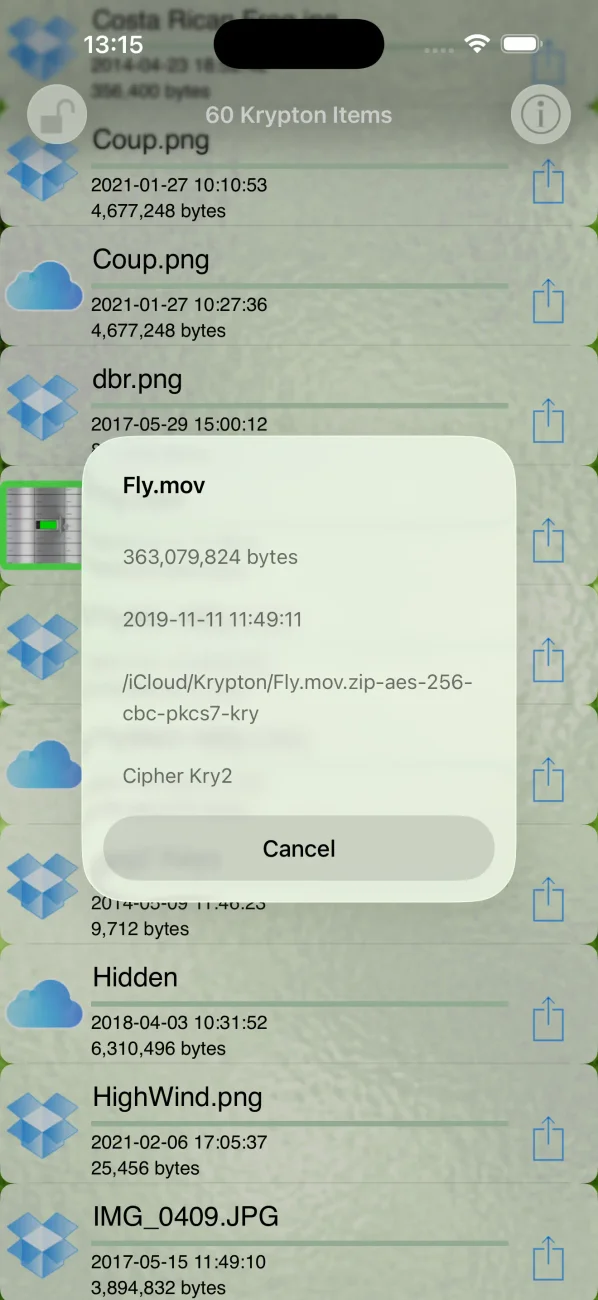
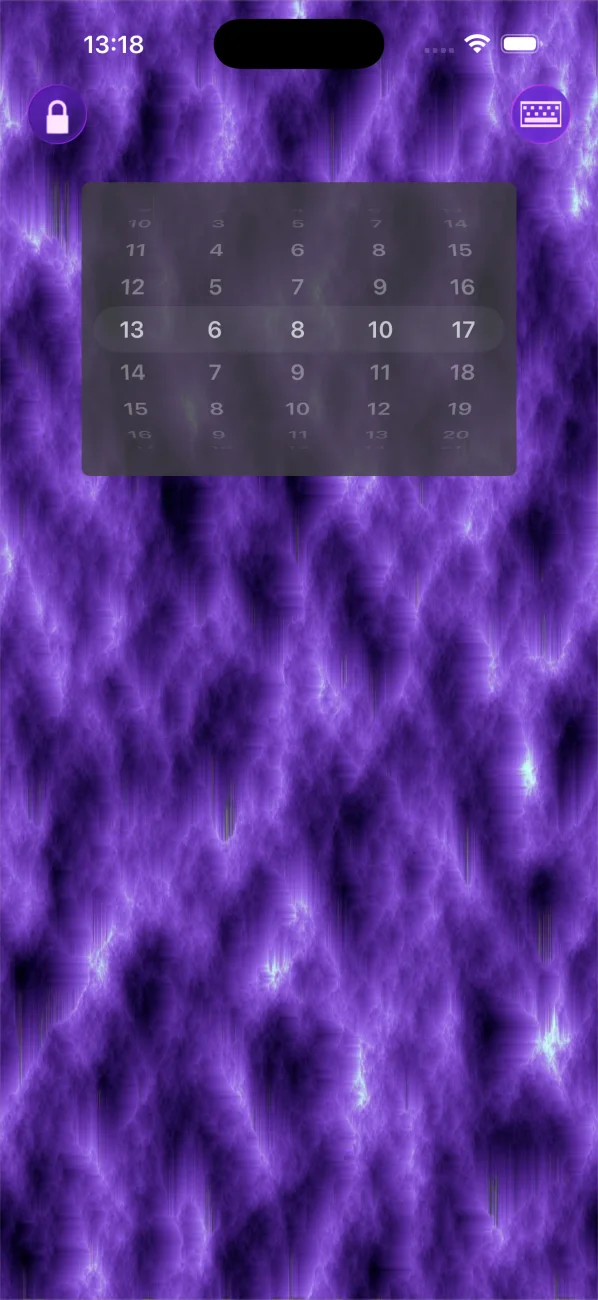
About
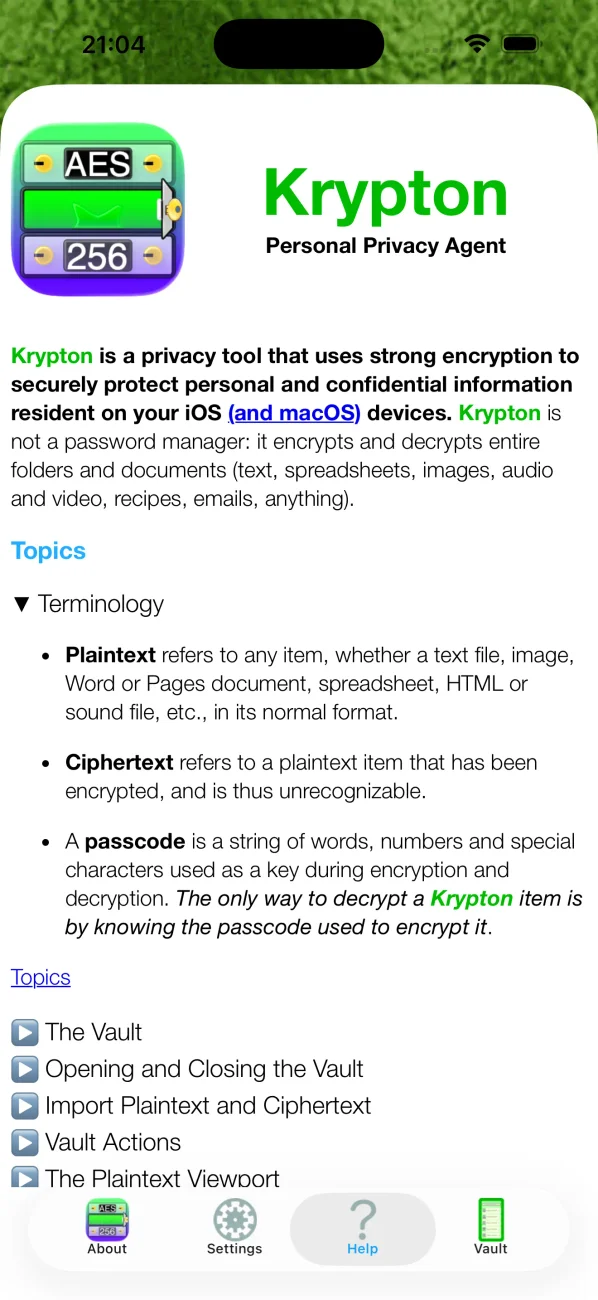
Protecting your personal and confidential information since 2009, Krypton is the first, simplest and most reliable App on the iOS Store to strongly encrypt entire documents and folders. Now also available on the macOS App Store. Your stuff is secure from prying eyes no matter where you are in the world.
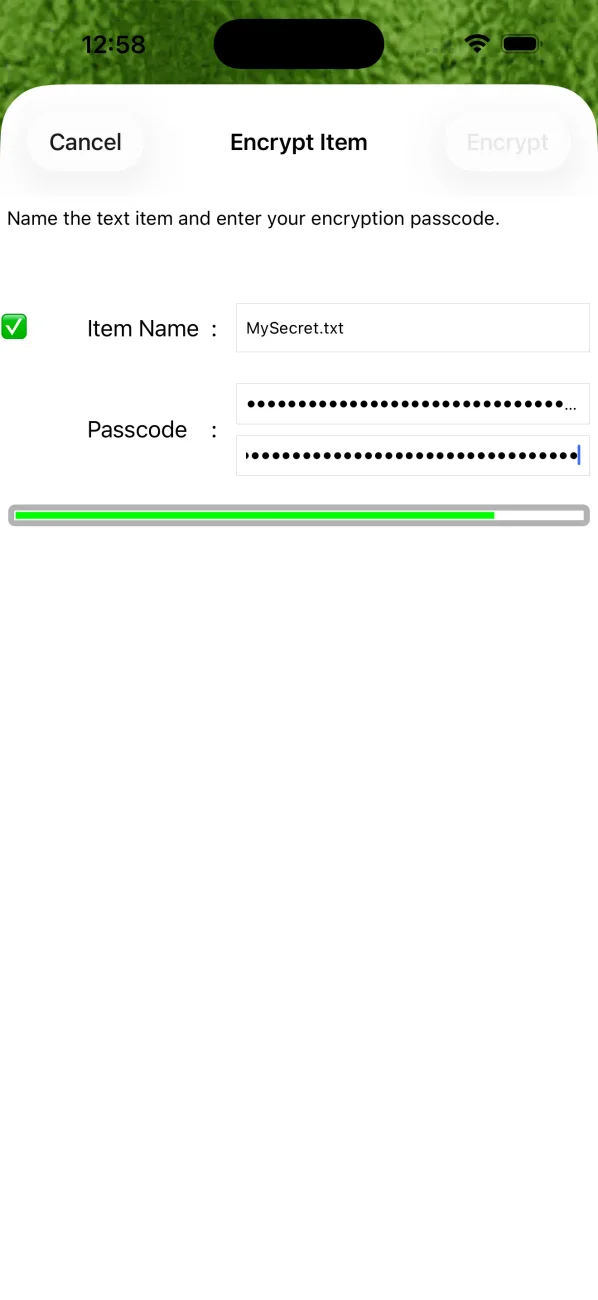
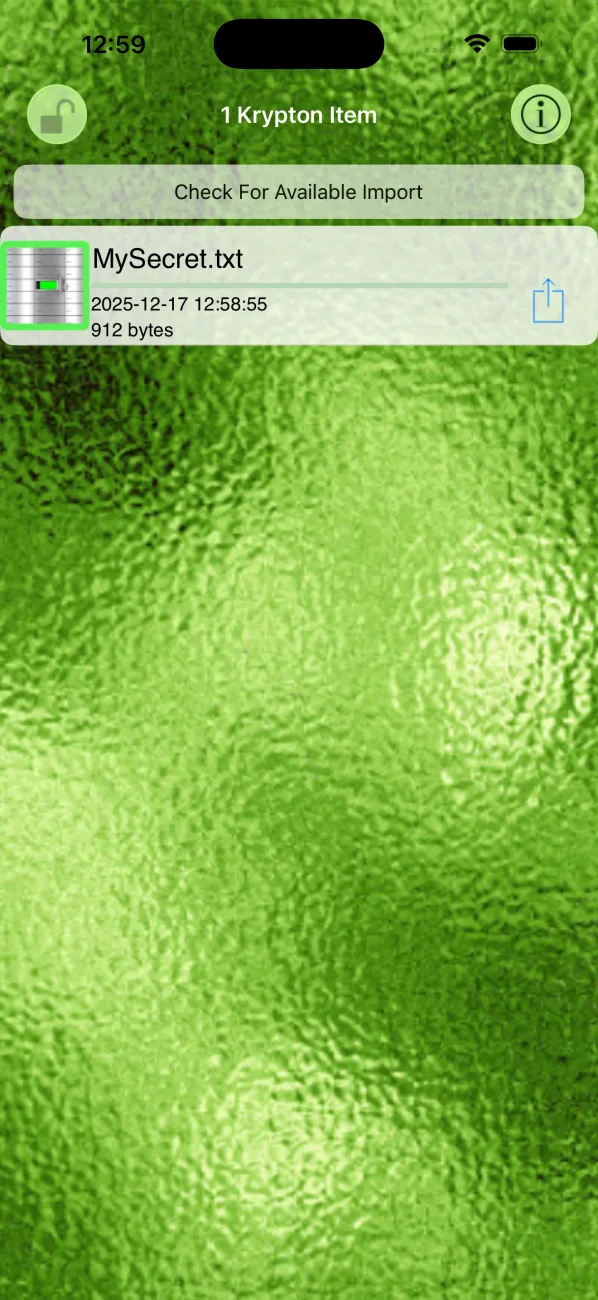
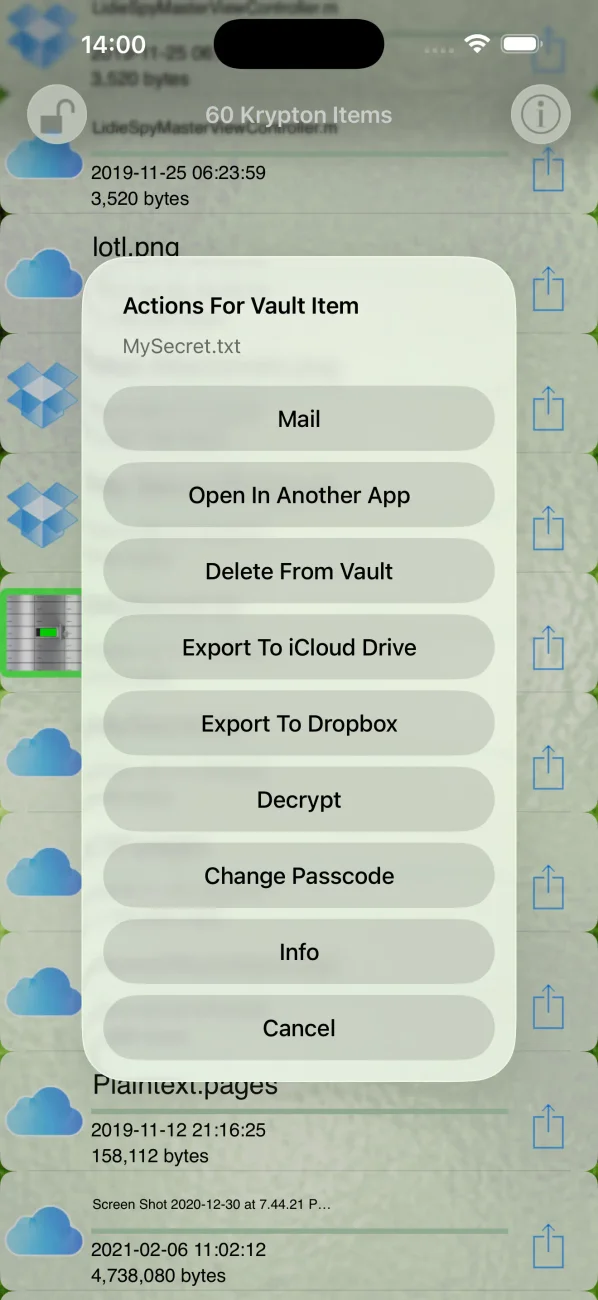
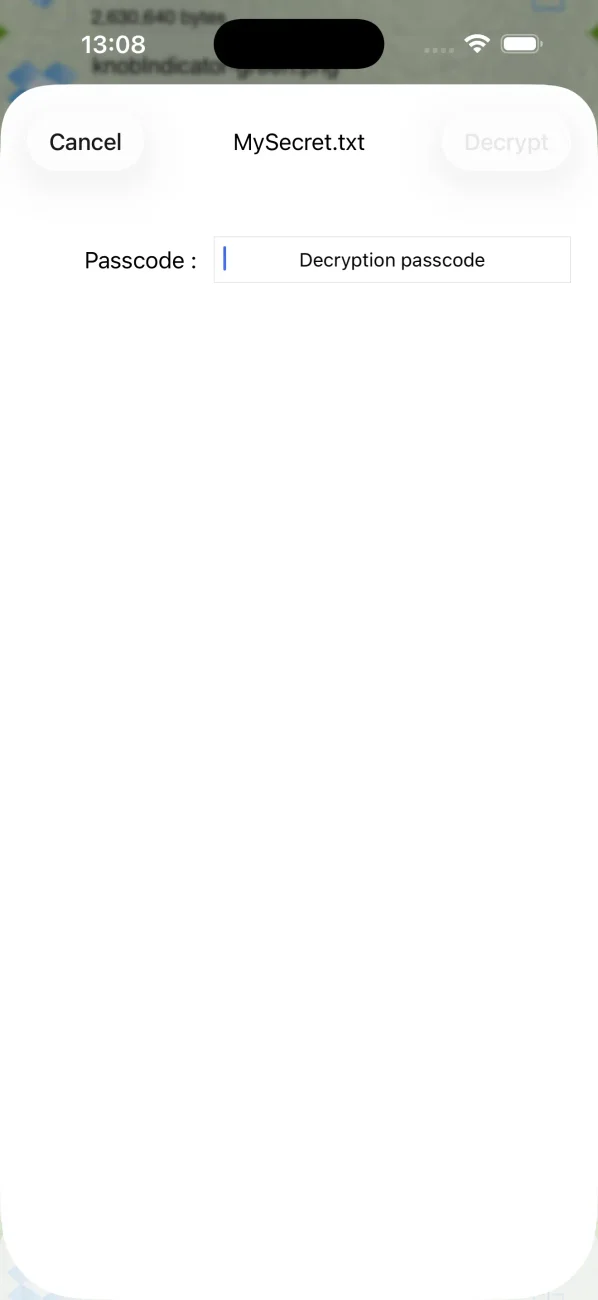
Metaphorically, Krypton keeps your encrypted items in a special vault, with each item contained in their own deposit box; to gain access to an encrypted item the vault must be open and the passcode key must be used to unlock the deposit box before you can discern the plaintext contents inside. In iOS the vault may be open or closed, while on macOS the vault opens upon Log In.
Because the unit of encryption is an entire document or folder, Krypton is not a password manager in the traditional sense, although you can maintain a document of all your passwords that you encrypt between uses. Krypton can encrypt any type of document, including but not limited to:
• Pictures and movies from your photo album.
• Email messages from your mailbox.
• Songs, PDFs, movies, Zip files, word processing documents, text files, images, program source code or any other object that you can download over the network or from your personal web server.
• Anything on the iOS pasteboard.
• Any document other Apps are willing to Share, such as Pages, Numbers and Keynote.
• iCloud Drive and Dropbox files for easy cloud synchronization.
Krypton uses strong encryption on each item. This has several ramifications:
• If your passcode is strong enough to withstand a brute force attack, no one is going to see your stuff.
• If you forget your passcode, no one can recover your stuff for you! But only that one document is lost, not your entire collection of items.
• Your stuff is secure even if your iDevice or Mac is stolen, or iCloud Drive or Dropbox account is compromised.
Visit http://www.bigcatos.com to learn more.
What’s new
Version 26.2 · Dec 24, 2025
- Bug fixes and improvements.
- Info action enhanced.
- Refreshed documentation.
- Update for DropBox SDK 7.4.1.
- Update for Apple OS versions 26.1.
App privacy
What Steve Lidie declares on the App Store about how this app handles data.
-
Data not collected
The developer does not collect any data from this app.
Privacy practices may vary, for example with the features you use or your age.
Information
- Seller
- Steve Lidie
- Category
- Utilities
- Version
- 26.2
- Updated
- Dec 24, 2025
- Released
- Aug 31, 2020
- Size
- 109.7 MB
- Requires
- iOS 14.0 or later
- Age rating
- 4+
- Price
- $2.99
- Languages
- English
- Copyright
- Copyright (©) 2009 - 2026 Stephen O. Lidie. All rights reserved.
You might also like
-
 Easy Data VaultSecure Your Mobile Data
-
 Video Metadata CleanerRemove video metadata
-
 Voitext - Speech to textTranscribe voice messages
-
 ScreenshotAI-AI assistantUtilities
-
 BLE Terminal - bluetooth toolsSend Commands to Any Device
-
 File Save: Private VaultSecure Encryption No Cloud
-
 Find PROFind anything online
-
 Intel StackIITC script manager for Safari
-
 Jamf UnlockUtilities
-
 makeracontrollerUtilities