
- Age rating4+
- CategoryProductivity
- DeveloperLaabamOne
- LanguagesEnglish
- Size51.6 MB
Links to the official App Store page
Download.org hosts no file of Laabam Authenticator. The button opens its official App Store page, published by LaabamOne. Listing last checked on Nov 18, 2026.
Screenshots

About
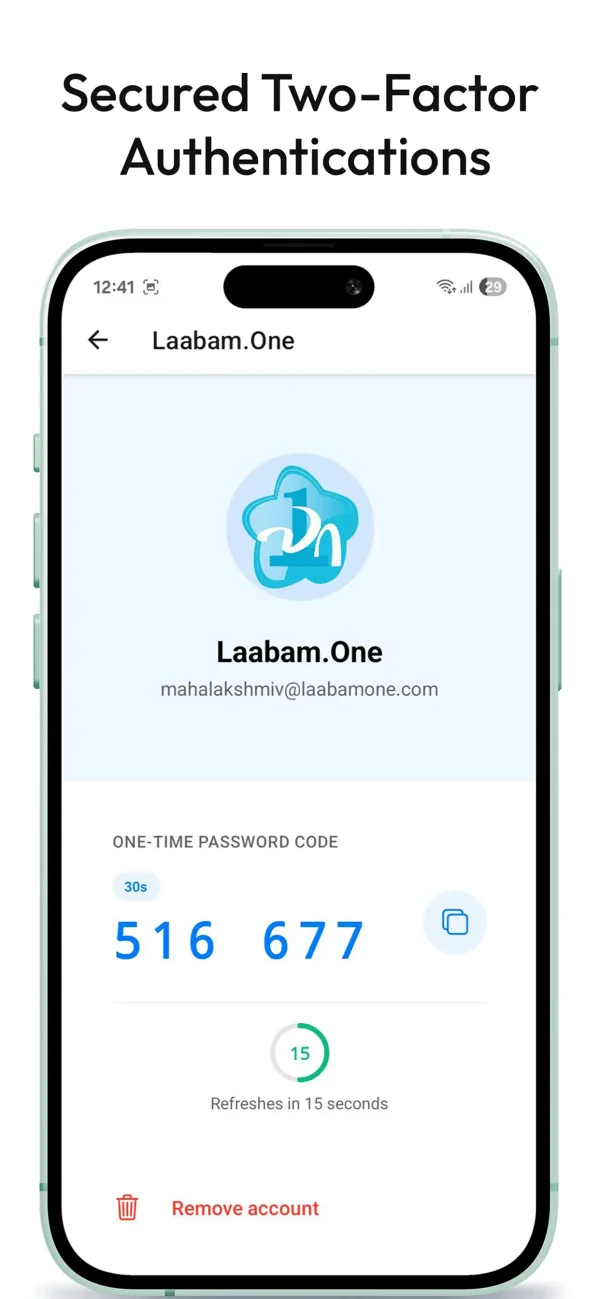
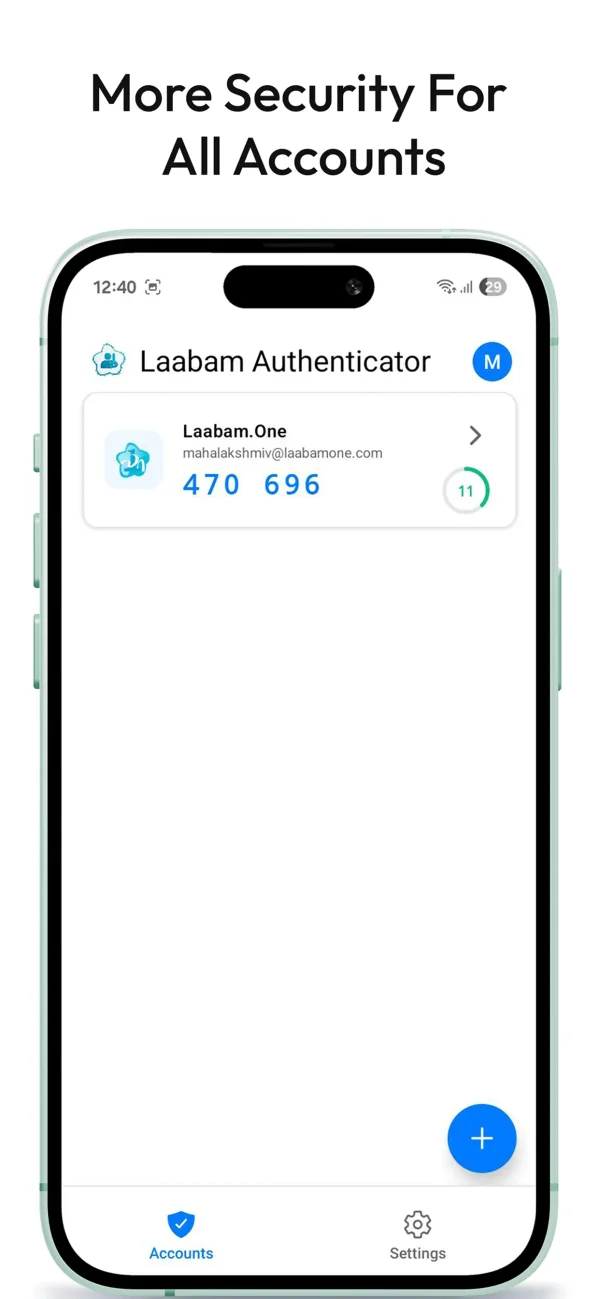
Laabam Authenticator is a secure and easy-to-use two-factor authentication (2FA) app designed to protect your online accounts with an extra layer of security. In a world where passwords alone are no longer enough, Laabam Authenticator helps keep your accounts safe by generating time-based one-time passwords (OTP) that change every few seconds.
This app works seamlessly with Laabam.One and other supported services to provide strong account protection without compromising on simplicity. Whether you are a business owner, employee, or individual user, Laabam Authenticator ensures that only you can access your accounts.
Why Laabam Authenticator?
Passwords can be stolen, guessed, or leaked. Two-factor authentication adds an additional verification step that makes unauthorized access extremely difficult. Laabam Authenticator generates secure OTP codes directly on your device, giving you full control over your account security.
Key Features
• Two-Factor Authentication (2FA):
Generate secure, time-based OTP codes for supported platforms.
• Quick Account Setup:
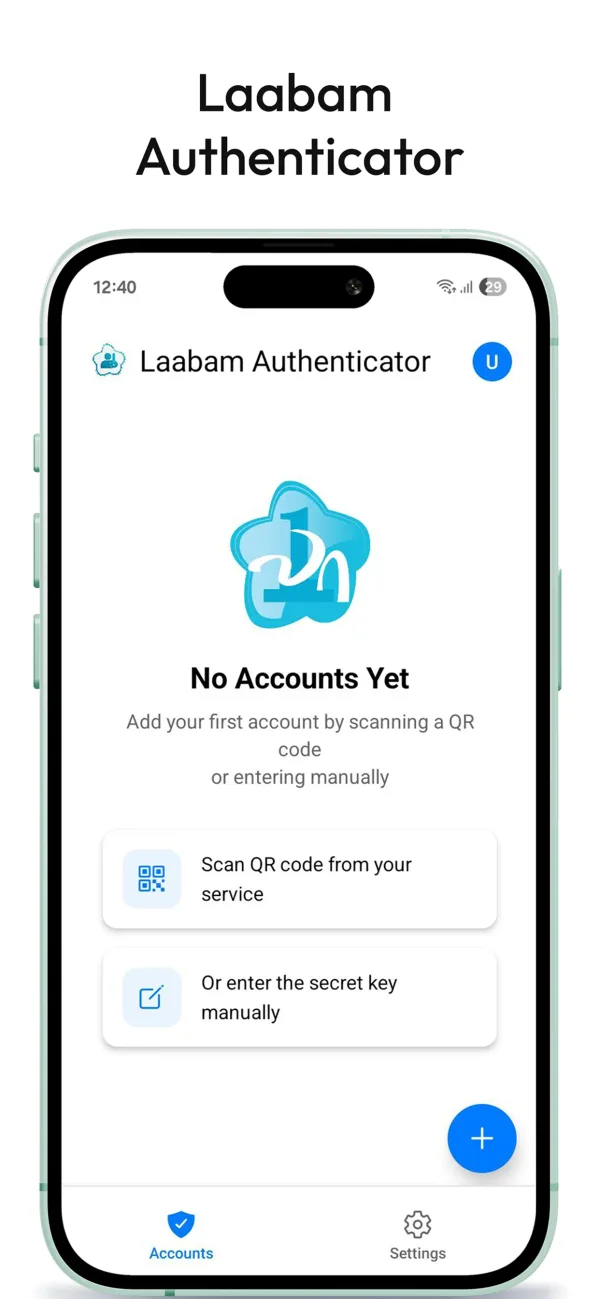
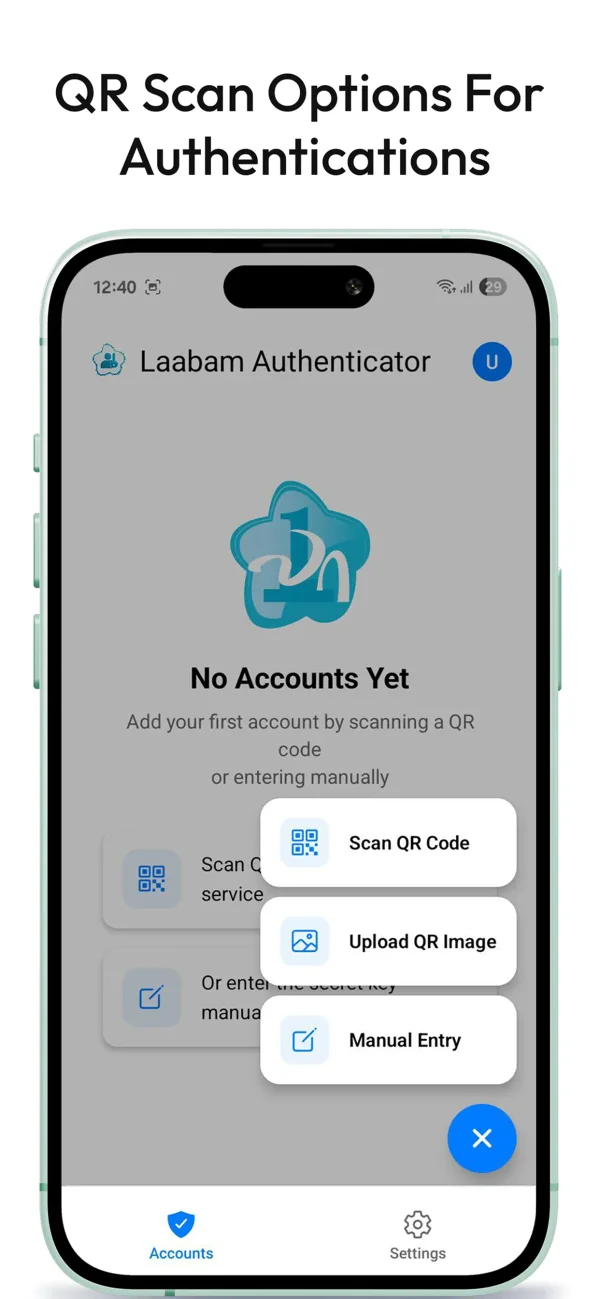
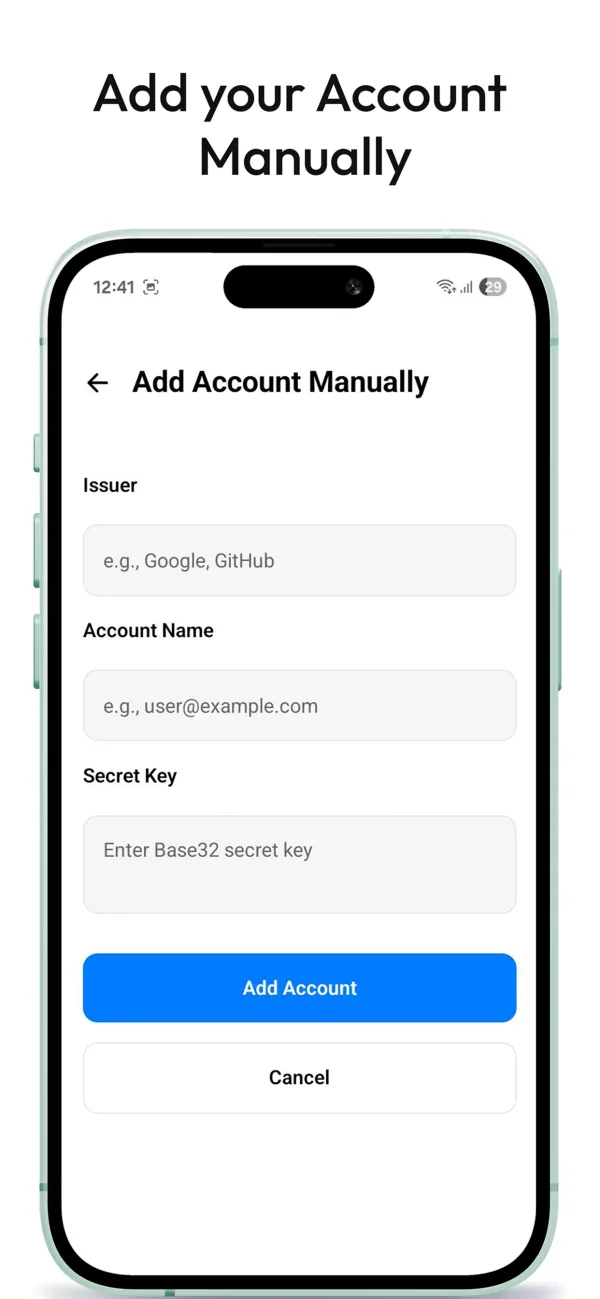
Add your account by scanning a QR code, uploading a QR image, or entering the secret key manually.
• Clean & Simple Interface:
Designed with a minimal and user-friendly layout for easy navigation and use.
• Fast OTP Generation:
OTP codes refresh automatically every few seconds for secure logins.
• Offline Support:
No internet connection required to generate OTP codes.
• Lightweight & Secure:
Optimized for performance while maintaining high security standards.
Privacy & Security
Laabam Authenticator values your privacy. All OTP codes are generated locally on your device and are never stored on external servers. Your data remains private and secure at all times.
Ideal For
• Laabam.One users
• Business professionals
• Startups and enterprises
• Anyone looking to enable 2FA for added account security
How It Works
Install Laabam Authenticator
Add your account using a QR code or secret key
Use the generated OTP while signing in
Enjoy enhanced account protection
With Laabam Authenticator, securing your digital identity becomes simple, fast, and reliable. Protect your accounts today with a modern authentication solution built for security-focused users.
What’s new
Version 1.0.4 · Nov 6, 2026
• A fresh look, with search, pins, groups and your own colours and icons
• See the next code before the current one ends
• Rename and arrange accounts, clean up duplicate copies, and restore a removed account for 30 days
• Move from Google Authenticator or Microsoft Authenticator
• Optional sign-in to Laabam One with email, Google, Microsoft or Apple
App privacy
What LaabamOne declares on the App Store about how this app handles data.
-
Data linked to you
May be collected and linked to your identity.
- Contact info
Privacy practices may vary, for example with the features you use or your age.
Information
- Seller
- Laabam One Business Solutions (OPC) Private Limited
- Category
- Productivity
- Version
- 1.0.4
- Updated
- Nov 6, 2026
- Released
- Feb 16, 2026
- Size
- 51.6 MB
- Requires
- iOS 16.4 or later
- Age rating
- 4+
- Price
- Free
- Languages
- English
- Copyright
- © 2026 Laabam.One Business Solutions Pvt Ltd. All rights reserved.
You might also like
-
 DWG View - CAD Viewer & EditorDWG, DXF, DWF, DGN- View, Edit
-
 Weekstack: Weekly PlannerTo-do List, Stacked
-
 Platen — Paper & InkA little typewriter for notes
-
 Twik - AI Voice keyboardVoice Dictation & Translator
-
 Document Scanner by LufickScan, Edit & Share PDFs
-
 Scalio - Run Marketing 24/7AI Video Ads & Photoshoots
-
 Image Compress Photo & VideoCompressor, Resizer & Shrink
-
 AirDisk: File ManagerWireless Photos & Documents
-
 Microsoft 365 AdminProductivity
-
 Done! - Happy ProductivityTo-do list, Calendar, Habits