
AirDisk: File Manager
Wireless Photos & Documents
Designed for iPhone, iPad, iPod touch
Free · In-app purchases
- Age rating4+
- CategoryProductivity
- DeveloperFelix Yew
- LanguagesEnglish+ 8 more
- Size105.8 MB
Links to the official App Store page
Download.org hosts no file of AirDisk: File Manager. The button opens its official App Store page, published by Felix Yew. Listing last checked on Nov 23, 2026.
Screenshots

About
AirDisk is a wireless file transfer and file manager app that helps you move photos, videos, folders, documents, music, and archives between your phone, tablet, and computer.
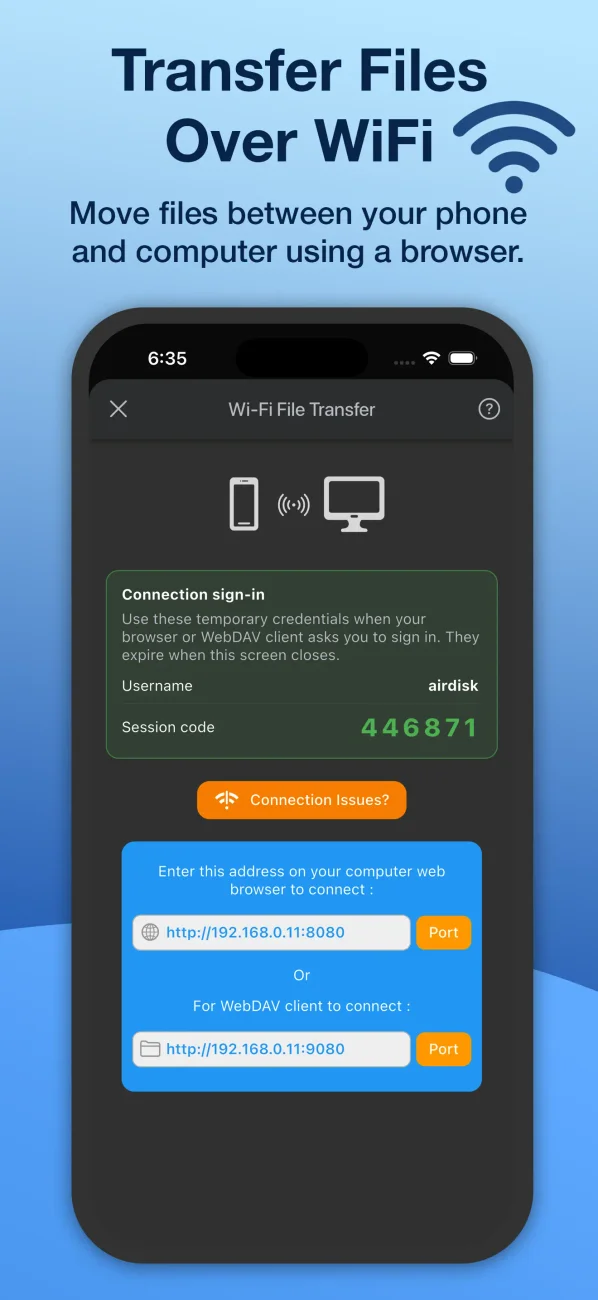
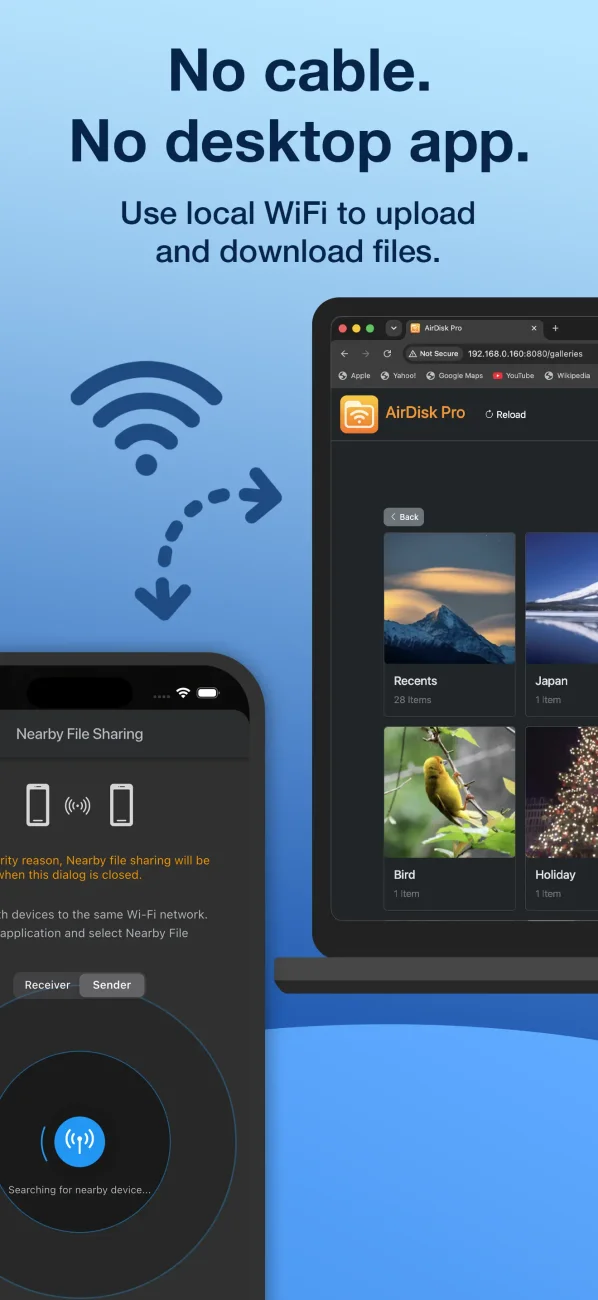
Use local WiFi transfer to access your phone files from a computer browser. Open AirDisk, connect your computer to the same WiFi network, enter the browser address shown in the app, and start uploading or downloading files. No cable, no iTunes, no desktop software, and no cloud upload required for local WiFi transfer.
AirDisk is useful when you want to:
• Transfer photos from iPhone or iPad to Windows PC
• Move videos from phone to computer
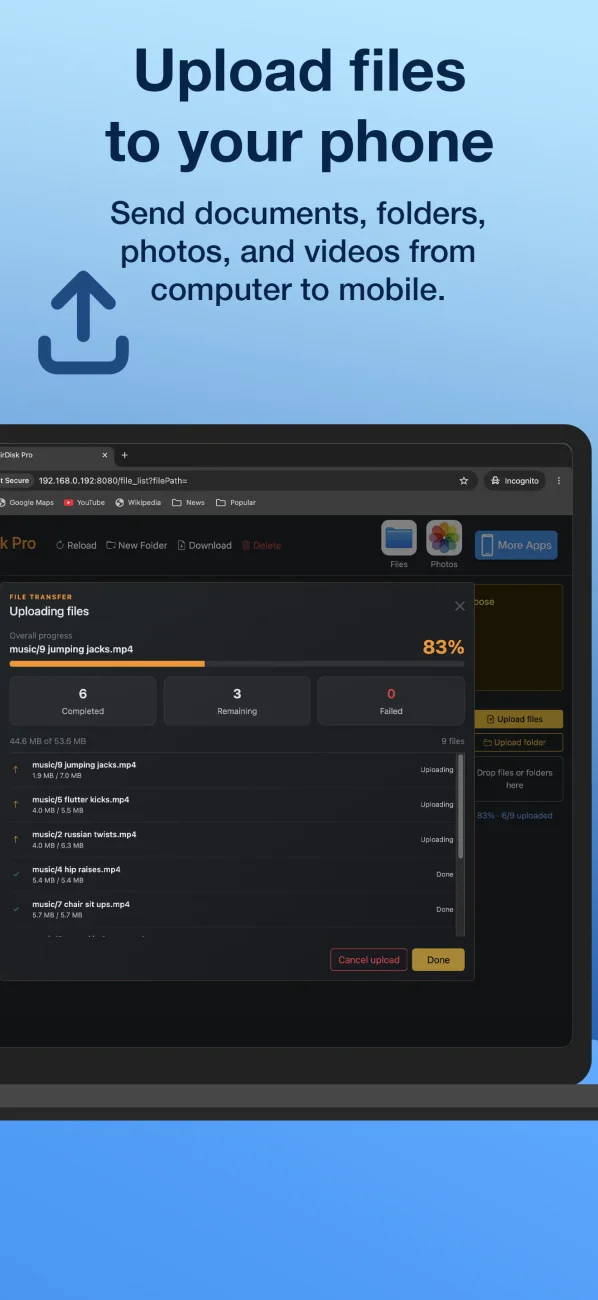
• Send documents from computer to phone
• Transfer files over WiFi using a browser
• Access phone files without installing desktop software
• Organize folders, media, documents, and archives
• Manage files locally on your mobile device
• Use cloud storage when needed
Key features:
Wireless WiFi File Transfer
Transfer files between your phone and computer over the same local WiFi network. Use your computer browser to upload, download, and manage files.
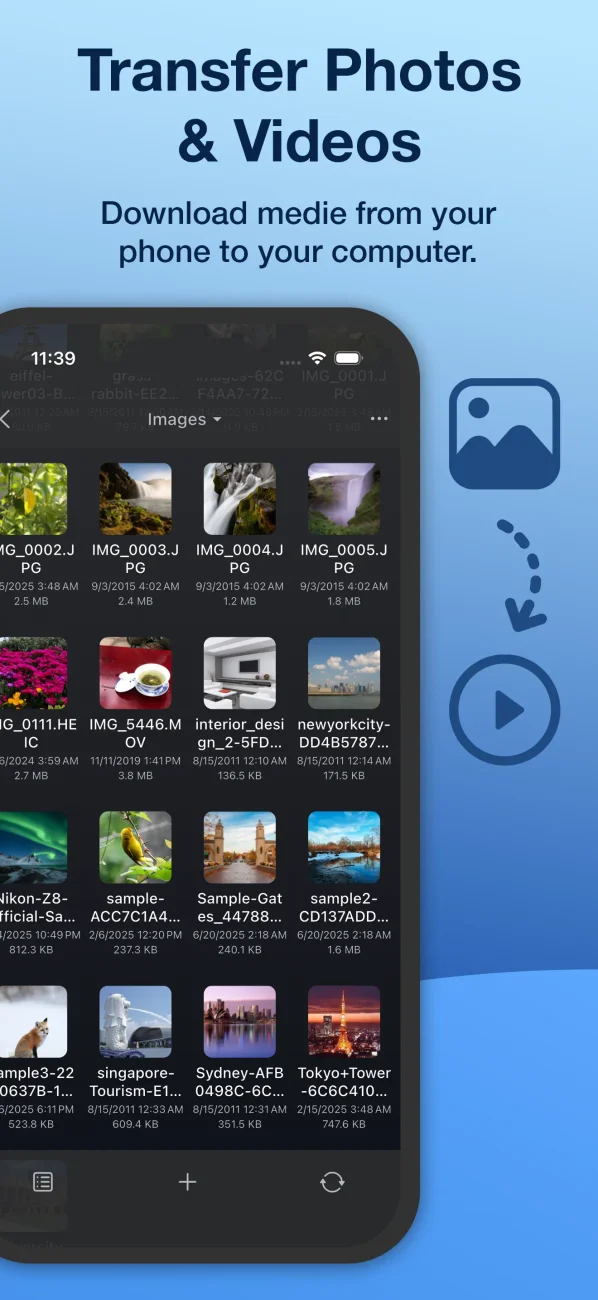
Photo and Video Transfer
Move photos and videos from your phone to your computer without using a cable. This is helpful for backing up camera roll media, moving large videos, or freeing up phone storage.
Browser-Based Transfer
Access your files from a Mac, Windows PC, Chromebook, or other computer with a web browser. No desktop companion app is required for local WiFi transfer.
File Manager
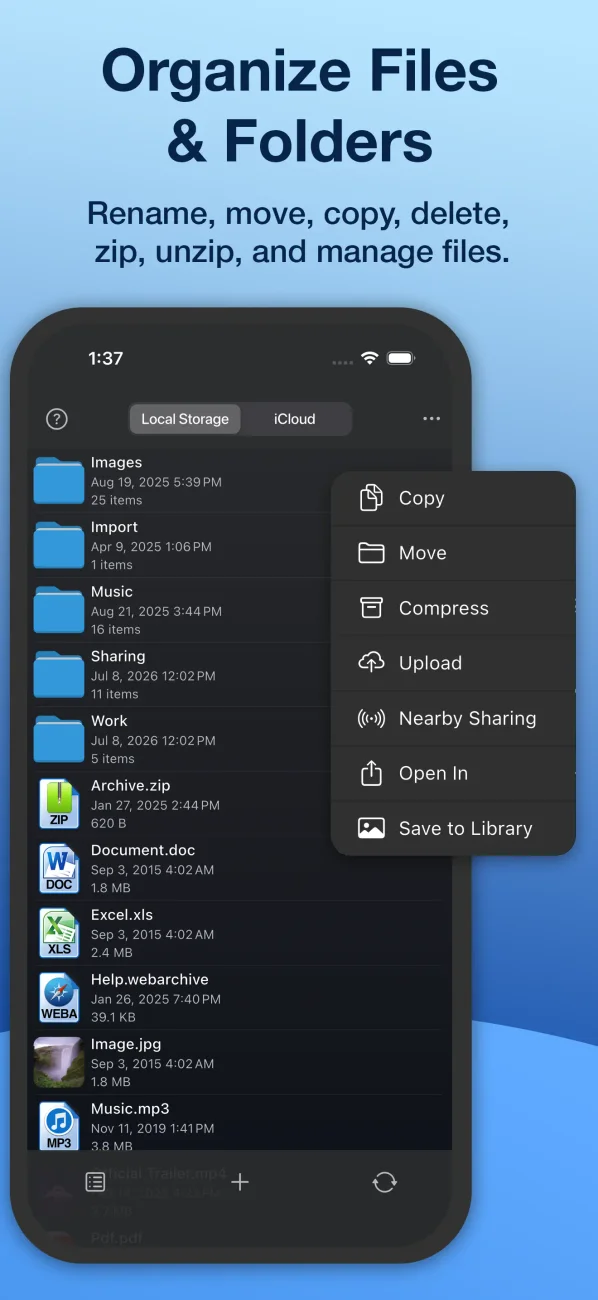
Create folders, rename files, move files, copy files, delete files, organize folders, and manage your local storage from one place.
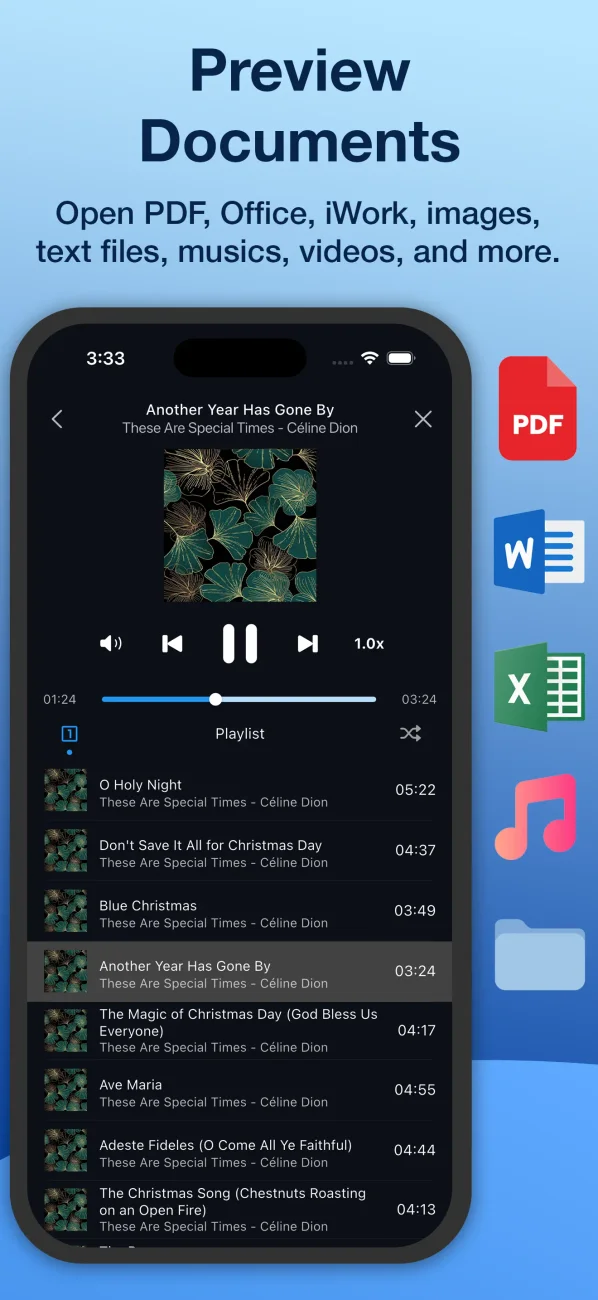
Document Viewer
Preview common document formats including PDF, Microsoft Office files, Apple iWork files, images, text files, and more.
Archive Tools
Zip, unzip, and manage archive files directly inside the app.
Music and Video Player
Play music and videos stored in AirDisk with built-in media player support.
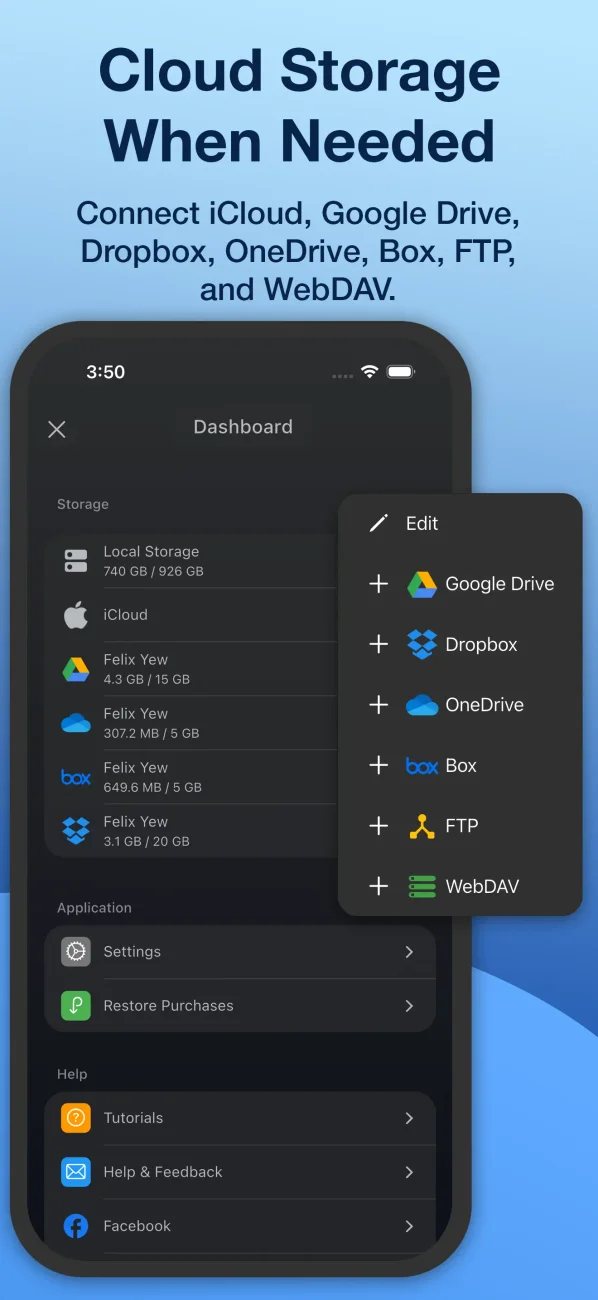
Cloud Storage Support
Connect to iCloud, Google Drive, Dropbox, OneDrive, Box, FTP, and WebDAV when you want to access or manage cloud files.
Privacy and Local Transfer
For local WiFi transfer, your files are transferred through your local network instead of requiring cloud upload. Your phone and computer must be connected to the same WiFi network, and AirDisk should stay open while transferring files.
AirDisk is designed for people who want a practical way to transfer files wirelessly, manage documents, move photos and videos, and access phone files from a computer browser.
Discover how AirDisk simplifies file management and boosts productivity.
• Learn more: https://airdisk.app
• Terms of Service: https://airdisk.app/terms-of-service
• Privacy Policy: https://airdisk.app/privacy-policy
What’s new
Version 7.12.9 · Nov 20, 2026
We’ve fixed several bugs and fine-tuned performance to deliver a smoother, faster, and more reliable experience.
Thank you for using AirDisk! Your feedback helps us make the app even better — don’t hesitate to reach out and let us know what you think.
For more details:
Website: https://airdisk.app
X (Twitter): https://twitter.com/App2Pro
Facebook: https://www.facebook.com/app2pro
If you’re loving the app, we’d greatly appreciate a 5-star review. Your support inspires us to keep bringing you exciting new features. Thanks for being part of our journey!
App privacy
What Felix Yew declares on the App Store about how this app handles data.
-
Data not collected
The developer does not collect any data from this app.
Privacy practices may vary, for example with the features you use or your age.
Information
- Seller
- Felix Yew
- Category
- Productivity
- Version
- 7.12.9
- Updated
- Nov 20, 2026
- Released
- Aug 12, 2021
- Size
- 105.8 MB
- Requires
- iOS 15.0 or later
- Age rating
- 4+
- Price
- Free
- In-app purchases
- Yes
- Languages
- English, French, German, Italian, Japanese, Russian, Simplified Chinese, Thai, Traditional Chinese
- Copyright
- Copyright © 2026 App2Pro.
You might also like
-
 Data Transfer - SnapdropContent Transfer App
-
 ASUS GlideXMirror and Extend
-
 AirDroid - File Transfer&ShareYour cross - OS file transfer
-
 Phone Drive: File ManagerWi-Fi Transfer to PC & Mac
-
 Send Anywhere - File TransferShare files, Play MP3 & Videos
-
 USB Disk SE, File ManagerPhoto Viewer, MP3 Player, PDF
-
 ES File ExplorerBrowse & Music, Docs
-
 Smart Noter - AI Note TakerTranscribe Audio to Text
-
 File Transfer - SnapdropFiles Share For Snap Drop
-
 SHALOMProductivity