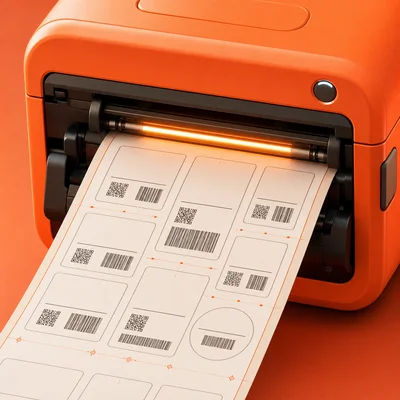
Label Printer: Address Labels
Avery sheets, tags, barcodes
Designed for iPhone
Free · In-app purchases
- Age rating4+
- CategoryProductivity
- DeveloperPhuc Pham
- LanguagesEnglish
- Size5.6 MB
Links to the official App Store page
Download.org hosts no file of Label Printer: Address Labels. The button opens its official App Store page, published by Phuc Pham. Listing last checked on Nov 16, 2026.
Screenshots


About
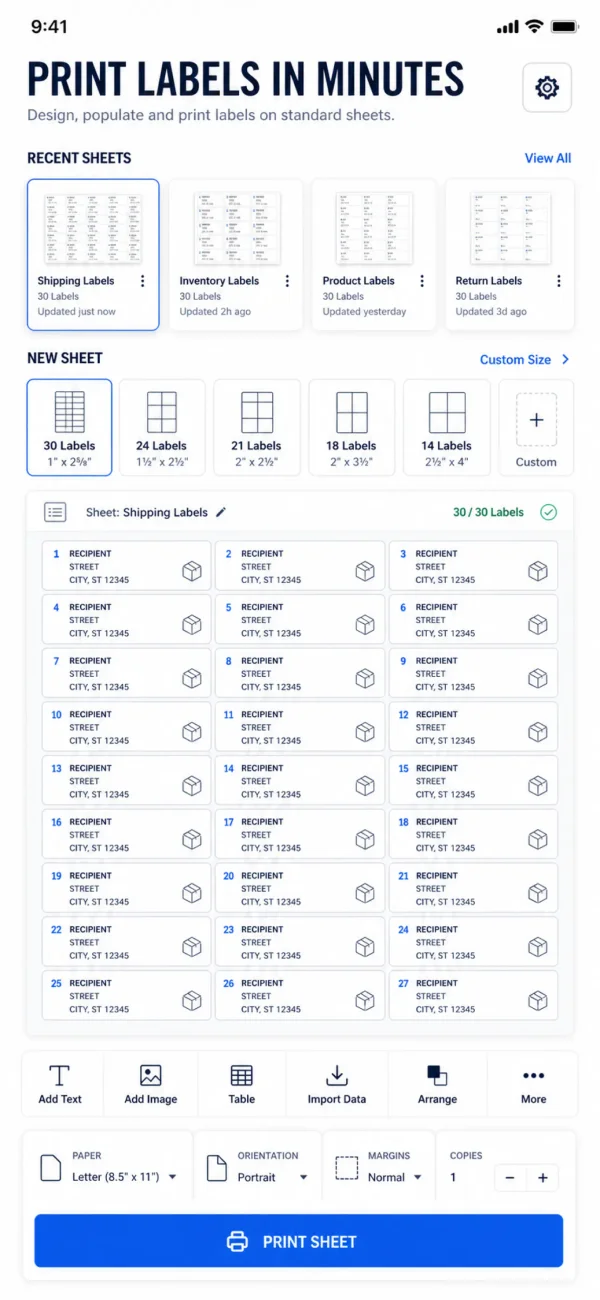
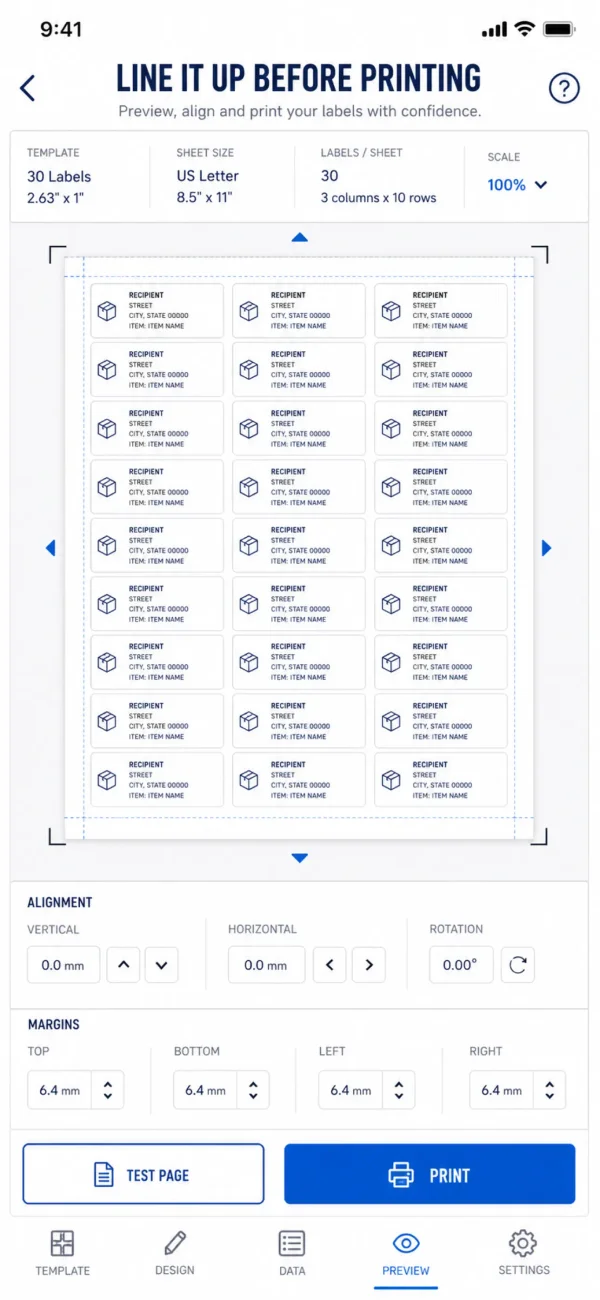
Print perfectly aligned address labels onto the label sheets you already own, straight from your iPhone. Enter the code printed on your box, type or paste your list, and every label lands exactly inside its cell — no rulers, no misprints, no wasted sticker sheets.
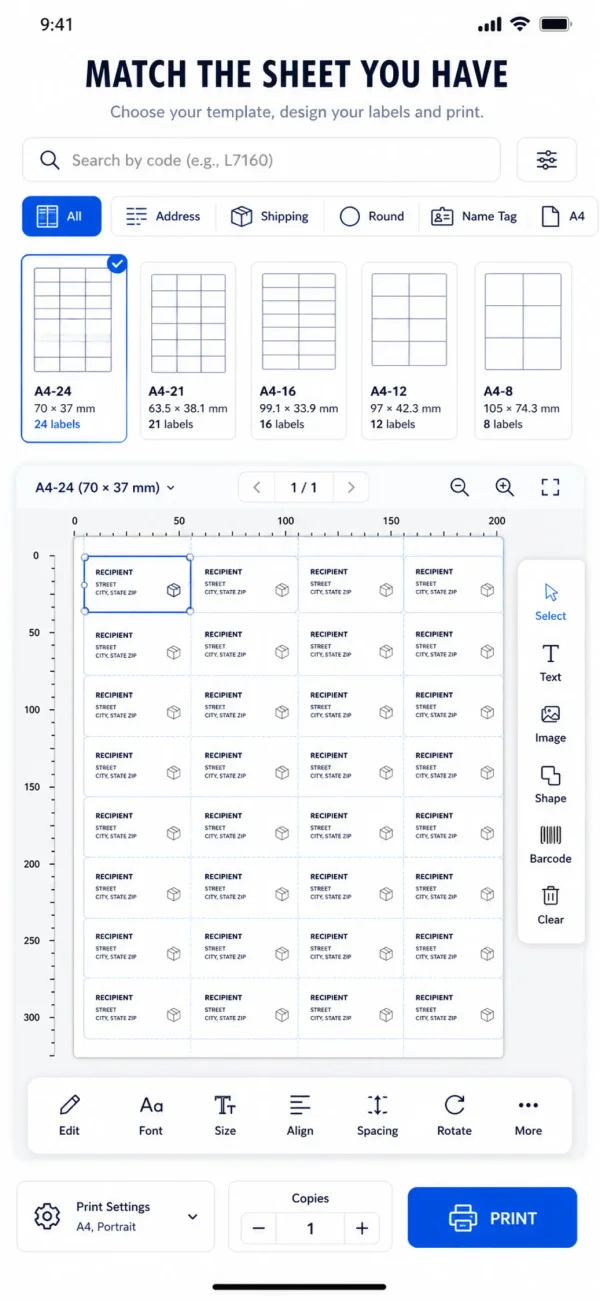
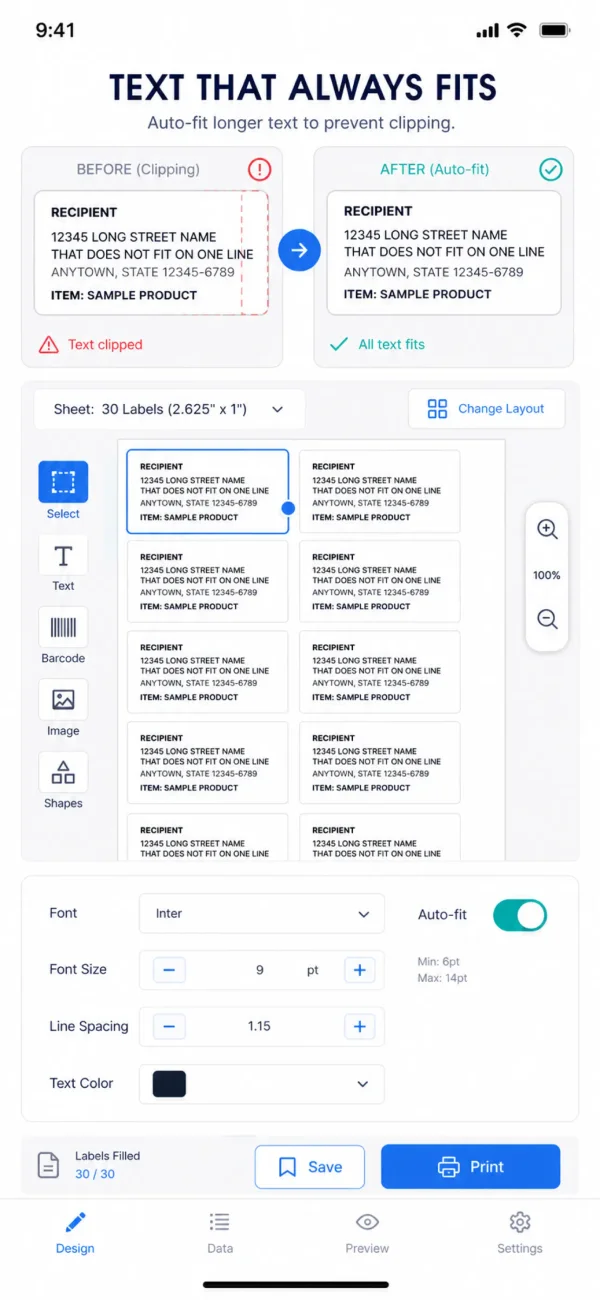
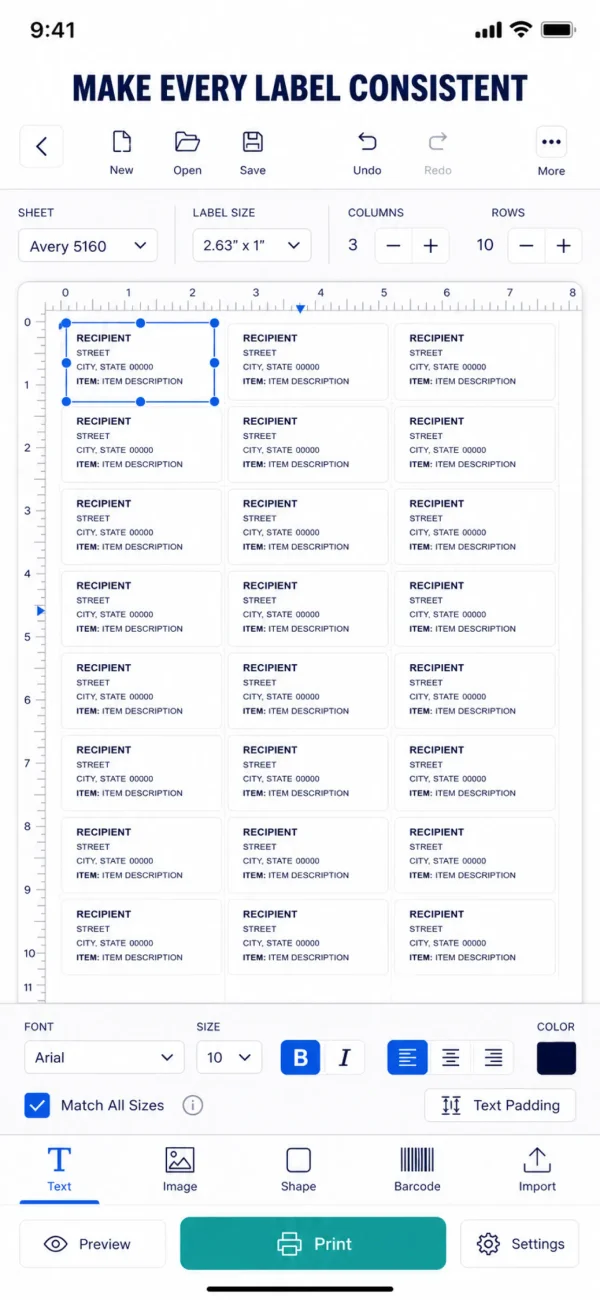
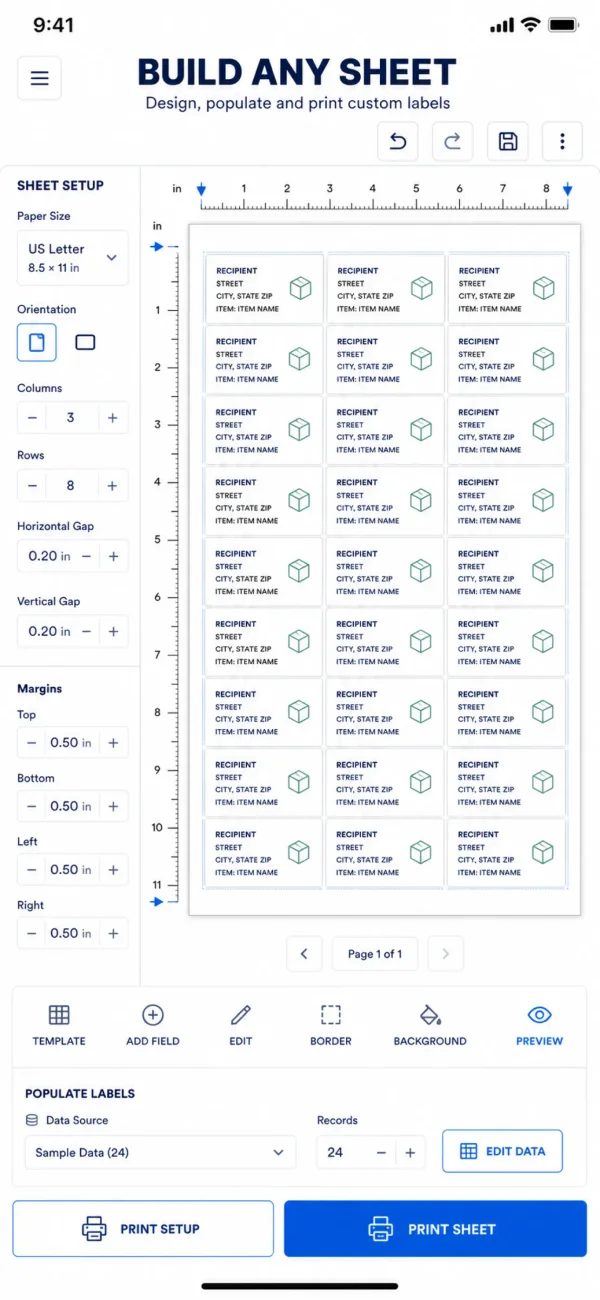
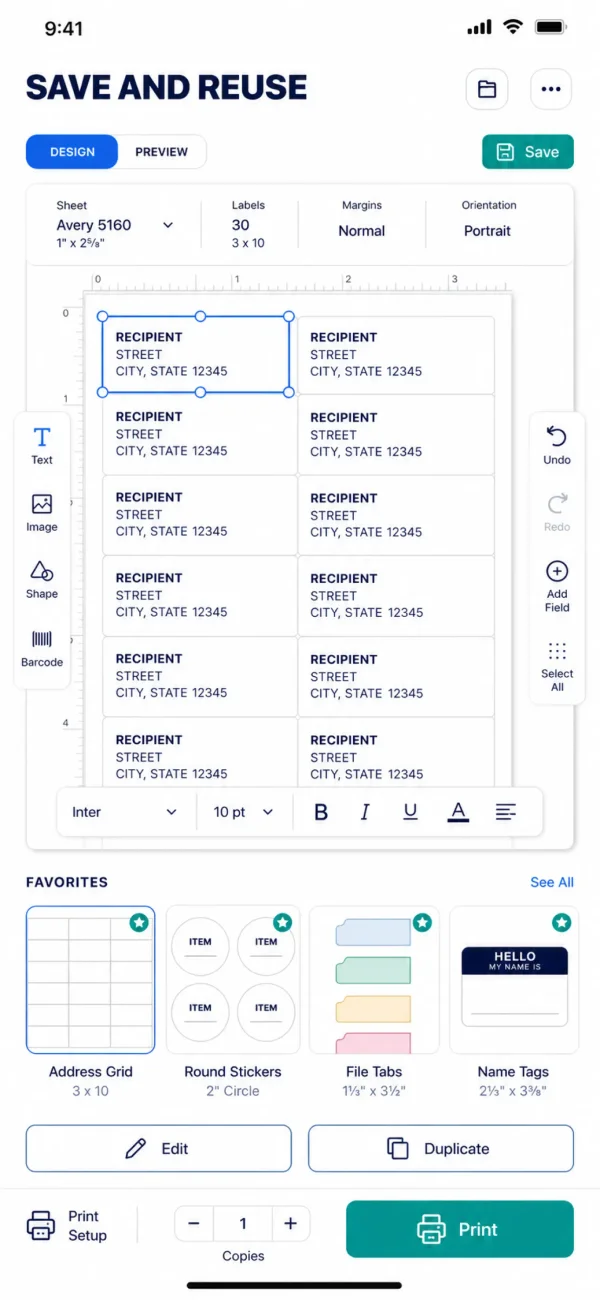
Most label apps guess at spacing. Label Printer uses the real grid geometry for each sheet code (30-per-sheet address, shipping, return, name badge, round, file folder and more), so what you see on screen is what prints on the page. Import from Contacts, paste a whole list to auto-fill the grid, drop in a QR or barcode, then send it to any AirPrint printer or export a print-ready PDF.
WHAT YOU GET
- Address labels that line up dead-center on the real grid for your sheet code
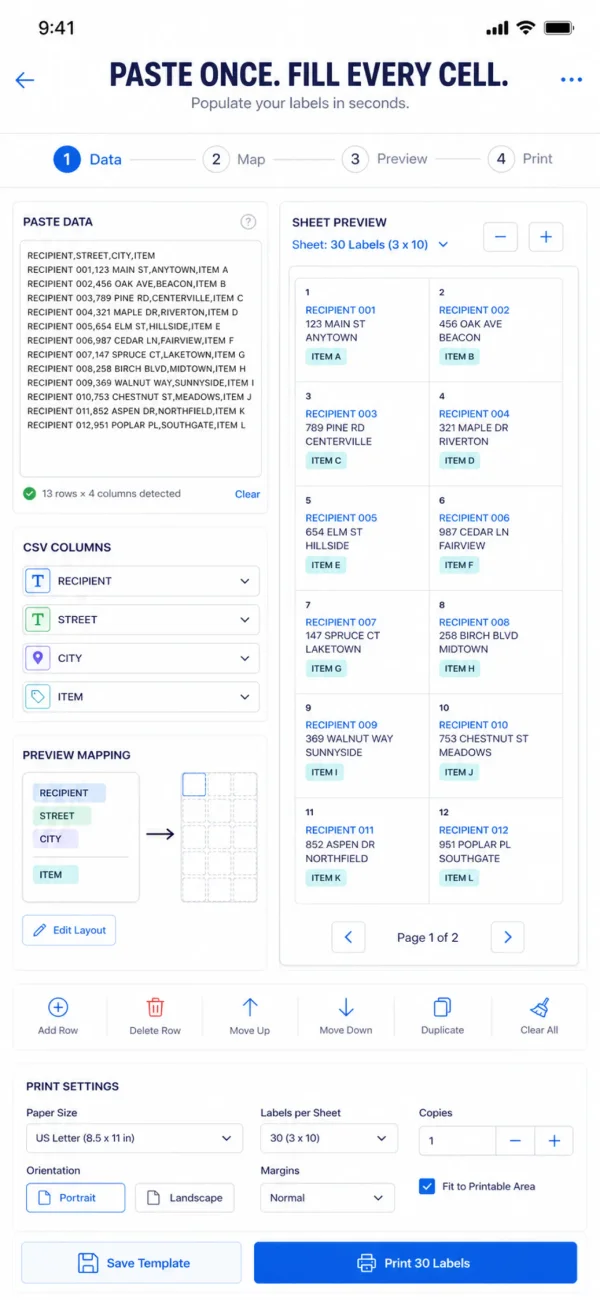
- Paste a CSV or list and auto-fill every cell at once, one address per label
- Pull names and mailing addresses straight from your Contacts
- Add QR, Code 128, EAN-13, PDF417 or Aztec codes to any label
- Print over AirPrint or export a sharp, print-ready PDF to share or archive
- Style each cell with fonts, color, alignment, bold, italic and auto-fit sizing
PERFECT FOR
- Small shops printing return and shipping labels for every order
- Anyone mailing invitations, holiday cards or newsletters in bulk
- Event hosts printing name badges and place tags fast
- Organizers labeling folders, jars, bins and inventory
WHY NOT JUST USE A WORD PROCESSOR TEMPLATE
Desktop templates drift by a few millimeters and ruin the whole sheet. Label Printer maps each design to the exact cell coordinates of your sheet code, so column one never bleeds into column two — and you do it all from your phone.
PRIVACY
Your labels, contacts and lists stay on your device. Nothing is uploaded to a server.
FULL ACCESS
Label Printer is free to try with 3 full outputs. Unlock unlimited printing and PDF exports plus batch auto-fill (paste a whole list and populate every cell at once) with a single subscription or one-time purchase:
- Weekly
- Yearly
- Lifetime (one-time, unlocks everything forever)
Payment is charged to your Apple ID. Subscriptions auto-renew unless canceled at least 24 hours before the period ends; manage or cancel anytime in Settings. Lifetime is a one-time purchase.
Pick your sheet code and print your first sheet in under a minute.
Terms of Use (EULA): https://web-levi.web.app/terms
Privacy Policy: https://web-levi.web.app/privacy-policy
Questions? tphuc.work@gmail.com
What’s new
Version 1.0.1 · Aug 19, 2026
Bug fixes and performance improvements.
App privacy
What Phuc Pham declares on the App Store about how this app handles data.
-
Data not collected
The developer does not collect any data from this app.
Privacy practices may vary, for example with the features you use or your age.
Information
- Seller
- Phuc Pham
- Category
- Productivity
- Version
- 1.0.1
- Updated
- Aug 19, 2026
- Released
- Jul 24, 2026
- Size
- 5.6 MB
- Requires
- iOS 18.0 or later
- Age rating
- 4+
- Price
- Free
- In-app purchases
- Yes
- Languages
- English
- Copyright
- © 2026 Phuc Pham
You might also like
-
 Labely: Address LabelsAvery 5160 from Contacts
-
 Label Printer Address StickersPrint labels at home
-
 Envelope Printer & TemplatesPrint Address for Cards & Mail
-
 Address LabelsPrint From Your Contact List
-
 Print 2 ShipCrop & print shipping labels
-
 Label Printer: Address StickerAvery Design and Print
-
 Business Card Cut Planner2026Layout, bleed
-
 LedgrflowBusiness in one app
-
 DPS Order AppProductivity
-
 DONE: To-Do List & FocusPlan less. Finish more.