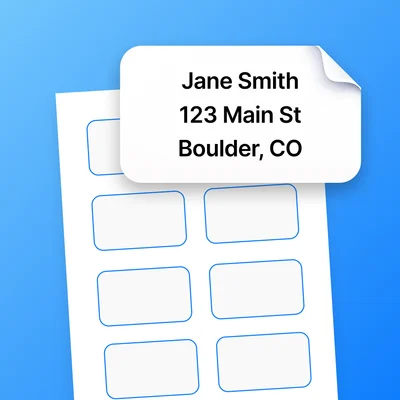
Label Printer Address Stickers
Print labels at home
Designed for iPhone, iPad, Mac
Free · In-app purchases
- Age rating4+
- CategoryProductivity
- DeveloperJordan Zeleny
- LanguagesEnglish
- Size35.3 MB
Links to the official App Store page
Download.org hosts no file of Label Printer Address Stickers. The button opens its official App Store page, published by Jordan Zeleny. Listing last checked on Nov 27, 2026.
Screenshots
About
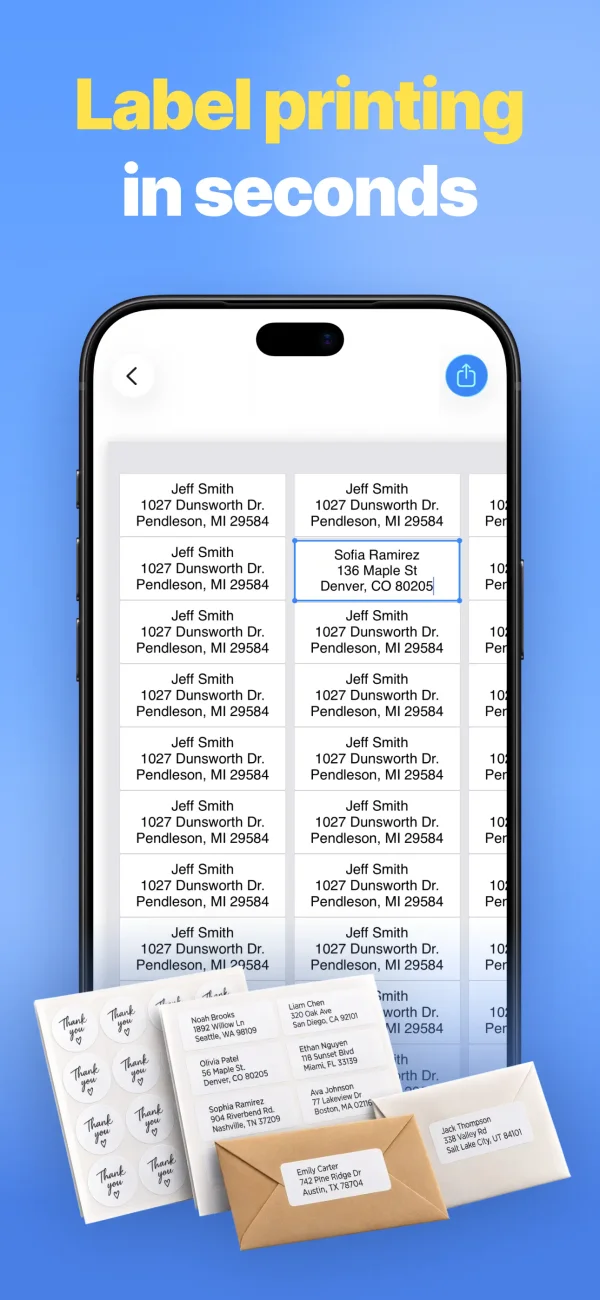
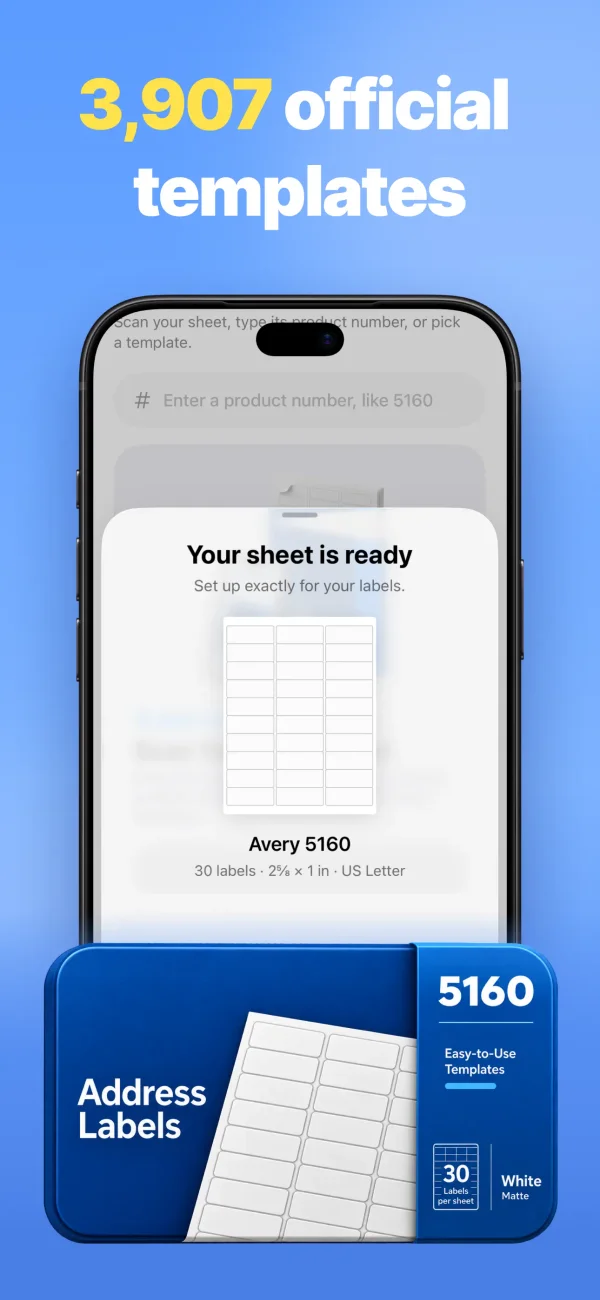
Print sharp address, shipping, name tag, and round labels straight onto
any Avery sheet you've got lying around. Paste a list, let the AI fill
every cell, and you're at the printer in under a minute. This app is free to download but contains paid features.
Free Version
- Design, edit, and preview labels on any sheet
- Use the AI Label Assistant to fill your labels
Pro Version
- Unlimited printing and PDF sharing
- Save designs to Favorites
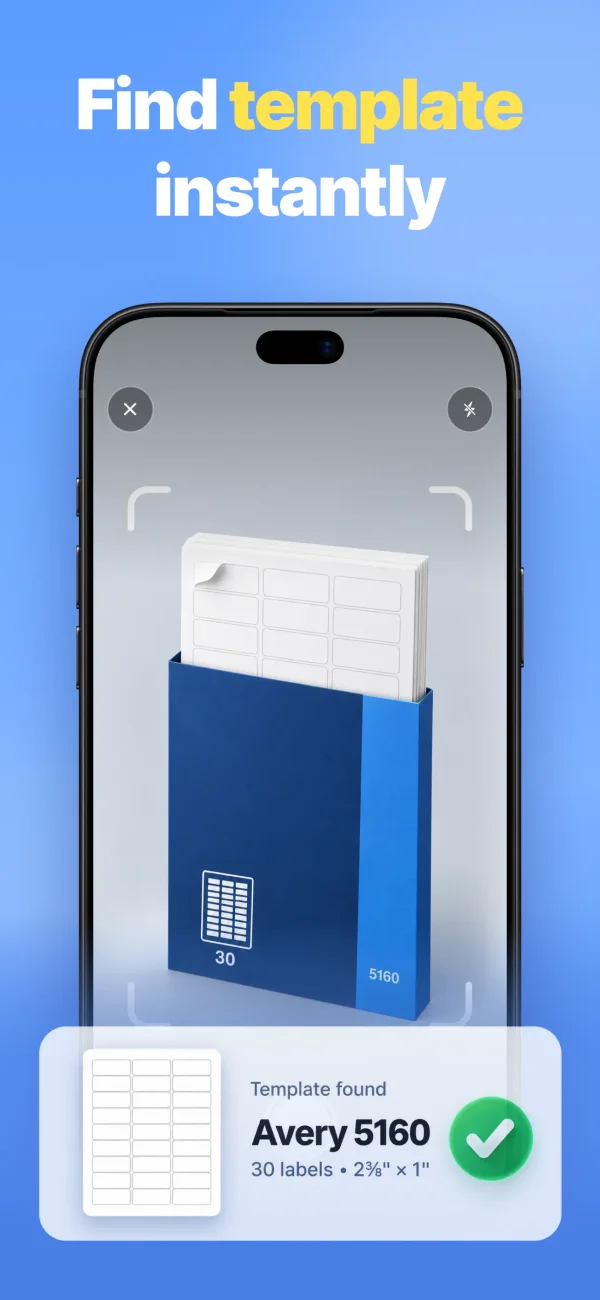
WORKS WITH EVERY AVERY SHEET
Type in your product code — 5160, 5161, 5163, 8160, 8163, 18160, 22838,
and dozens more — and Label Printer lines up perfectly with the grid on
the page. Presets cover address, shipping, return address, file folder,
name badge, business card, round, square, and A4 layouts.
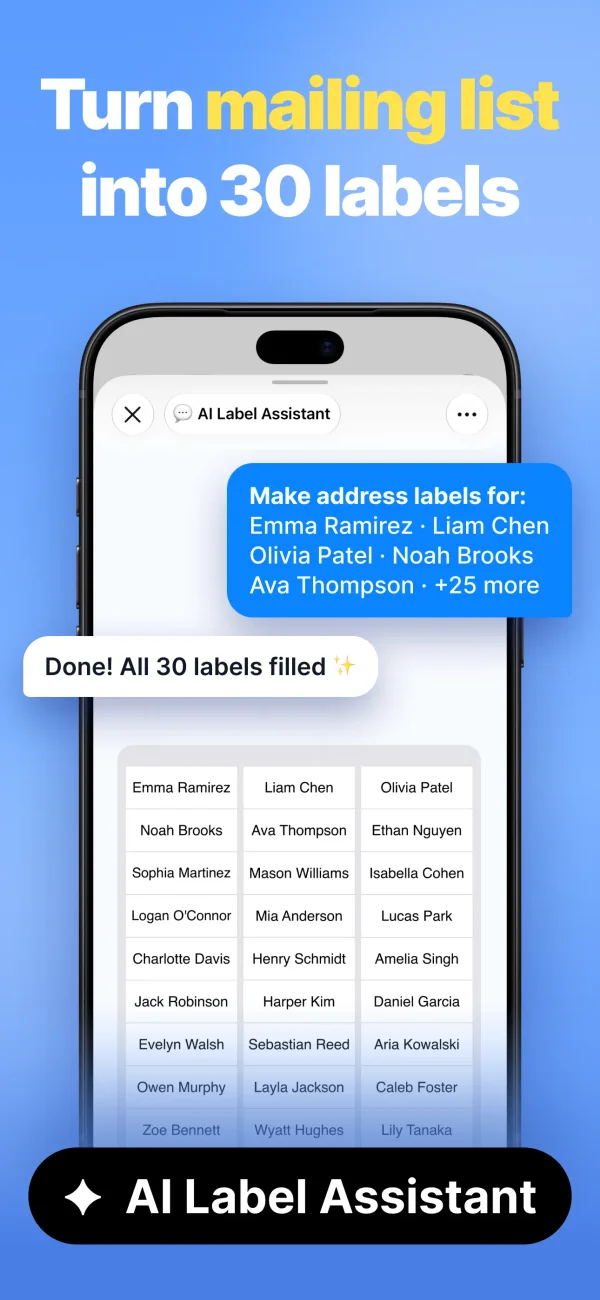
PASTE A LIST AND YOU'RE DONE
Got a CSV from Numbers? A bunch of addresses copied out of an email?
Or just a quick description like "12 return-address labels for Jane Doe,
47 Pine St, Boulder CO 80302"? Ask the AI Label Assistant and every cell
fills itself in, with the font auto-sized to fit. Name people in your
Contacts ("labels for Mom and the Hendersons") and it looks up just their
addresses for you.
DESIGN THE EASY WAY
- Tap any cell and start typing — text auto-fits so nothing gets clipped
- One tap on Match Font Sizes evens out the whole sheet
- Set color, alignment, line spacing, bold, italic, and underline per cell
- Use any font you've got installed on your device
- Snap-to-guides keep things tidy when you free-place text outside the grid
TEMPLATES YOU CAN COME BACK TO
- Save any layout to Favorites with a live thumbnail of how it looks
- Build your own sheet if your label stock isn't a standard Avery code —
pick the rows, columns, margins, spacing, and rectangle, round,
square, or oval shape
- Pull addresses straight from your Contacts
PRINT IT, SHARE IT, OR SAVE A PDF
AirPrint to any printer on your network. Or export a clean, print-ready
PDF to take to FedEx, send to a coworker, or hold onto for next time.
ON EVERY DEVICE YOU OWN
A real universal app for iPhone, iPad, and Mac. Design wherever you are
and print from whichever device is closest to your printer.
Your saved designs sync between your devices through iCloud.
Built for small businesses, Etsy shops, teachers, mail rooms, event
planners, and anyone with a drawer full of half-used Avery sheets.
Contact:
jordanzeleny@gmail.com
Terms:
https://www.apple.com/legal/internet-services/itunes/dev/stdeula/
Privacy:
https://sites.google.com/view/labelprinterprivacypolicy
What’s new
Version 1.1.4 · Oct 17, 2026
Bug fixes and performance improvements.
App privacy
What Jordan Zeleny declares on the App Store about how this app handles data.
-
Data not linked to you
May be collected but is not linked to your identity.
- Purchases
- Contact info
- Contacts
- User content
- Identifiers
- Usage data
- Diagnostics
- Other data
Privacy practices may vary, for example with the features you use or your age.
Information
- Seller
- Jordan Zeleny
- Category
- Productivity
- Version
- 1.1.4
- Updated
- Oct 17, 2026
- Released
- May 11, 2026
- Size
- 35.3 MB
- Requires
- iOS 16.0 or later
- Age rating
- 4+
- Price
- Free
- In-app purchases
- Yes
- Languages
- English
- Copyright
- © 2026 Jordan Zeleny
You might also like
-
 Label Printer: Address StickerAvery Design and Print
-
 Label Printer: Address LabelsAvery sheets, tags, barcodes
-
 Labely: Address LabelsAvery 5160 from Contacts
-
 Envelope Printer: Label MakerPrint Shipping Address
-
 Stikkr: Niimbot/Phomemo LabelsLabel maker. Offline. No ads.
-
 Barcode & LabelEnvelope Mailing Address Print
-
 Print 2 ShipCrop & print shipping labels
-
 Label Printer: Niimbot PhomemoMarklife Thermal Sticker Maker
-
 PDF Calendar - Print & SharePrint or share your calendar
-
 Cal Printer • Print CalendarPrint Calendars & Reminders