Last Focus: Pomodoro Timer
Study, Deep Work & Breaks
Designed for iPhone, iPad, Mac
Free · In-app purchases
- Age rating4+
- CategoryProductivity
- DeveloperChristopher Asche
- LanguagesEnglish+ 1 more
- Size26.5 MB
Links to the official App Store page
Download.org hosts no file of Last Focus: Pomodoro Timer. The button opens its official App Store page, published by Christopher Asche. Listing last checked on Nov 20, 2026.
Screenshots
About
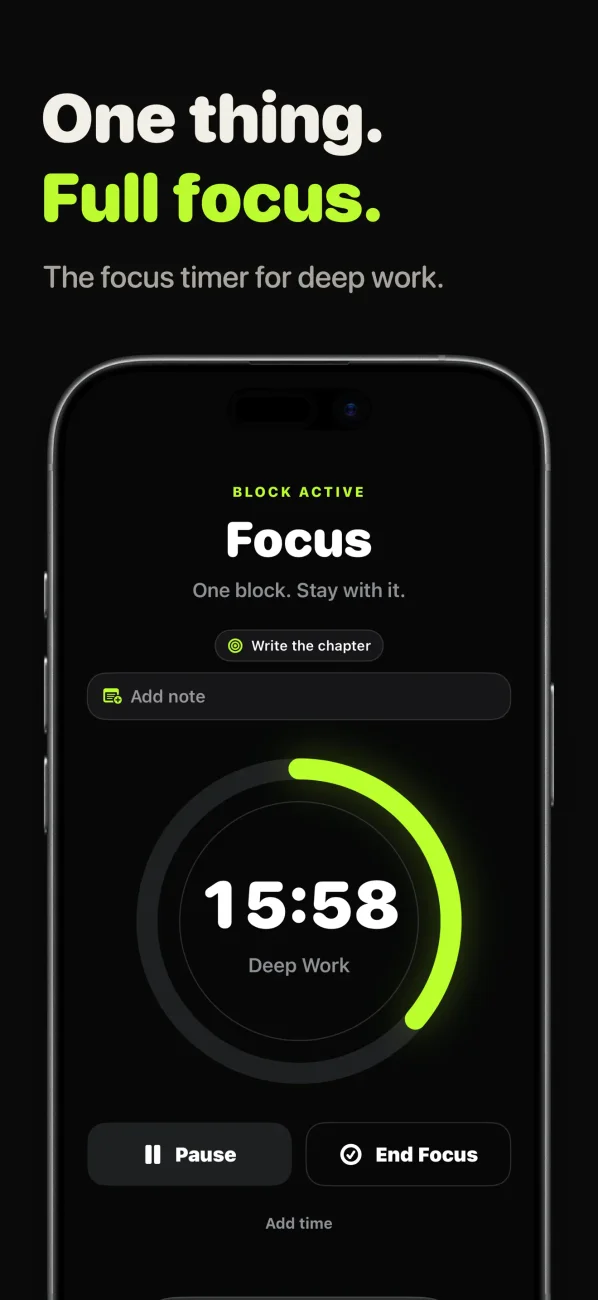
One block for studying or working. A break between sessions. And a way to look back at the time you actually spent focusing.
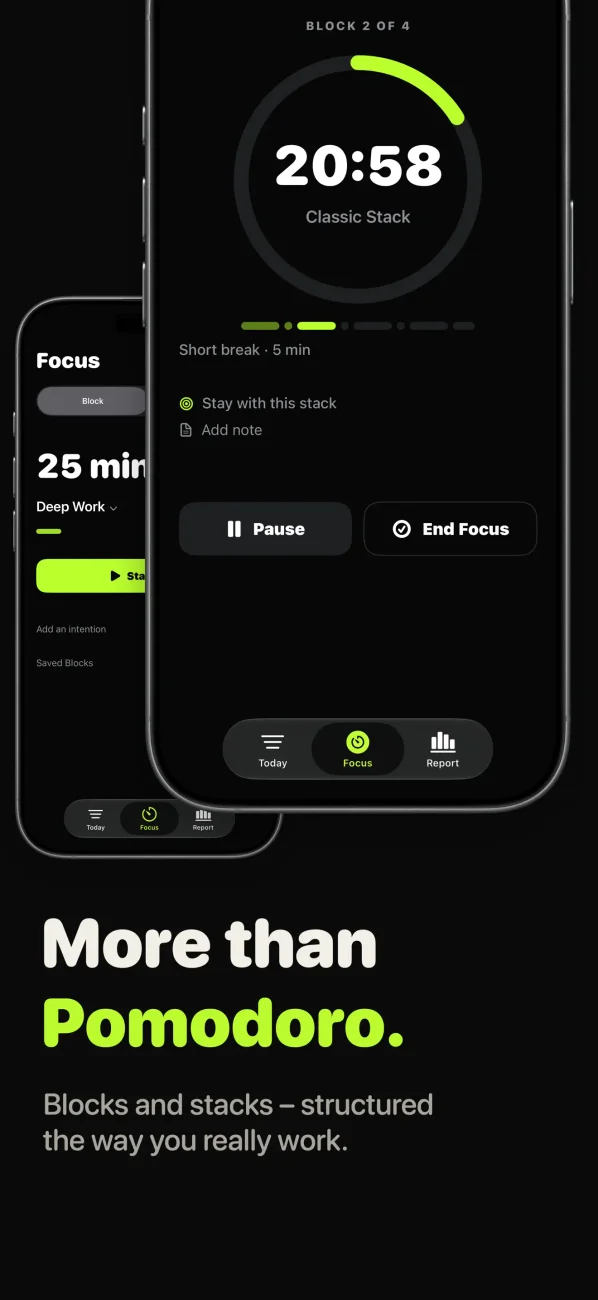
Last Focus is a Pomodoro timer for iPhone and iPad. Start a single focus Block or build a Stack with focus periods and short or long breaks. No task-management system, social feed, or streak pressure.
STAY WITH YOUR SESSION
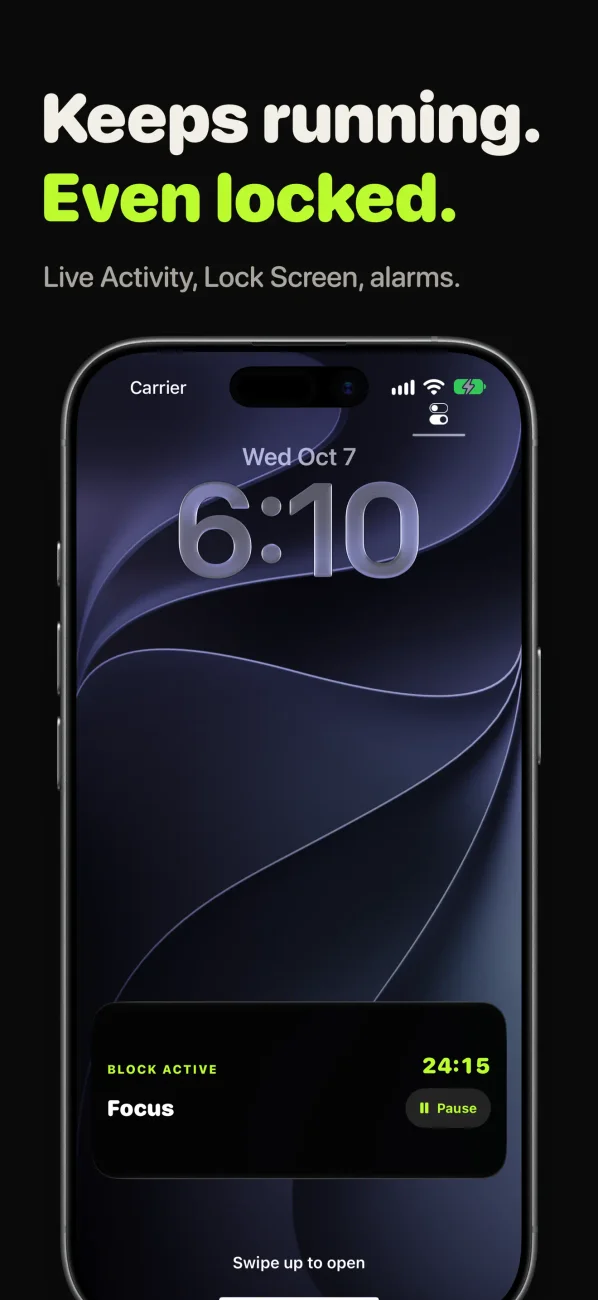
Keep your timer visible on the Lock Screen with Live Activities. Pause and resume there, or start the next Block. Use widgets for a quick start. When you need more time, add 5, 10, or 15 minutes to an active Block without starting over.
Receive reminders when a focus period or break ends. System alarm alerts are available on supported iOS versions.
UNDERSTAND YOUR FOCUS TIME
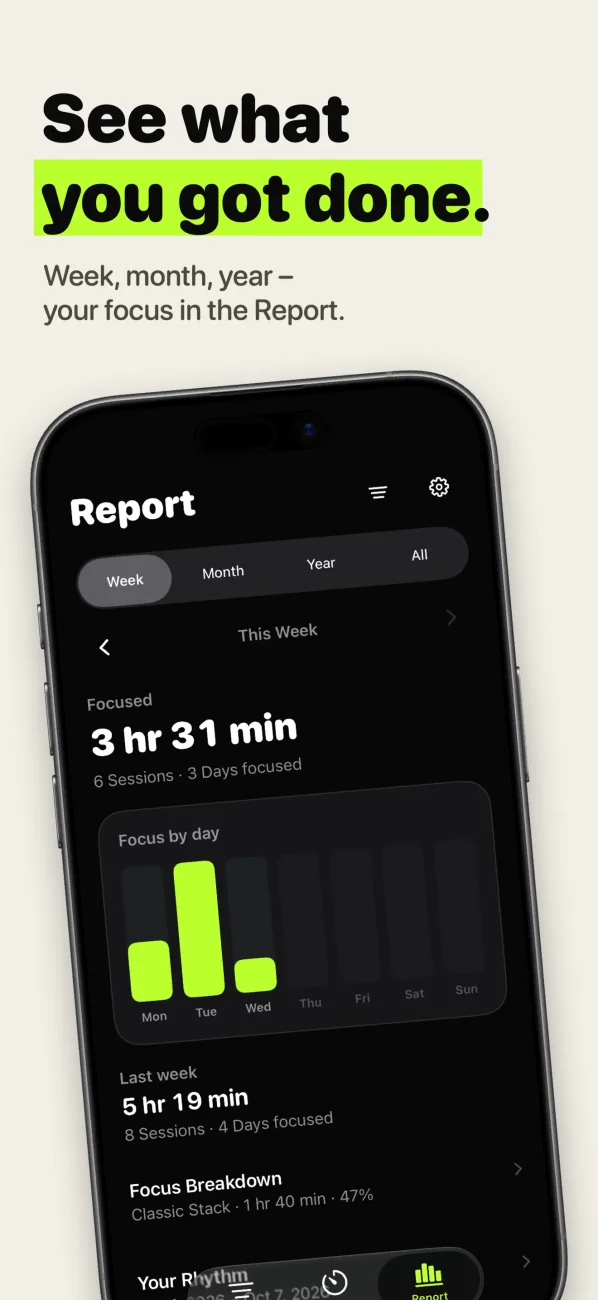
See today's focused time, recent sessions, and your current-week Report for free. Last Focus Unlimited adds deeper reports, Focus Breakdown and Your Rhythm, plus Saved Blocks and personalization.
FROM IPHONE TO IPAD
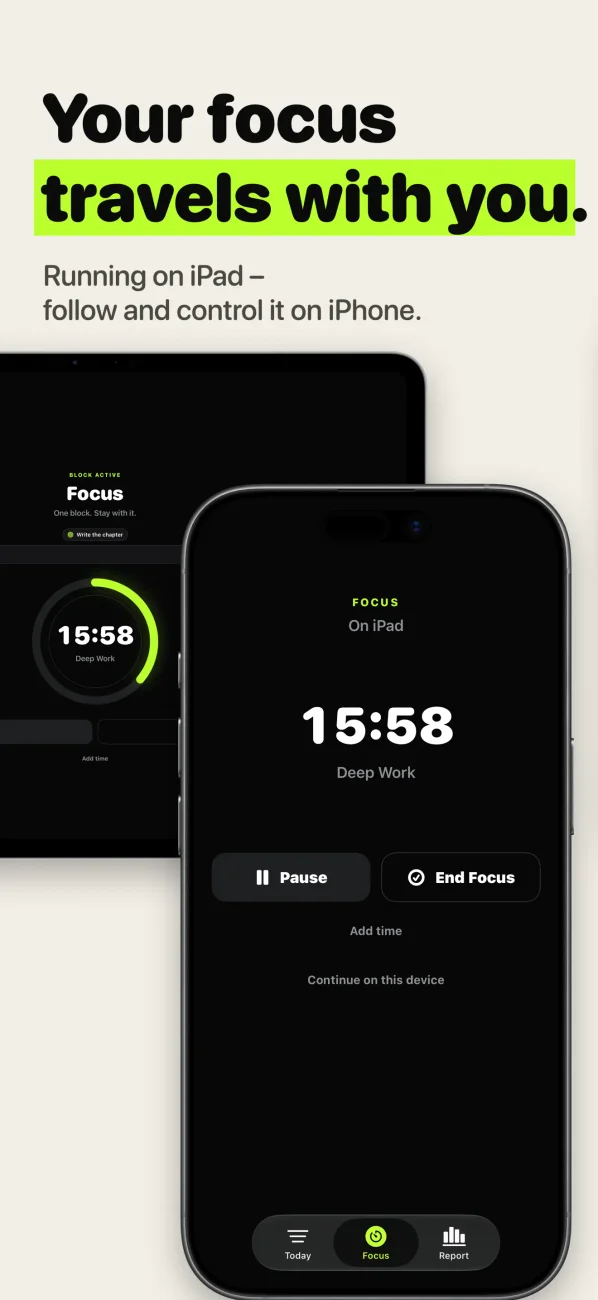
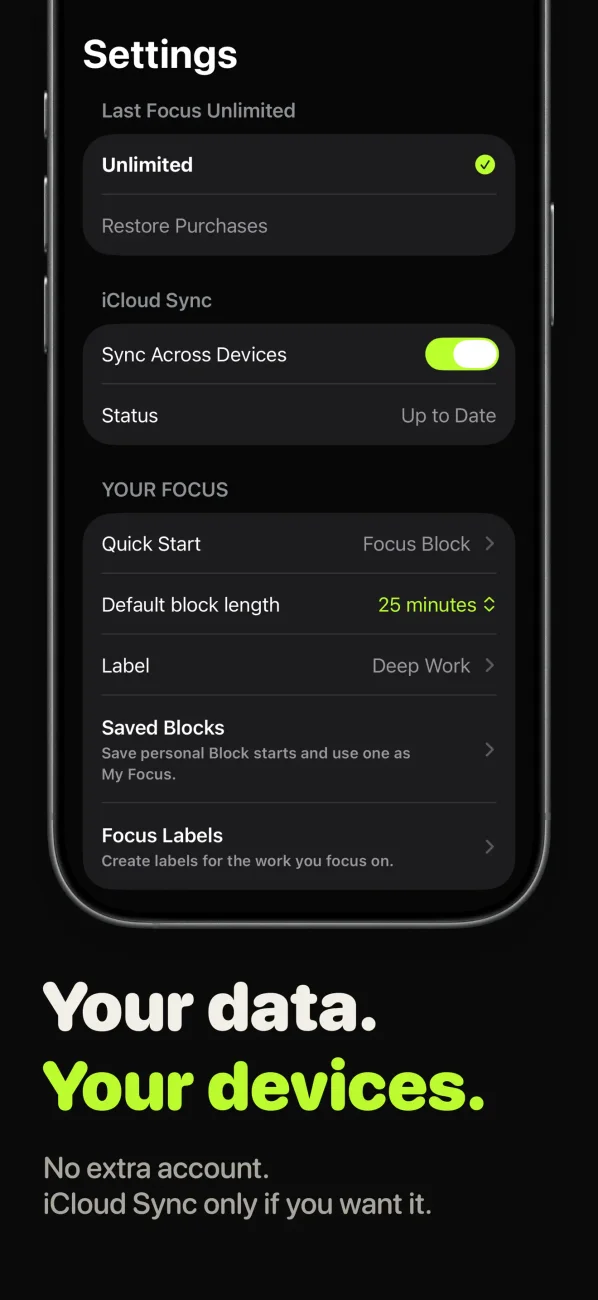
Use Last Focus natively on iPad, with a sidebar on wide windows and support for Split View and Stage Manager. With Unlimited, opt in to iCloud Sync to keep supported history, labels, saved blocks, and focus settings across your devices. You can also follow and control one shared running focus across your devices.
LOCAL USE, OPTIONAL SYNC
No separate Last Focus account is required. Your local focus loop works without Sync. Optional iCloud Sync uses your Apple account and stays off until you enable it. Device-specific appearance and sound settings stay on each device. You can also keep using Last Focus locally without a connection.
Privacy Policy: https://lastfocus.netlify.app/#privacy
Terms of Use: https://www.apple.com/legal/internet-services/itunes/dev/stdeula/
What’s new
Version 1.4.1 · Nov 13, 2026
Version 1.4.1 brings Last Focus to the Mac and makes iPad feel even more native:
- Last Focus is now on the Mac – right in the menu bar with the time left at a glance, plus a window with Today, Focus, Report and Settings.
- Your focus moves seamlessly between iPhone, iPad and Mac: start, follow, pause or take over on any device, with one shared state.
- Last Focus Unlimited works across all your devices with a single purchase.
- On iPad, Today, Focus and Report now use the whole screen with columns side by side; Settings and the running focus live in the sidebar.
- Keyboard shortcuts on iPad: Space starts or pauses, ⌘1–4 switch views, ⌘. stops.
- A new app icon in lime, with dark and tinted versions.
- Last Focus stays local-first: no account, no tracking, and iCloud Sync stays optional.
App privacy
What Christopher Asche declares on the App Store about how this app handles data.
-
Data not linked to you
May be collected but is not linked to your identity.
- Purchases
Privacy practices may vary, for example with the features you use or your age.
Information
- Seller
- Christopher Asche
- Category
- Productivity
- Version
- 1.4.1
- Updated
- Nov 13, 2026
- Released
- May 27, 2026
- Size
- 26.5 MB
- Requires
- iOS 17.0 or later
- Age rating
- 4+
- Price
- Free
- In-app purchases
- Yes
- Languages
- English, German
- Copyright
- © chrishq
You might also like
-
 MenuToDo: Kanban Task PlannerMenu Bar Board & Quick Tracker
-
 Bookmark EaterA quality reading experience
-
 HeroAI: Habits, Goals, AlarmsFree goal setter/habit tracker
-
 SmallStepper: Focus on ThisStep-by-step goals for ADHD
-
 Glad MindGratitude Journal
-
 Waddle: Personalized RoutinesGentle ADHD planner & timer
-
 Focus To Do - Pomodoro TimerFocus Timer Deep Work & Study
-
 Todo Reminders Widget : TaskyTask Manager, Planner, List
-
 Rewind - Never miss a momentRewind
-
 Plan Note - Daily Todo,PlannerYour daily planner & habit log