Last Scroll Stop Doomscrolling
Bed Rot Blocker at Night
Designed for iPhone
Free · In-app purchases
- Age rating4+
- CategoryProductivity
- DeveloperChristopher Asche
- LanguagesEnglish+ 1 more
- Size19.2 MB
Links to the official App Store page
Download.org hosts no file of Last Scroll Stop Doomscrolling. The button opens its official App Store page, published by Christopher Asche. Listing last checked on Nov 20, 2026.
Screenshots


About
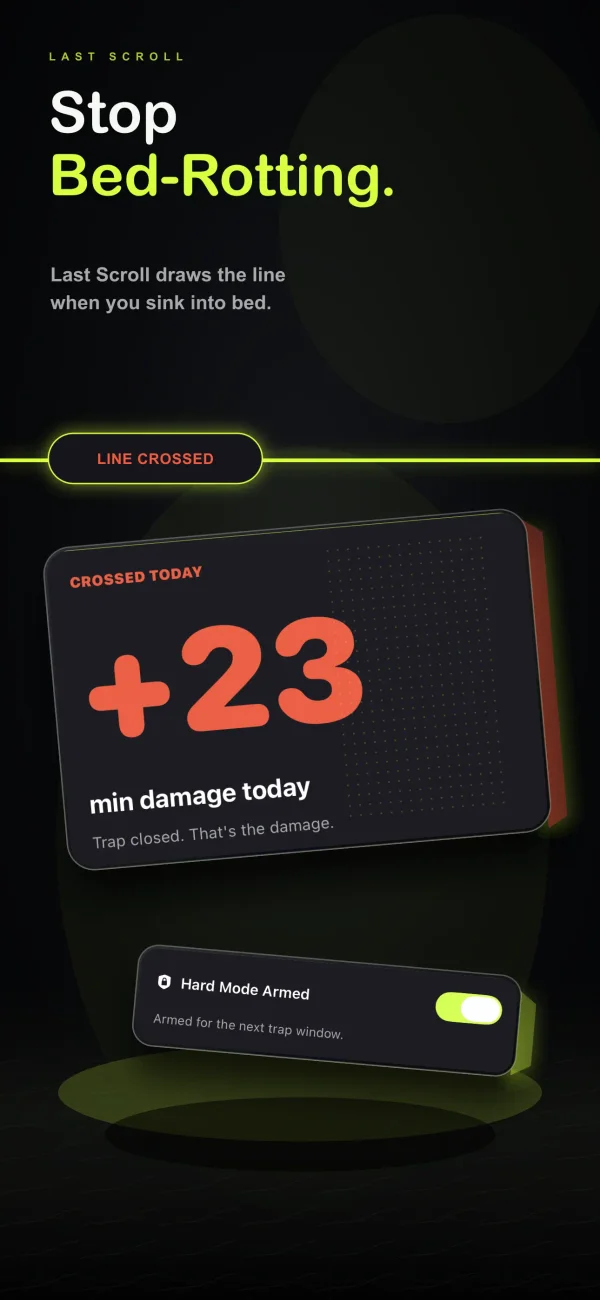
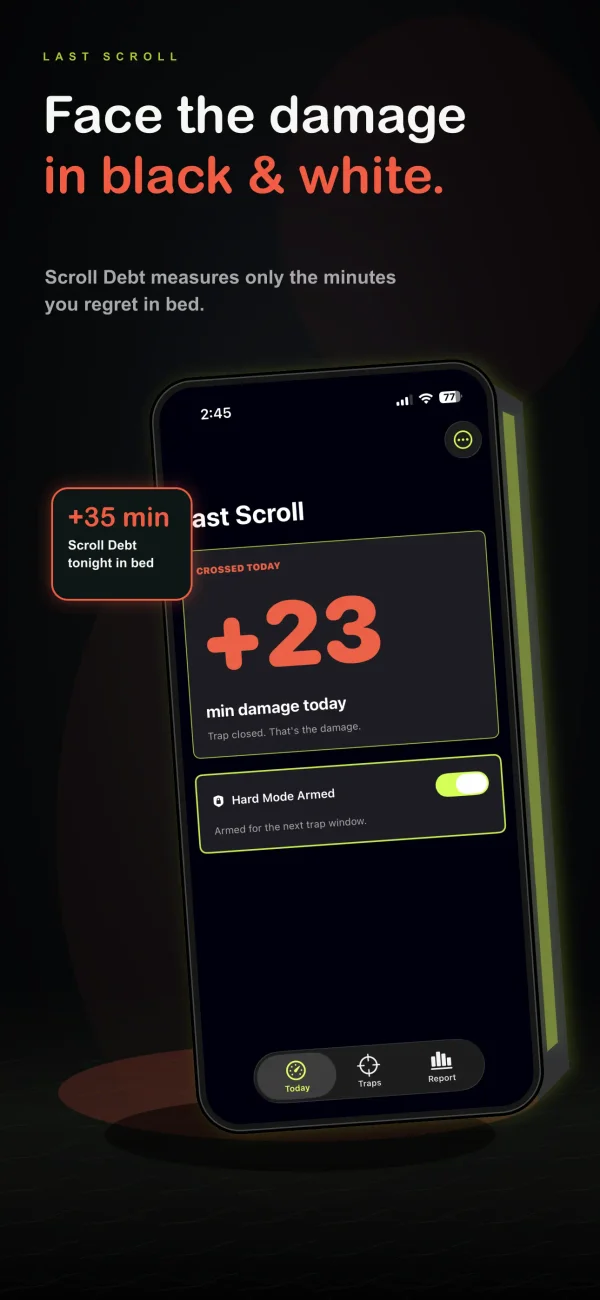
Stop doomscrolling at night. Set a screen time limit for the apps you choose, then see the minutes beyond your own boundary as Scroll Debt.
Built for bedtime scrolling, with Scroll Traps for morning checks, lunch breaks, work escapes, or your own custom windows.
Pick the apps that pull you in. Create Scroll Traps for the moments where you usually lose control — bed rot, lunch holes, work escapes, morning checks, or any custom window. Set your line. Last Scroll tracks what happens after it.
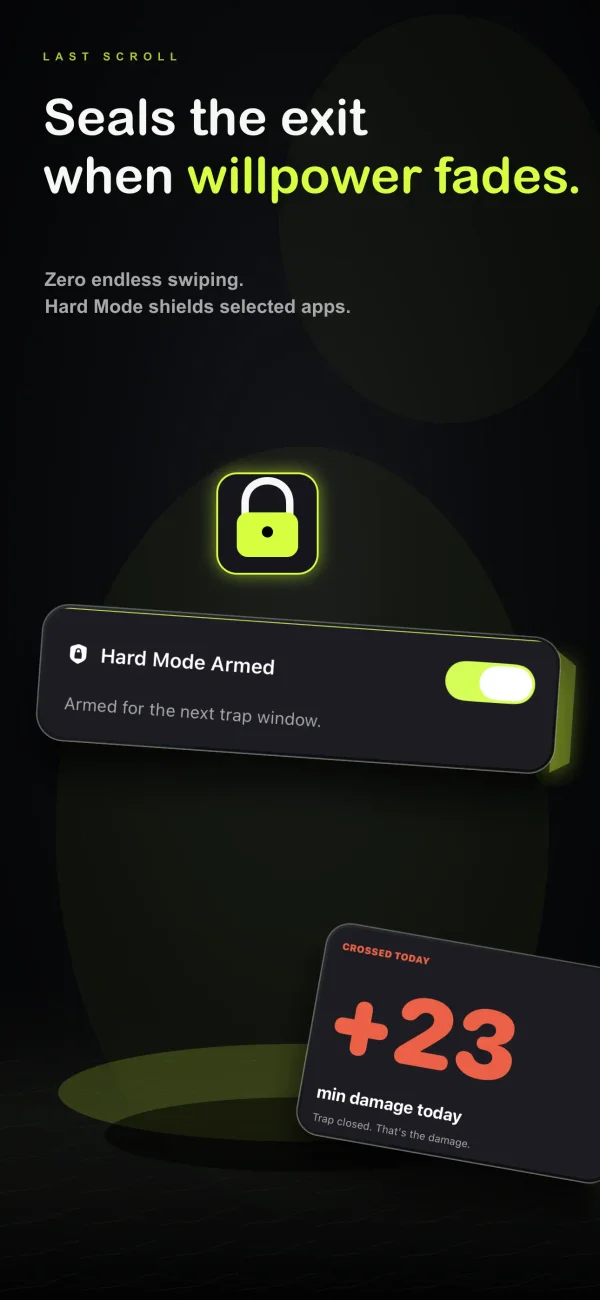
If warnings are too easy to ignore, Hard Mode can hold the boundary by restricting selected traps after you cross the line.
WHY LAST SCROLL EXISTS
A quick check is not the problem.
The problem is when five minutes becomes forty.
The problem is when “just Reddit” becomes the hour you wanted back.
The problem is the part after your line.
Last Scroll gives that part a name: Scroll Debt.
WHAT YOU CAN DO
• Choose apps and categories with Apple’s Screen Time picker
• Create Scroll Traps for different danger windows
• Set your personal line, such as 10, 15, or 20 minutes
• Get warned when selected usage crosses your line
• See today’s Scroll Debt
• Review your 30-day pattern in Report
• Use Hard Mode to restrict selected traps after crossing your line
• Create multiple traps with Last Scroll Pro
SCROLL TRAPS
Bed Rot
For late-night scrolling before sleep.
Lunch Hole
For the quick break that becomes the afternoon tax.
Morning Trap
For the first scroll after waking up, while the day is still yours.
Work Escape
For the focus escape hatch during work time.
Custom Trap
Draw your own line.
LAST SCROLL PRO
Upgrade to Last Scroll Pro to unlock:
• Hard Mode
• Multiple Scroll Traps
• Longer Scroll Debt history
• More ways to hold your line when warnings are too easy to ignore
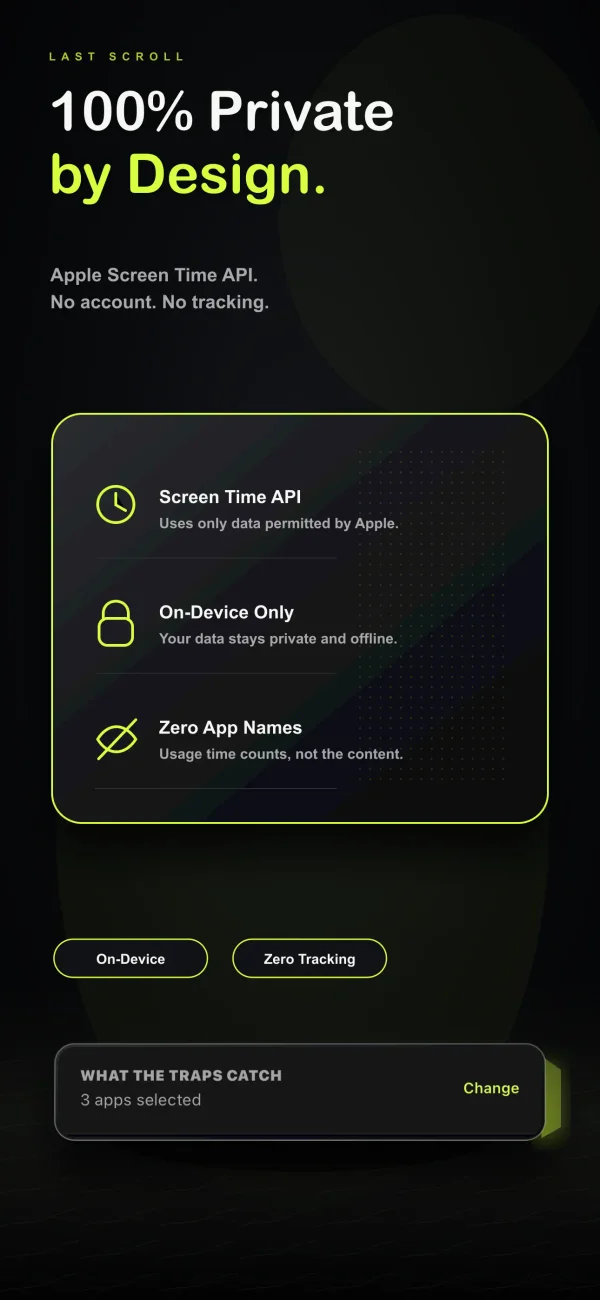
PRIVATE BY DESIGN
Last Scroll uses Apple’s Screen Time APIs so you can choose apps and categories through the system picker. Last Scroll does not require an account. Your selected app names are not sent to analytics.
IMPORTANT
Last Scroll is a digital wellbeing tool. It does not provide medical advice, diagnose addiction, or measure sleep. Scroll Debt values are based on your selected apps, trap windows, thresholds, and recorded activity.
EULA: https://www.apple.com/legal/internet-services/itunes/dev/stdeula/
Privacy Policy: https://lastscroll.netlify.app/#privacy
What’s new
Version 2.0.1 · Nov 9, 2026
bug fixes
App privacy
What Christopher Asche declares on the App Store about how this app handles data.
-
Data not linked to you
May be collected but is not linked to your identity.
- Purchases
- Usage data
Privacy practices may vary, for example with the features you use or your age.
Information
- Seller
- Christopher Asche
- Category
- Productivity
- Version
- 2.0.1
- Updated
- Nov 9, 2026
- Released
- Jun 3, 2026
- Size
- 19.2 MB
- Requires
- iOS 18.6 or later
- Age rating
- 4+
- Price
- Free
- In-app purchases
- Yes
- Languages
- English, German
- Copyright
- © chrishq
You might also like
-
 WrongPersonShrink your digital footprint!
-
 SimplePlan: Smart PlannerSimple daily planning
-
 Lumday: Birthday TrackerReminders & Countdown
-
 Cue — Voice TeleprompterScript Recorder: Video & Reels
-
 Sticky Notes : StickMeNever forget. Set a reminder.
-
 ClipTap: AI Prompts & SnippetsSave text. Reuse as you type.
-
 Countdown: Bills & Timer AppMonthly Bill Alarm & Tracker
-
 LocalAI - Your Local AIOffline Private AI Chatbot
-
 Grocery Shopping List - GetMeShare lists, Shopping together
-
 Tysh: Screen Time & FocusApp Blocker & Quiet Browsing