- 対象年齢4+
- カテゴリ仕事効率化
- 開発元Christopher Asche
- 言語英語ほか1言語
- サイズ19.2 MB
App Storeの公式ページにリンクしています
Download.orgはLast Scroll Stop Doomscrollingのファイルを一切ホストしていません。ボタンを押すと、Christopher Ascheが公開しているApp Storeのアプリページが開きます。ページの最終確認:2026/11/20。
スクリーンショット


概要
開発元はこのテキストをお使いの言語で提供していません。
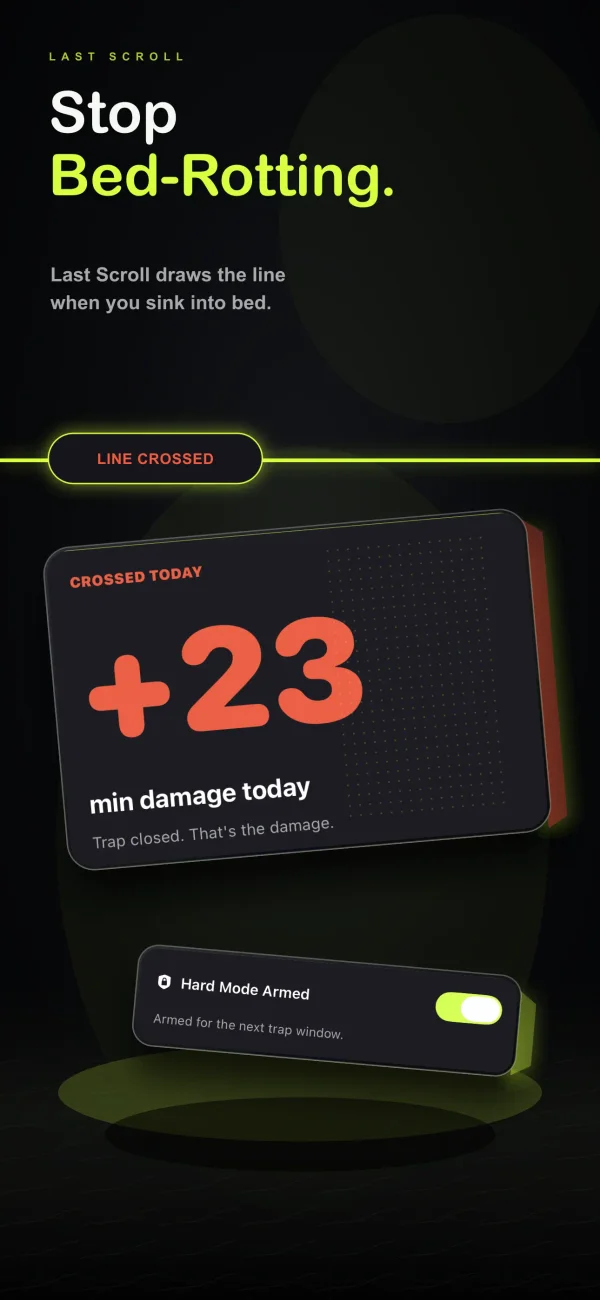
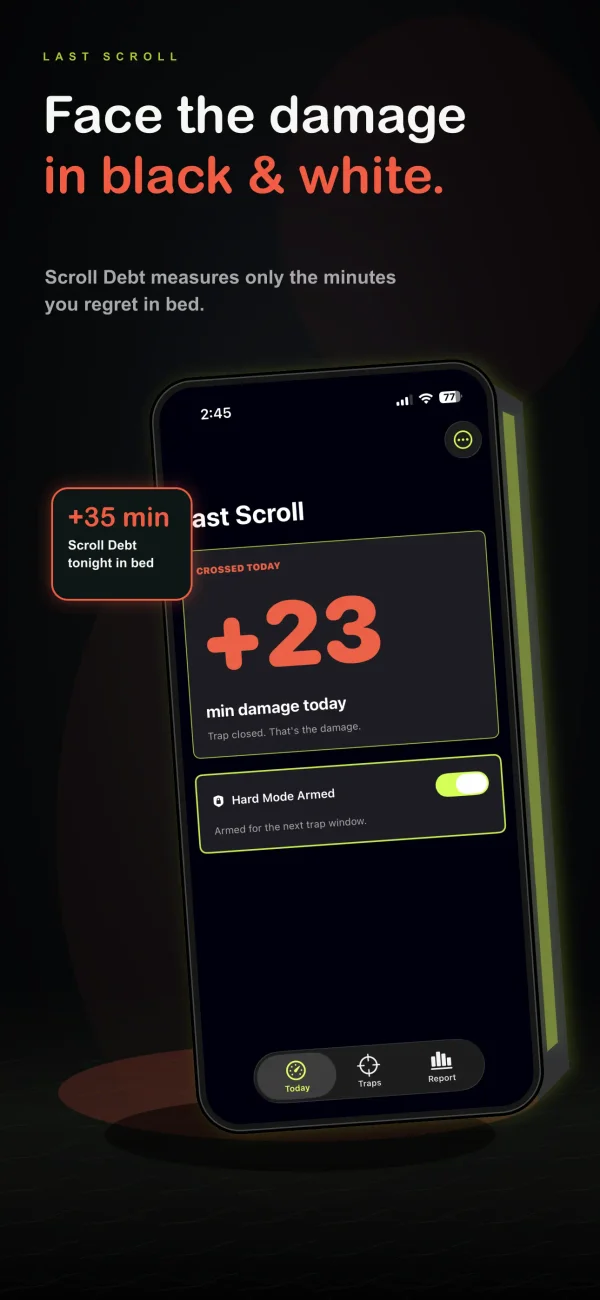
Stop doomscrolling at night. Set a screen time limit for the apps you choose, then see the minutes beyond your own boundary as Scroll Debt.
Built for bedtime scrolling, with Scroll Traps for morning checks, lunch breaks, work escapes, or your own custom windows.
Pick the apps that pull you in. Create Scroll Traps for the moments where you usually lose control — bed rot, lunch holes, work escapes, morning checks, or any custom window. Set your line. Last Scroll tracks what happens after it.
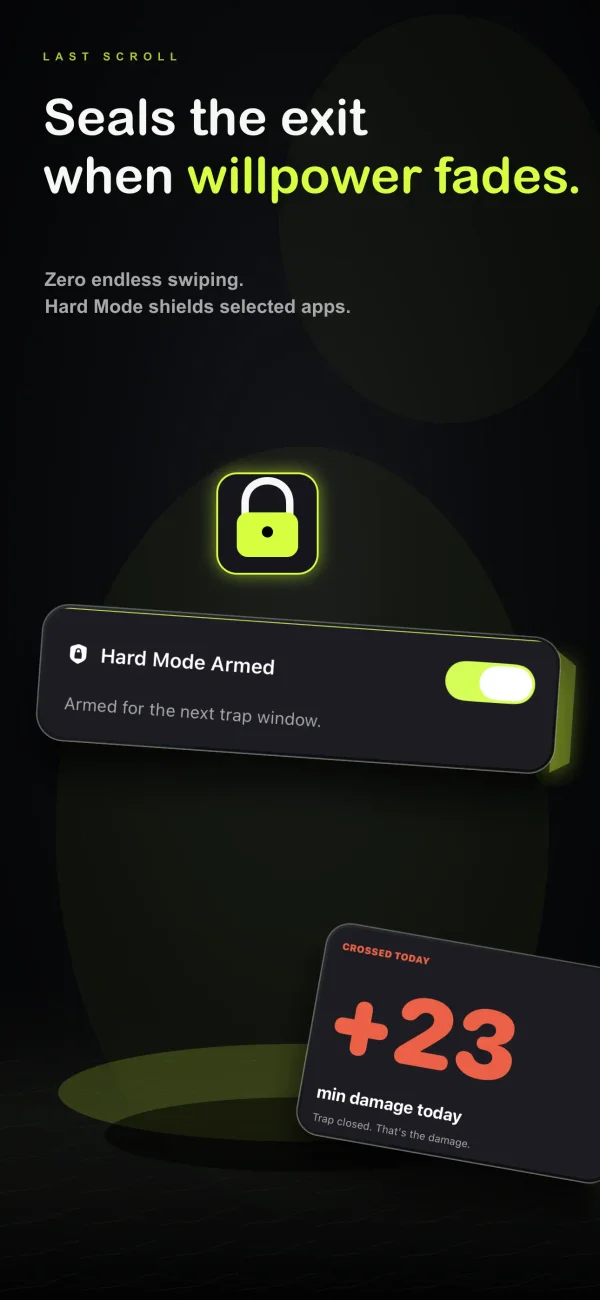
If warnings are too easy to ignore, Hard Mode can hold the boundary by restricting selected traps after you cross the line.
WHY LAST SCROLL EXISTS
A quick check is not the problem.
The problem is when five minutes becomes forty.
The problem is when “just Reddit” becomes the hour you wanted back.
The problem is the part after your line.
Last Scroll gives that part a name: Scroll Debt.
WHAT YOU CAN DO
• Choose apps and categories with Apple’s Screen Time picker
• Create Scroll Traps for different danger windows
• Set your personal line, such as 10, 15, or 20 minutes
• Get warned when selected usage crosses your line
• See today’s Scroll Debt
• Review your 30-day pattern in Report
• Use Hard Mode to restrict selected traps after crossing your line
• Create multiple traps with Last Scroll Pro
SCROLL TRAPS
Bed Rot
For late-night scrolling before sleep.
Lunch Hole
For the quick break that becomes the afternoon tax.
Morning Trap
For the first scroll after waking up, while the day is still yours.
Work Escape
For the focus escape hatch during work time.
Custom Trap
Draw your own line.
LAST SCROLL PRO
Upgrade to Last Scroll Pro to unlock:
• Hard Mode
• Multiple Scroll Traps
• Longer Scroll Debt history
• More ways to hold your line when warnings are too easy to ignore
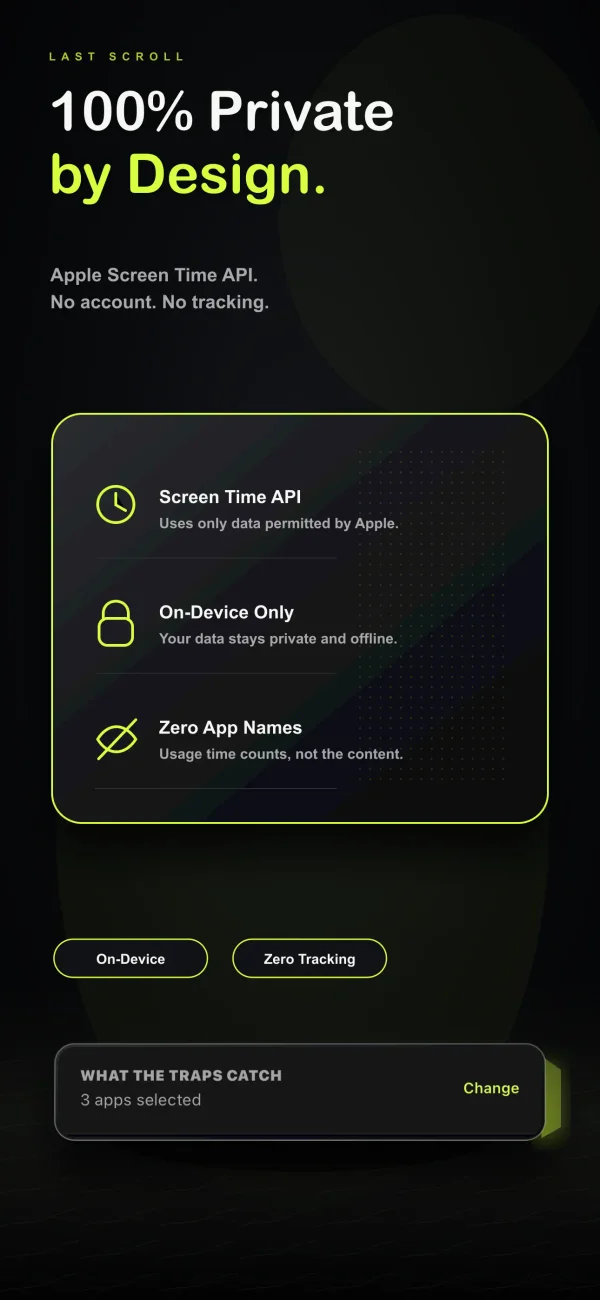
PRIVATE BY DESIGN
Last Scroll uses Apple’s Screen Time APIs so you can choose apps and categories through the system picker. Last Scroll does not require an account. Your selected app names are not sent to analytics.
IMPORTANT
Last Scroll is a digital wellbeing tool. It does not provide medical advice, diagnose addiction, or measure sleep. Scroll Debt values are based on your selected apps, trap windows, thresholds, and recorded activity.
EULA: https://www.apple.com/legal/internet-services/itunes/dev/stdeula/
Privacy Policy: https://lastscroll.netlify.app/#privacy
新機能
バージョン 2.0.1 · 2026/11/9
bug fixes
アプリのプライバシー
このアプリのデータの取り扱いについて、Christopher AscheがApp Storeで申告している内容です。
-
ユーザーに関連付けられないデータ
収集される場合がありますが、ユーザーの識別情報には関連付けられません。
- 購入
- 使用状況データ
プライバシーの取り扱いは、ご利用の機能やお客様の年齢などに応じて異なる場合があります。
情報
- 販売元
- Christopher Asche
- カテゴリ
- 仕事効率化
- バージョン
- 2.0.1
- 更新日
- 2026/11/9
- リリース
- 2026/6/3
- サイズ
- 19.2 MB
- 必要条件
- iOS 18.6以降
- 対象年齢
- 4+
- 価格
- 無料
- アプリ内課金
- あり
- 言語
- 英語, ドイツ語
- 著作権
- © chrishq
こちらもおすすめ
-
 WrongPerson仕事効率化
-
 SimplePlan: Smart Planner仕事効率化
-
 Lumday: Birthday Tracker仕事効率化
-
 Cue — テレプロンプター・カンペ台本を読みながら動画撮影
-
 Sticky Notes : StickMe忘れない。リマインダーを設定。
-
 ClipTap:AIプロンプト・定型文管理よく使う文章を保存、キーボードから呼び出す
-
 カウントダウン: 毎月の支出日 アプリ固定費のアラーム、タイマー管理
-
 LocalAI - Your Local AI仕事効率化
-
 Grocery Shopping List - GetMe仕事効率化
-
 Tysh: Screen Time & Focus仕事効率化