
Layout for Instagram: Collages
Square Photo Grids
Designed for iPhone, iPad
Free · In-app purchases
- Age rating4+
- CategoryPhoto & Video
- DeveloperConnor O'Sullivan
- LanguagesEnglish
- Size1.2 MB
Links to the official App Store page
Download.org hosts no file of Layout for Instagram: Collages. The button opens its official App Store page, published by Connor O'Sullivan. Listing last checked on Nov 23, 2026.
Screenshots
About
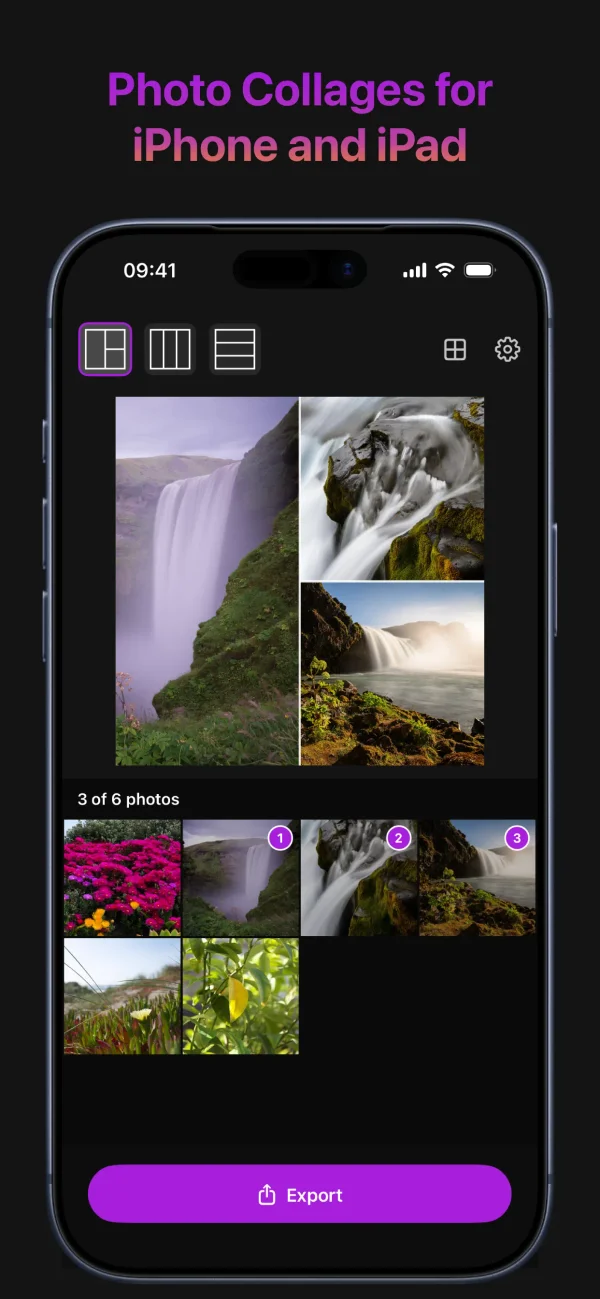
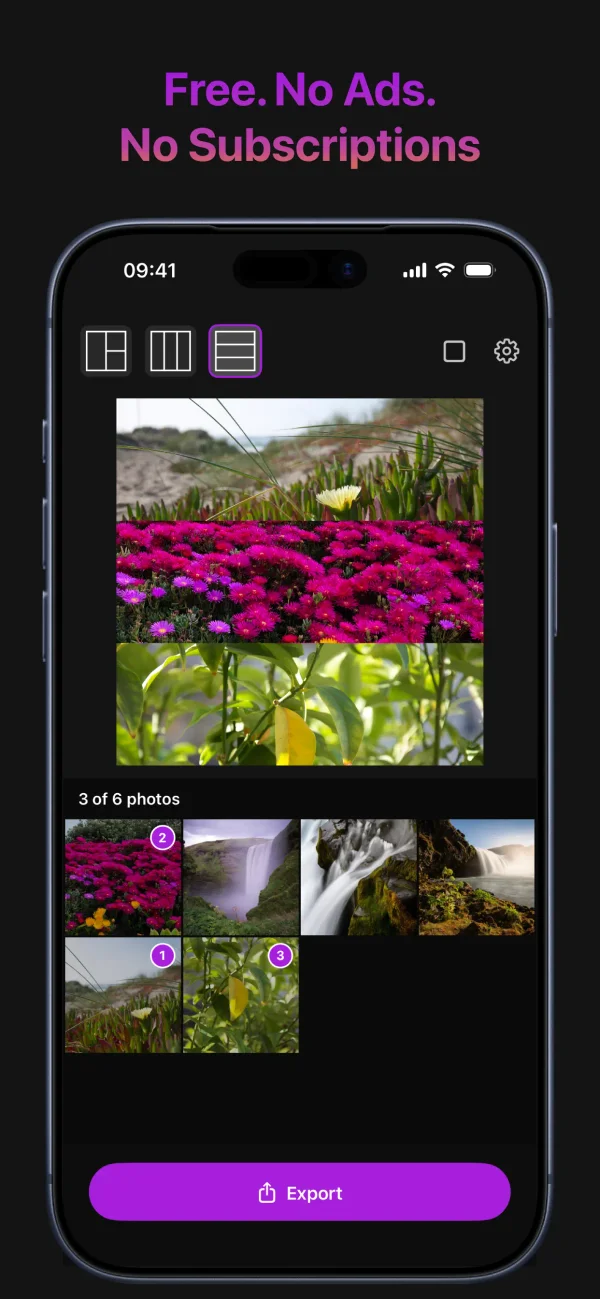
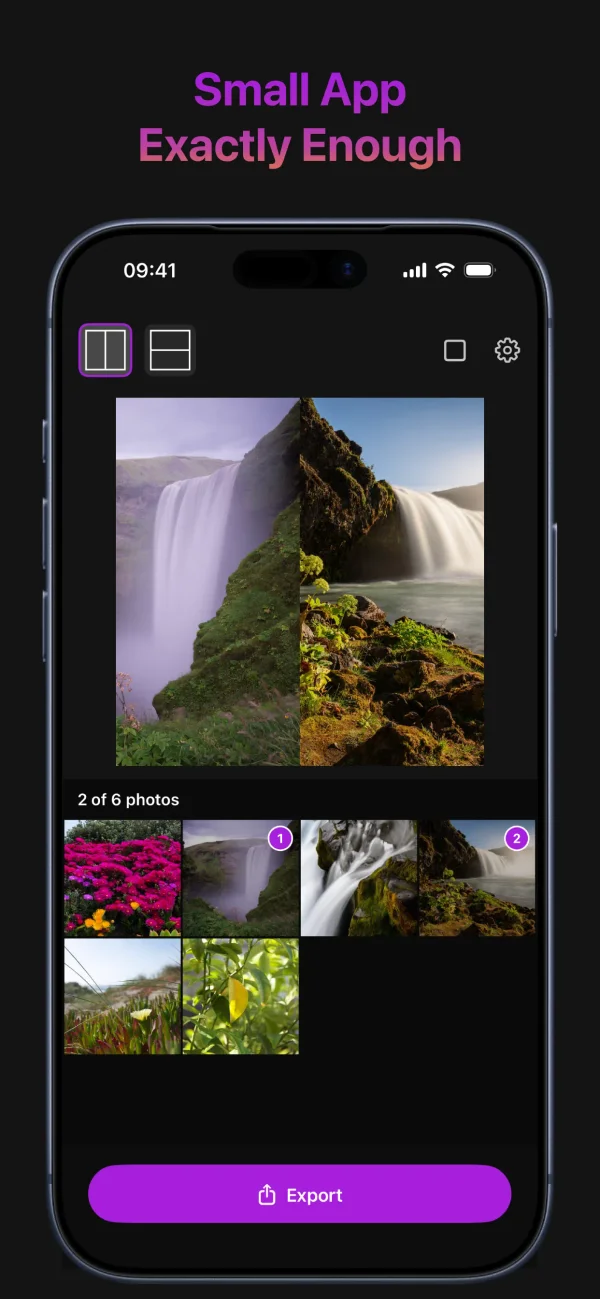
Layout turns up to six photos into one square collage suited for sharing. No watermark, no ads, no tracking, no servers, your photos stay on your device.
Pick photos from the grid at the bottom of the screen. Dropping into the canvas as you tap, watch your photo collage take shape.
RESIZE ANYTHING
Every divider is draggable. Pull the line between two photos to give one of them more room. Tap the template icon to reset the dividers.
FRAME EACH SHOT
Pinch to zoom and drag to reposition within any cell. Photos always fill their pane, so you never get a stray gap or a letterboxed edge. Double-tap to reset a zoomed in photo.
SHARE ANYWHERE
Export at full resolution to Messages, AirDrop, or straight to your camera roll. No watermarks, ever.
BUILT SMALL, ON PURPOSE
No accounts. No sign-ins. No ads. No subscriptions. No bloat. Layout has no networking code at all — your photos never leave your device, all photos are completely private.
Layout is completely FREE. If you get use out of it there's a tip jar in the Settings - entirely optional. Thank you!
Designed and developed in Northern California.
What’s new
Version 1.1.1 · Nov 20, 2026
- Menu to select all the photo albums you have in the Photos app
- More photo layouts
- Swap sides - one tap sends the large photo to the other side of your collage
- Flip photos - mirror any photo horizontally or vertically
- Room to work - turn your iPhone or iPad sideways, or open your iPhone Duo, and your collage sits side by side with your photo library
- iPhone Duo support
App privacy
What Connor O'Sullivan declares on the App Store about how this app handles data.
-
Data not collected
The developer does not collect any data from this app.
Privacy practices may vary, for example with the features you use or your age.
Information
- Seller
- Connor O'Sullivan
- Category
- Photo & Video
- Version
- 1.1.1
- Updated
- Nov 20, 2026
- Released
- Sep 16, 2026
- Size
- 1.2 MB
- Requires
- iOS 18.2 or later
- Age rating
- 4+
- Price
- Free
- In-app purchases
- Yes
- Languages
- English
- Copyright
- © 2026 Cycling Head Studios
You might also like
-
 Simple Collage - No AdsCombine up to 9 photos
-
 Collage Maker: CollageFlow AIGrid Maker, Layout & Mosaic
-
 Grid Pics: Photo Collage MakerSeamless Carousel & Templates
-
 SasCollage Photo Collage MakerCombine photos, frames & text
-
 GridayPhoto & Video
-
 Collage CanvasEdit every photo area
-
 Big Grid - Photo CollagePhoto grid & mosaic maker
-
 Blur LensReal-Time Blur Effect Camera
-
 Beatage: Photo Video CollagePhoto & Video Collages on Beat
-
 Simple Photo Collage MakerPrint-ready, share fast