Layout for Video: Collage
Split Screen Viral Grid Maker
Designed for iPhone
Free · In-app purchases
- Age rating4+
- CategoryPhoto & Video
- DeveloperAhmet Giray Ucar
- LanguagesEnglish
- Size10.1 MB
Links to the official App Store page
Download.org hosts no file of Layout for Video: Collage. The button opens its official App Store page, published by Ahmet Giray Ucar. Listing last checked on Nov 12, 2026.
Screenshots

About
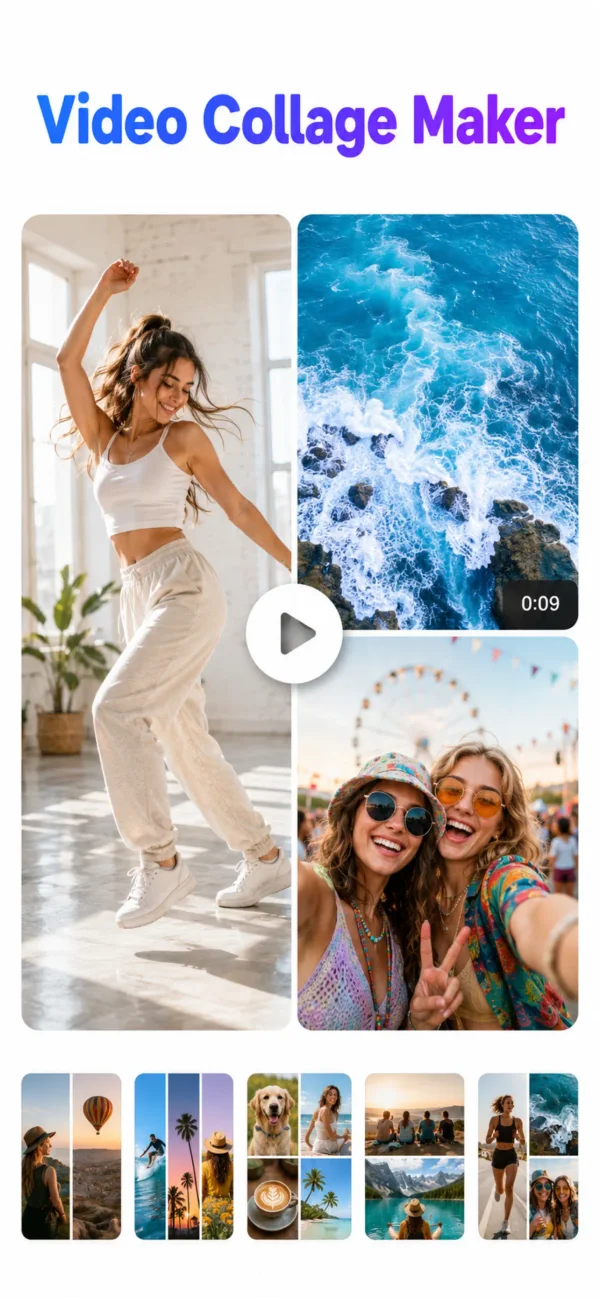
Layout for Video turns your clips into eye-catching video collages in seconds. Pick a grid, drop in your videos, and share a single video that plays them all together.
Just like the collage apps you love for photos, but built for video.
HOW IT WORKS
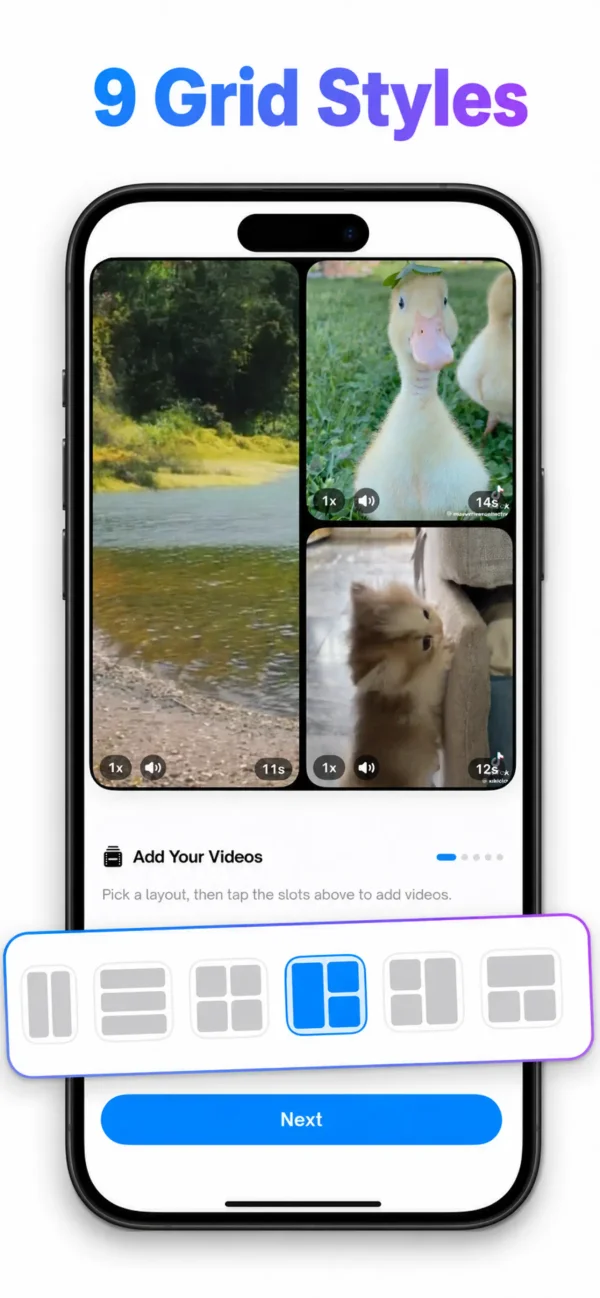
1. Choose one of 9 grid layouts
2. Add videos from your camera or library
3. Customize the canvas, background and playback
4. Save a crisp 1080p video to your photo library
MADE FOR VIDEO
* Record clips directly in the app or pick them from your library
* Trim longer videos to the perfect moment with the built-in editor
* Each clip can play up to 15 seconds
* Preview everything live before you save
9 GRID LAYOUTS
Side by side, stacked, three columns, three rows, classic 2x2 and more. Switch layouts anytime and your videos stay in place.
CUSTOMIZE EVERYTHING
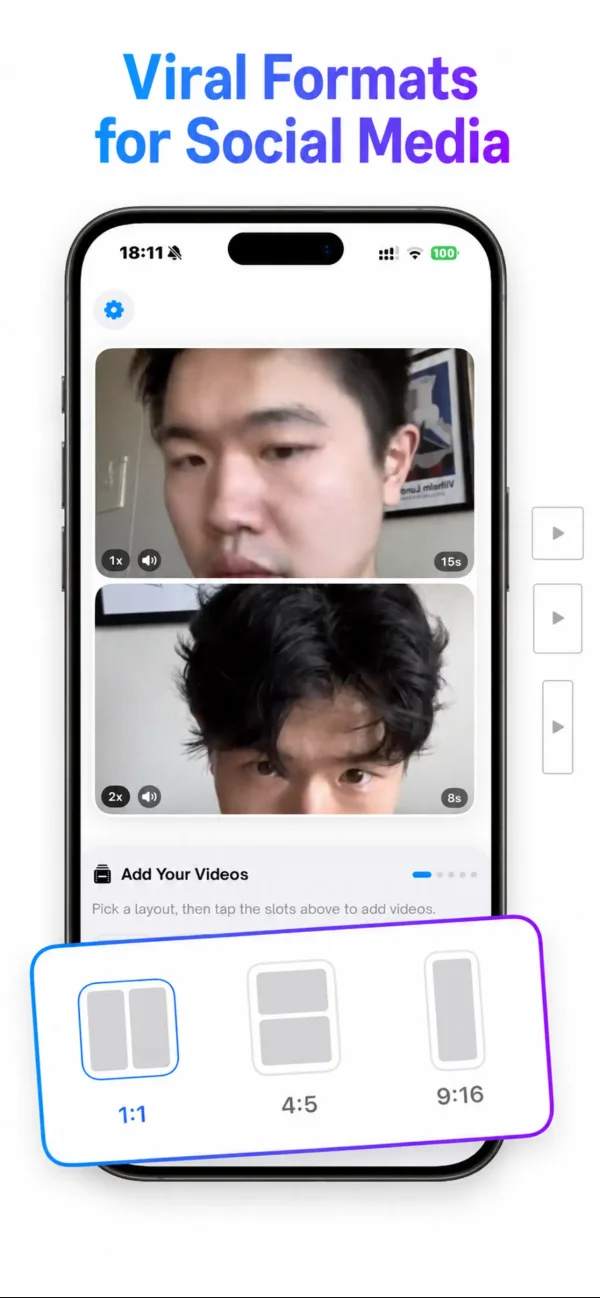
* Canvas sizes for every feed: square 1:1, portrait 4:5 and story 9:16
* Background colors: pick from the palette or choose any custom color
* Rounded corners in four styles, from sharp to soft
* Playback speed per clip: slow motion 0.5x, normal or 2x
* Mute individual clips to keep only the sound you want
SMART ENDINGS
Clips come in different lengths. Decide what happens when a shorter one ends: loop it from the start or fade its tile away while the rest keep playing. A live preview shows exactly how your video will behave.
SHARE ANYWHERE
Your finished collage is a standard video file saved straight to your photo library. Post it to any social app, send it in chats or keep it for yourself.
FREE AND PREMIUM
Start free with the essential layouts and two video exports. Upgrade to Premium for all 9 layouts, every canvas size, custom backgrounds, speed controls and unlimited videos.
Premium is available as an auto-renewable subscription. Payment is charged to your Apple Account and the subscription renews automatically unless cancelled at least 24 hours before the end of the period. Manage or cancel anytime in your Apple Account settings.
Privacy Policy: https://docs.google.com/document/d/1kPrkcst66FQfowPhhgX5rozF8y1KNkxybdhcnvVqI88/edit?usp=sharing
Terms of Use: https://docs.google.com/document/d/1WRCHhBdpVvzbi0C0kJ3iyti18roFEdnNYzvOG0Nr3RI/edit?usp=sharing
App privacy
What Ahmet Giray Ucar declares on the App Store about how this app handles data.
-
Data not collected
The developer does not collect any data from this app.
Privacy practices may vary, for example with the features you use or your age.
Information
- Seller
- Ahmet Giray Ucar
- Category
- Photo & Video
- Version
- 1.0
- Updated
- Jul 9, 2026
- Released
- Jul 8, 2026
- Size
- 10.1 MB
- Requires
- iOS 18.6 or later
- Age rating
- 4+
- Price
- Free
- In-app purchases
- Yes
- Languages
- English
- Copyright
- © 2026 Ahmet Giray Uçar
You might also like
-
 Daystack: Video CollageSplit Screen Stories & Reels
-
 Video Collage: Grid MakerCombine clips in custom grids
-
 Minimal Collage - Easy LayoutsEasy, stylish photo layouts.
-
 Mixo – Video CollageTemplates for Reels & Shorts
-
 Video Tiles: Collage and GridSplit Screen Video Maker
-
 Panels: Photo & Video CollageMoving grids for reels & more
-
 Fixora: AI Photo EditorEdit and remove backgrounds
-
 ReelGrid: Video Collage MakerSplit Screen Grid & Reels
-
 Podcast Video Maker EditorPod Audio Visualizer Creator
-
 Layout for Instagram: IG GridCollage, Grid & Feed Planner