Layout for Video: Collage
Split Screen Viral Grid Maker
Entwickelt für iPhone
Kostenlos · In-App-Käufe
- Altersfreigabe4+
- KategorieFoto und Video
- EntwicklerAhmet Giray Ucar
- SprachenEnglisch
- Größe10,1 MB
Verlinkt auf die offizielle App Store-Seite
Download.org hostet keine Datei von Layout for Video: Collage. Die Schaltfläche öffnet die App-Seite bei App Store, wo Ahmet Giray Ucar die App veröffentlicht. Eintrag zuletzt geprüft am 12.11.2026.
Screenshots

Info
Der Entwickler hat diesen Text nicht in Ihrer Sprache bereitgestellt.
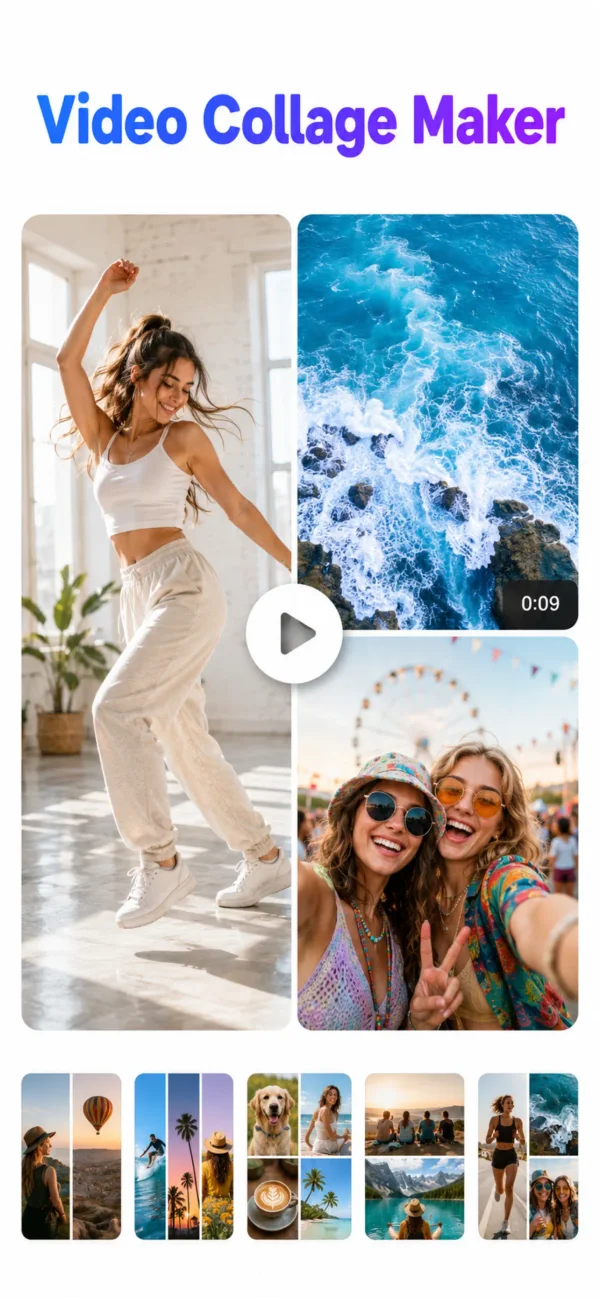
Layout for Video turns your clips into eye-catching video collages in seconds. Pick a grid, drop in your videos, and share a single video that plays them all together.
Just like the collage apps you love for photos, but built for video.
HOW IT WORKS
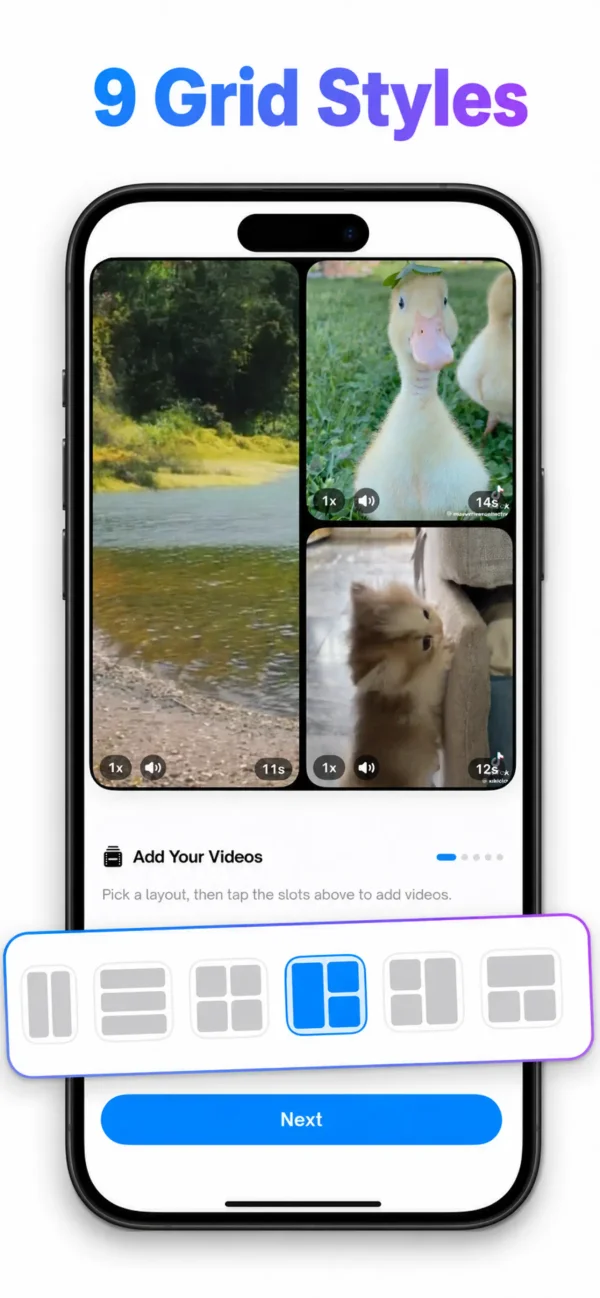
1. Choose one of 9 grid layouts
2. Add videos from your camera or library
3. Customize the canvas, background and playback
4. Save a crisp 1080p video to your photo library
MADE FOR VIDEO
* Record clips directly in the app or pick them from your library
* Trim longer videos to the perfect moment with the built-in editor
* Each clip can play up to 15 seconds
* Preview everything live before you save
9 GRID LAYOUTS
Side by side, stacked, three columns, three rows, classic 2x2 and more. Switch layouts anytime and your videos stay in place.
CUSTOMIZE EVERYTHING
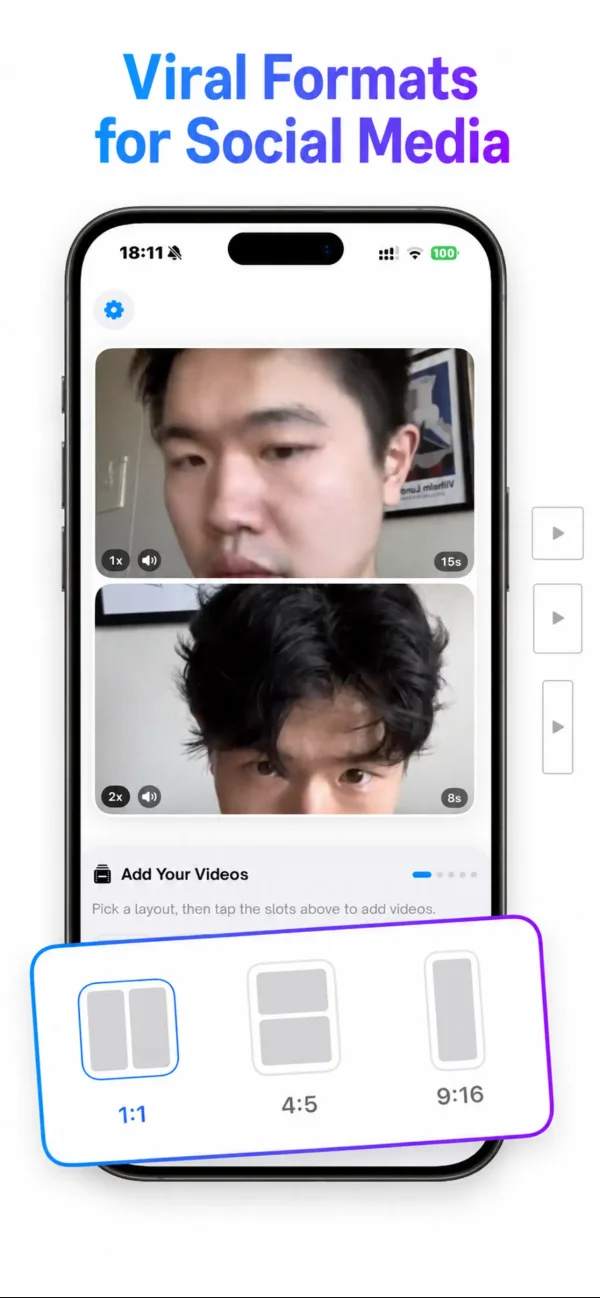
* Canvas sizes for every feed: square 1:1, portrait 4:5 and story 9:16
* Background colors: pick from the palette or choose any custom color
* Rounded corners in four styles, from sharp to soft
* Playback speed per clip: slow motion 0.5x, normal or 2x
* Mute individual clips to keep only the sound you want
SMART ENDINGS
Clips come in different lengths. Decide what happens when a shorter one ends: loop it from the start or fade its tile away while the rest keep playing. A live preview shows exactly how your video will behave.
SHARE ANYWHERE
Your finished collage is a standard video file saved straight to your photo library. Post it to any social app, send it in chats or keep it for yourself.
FREE AND PREMIUM
Start free with the essential layouts and two video exports. Upgrade to Premium for all 9 layouts, every canvas size, custom backgrounds, speed controls and unlimited videos.
Premium is available as an auto-renewable subscription. Payment is charged to your Apple Account and the subscription renews automatically unless cancelled at least 24 hours before the end of the period. Manage or cancel anytime in your Apple Account settings.
Privacy Policy: https://docs.google.com/document/d/1kPrkcst66FQfowPhhgX5rozF8y1KNkxybdhcnvVqI88/edit?usp=sharing
Terms of Use: https://docs.google.com/document/d/1WRCHhBdpVvzbi0C0kJ3iyti18roFEdnNYzvOG0Nr3RI/edit?usp=sharing
App-Datenschutz
Was Ahmet Giray Ucar im App Store zum Umgang dieser App mit Daten angibt.
-
Keine Daten erfasst
Der Entwickler erfasst keine Daten von dieser App.
Die Datenschutzpraktiken können variieren, zum Beispiel je nach den von Ihnen verwendeten Funktionen oder Ihrem Alter.
Informationen
- Anbieter
- Ahmet Giray Ucar
- Kategorie
- Foto und Video
- Version
- 1.0
- Aktualisiert
- 09.07.2026
- Veröffentlicht
- 08.07.2026
- Größe
- 10,1 MB
- Erfordert
- iOS 18.6 oder neuer
- Altersfreigabe
- 4+
- Preis
- Kostenlos
- In-App-Käufe
- Ja
- Sprachen
- Englisch
- Copyright
- © 2026 Ahmet Giray Uçar
Das könnte Ihnen auch gefallen
-
 Daystack: Video CollageFoto und Video
-
 Videocollage: Raster-EditorClips in eigenen Rastern
-
 Minimal Collage - Easy LayoutsFoto und Video
-
 Mixo – Video CollageFoto und Video
-
 Video Tiles: Collage and GridFoto und Video
-
 Panels: Photo & Video CollageFoto und Video
-
 Fixora: KI-FotoeditorHintergründe bearbeiten
-
 ReelGrid: Video-CollageMehrere Videos im Splitscreen
-
 Podcast Video Maker EditorFoto und Video
-
 Layout for Instagram: IG GridCollage, Grid & Feed Planner