- Age rating4+
- CategoryUtilities
- DeveloperHALIL IBRAHIM ALTAY
- LanguagesEnglish
- Size1.2 MB
Links to the official App Store page
Download.org hosts no file of Lazy Remote for PC. The button opens its official App Store page, published by HALIL IBRAHIM ALTAY. Listing last checked on Nov 23, 2026.
Screenshots
About
Use your phone as a remote for your PC. Sit back on the couch, at a desk across the room, or in front of a presentation, and control your computer without touching it.
LazyRemote needs the free LazyRemote Mac app. Install it on your Mac, open it, then open LazyRemote on your phone. They connect over Bluetooth. No Wi-Fi setup, no account, no sign-in.
TRACKPAD
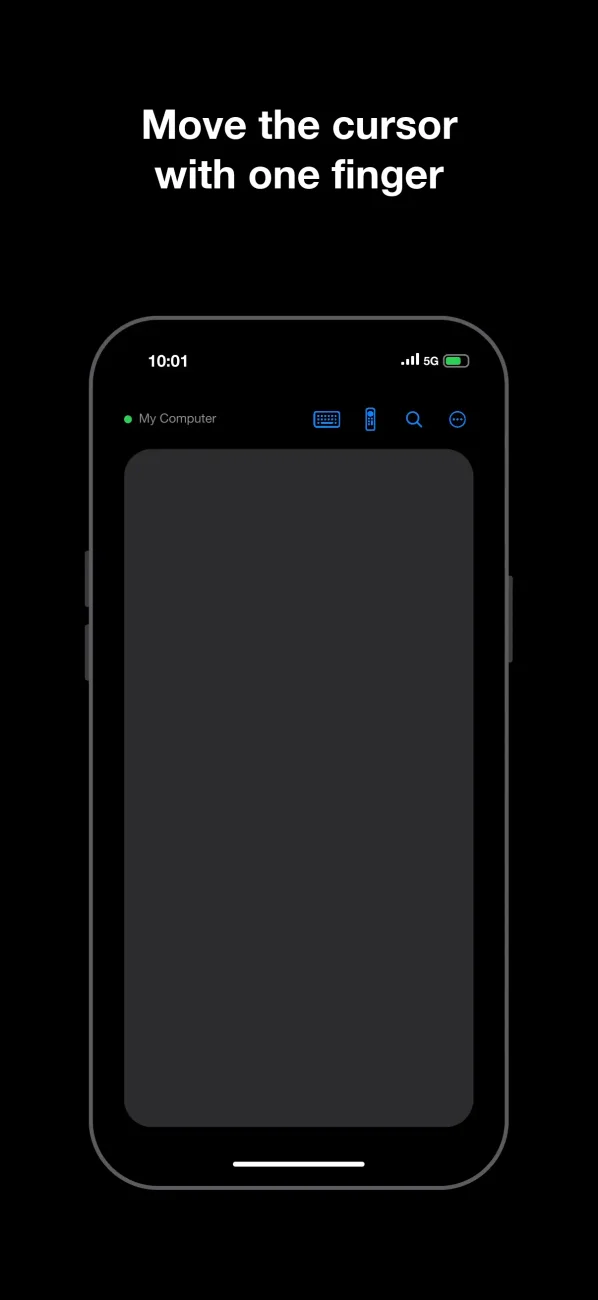
Move the cursor with one finger. Tap to click, double-tap or triple-tap, and tap with two fingers to right-click. Scroll with two fingers, long-press to drag, and swipe with three fingers to switch desktops or open Mission Control.
REMOTE (D-PAD)
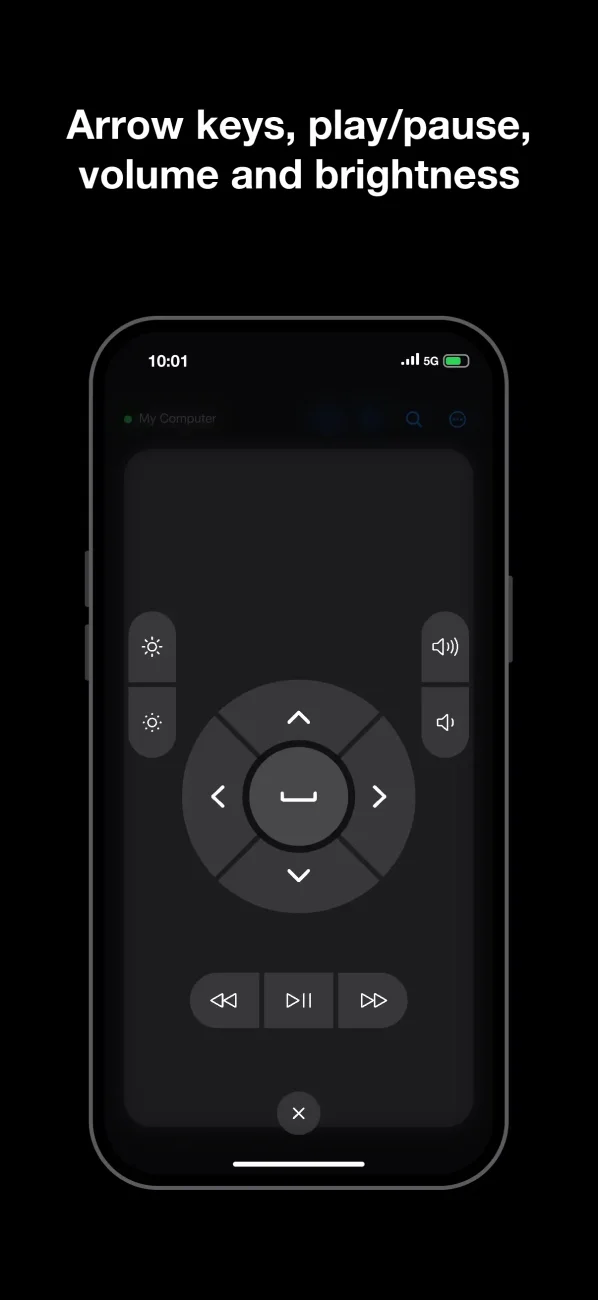
Use the arrow keys, Space and play/pause to control videos, music, slideshows and presentations. Hold an arrow to repeat it. Skip tracks, and change volume and brightness. Drag the Remote button anywhere on the screen to float it, or back to the top bar to dock it.
KEYBOARD
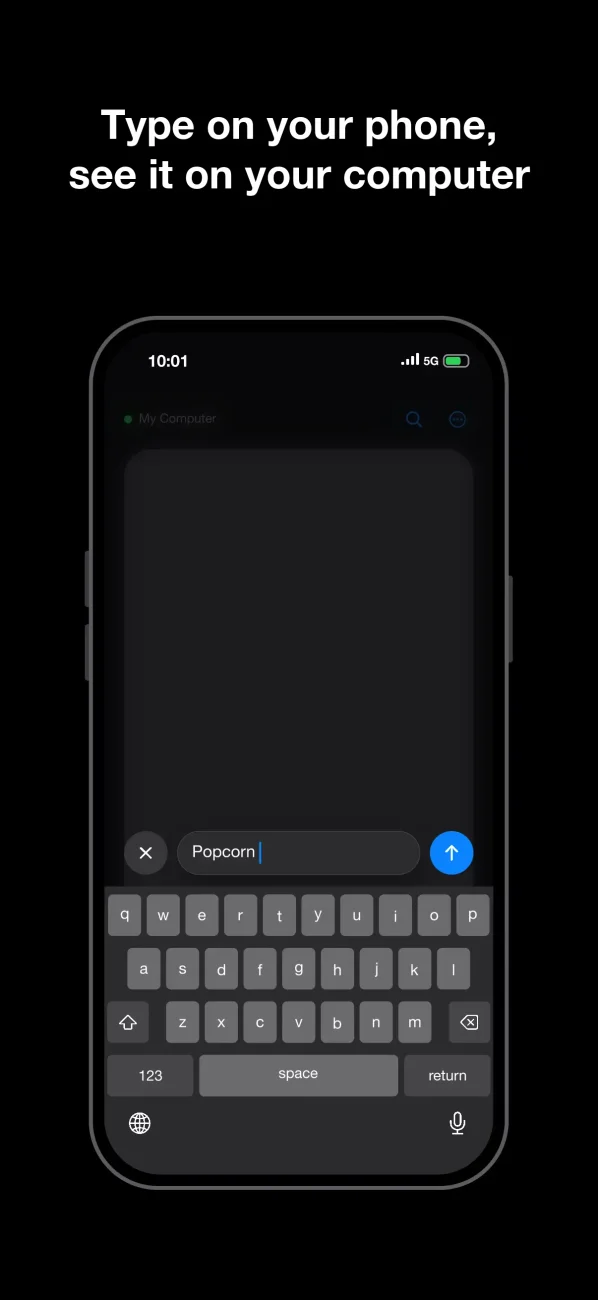
Tap the keyboard button and type on your iPhone. The words appear on your Mac as you type, in any language, emoji included. Autocorrect and dictation fixes follow along. Tap Send to press Return.
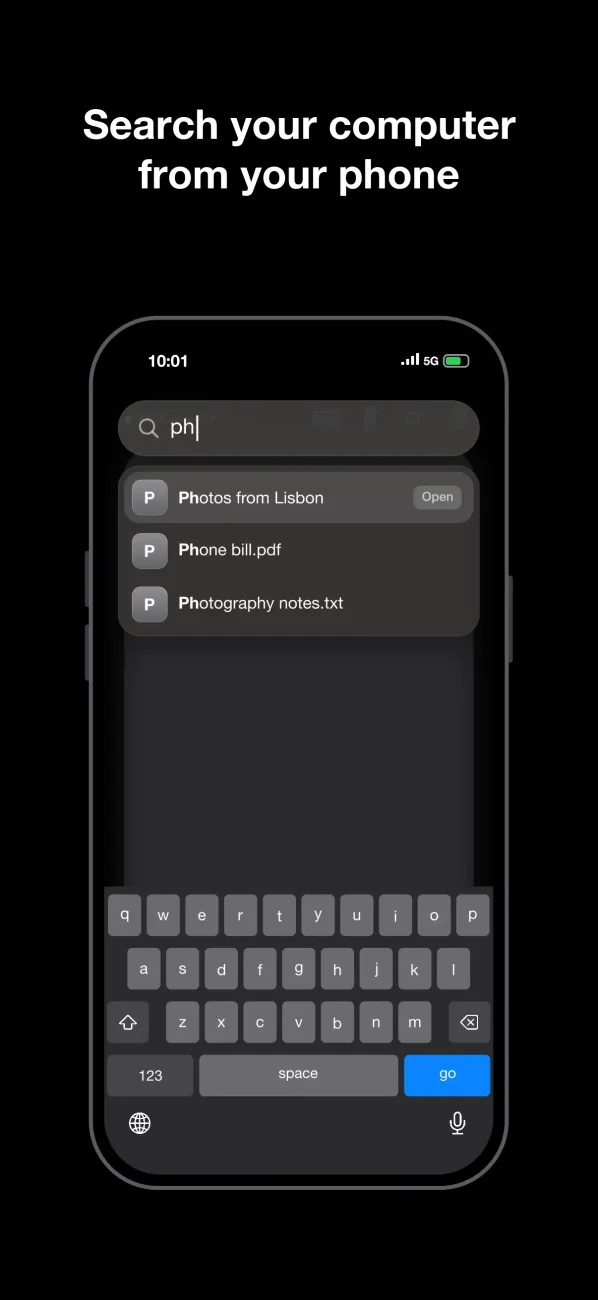
SEARCH
Tap the magnifier and type. Your Laptops search results show up on your phone as you type. Press go to open the top result.
LANDSCAPE MODE
Turn your iPhone sideways and the trackpad fills the screen.
PRIVATE AND SIMPLE
- Connects directly over Bluetooth
- Encrypted connection
- No ads, no tracking, no in-app purchases
Requires an iPhone with iOS 17 or later and a Mac with macOS 14 or later running the free LazyRemote Mac app. Download it from the link on this app's support page.
What’s new
Version 2.0 · Nov 17, 2026
- Landscape mode: turn your phone sideways and the trackpad fills the whole screen. Your keyboard, typed text and gestures keep working when you rotate.
- The Keyboard is now a floating tool next to Remote. Tap it to open a clean typing bar, drag it anywhere to float it, or drop it back in the top bar.
- Search results from your PC now show on your iPhone with the new search functionality.
App privacy
What HALIL IBRAHIM ALTAY declares on the App Store about how this app handles data.
-
Data not collected
The developer does not collect any data from this app.
Privacy practices may vary, for example with the features you use or your age.
Information
- Seller
- HALIL IBRAHIM ALTAY
- Category
- Utilities
- Version
- 2.0
- Updated
- Nov 17, 2026
- Released
- Nov 2, 2026
- Size
- 1.2 MB
- Requires
- iOS 17.0 or later
- Age rating
- 4+
- Price
- Free
- Languages
- English
- Copyright
- © Halil Ibrahim Altay
You might also like
-
 DevBoxMobileRemote Dev, SSH & AI Agents
-
 iDock - App LauncherSeamless device control
-
 SaferMobilityUtilities
-
 Web Filter for Safari: BlockerBlock Adult Sites & SafeSearch
-
 CITYBOSSUtilities
-
 Mouse LinkMobile Remote Mouse & Keyboard
-
 Terminus SSH TerminalSSH Client & Server Console
-
 Microchip Bluetooth DataUtilities
-
 AirBoard: Bluetooth KeyboardMouse & Trackpad for Mac & PC
-
 BT Remote: Keyboard & TrackpadBluetooth Keyboard & Trackpad