
LazyWork: Web Agent
Private AI for any web page
Designed for iPhone, iPad, Mac
Free · In-app purchases
- Age rating4+
- CategoryProductivity
- DeveloperAhmed AlNaboud
- LanguagesEnglish+ 1 more
- Size76.6 MB
Links to the official App Store page
Download.org hosts no file of LazyWork: Web Agent. The button opens its official App Store page, published by Ahmed AlNaboud. Listing last checked on Nov 18, 2026.
Screenshots
About
LazyWork
A private AI assistant for the web. It reads the page you’re on and helps you interact with it.
No Sign-In. No Data Collection. No Ads.
• No account, no email, no tracking — open it and start using it immediately.
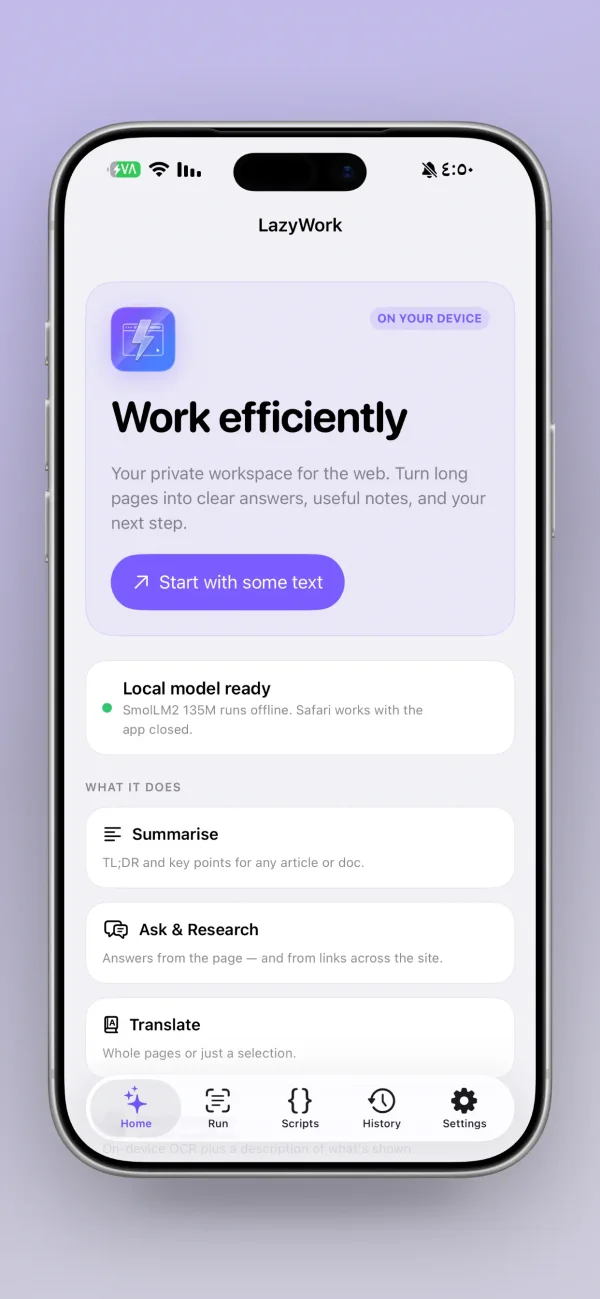
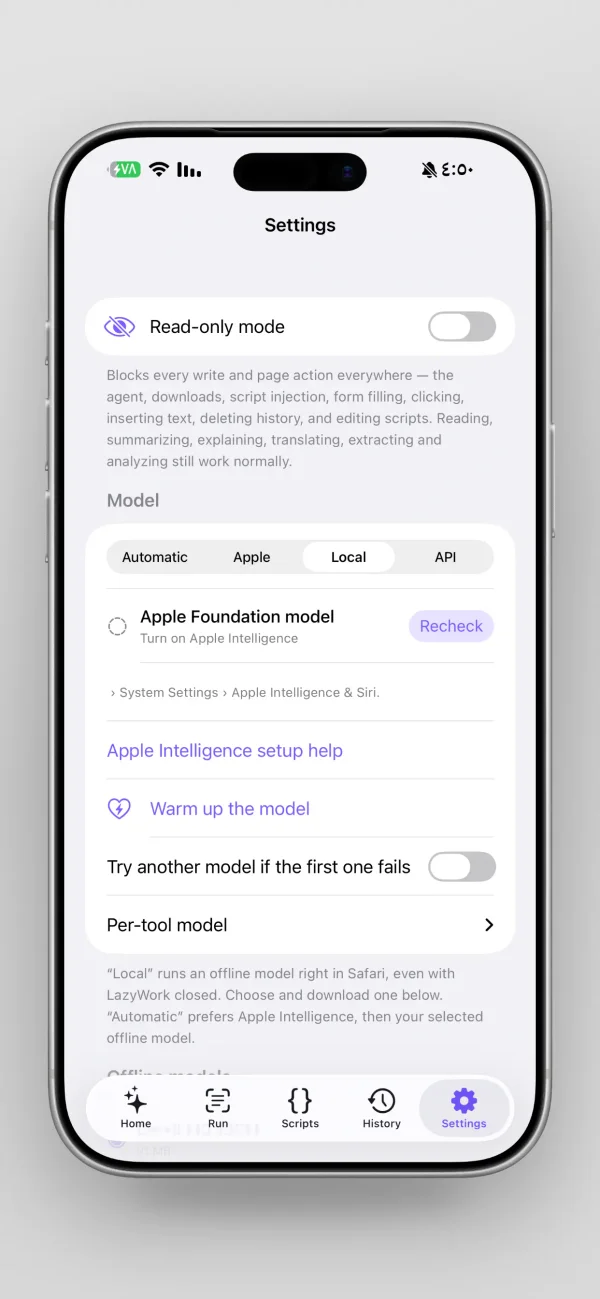
• Everything runs on your device using Apple Intelligence or a downloadable local model. Works offline.
• Nothing is uploaded. Your pages, questions, and results stay on your iPhone, iPad, or Mac.
• Optional: Add your own API key for a cloud AI model if you want better results — disabled by default.
Key Features
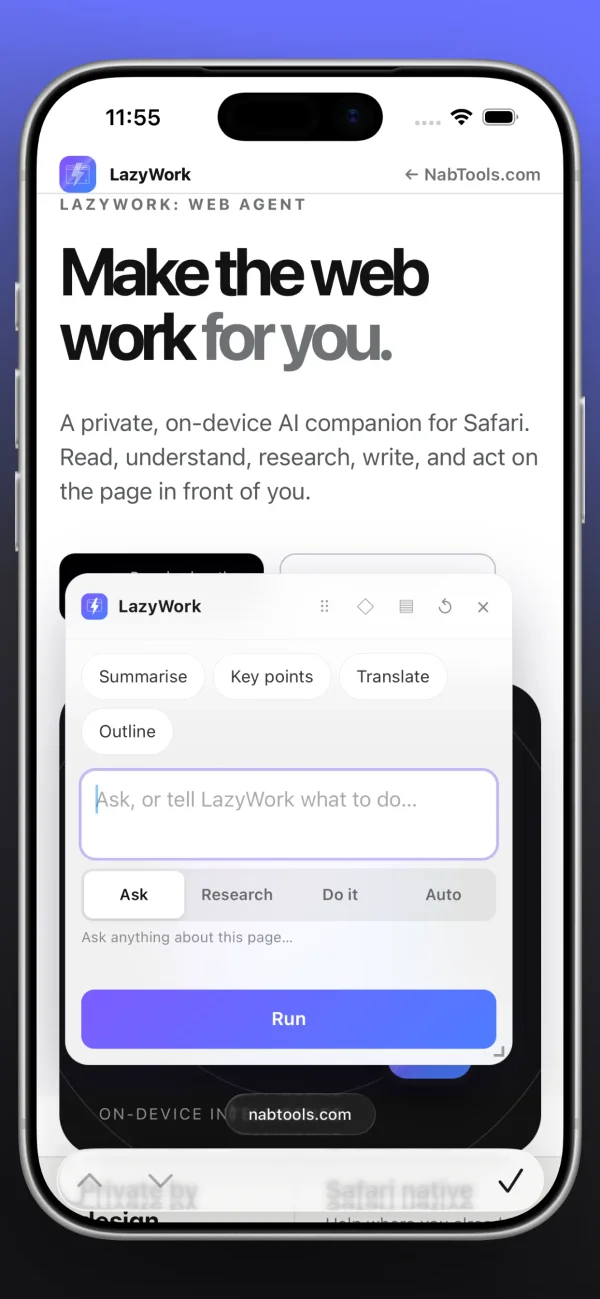
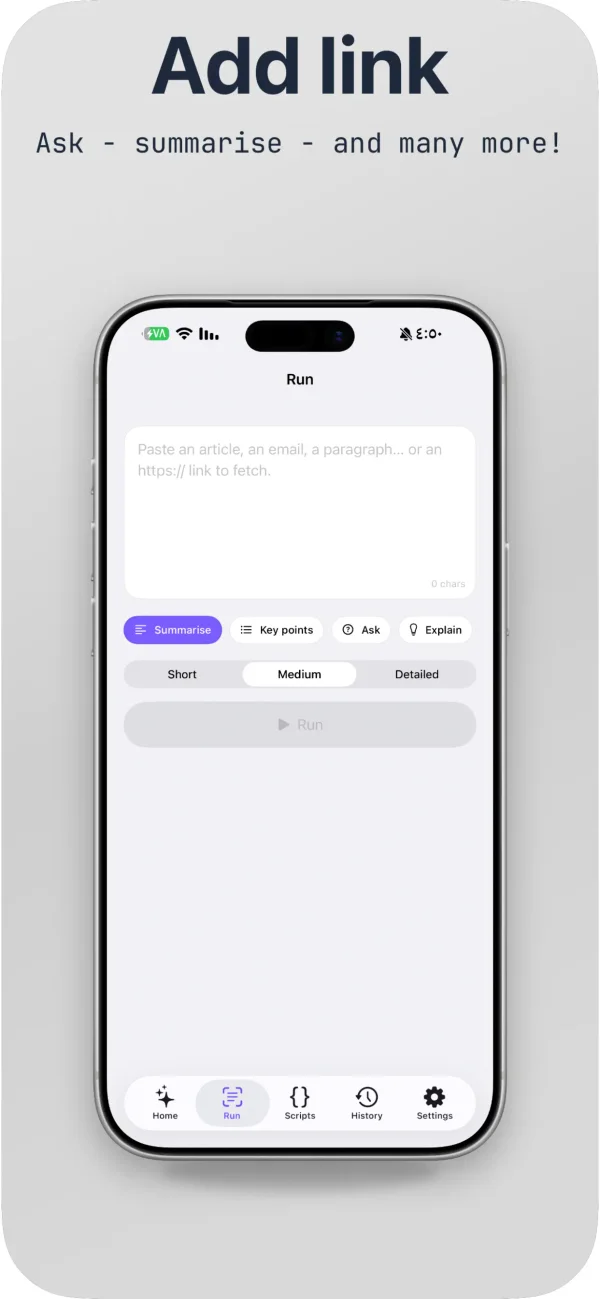
• Summarize any article and get the key points or a structured page outline.
• Ask questions about the current page — or let **Research** browse the entire website and answer with cited sources.
• Translate full pages or selected text into any language.
• Extract tables, facts, dates, and links. Explain difficult sections. Rewrite content or draft replies.
• Understand images: recognize text and describe images directly on your device.
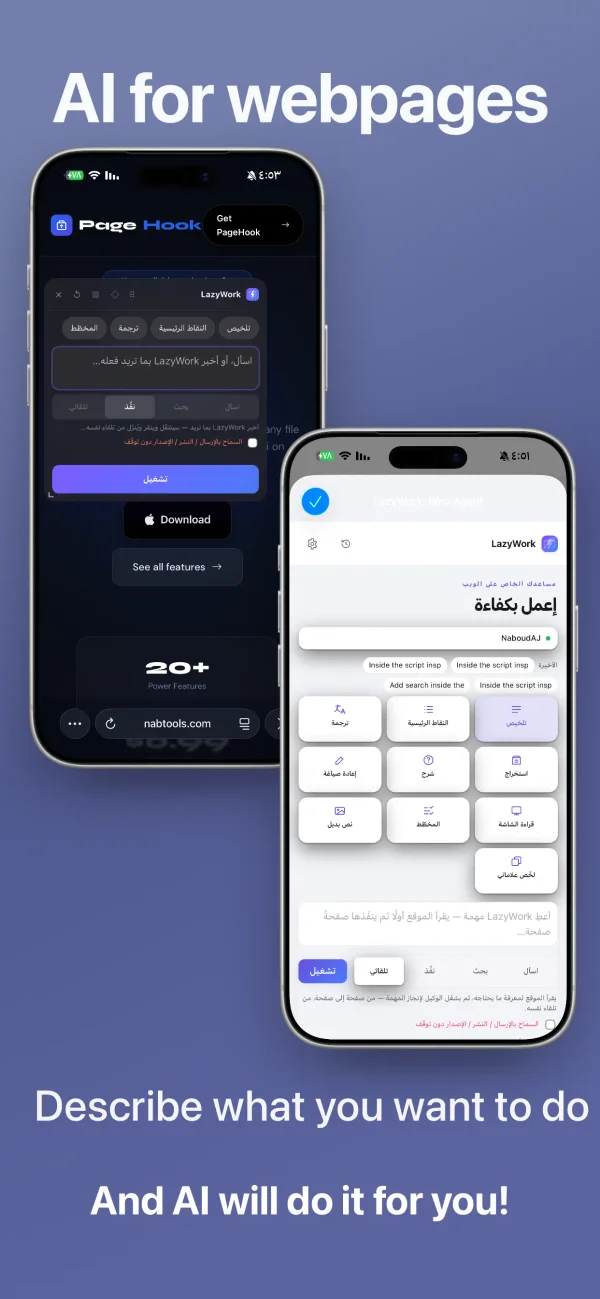
• Use a floating panel on any page for one-tap actions, or access LazyWork from the toolbar.
Agent
• Tell it what you want done: “Download the file,” “Find the pricing page and list the plans,” or “Load all the reviews.” It can navigate, click, scroll, and download across pages on its own, with clear confirmation before any irreversible action.
• Website allowlists and blocklists, plan review, time limits, and read-only mode keep you in control.
Reshape Any Webpage
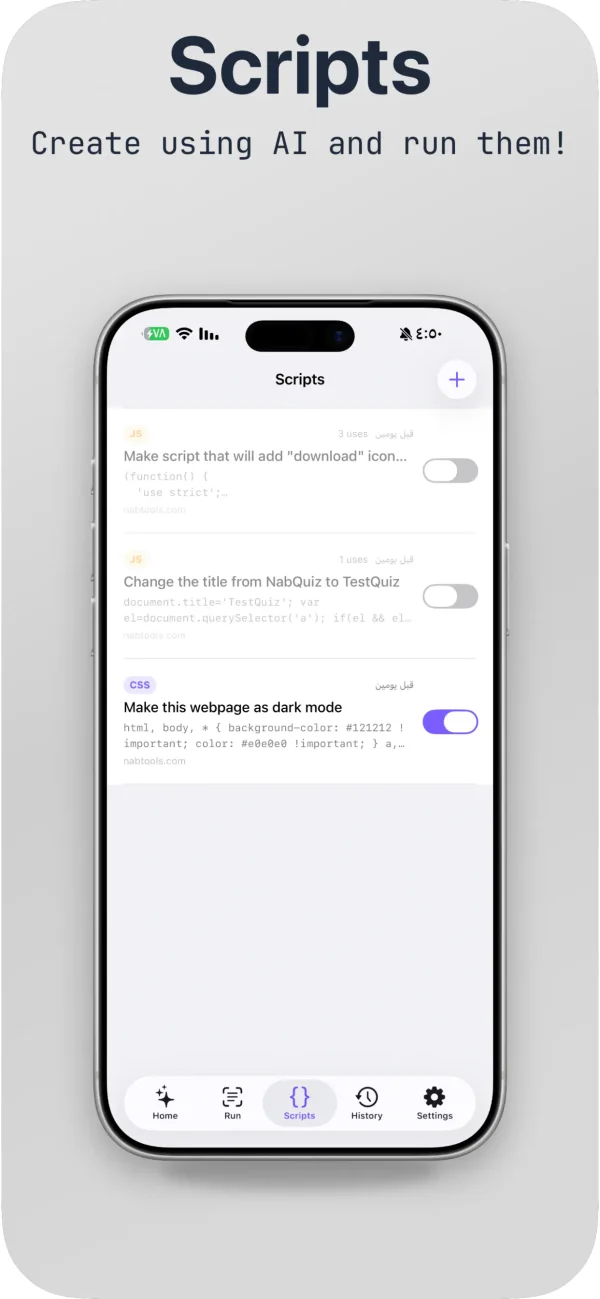
• “Make it dark,” “Reader mode,” “Hide the sidebar,” “Make the article wider” — LazyWork writes the CSS or JavaScript and applies it instantly.
• Every script is saved in the **Scripts** tab. Rename it, edit it, enable or disable it, share it, or apply it again on any website. You can also import your own `.css` and `.js` files.
More Tools
• Run any tool on pasted text or a URL directly from your clipboard.
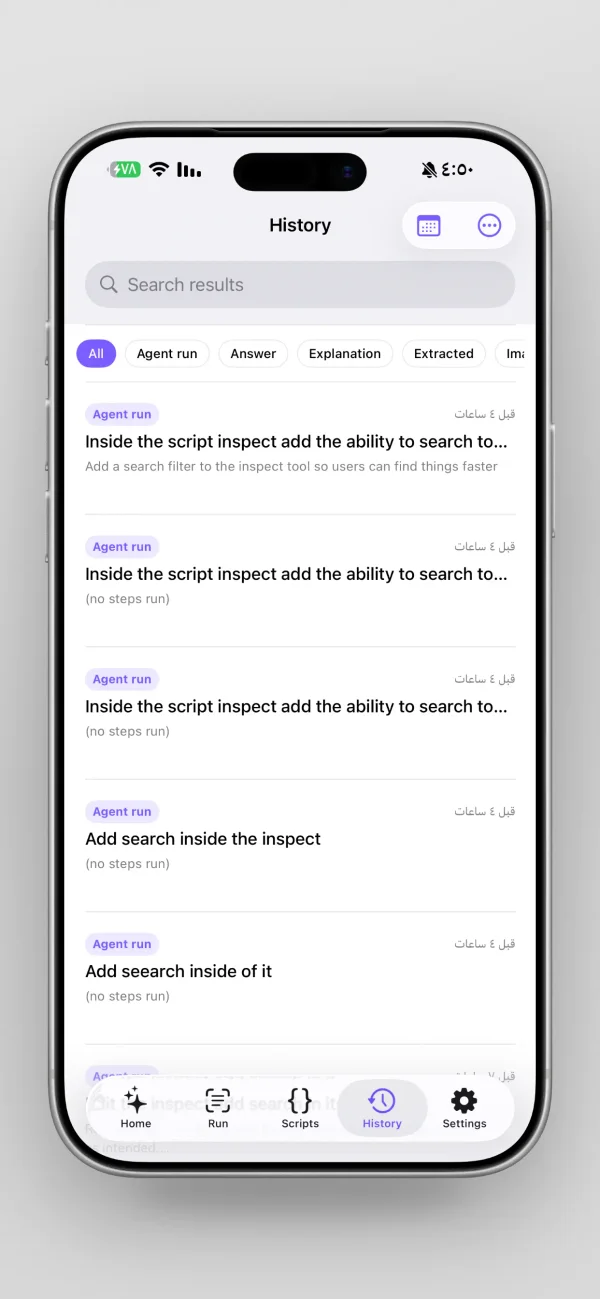
• Keep a history of everything you’ve done, with pinning, notes, search, comparison, and export.
• Scheduled runs, per-site memory, usage statistics, and settings backup.
EULA Terms of Use: https://www.apple.com/legal/internet-services/itunes/dev/stdeula/
What’s new
Version 1.0.2 · Oct 11, 2026
• Connect LazyWork to your own AI server on your home network.
• Bug fixes and improvements.
App privacy
What Ahmed AlNaboud declares on the App Store about how this app handles data.
-
Data not collected
The developer does not collect any data from this app.
Privacy practices may vary, for example with the features you use or your age.
Information
- Seller
- Ahmed AlNaboud
- Category
- Productivity
- Version
- 1.0.2
- Updated
- Oct 11, 2026
- Released
- Oct 2, 2026
- Size
- 76.6 MB
- Requires
- iOS 26.0 or later
- Age rating
- 4+
- Price
- Free
- In-app purchases
- Yes
- Languages
- English, Arabic
- Copyright
- © Ahmed AlNaboud
You might also like
-
 PerpinkChat client for Hermes Agent
-
 Seen | WebSave pages. Recall fast.
-
 Leaflet: Plant Care & WateringHouseplant Identifier & Doctor
-
 Pastes - Notes meets ClipboardCopy, Note, Personal Database
-
 KidPomo - Kids Routine PlanMorning Noon Evening Tasks
-
 SpeakType: Voice to TextSpeech to text notes & memos
-
 Teika: Voice to Text NotesPrivate offline dictation
-
 Pocket CouncilOffline AI Council Debates
-
 Language AI - TranslatorAI Generated
-
 ContextFlow: AI for SafariSummarize & ask any web page