
- 対象年齢4+
- カテゴリ仕事効率化
- 開発元Ahmed AlNaboud
- 言語英語ほか1言語
- サイズ76.6 MB
App Storeの公式ページにリンクしています
Download.orgはLazyWork: Web Agentのファイルを一切ホストしていません。ボタンを押すと、Ahmed AlNaboudが公開しているApp Storeのアプリページが開きます。ページの最終確認:2026/11/18。
スクリーンショット
概要
開発元はこのテキストをお使いの言語で提供していません。
LazyWork
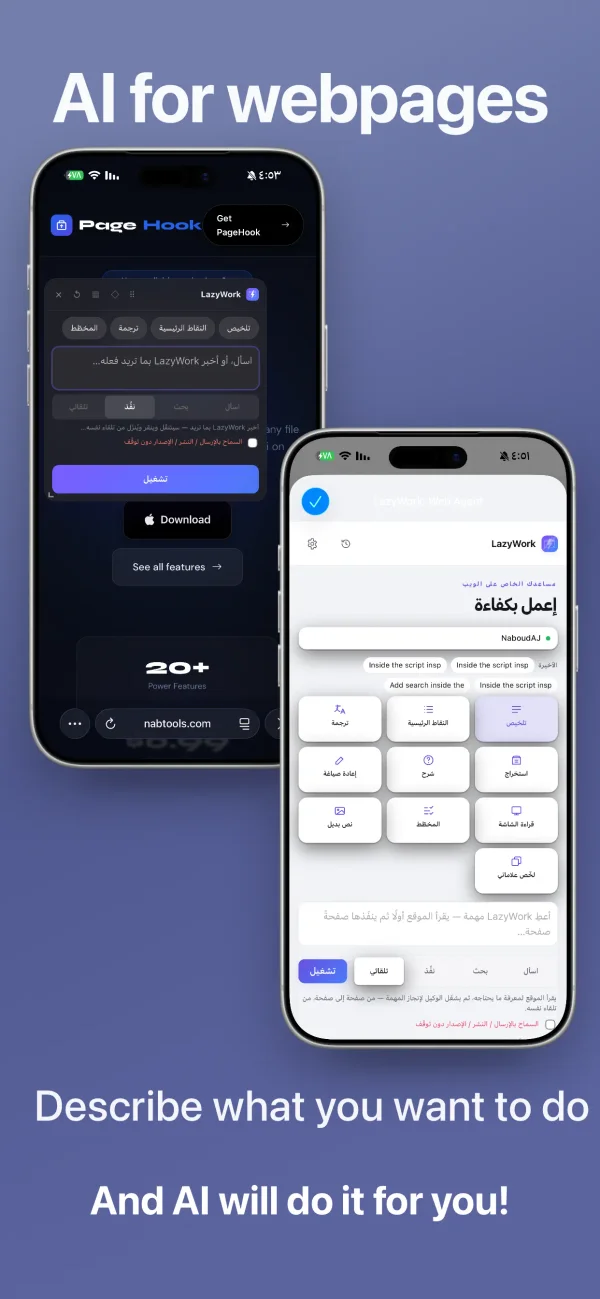
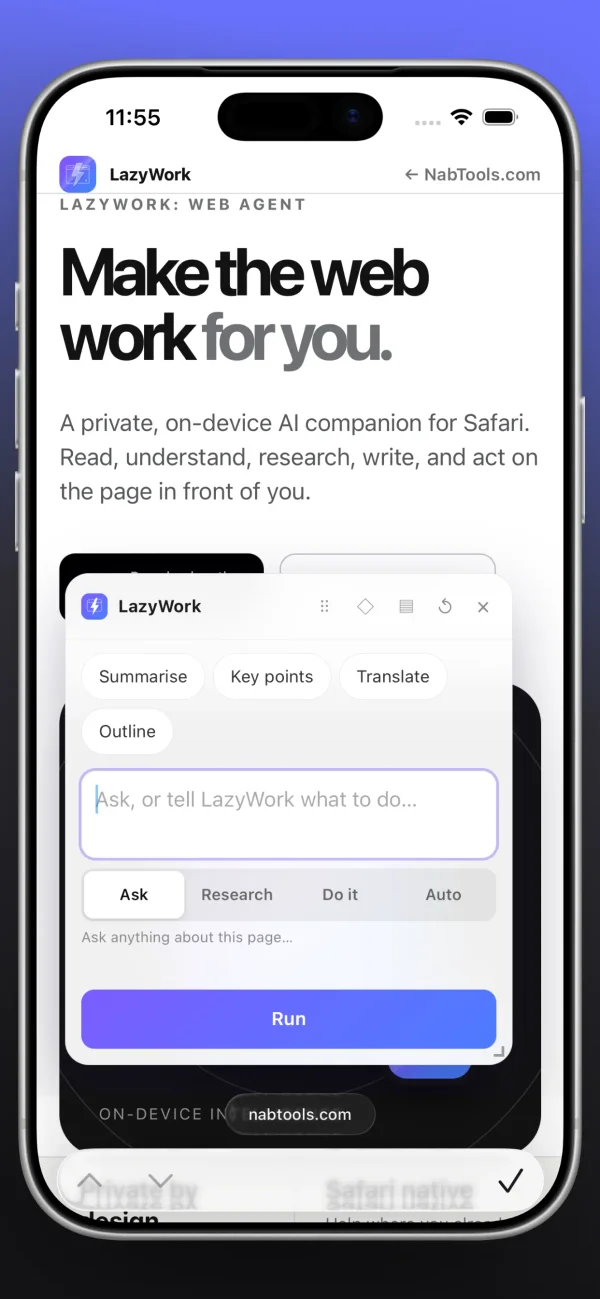
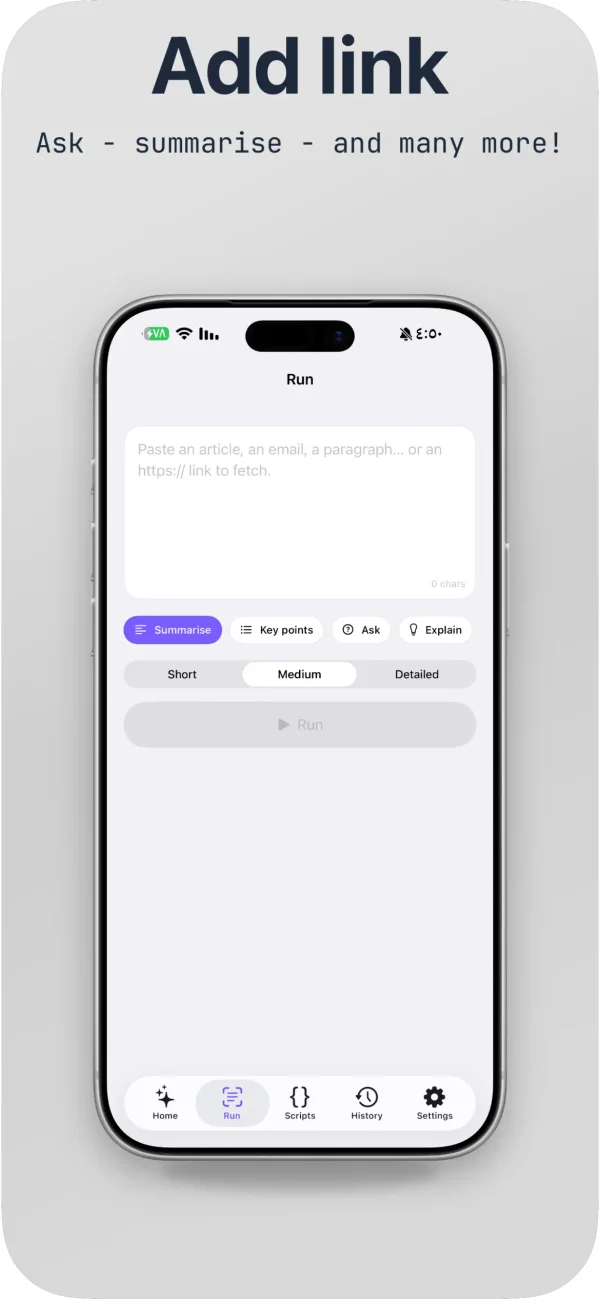
A private AI assistant for the web. It reads the page you’re on and helps you interact with it.
No Sign-In. No Data Collection. No Ads.
• No account, no email, no tracking — open it and start using it immediately.
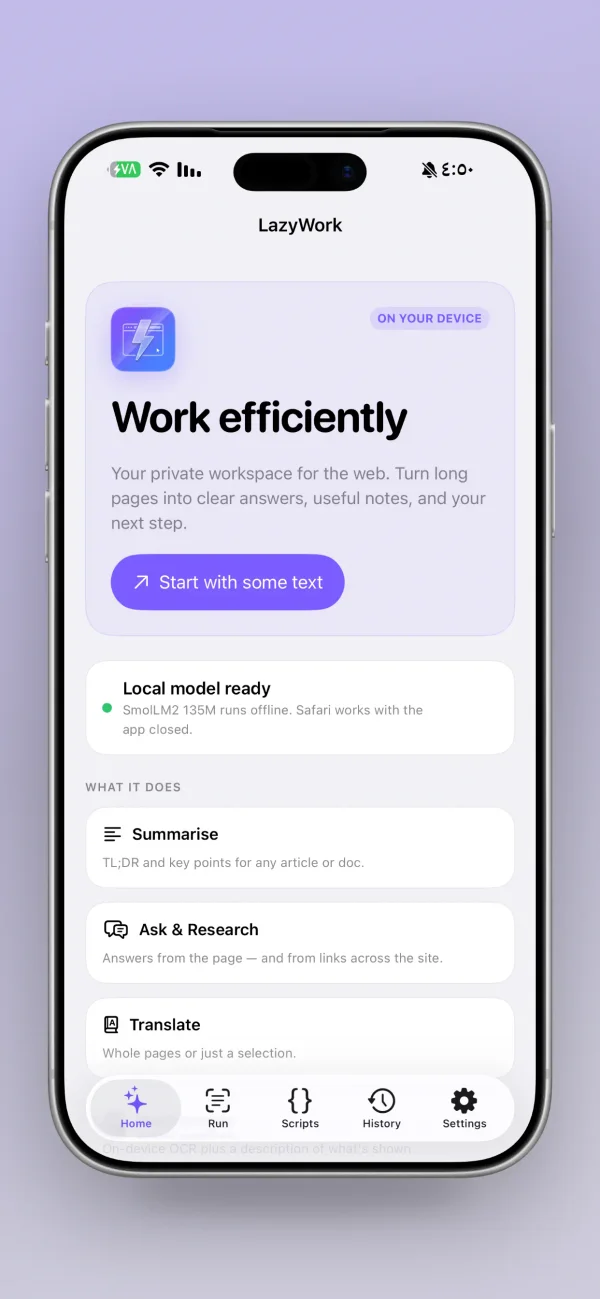
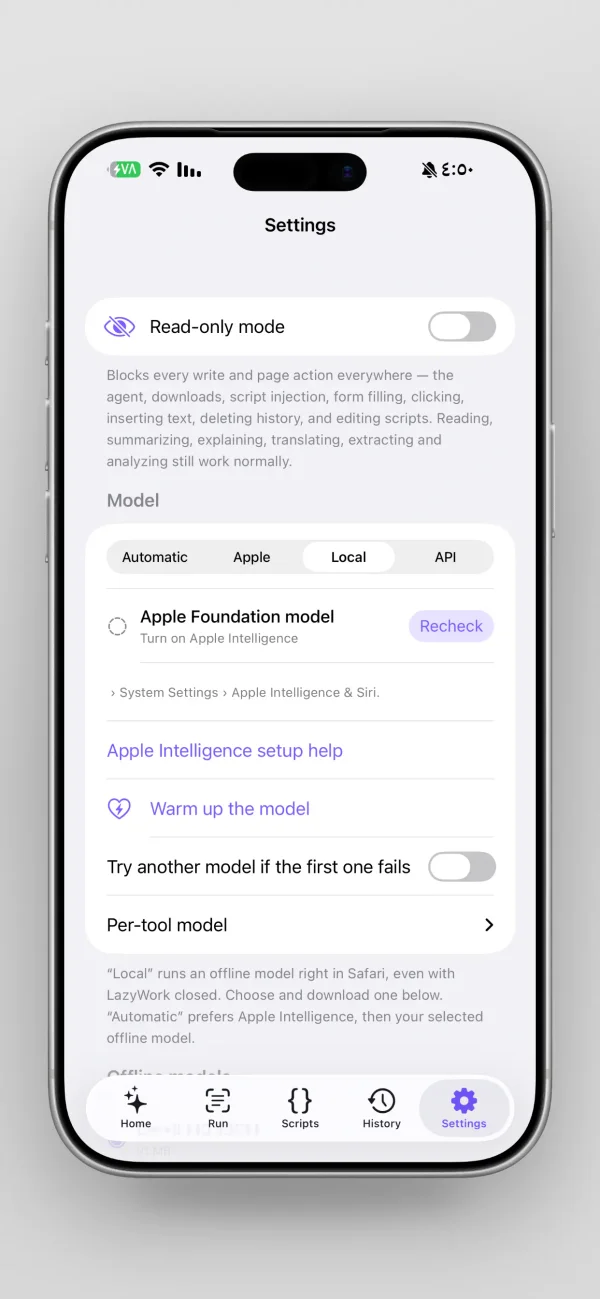
• Everything runs on your device using Apple Intelligence or a downloadable local model. Works offline.
• Nothing is uploaded. Your pages, questions, and results stay on your iPhone, iPad, or Mac.
• Optional: Add your own API key for a cloud AI model if you want better results — disabled by default.
Key Features
• Summarize any article and get the key points or a structured page outline.
• Ask questions about the current page — or let **Research** browse the entire website and answer with cited sources.
• Translate full pages or selected text into any language.
• Extract tables, facts, dates, and links. Explain difficult sections. Rewrite content or draft replies.
• Understand images: recognize text and describe images directly on your device.
• Use a floating panel on any page for one-tap actions, or access LazyWork from the toolbar.
Agent
• Tell it what you want done: “Download the file,” “Find the pricing page and list the plans,” or “Load all the reviews.” It can navigate, click, scroll, and download across pages on its own, with clear confirmation before any irreversible action.
• Website allowlists and blocklists, plan review, time limits, and read-only mode keep you in control.
Reshape Any Webpage
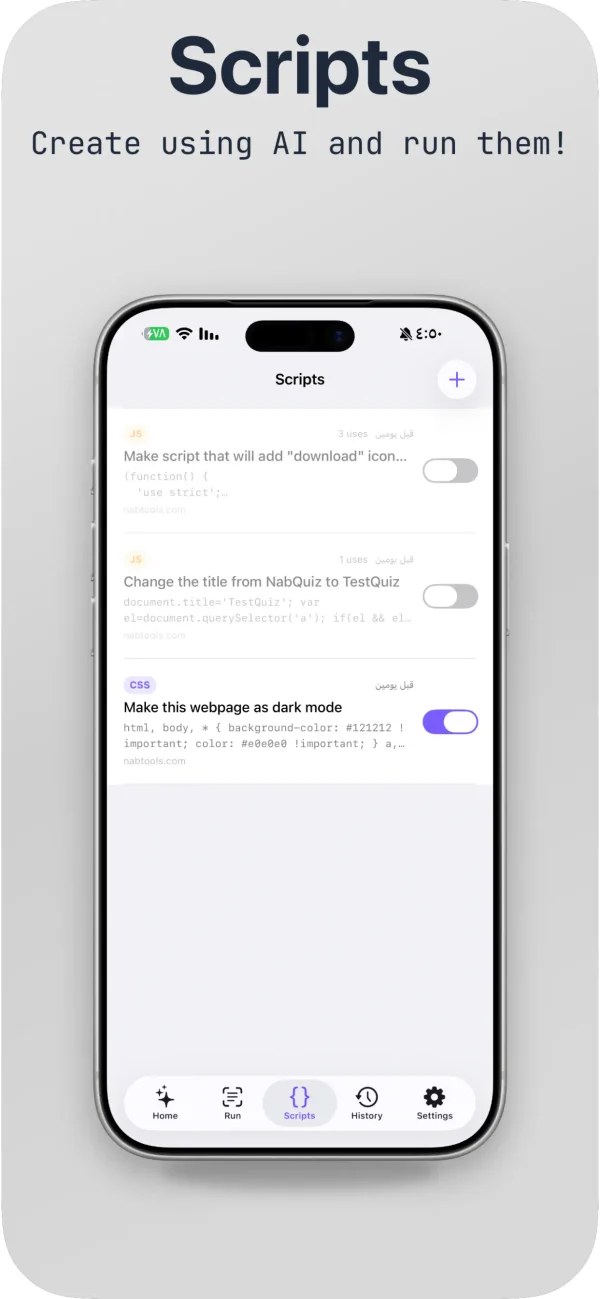
• “Make it dark,” “Reader mode,” “Hide the sidebar,” “Make the article wider” — LazyWork writes the CSS or JavaScript and applies it instantly.
• Every script is saved in the **Scripts** tab. Rename it, edit it, enable or disable it, share it, or apply it again on any website. You can also import your own `.css` and `.js` files.
More Tools
• Run any tool on pasted text or a URL directly from your clipboard.
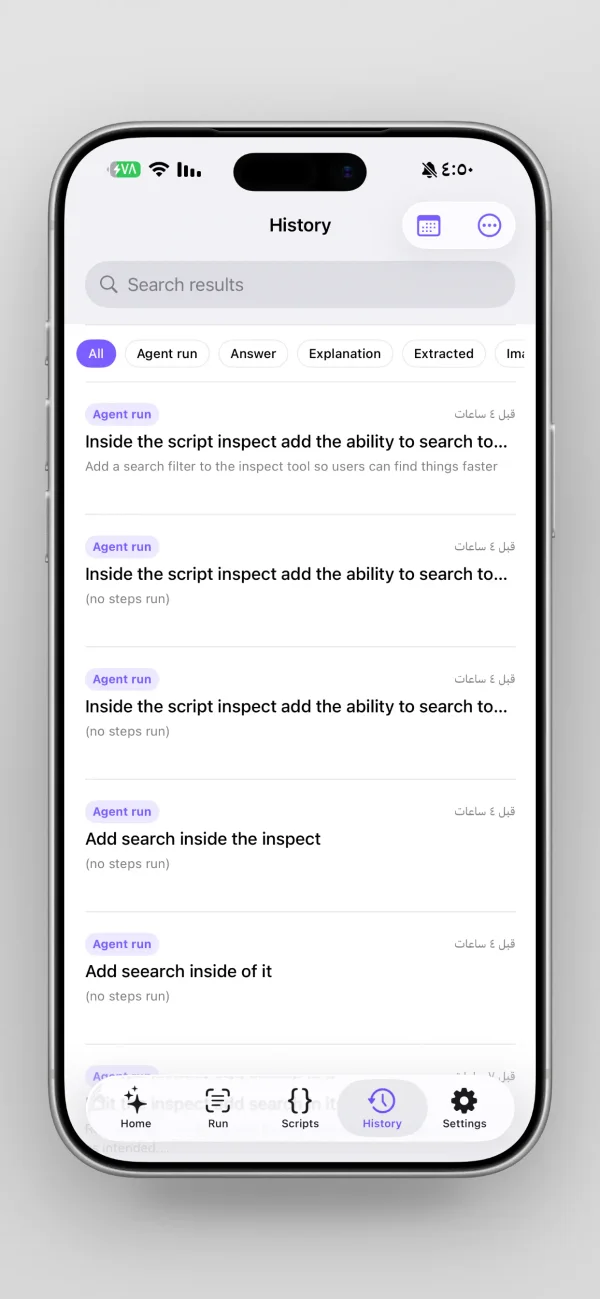
• Keep a history of everything you’ve done, with pinning, notes, search, comparison, and export.
• Scheduled runs, per-site memory, usage statistics, and settings backup.
EULA Terms of Use: https://www.apple.com/legal/internet-services/itunes/dev/stdeula/
新機能
バージョン 1.0.2 · 2026/10/11
• Connect LazyWork to your own AI server on your home network.
• Bug fixes and improvements.
アプリのプライバシー
このアプリのデータの取り扱いについて、Ahmed AlNaboudがApp Storeで申告している内容です。
-
データの収集なし
開発元はこのアプリからデータを収集しません。
プライバシーの取り扱いは、ご利用の機能やお客様の年齢などに応じて異なる場合があります。
情報
- 販売元
- Ahmed AlNaboud
- カテゴリ
- 仕事効率化
- バージョン
- 1.0.2
- 更新日
- 2026/10/11
- リリース
- 2026/10/2
- サイズ
- 76.6 MB
- 必要条件
- iOS 26.0以降
- 対象年齢
- 4+
- 価格
- 無料
- アプリ内課金
- あり
- 言語
- 英語, アラビア語
- 著作権
- © Ahmed AlNaboud
こちらもおすすめ
-
 Perpink仕事効率化
-
 Seen | Webページを保存。すぐ見返す
-
 Leaflet:観葉植物の水やり管理・診断写真で植物判定・リマインダー・育成日記
-
 Pastes - Notes meets Clipboard仕事効率化
-
 KidPomo - Kids Routine Plan仕事効率化
-
 SpeakType 音声文字変換話すだけでテキストメモ
-
 Teika: Voice to Text Notes仕事効率化
-
 Pocket Council仕事効率化
-
 Language AI - Translator仕事効率化
-
 ContextFlow: Safari用AI要約アシスタントページ要約・AIに質問・メモ