Learning Clock Timer
Let's learn a sense of time!
Designed for iPhone, iPad, iPod touch
$3.99
- Age rating4+
- CategoryUtilities
- DeveloperKeaton.com
- LanguagesEnglish+ 1 more
- Size6.4 MB
Links to the official App Store page
Download.org hosts no file of Learning Clock Timer. The button opens its official App Store page, published by Keaton.com. Listing last checked on Nov 18, 2026.
Screenshots
About
This is an all-in-one clock learning app for children that includes a clock, alarm, and timer.
We also recommend this app for seniors who are looking for a clock app with a large display that is easy to read.
By using this app with your child, they will naturally acquire a sense of time and will be able to act calmly.
They can also learn how to read a clock correctly. We hope you will make use of this app at home and at school.
[ MAIN FUNCTIONS ]
- Clock
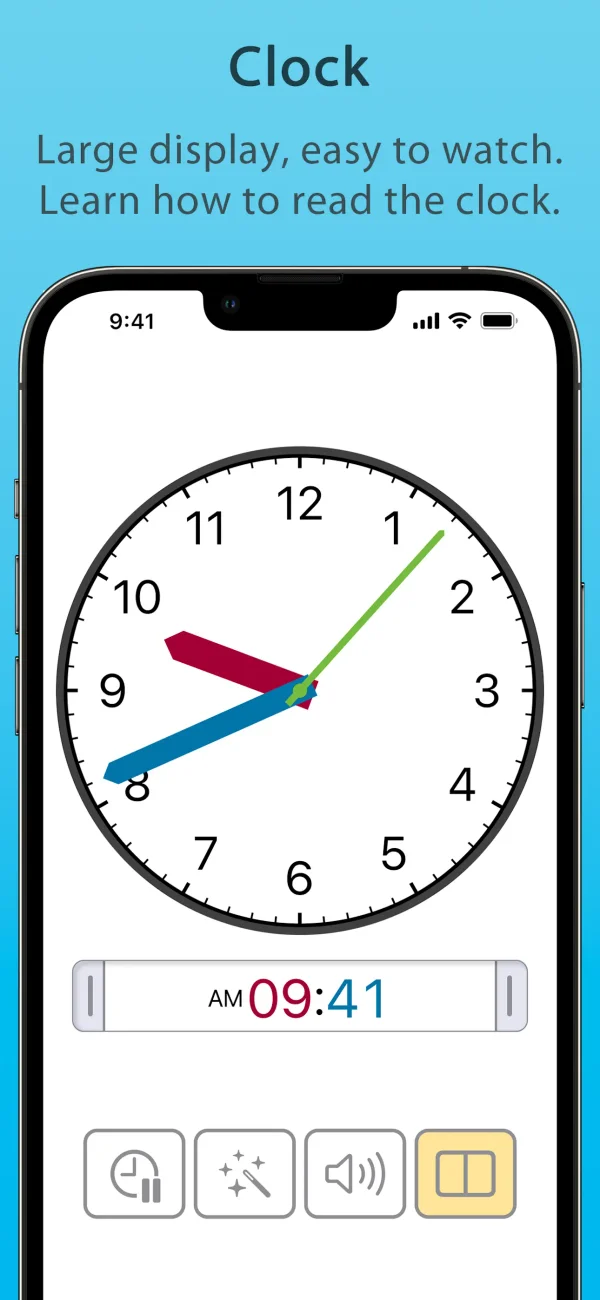
Both analog and digital clocks are displayed in large size and are very easy to read.
There are various functions that are useful in learning how to read a clock, such as dragging the hands of the clock with your finger to move them freely and switching the clock display mode with a single button.
- Alarm
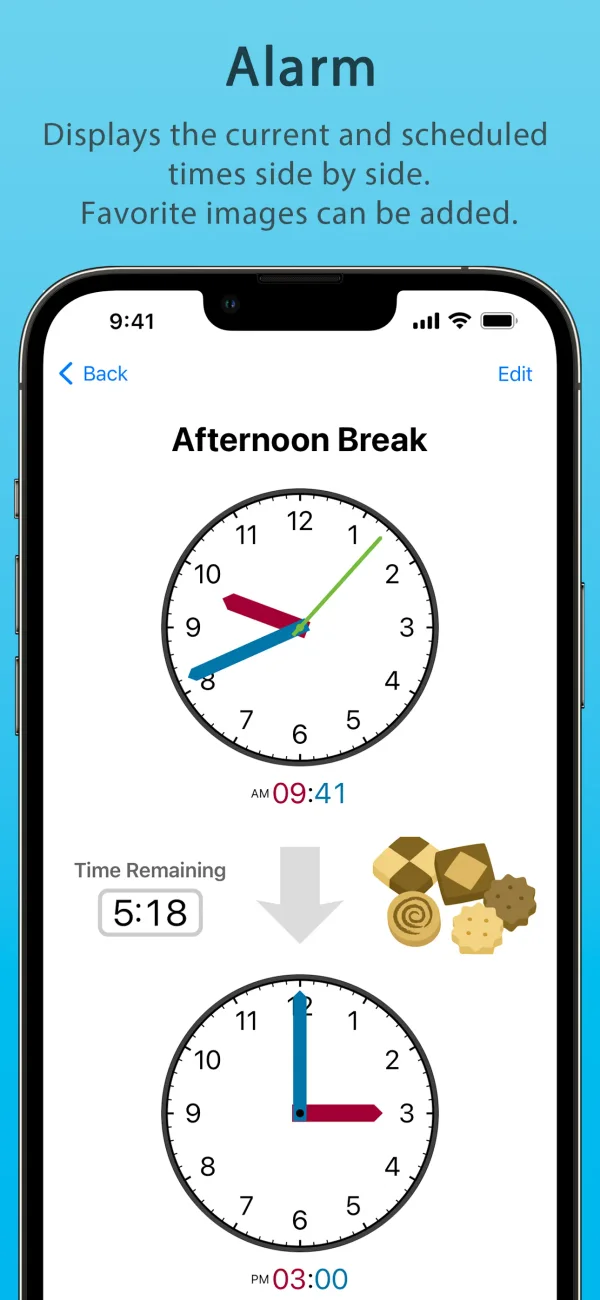
The alarm screen displays both the current time and the scheduled time, making it easy to keep track of the time remaining until the scheduled time.
Each alarm can be assigned an easy-to-understand label and image, so it can be used as a simple scheduler.
- Timer
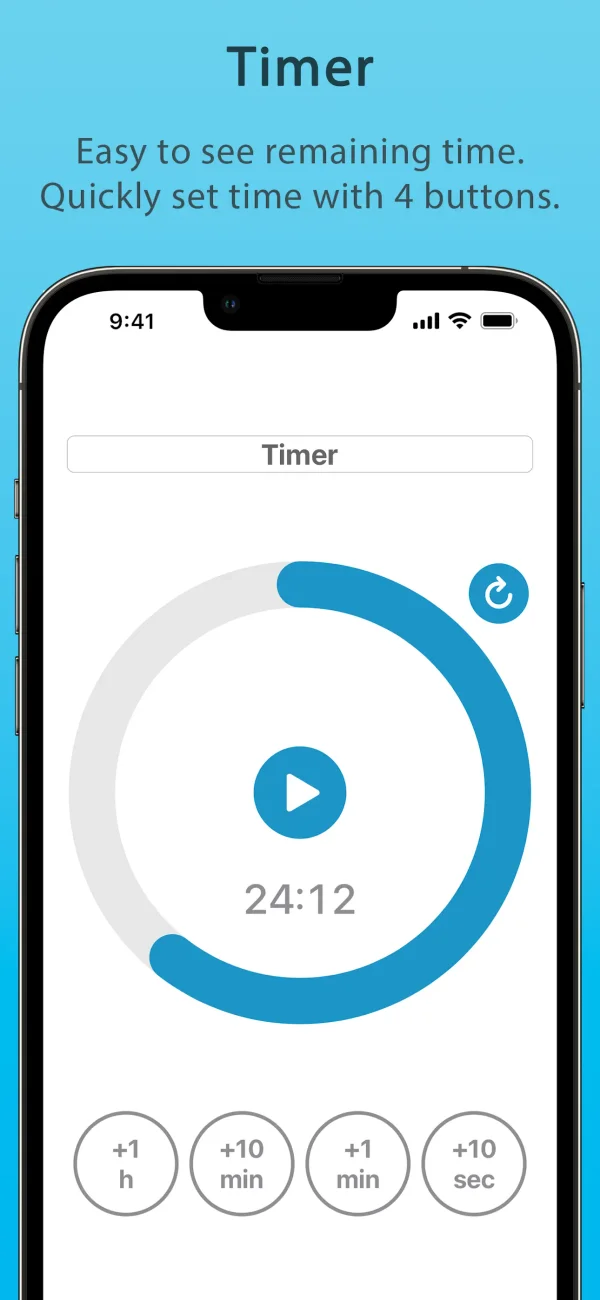
The timer features a circle-shaped meter display for easy visualization of remaining time, and four buttons for quick and easy time setting.
- Customization
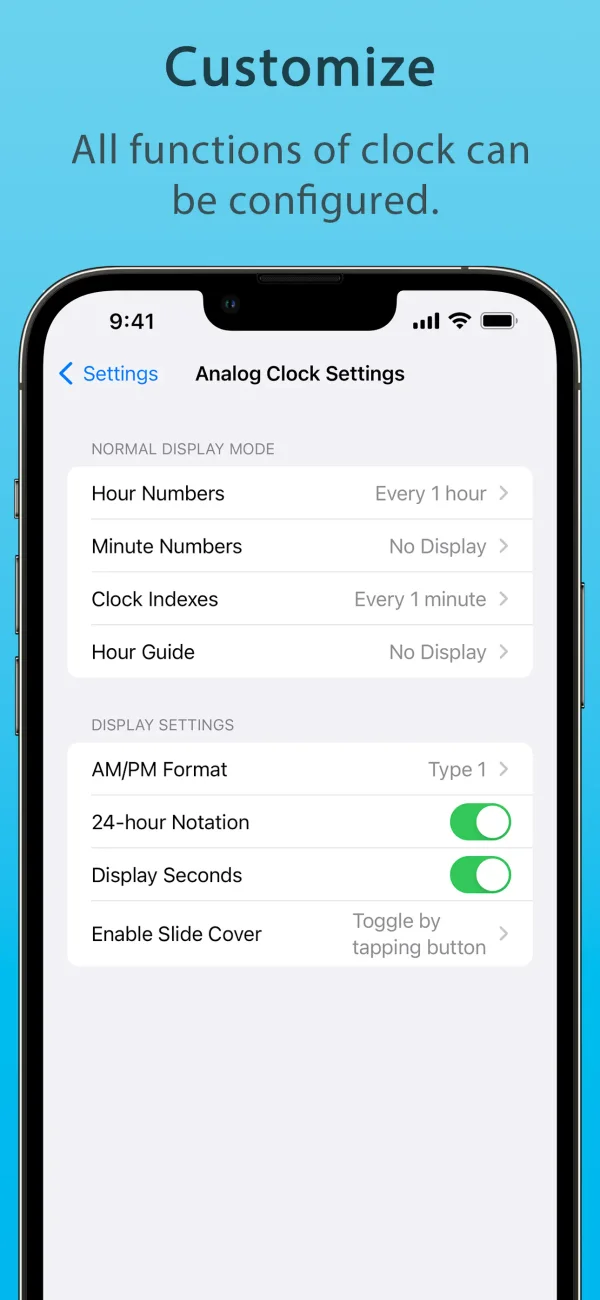
The settings screen allows you to customize all functions related to the clock in detail.
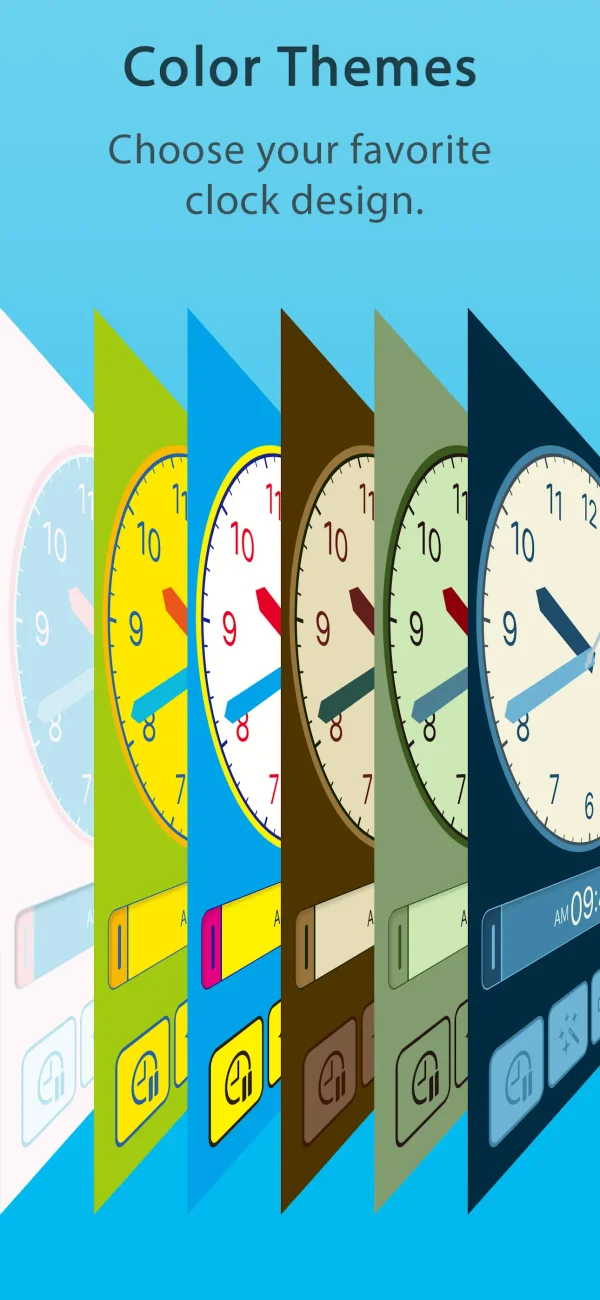
You can also choose your favorite design from more than 10 different color themes. It is also possible to adjust the color of the text, the color of the hands of the clock, etc.
[ TARGET USERS ]
The main target users are between 4 and 12 years old, but the app was developed to be easy to use for people of all ages, from small children to seniors.
The app is also compatible with various accessibility features, so we hope that it can be used as a support tool for people with disabilities.
[ NOTES ]
- When a small child uses the app, please use it with parents or guardians until the child becomes accustomed to its operation.
- If Focus mode is ON in the device settings, the alarm sound will not sound. In that case, please register this app as an app that allows notifications in Focus settings.
- For convenience, the app does not automatically sleep while the clock, alarm, and timer are in operation. Please be aware of the remaining battery level, etc. This function can be turned off in the settings within the app.
What’s new
Version 1.1.1 · Feb 10, 2025
• Improve compatibility with newer iOS
*Due to technical reasons, this update requires iOS 15 or later
• Remove in-app purchases
• Minor bug fixes and small improvements
App privacy
What Keaton.com declares on the App Store about how this app handles data.
-
Data not collected
The developer does not collect any data from this app.
Privacy practices may vary, for example with the features you use or your age.
Information
- Seller
- Naoya Sangu
- Category
- Utilities
- Version
- 1.1.1
- Updated
- Feb 10, 2025
- Released
- Mar 2, 2023
- Size
- 6.4 MB
- Requires
- iOS 15.0 or later
- Age rating
- 4+
- Price
- $3.99
- Languages
- English, Japanese
- Copyright
- © 2023-2025 Keaton.com
You might also like
-
 Visual Timer - Focus & SimpleFast setup. See time left.
-
 子供タイマー|お片付け・歯みがき・お支度にUtilities
-
 いっしょにはみがきUtilities
-
 イージータイマー シンプルでわかりやすい!キッズタイマーUtilities
-
 Furigana PDFAdd Furigana to PDF Documents
-
 Yubidenwa PoppoVoice message Alerm
-
 Timed It! - Kids TimerCountdown timer for kids
-
 Yubidenwa Board 2Simple Whiteboard
-
 Talking Timer: Voice AlertsReads your message aloud
-
 Messay2Eye-tracking communication app