Lecture Recorder – Earnote
AI notes, flashcards, study
Designed for iPhone, iPad
Free · In-app purchases
- Age rating4+
- CategoryEducation
- DeveloperLOUIS MANUEL KLINKE
- LanguagesEnglish+ 1 more
- Size35.6 MB
Links to the official App Store page
Download.org hosts no file of Lecture Recorder – Earnote. The button opens its official App Store page, published by LOUIS MANUEL KLINKE. Listing last checked on Nov 23, 2026.
Screenshots


About
Earnote takes notes in your lectures for you. Put your iPhone on the desk, start recording and turn the screen off. When the lecture is over, your notes are ready: structured, with the key terms, open tasks and flashcards to study with.
FREE AND PRIVATE
• No account, no ads, no subscription
• Your recording stays on your iPhone
• Speech recognition runs on the device
HOW YOUR NOTES ARE WRITTEN – YOU CHOOSE
• On this iPhone: offline, everything stays on the device (newer iPhones)
• With your Mac: your iPhone records, Earnote on your Mac writes the notes and sends them back
• Free with Google or OpenRouter: with your own key, set up in three steps
RECORD LIKE A VOICE RECORDER
• Keeps going with the screen off, for hours
• Pauses for phone calls, continues with AirPods
• Live Activity on the Lock Screen and in the Dynamic Island
• Start from Control Center, the Action button, a widget or Siri
STUDY
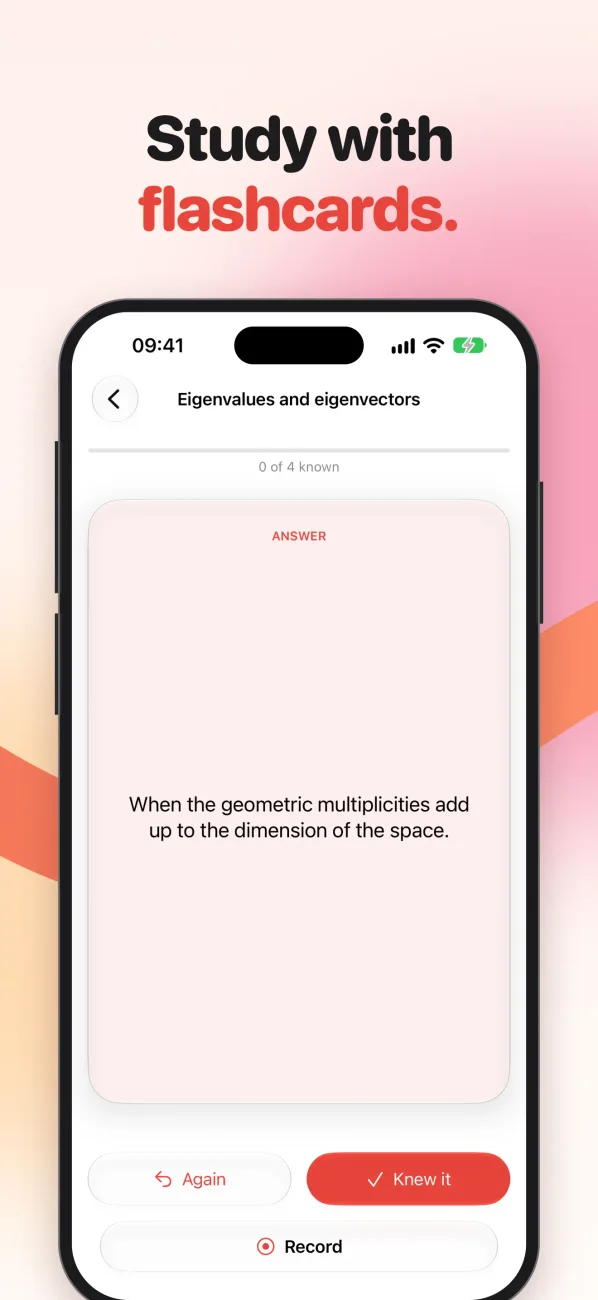
• Flashcards from every lecture, quiz yourself right in the app
• PDF study sheets
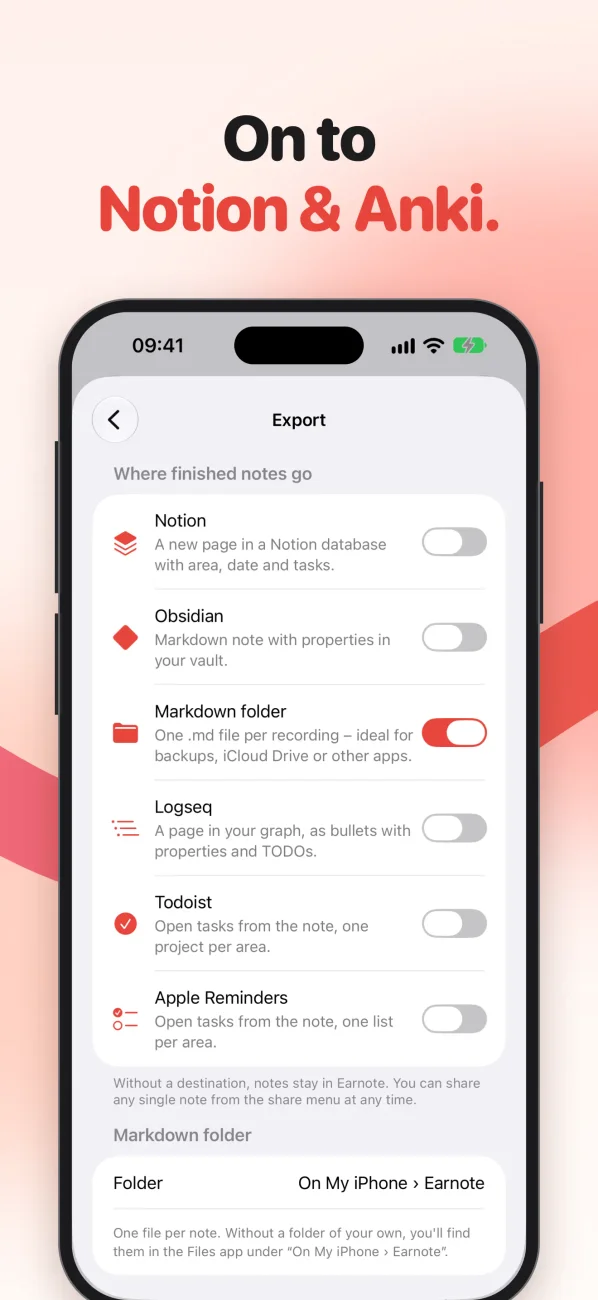
• Export for Anki
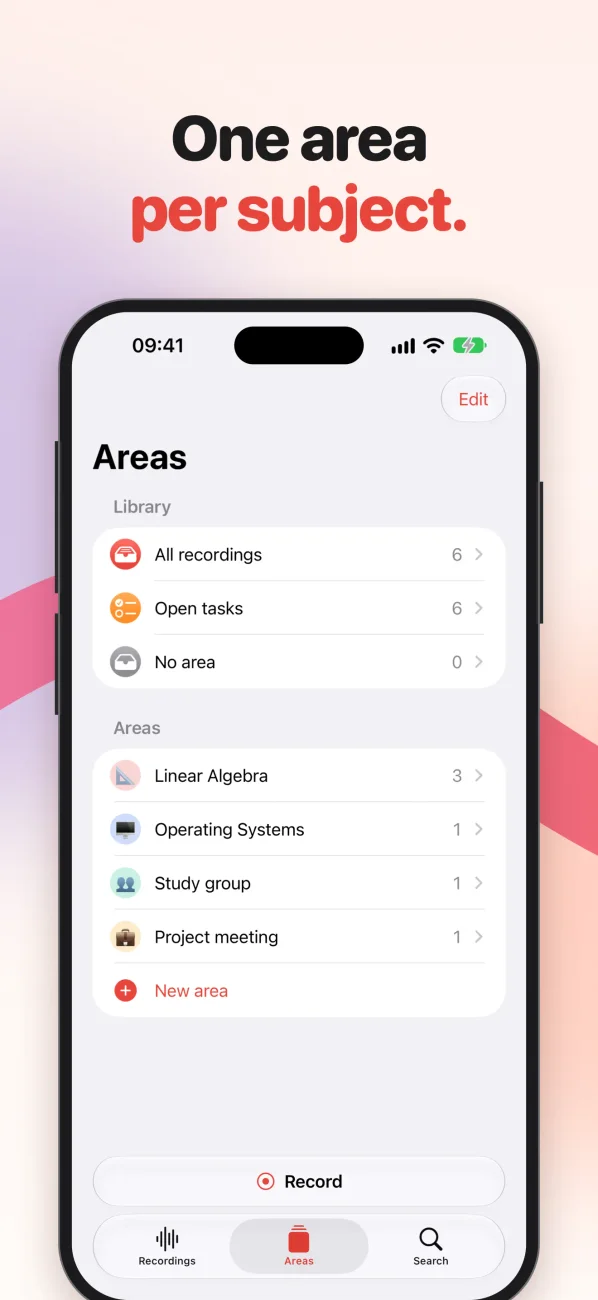
• Areas for each subject, with your own instructions for the notes
EVERYWHERE YOU WORK
• Automatically to Notion, Obsidian, a folder, Todoist or Reminders
• Share as text, PDF or Anki file
• Import recordings from Voice Memos or WhatsApp
EARNOTE PRO – ONE-TIME PURCHASE, NO SUBSCRIPTION
• Recognize speakers: who said what
• Ask questions about your notes
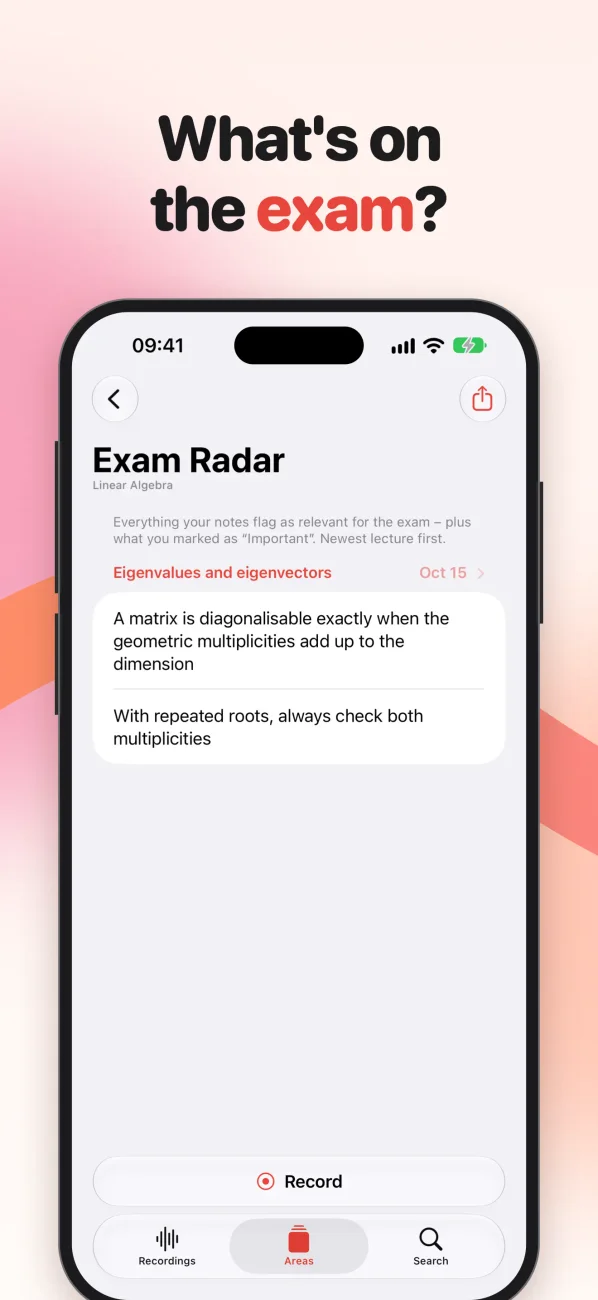
• Tap “Important” – the moment lands in the exam radar
• Translate notes and transcripts
Try every feature three times for free. Everything else stays free.
Earnote is open source (MIT) and also available for the Mac: earnote.dev
Please get everyone's consent before recording – in lectures, the lecturer's permission.
What’s new
Version 1.2 · Nov 19, 2026
• Add slides: attach the slides or script of your lecture as a PDF – while recording via “Slides” or later under “More › Slides”. Earnote then spells technical terms, names and formulas as on the slides and refers to the matching slide in the note, for example “(Slide 14)”. Tap it to open the slide.
• Your slides stay on your device. PowerPoint and Keynote save slides via “Export › PDF”.
App privacy
What LOUIS MANUEL KLINKE declares on the App Store about how this app handles data.
-
Data not collected
The developer does not collect any data from this app.
Privacy practices may vary, for example with the features you use or your age.
Information
- Seller
- LOUIS MANUEL KLINKE
- Category
- Education
- Version
- 1.2
- Updated
- Nov 19, 2026
- Released
- Oct 4, 2026
- Size
- 35.6 MB
- Requires
- iOS 26.0 or later
- Age rating
- 4+
- Price
- Free
- In-app purchases
- Yes
- Languages
- English, German
- Copyright
- © 2026 Louis Klinke
You might also like
-
 Iterro.appEducation
-
 VibeSpeak - Practical EnglishEnglish speaking practice
-
 Atelier: Scholarly WorkspaceLiterature Review & Notes
-
 KarpaChessLearn chess one idea at a time
-
 Sophira - AI Tutor Study CoachPersonal plans, Live learning
-
 5cut: Lecture Recorder & NotesRecord class, searchable text
-
 ImmunotrainEducation
-
 Notix: AI Note Taker & SummaryLecture notes in your language
-
 PDF ExtenderAdd writing space to PDFs
-
 QuizRevolt – Study AILearn Fast: Recall and Retain