Lecture Recorder: Speech Notes
Transcribe Audio to Text & AI
Designed for iPhone
In-app purchases
- Age rating4+
- CategoryProductivity
- DeveloperJose Sapon
- LanguagesGerman+ 7 more
- Size14.0 MB
Links to the official App Store page
Download.org hosts no file of Lecture Recorder: Speech Notes. The button opens its official App Store page, published by Jose Sapon. Listing last checked on Nov 10, 2026.
Screenshots
About
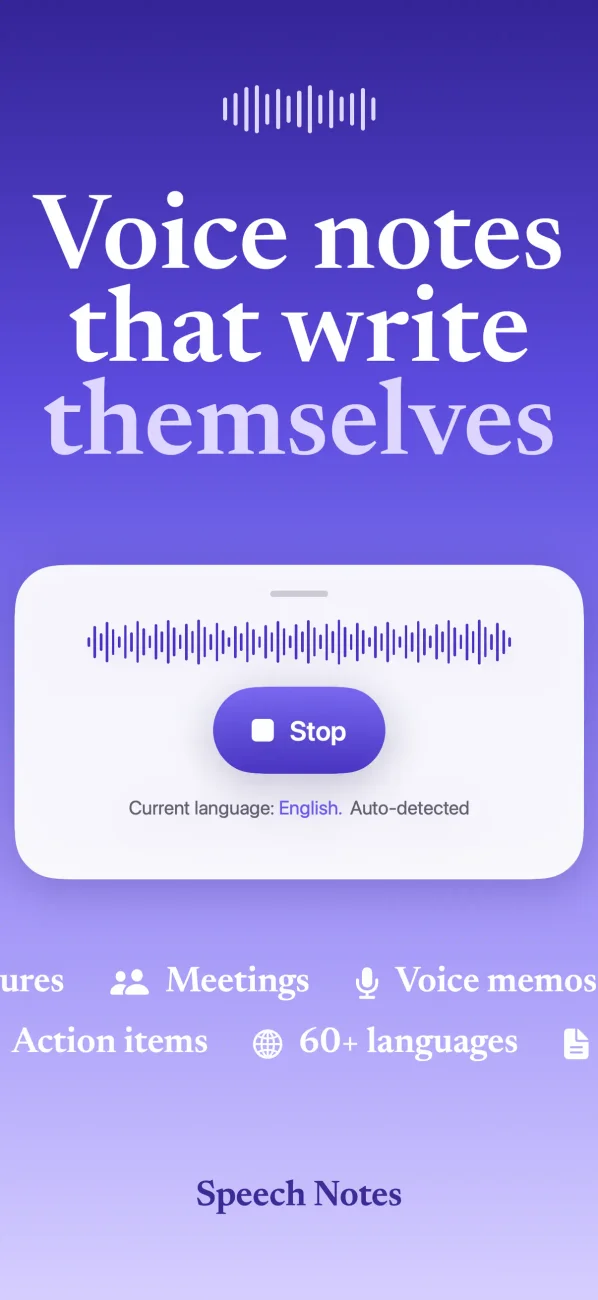
Stop typing while you should be listening. Record a meeting, a class or a quick idea, and Speech Notes turns it into a word-for-word transcript and clear notes with AI.
RECORD OR UPLOAD
• One tap to record, even with your phone locked or while you use other apps
• Upload audio and video files, or a PDF to summarize
• Recordings of up to 5 hours
WORD-FOR-WORD TRANSCRIPTS
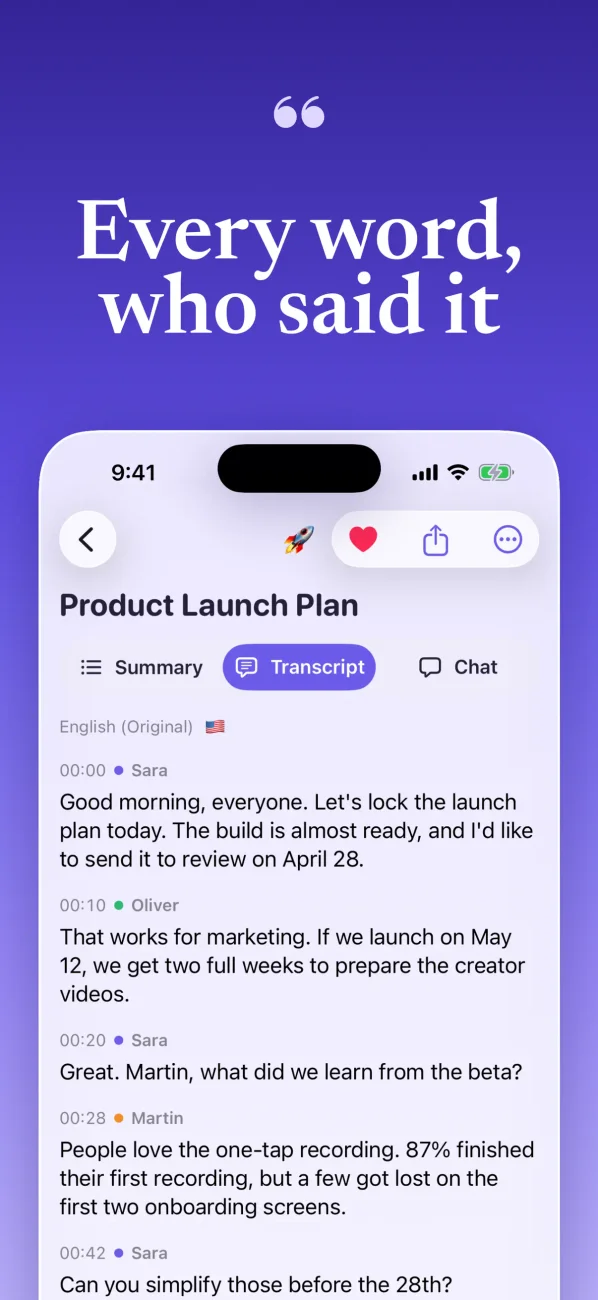
• Knows who said what, with names and timestamps
• Follow along as you listen: the words light up as they're spoken
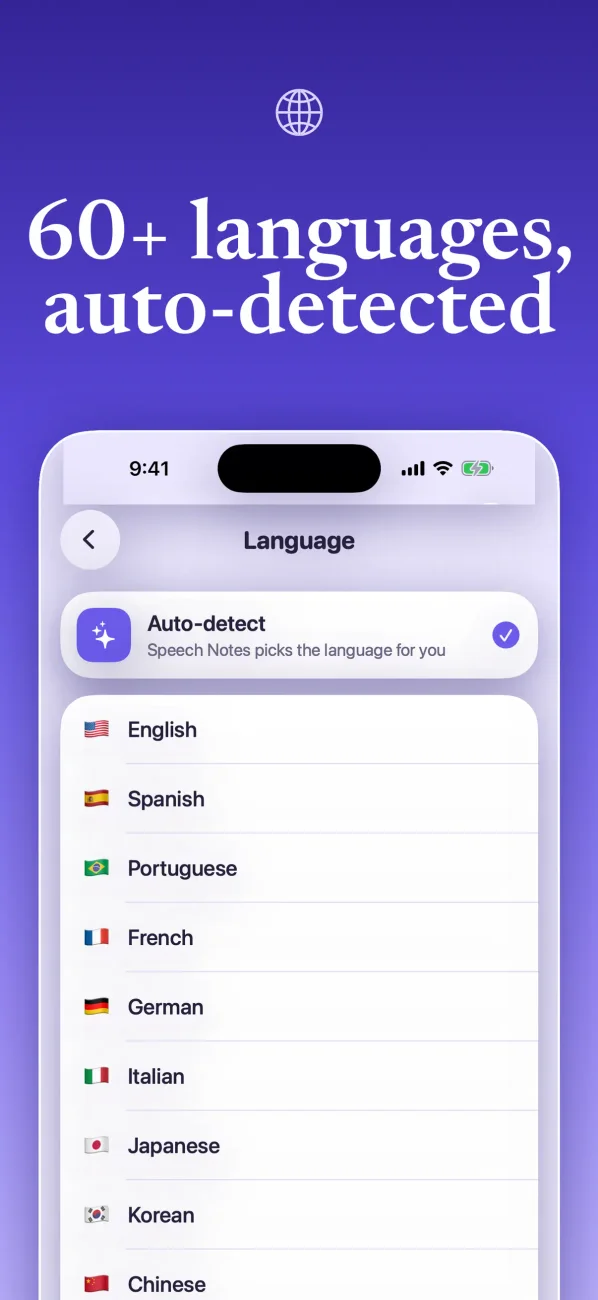
• 60+ languages, detected automatically
• Search, edit and rename speakers
AI NOTES IN SECONDS
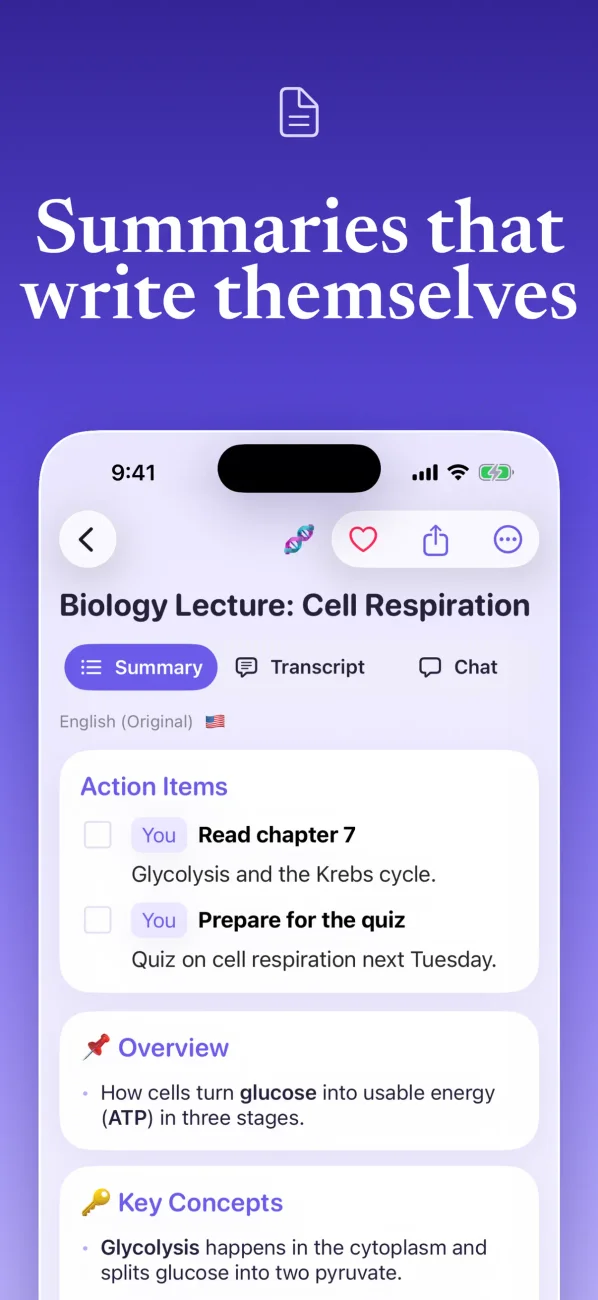
• Overview, key points, decisions and next steps
• Templates for meetings, lectures, interviews, voice notes and more
• Short, medium or long, and translated into another language
• Listen to your summary read aloud
ASK THE AI
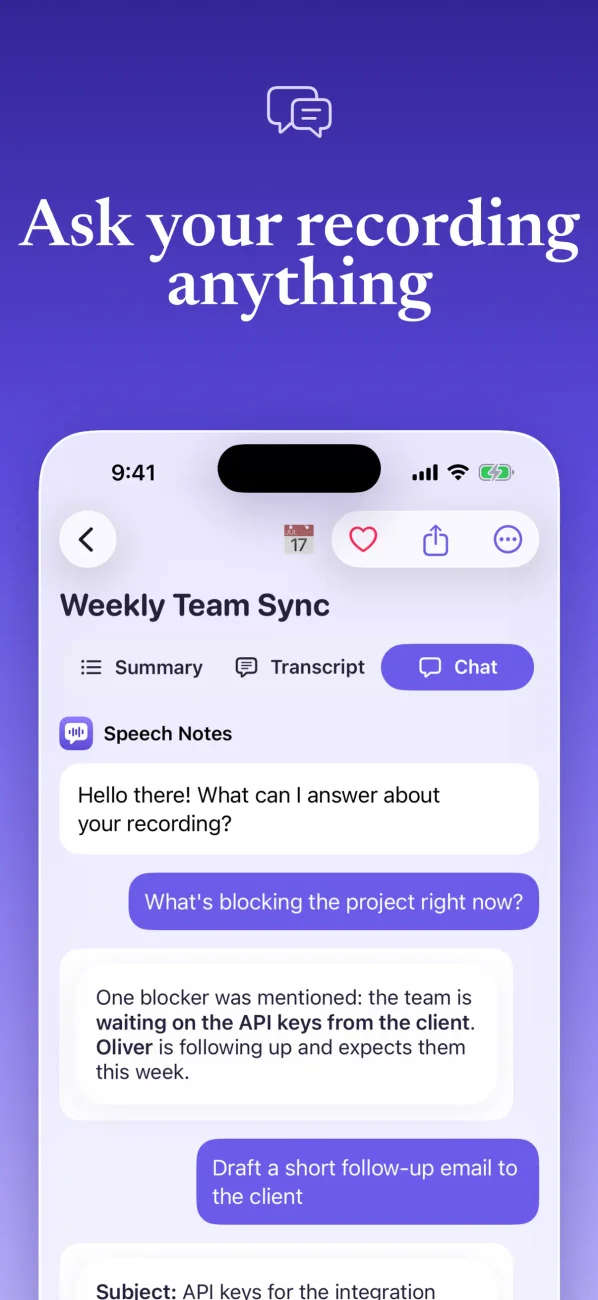
• Chat with any recording: "What did we decide?", "Explain this concept"
TASKS AND FOLDERS
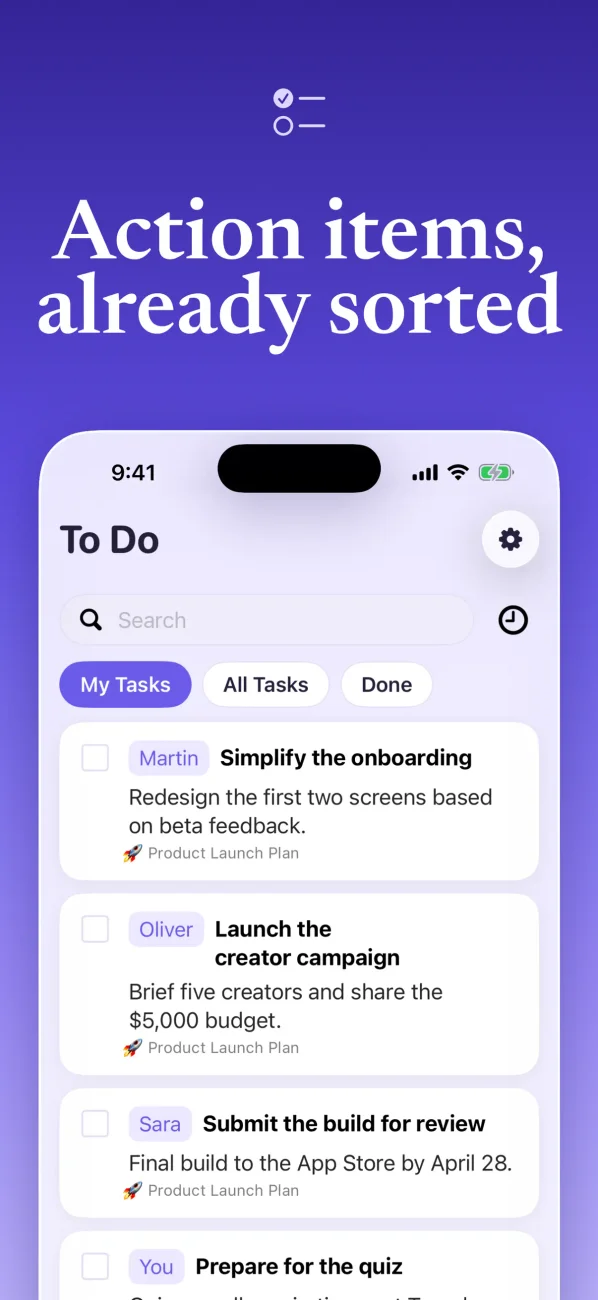
• Action items from every note, with who does what, in one To-do list
• Organize notes in folders and find them fast
• Share as PDF or text in one tap
We'll let you know when your notes are ready, so you can close the app while it works. Please let people know before you record them.
SPEECH NOTES PREMIUM
20 hours of transcription a month, recordings of up to 5 hours and all AI features. Payment is charged to your Apple Account at confirmation, or at the end of the free trial if there is one. The subscription renews automatically unless cancelled at least 24 hours before the end of the current period. Manage or cancel it in your App Store account settings.
Terms of Use: https://privacy.owltaps.com/terms
Privacy Policy: https://privacy.owltaps.com
What’s new
Version 2.0.1 · Oct 29, 2026
A fresh new look: a new icon and a clean purple design across the whole app. The recording screen is redesigned and can now open full screen. Summaries are easier to read, with each section in its own card. Plus small fixes and improvements.
App privacy
What Jose Sapon declares on the App Store about how this app handles data.
-
Data not linked to you
May be collected but is not linked to your identity.
- Purchases
- User content
- Identifiers
Privacy practices may vary, for example with the features you use or your age.
Information
- Seller
- Jose Sapon
- Category
- Productivity
- Version
- 2.0.1
- Updated
- Oct 29, 2026
- Released
- Feb 10, 2026
- Size
- 14.0 MB
- Requires
- iOS 17.0 or later
- Age rating
- 4+
- In-app purchases
- Yes
- Languages
- German, English, French, Italian, Japanese, Dutch, Portuguese, Spanish
- Copyright
- © OwlTaps
You might also like
-
 Speech to Text ProVoice to Text, OCR & Reader
-
 Vyrra: AI Voice to TextDictation, Notes & Keyboard
-
 Voice Reader: Text to Audio AIListen to PDF, Docs & EPUB
-
 VoiceraQuick Voice Capture for AI-Era
-
 Ham Logger: Ham Radio LogbookSimple and clean ham log book
-
 Hovor: Voice to Text KeyboardOffline AI Dictation & Typing
-
 Smart Resume: AI CV BuilderResume, ATS & Interviews
-
 Speech Notes: AI Note TakerVoice Memos & Audio Recorder
-
 Planix: Social Media PlannerPlan posts, schedule, grow
-
 WiseSpeakAI Voice-to-Text & Notes