Legi (RSS Feed Reader)
RSS Reader with Speech Output
Designed for iPhone, iPad, iPod touch
$3.99
- Age rating17+
- CategoryNews
- DeveloperAlexander Clauss
- LanguagesEnglish+ 1 more
- Size7.6 MB
Links to the official App Store page
Download.org hosts no file of Legi (RSS Feed Reader). The button opens its official App Store page, published by Alexander Clauss. Listing last checked on Nov 6, 2026.
Screenshots
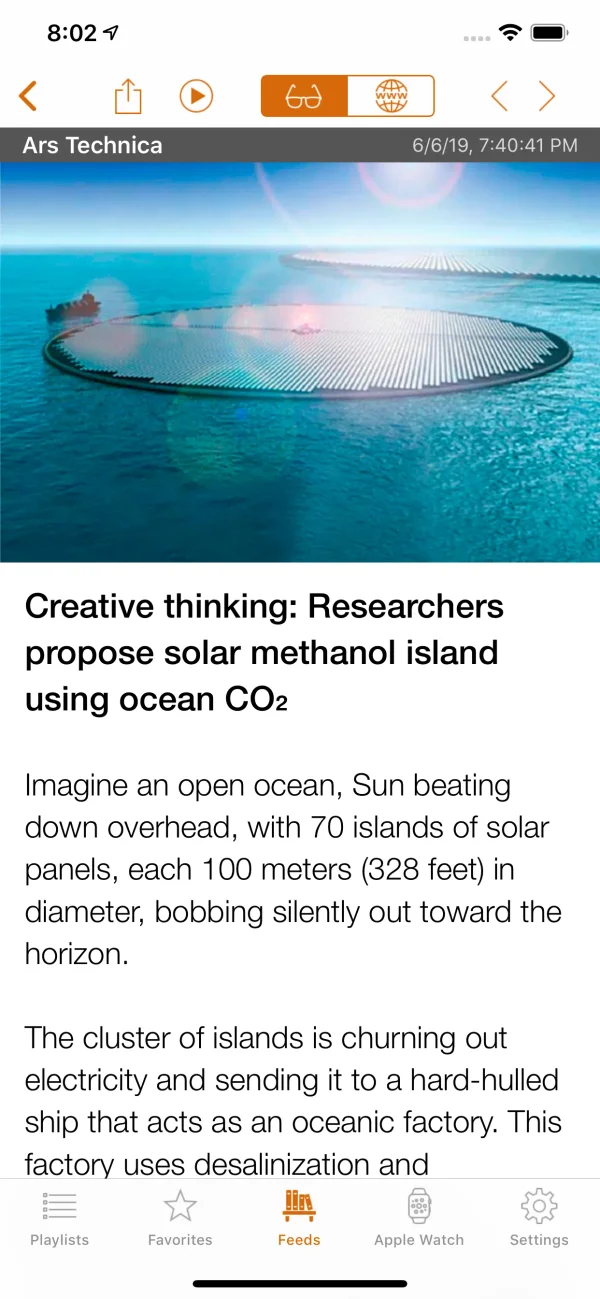
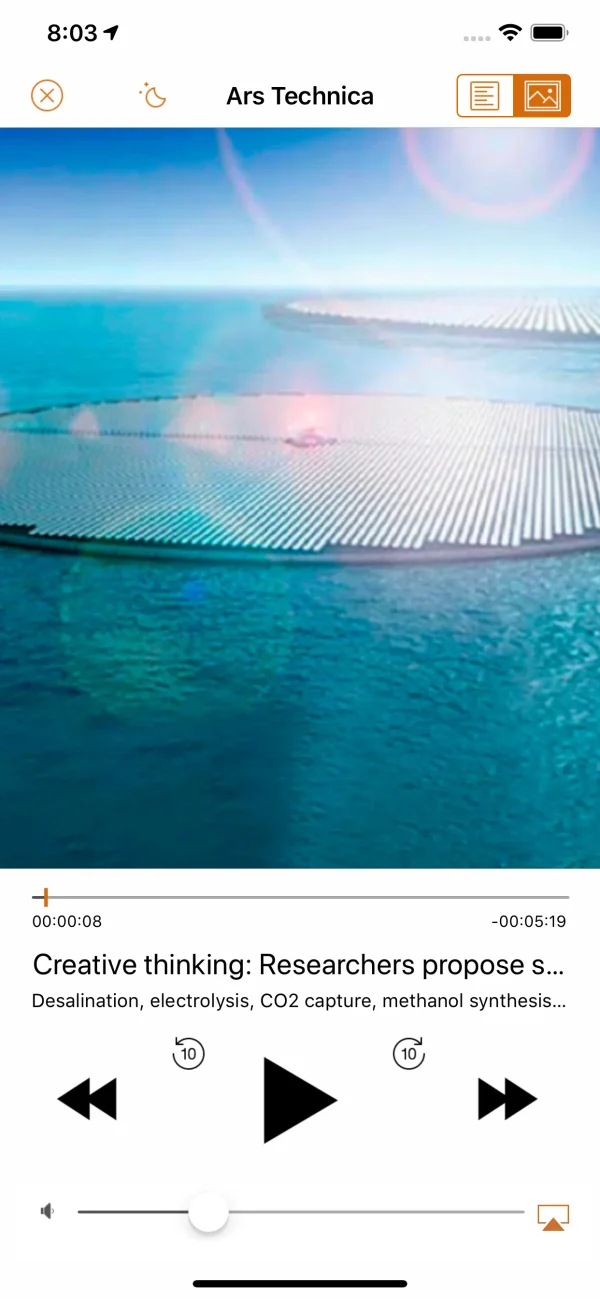
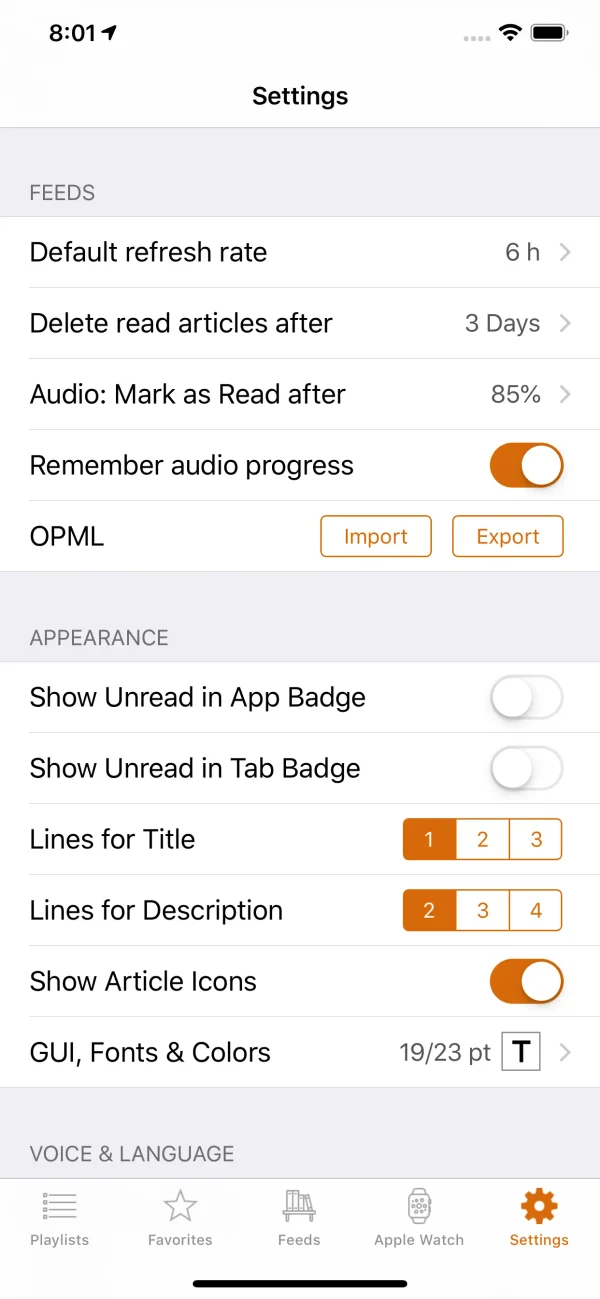
About
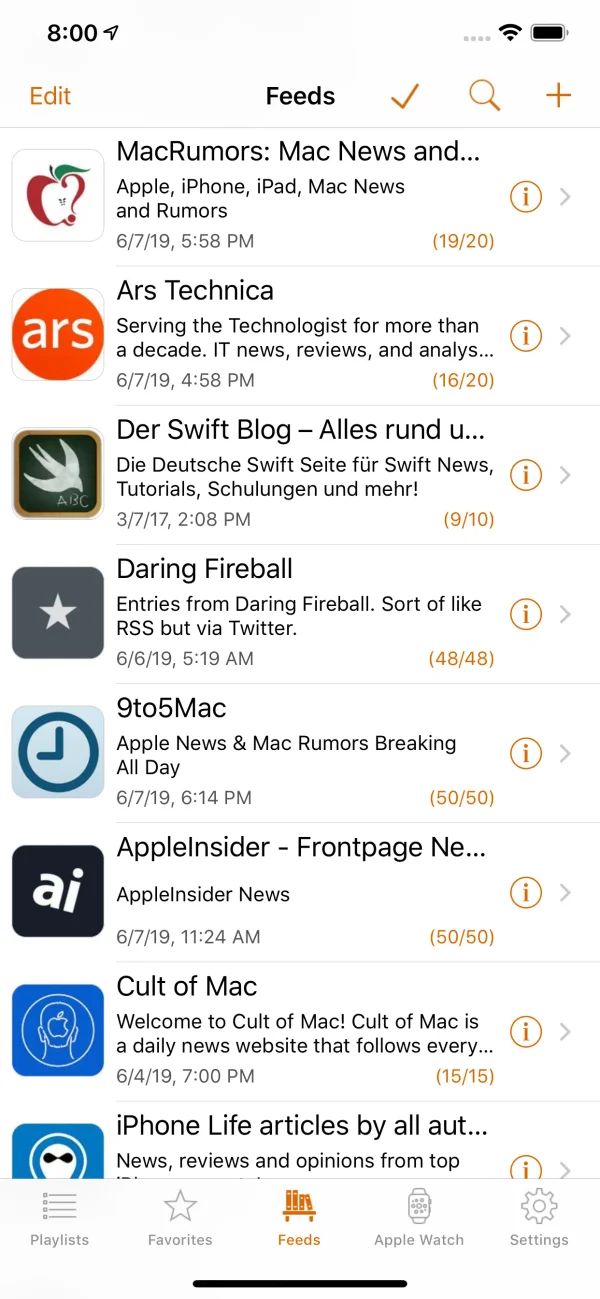
Legi is a powerful RSS Feed Reader with speech output, "smart playlists", fulltext reader mode, offline mode etc. for iPhone, iPod Touch, iPad and the Apple Watch.
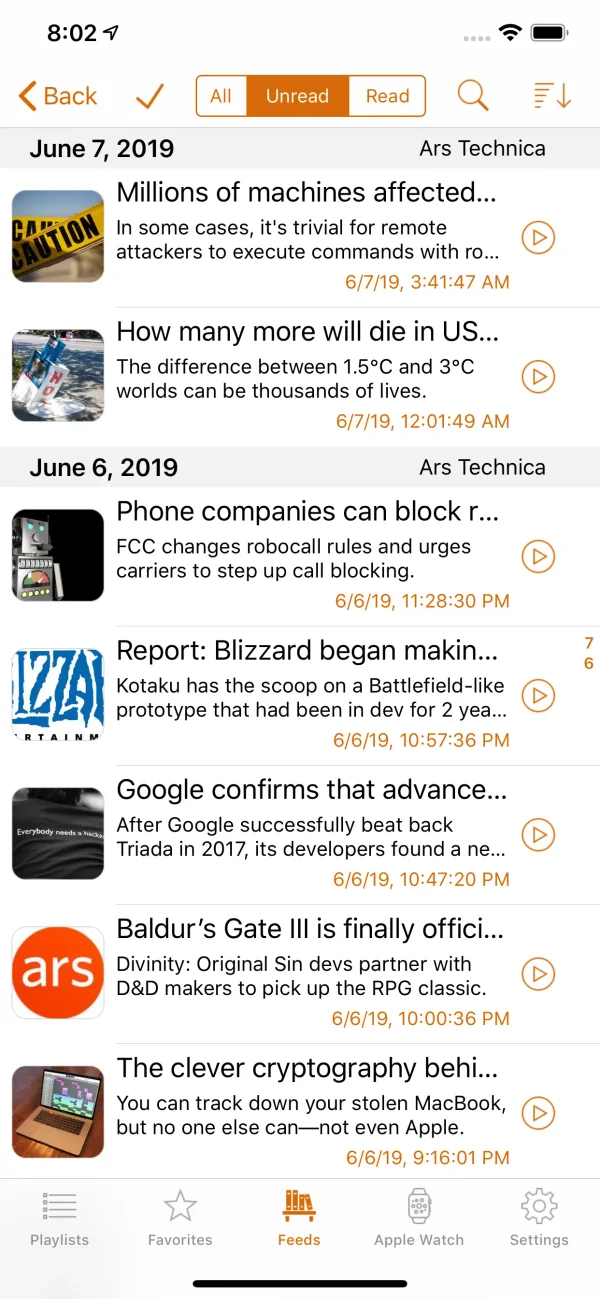
A RSS Feed reader lets you read blog articles, magazines and news sites much easier and much more comfortable than with a normal web browser. The App lets you subscribe and organize your news feeds, which will be updated fully automatically, so you always have the latest news available within the App. All articles will presented for a comfortable reading experience, but of course the original web view is also available.
Legi is special among RSS readers, because it has a speech output feature. This means the App can read all articles aloud when you can not read these yourself, for example when driving a car, while doing sports and for many other activities where you can't look on your device. The App has a full-featured audio player for the speech output (Play/Pause, skip back/forward, a timeline etc.) which works similar to the one of a music player App. Of course, all remote controls for music (the one from the control center, headphones, or Apple Watch) will work for Legi as well, so Legi can be in the background as well.
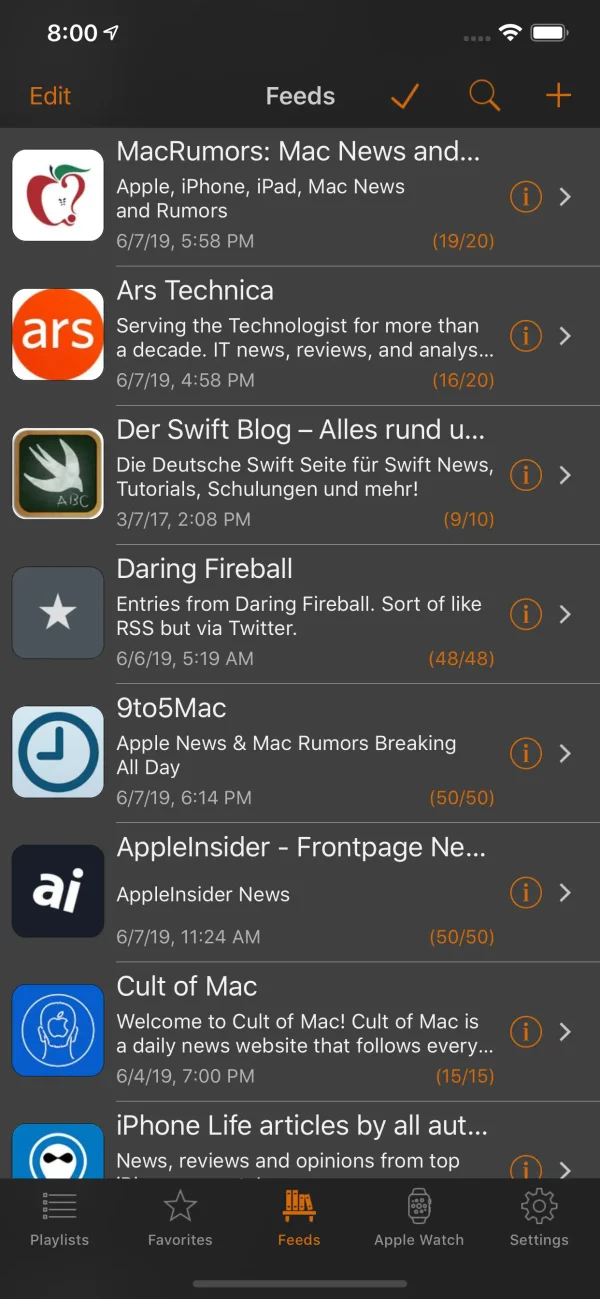
The full text of all articles will be presented in a comfortable reading mode, for which you can configure colors, fonts, text size etc. to match your own preferences.
An offline mode makes it possible to read all articles even if no internet connection is available. In addition the App lets you configure when and under which conditions the data is loaded, so you can load most or all of the data using WiFi and less or no data in mobile networks to avoid traffic.
You can also create "smart playlists" to categorize and organize articles independently of the feeds.
Several 3rd-party services to manage your feeds are supported as well:
- FeedWrangler
- Feed HQ, FeedBlur
- FeedBin
- BazQux
- InoReader
- The Old Reader
Also feeds can be saved as favorites, you can export or import your feeds via OPML, you can share articles using the ShareSheet and much more.
The Watch App lets you read or listen to (via speech output) articles on your Apple Watch as well. This is great for all the occasions where you do not have your iPhone with you, for example for all kinds of sports activities
What’s new
Version 2.1.2 · May 6, 2026
- Fixes a few visual glitches under iOS 26
- Fixes an issue under iOS 26 where the option to list "read", "unread" or "all" articles was not saved
App privacy
What Alexander Clauss declares on the App Store about how this app handles data.
-
Data not collected
The developer does not collect any data from this app.
Privacy practices may vary, for example with the features you use or your age.
Information
- Seller
- Alexander Clauss
- Category
- News
- Version
- 2.1.2
- Updated
- May 6, 2026
- Released
- Jan 3, 2018
- Size
- 7.6 MB
- Requires
- iOS 15.0 or later
- Age rating
- 17+
- Price
- $3.99
- Languages
- English, German
- Copyright
- © 2026, Alexander Clauss
You might also like
-
 Reader mini - 24H News & RSSRead less, learn more.
-
 TinyFeedsFeedly on your wrist
-
 WatchFeed - RSS for FeedlyYour feeds, now on your wrist.
-
 NewsPulse for WatchKeep You Updated On-the-Go
-
 Feedibus — RSS Feed ReaderNews & Articles, AI-powered
-
 Speak News - RSS news readerNews
-
 Safe & InformedNews reader that reads aloud
-
 SylfeedNews
-
 CloudNews - Feed ReaderNews
-
 PageFeedRead the news in pages