- Age rating12+
- CategoryNews
- DeveloperBrad Moss
- LanguagesEnglish
- Size13.2 MB
Links to the official App Store page
Download.org hosts no file of PageFeed. The button opens its official App Store page, published by Brad Moss. Listing last checked on Nov 23, 2026.
Screenshots



About
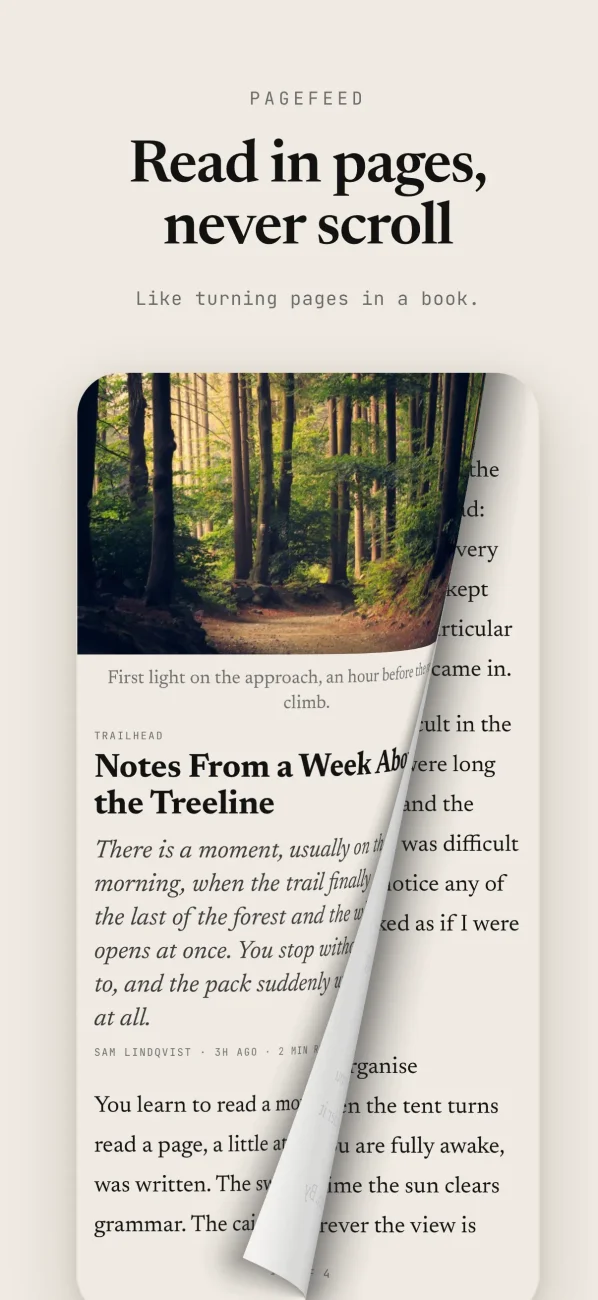
PageFeed is a different kind of news reader, built for reading, not scrolling.
Featured by Six Colors, iPhoneBlog.de and iphone-ticker.de: the news reader you page through like a book.
The sites, blogs, and writers you follow, laid out in clean, full pages. You tap forward and back, like turning pages in a book. Nothing scrolls. Every page is set to fit, so you always know exactly where you are.
WHY PAGEFEED
• Read in pages, never scroll. A calm, book-like way through every story, each opening like a magazine page, and on iPad, a two-page spread like an open book.
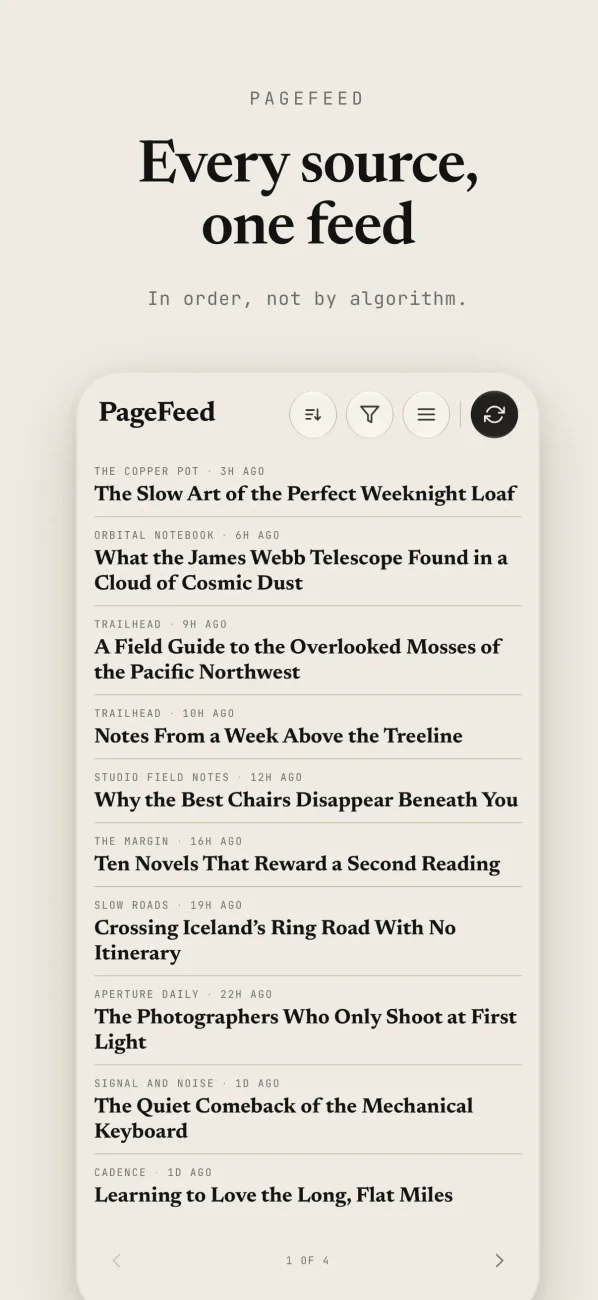
• Your sources in order, not by algorithm. Newest or oldest first, your choice. Nothing is promoted, hidden, or reordered for you.
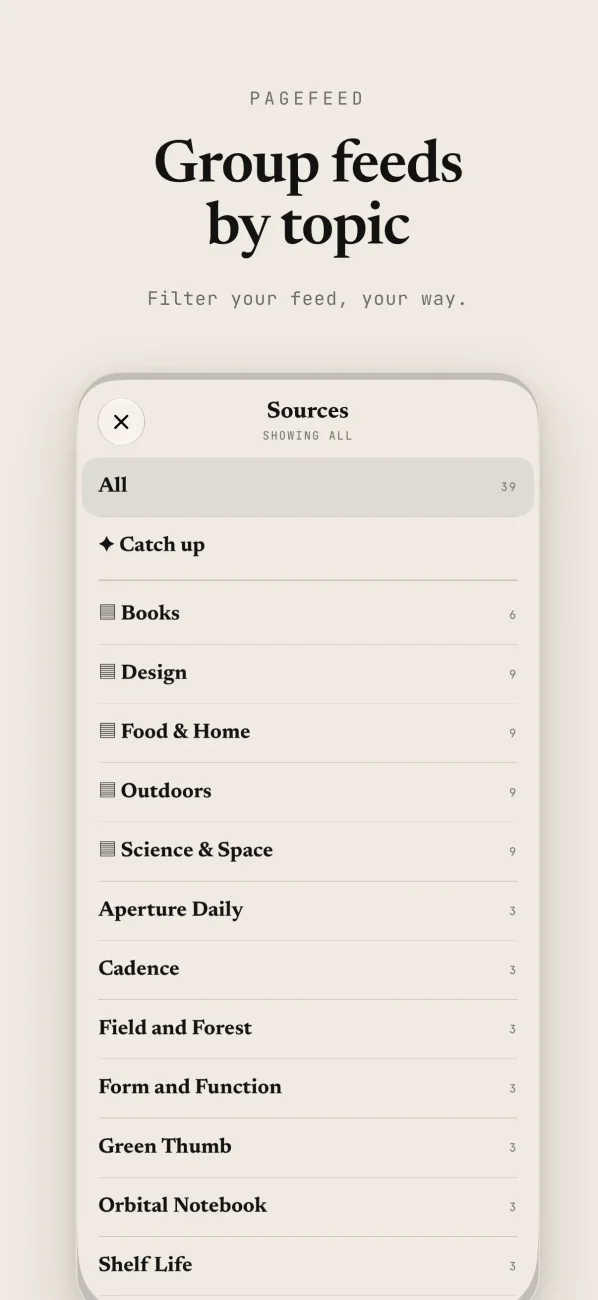
• Group your sources. Organize the sites you follow into your own categories and read one topic at a time.
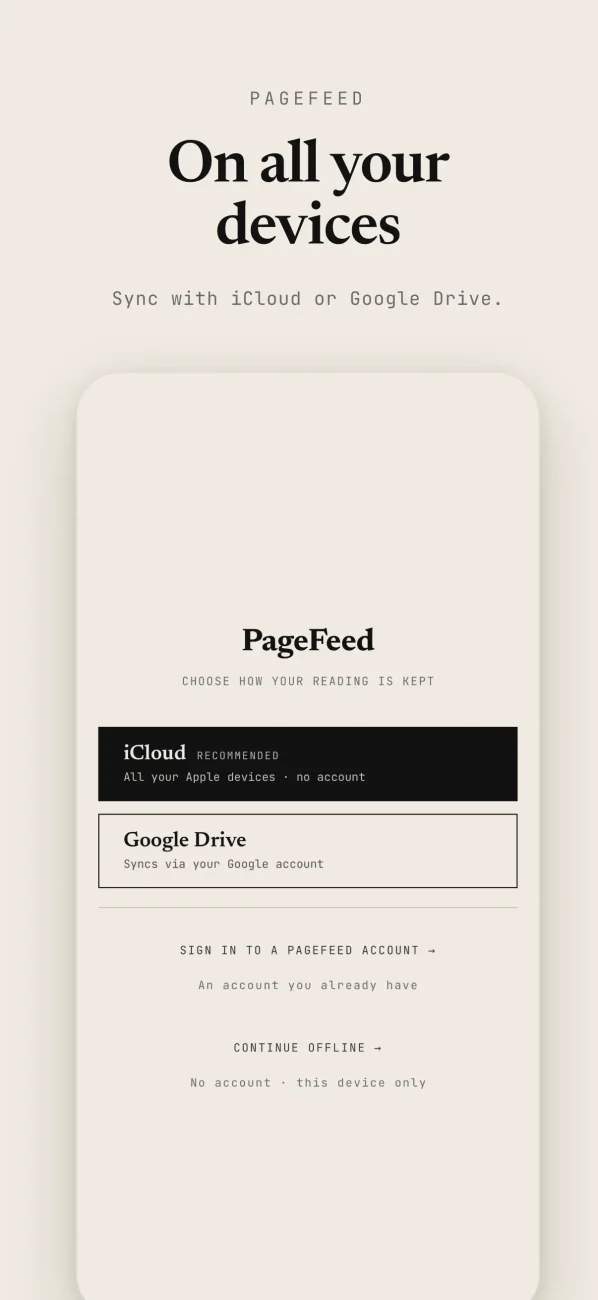
• Private sync, your way. Sync through your own iCloud account to keep your iPhone and iPad in step, or through your own Google Drive to sync across platforms, including the web. Either way, your reading stays in your own account and we never see it.
• Catch up without the pile-up. When several of your sources report the same news, PageFeed can show it once. On iPhone and iPad with Apple Intelligence, Catch up picks out the stories that matter most to you from the days you missed, each with a short summary.
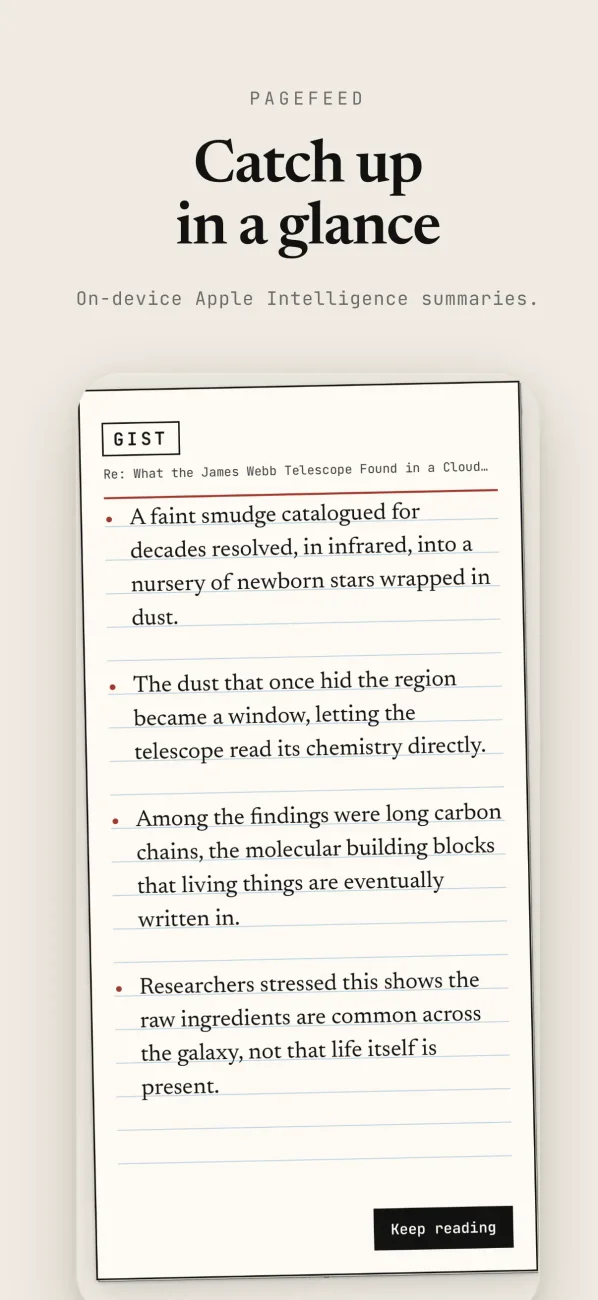
• Summaries on device. On an iPhone or iPad with Apple Intelligence, get the gist of any article in a few private, on-device bullet points.
• Tags, on your terms. Every story is tagged, so you can follow a topic or mute one and never see it in your feed again.
• Save anything. Share a web page to PageFeed to keep it, and save the stories you want to come back to.
• Works offline. Once loaded, your reading is there on the subway, on a plane, anywhere. It catches up when you're back online.
• Find your sources. Browse hundreds of publications by topic in Discover, preview any of them, and follow the ones you like.
• Adjustable type and a high-contrast theme. Set the text size and switch to an easy-on-the-eyes look.
PageFeed is deliberately minimal: no noise, no infinite scroll, no clutter. Just the news you choose, in order, one page at a time.
What’s new
Version 2.1.0 · Nov 18, 2026
PageFeed 2.1 is rebuilt from the ground up as a fully native app for iPhone and iPad. Everything you know is where it was, only quicker, especially with a large library. Your library, settings and place come with you when you update.
Filter and Manage open as sheets over your list. Every setting has a plain explanation under it, and each feed, category and muted word has a page of its own with everything you can do with it.
A new welcome tour: seven quick lessons, then pick topics, add your own sites or import a list from another reader. In Discover, tap Preview to see a source's latest headlines before you add it.
Summaries of long articles now cover the whole piece: what it is about, then key points from every part of it.
Posts embedded in an article now show as cards, with the author, the text, its pictures and any post it quotes, saved for offline reading. Comics and picture posts show their hover text as a caption.
Sync is iCloud or Google Drive. Switching between them asks whether to combine your libraries or replace one with the other, and a replaced copy is kept as a backup. If you already use a PageFeed account, it keeps working: sign in with the link under the sync choices.
If iOS closes PageFeed while you are reading, the article opens again on the page you were on. Coming back after a while leaves your list as you left it until you return to it.
Page curls finish as fast as you swipe. On iPhone Duo, opening the device puts the page you were reading on the left, as in a book.
Plus many fixes: a list row no longer grows when its picture arrives, grouped stories never rearrange the page you are on, more articles open in full instead of as a teaser, and very short news posts no longer open on the site's menu.
App privacy
What Brad Moss declares on the App Store about how this app handles data.
-
Data linked to you
May be collected and linked to your identity.
- Contact info
- User content
- Identifiers
Privacy practices may vary, for example with the features you use or your age.
Information
- Seller
- Brad Moss
- Category
- News
- Version
- 2.1.0
- Updated
- Nov 18, 2026
- Released
- Jun 28, 2026
- Size
- 13.2 MB
- Requires
- iOS 26.0 or later
- Age rating
- 12+
- Price
- Free
- In-app purchases
- Yes
- Languages
- English
- Copyright
- © 2026 TriforceLogic
You might also like
-
 FeedDeck RSSRSS Reader with AI Summaries
-
 Quick Reads: Read it LaterNews
-
 opencast: podcast playerskip ads. open source.
-
 Amethyst – RSS & News ReaderSync feeds & blogs everywhere
-
 Current - RSS Feed ReaderCalm, minimal news reading
-
 HearHere: Podcast PlayerA calm listening experience.
-
 HyperTextingEscape the algorithm.
-
 Brink: Podcast PlayerThe Ultimate Podcast Player.
-
 ReadKit - Reading HubRSS news and read later
-
 Argus for RedditRead-only. Private. No ads.