Lens Scanner: PDF Camera OCR
Scan Docs OCR & PDF Converter
Designed for iPhone, iPod touch
Free · In-app purchases
- Age rating4+
- CategoryProductivity
- DeveloperYoudao (Hong Kong) Limited
- LanguagesEnglish+ 7 more
- Size31.6 MB
Links to the official App Store page
Download.org hosts no file of Lens Scanner: PDF Camera OCR. The button opens its official App Store page, published by Youdao (Hong Kong) Limited. Listing last checked on Nov 15, 2026.
Screenshots


About
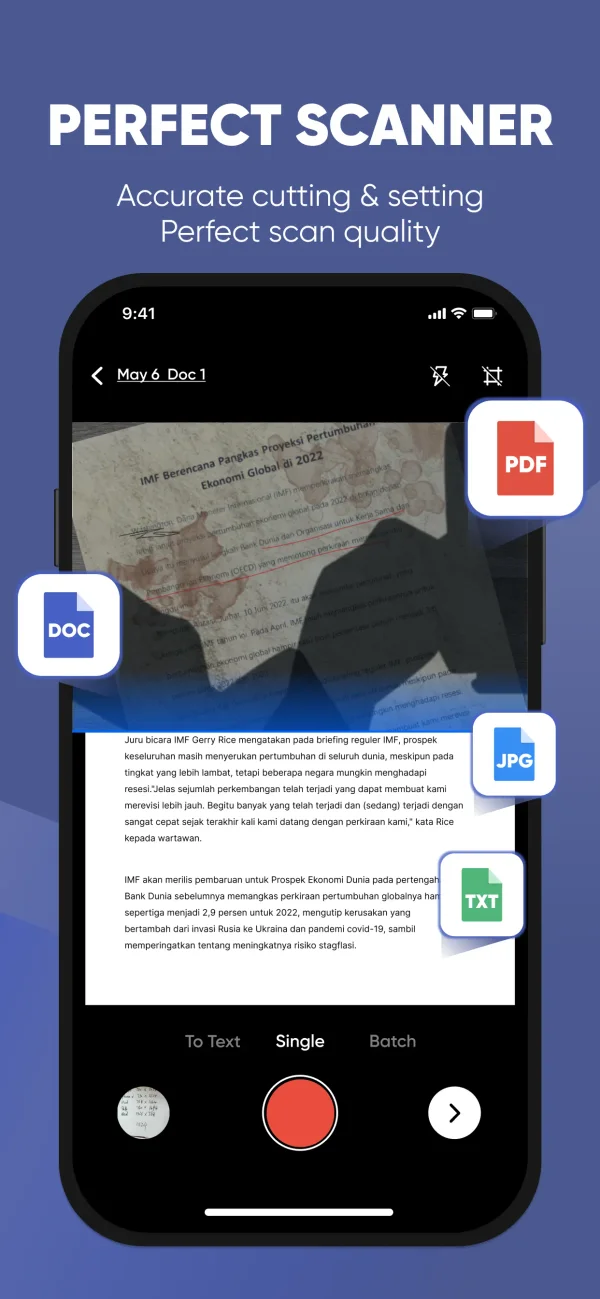
Lens Scanner is a portable scanner app, fax machine, PDF converter, text extraction tool and document sharing platform, easily scan office documents quickly, easily and with great results.
Document, PDF, Picture, Paper Scanner, File Manager, Word & Excel File Editor
== MAIN FUNCTIONS ==
[Scanning]
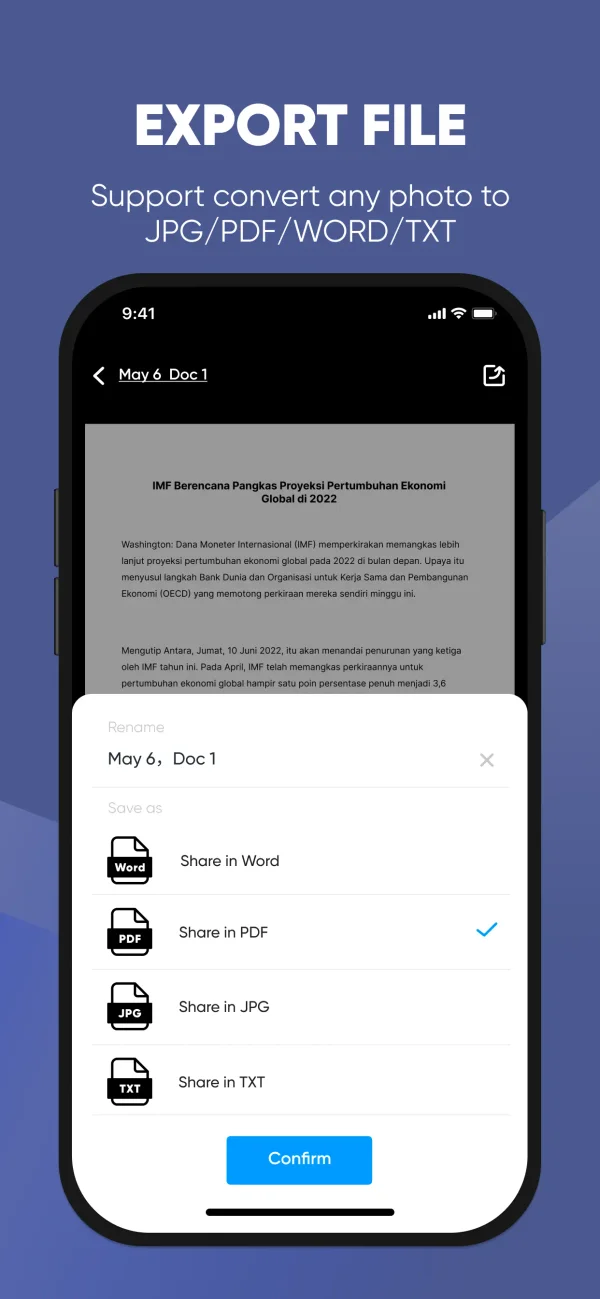
Photo docs, remove background, generate JPG or PDF.
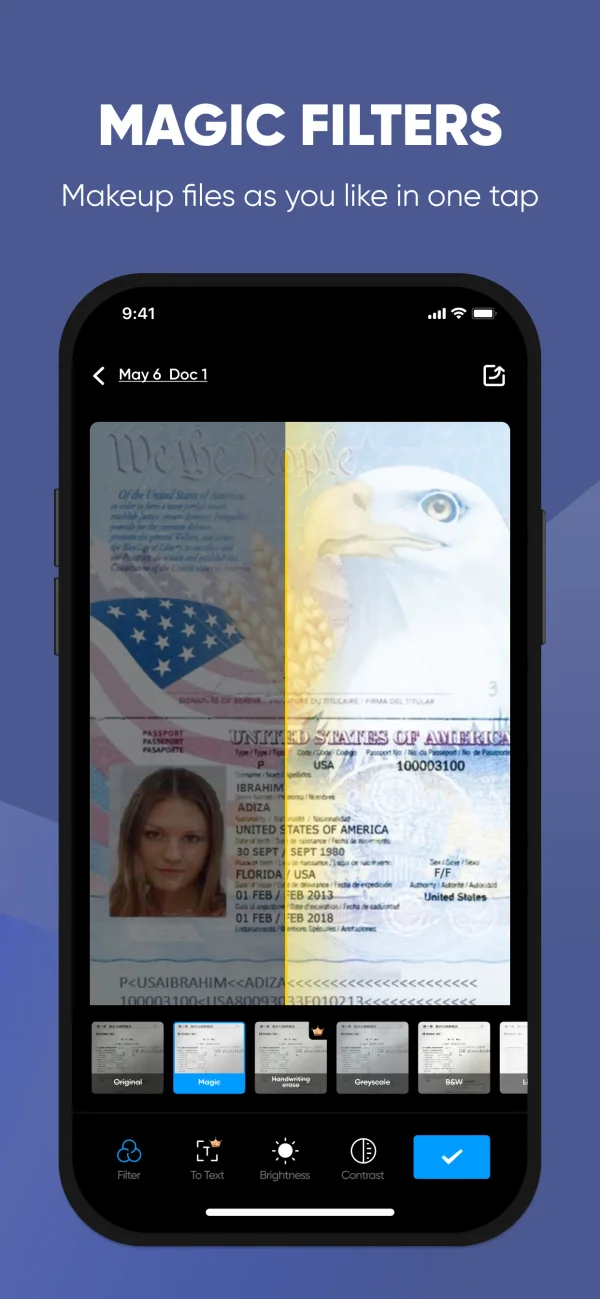
Various image processing modes, adjust manual parameters and convert hard copy to soft copy.
[Convert Image To Text]
OCR recognition, photo docs, word finding via word search!
PRO account can read texts and export them into files that can be edited, copied, saved or shared, is a powerful tool for learning and translating foreign languages.
[Portable Docs Storage]
Access and manage docs via mobile, tablet, computer, etc.
Label categorization, manual annotation, add watermark and E-signature, docs encryption.
[Wireless Print, Global Fax]
Support wireless print and fax to different countries and regions.
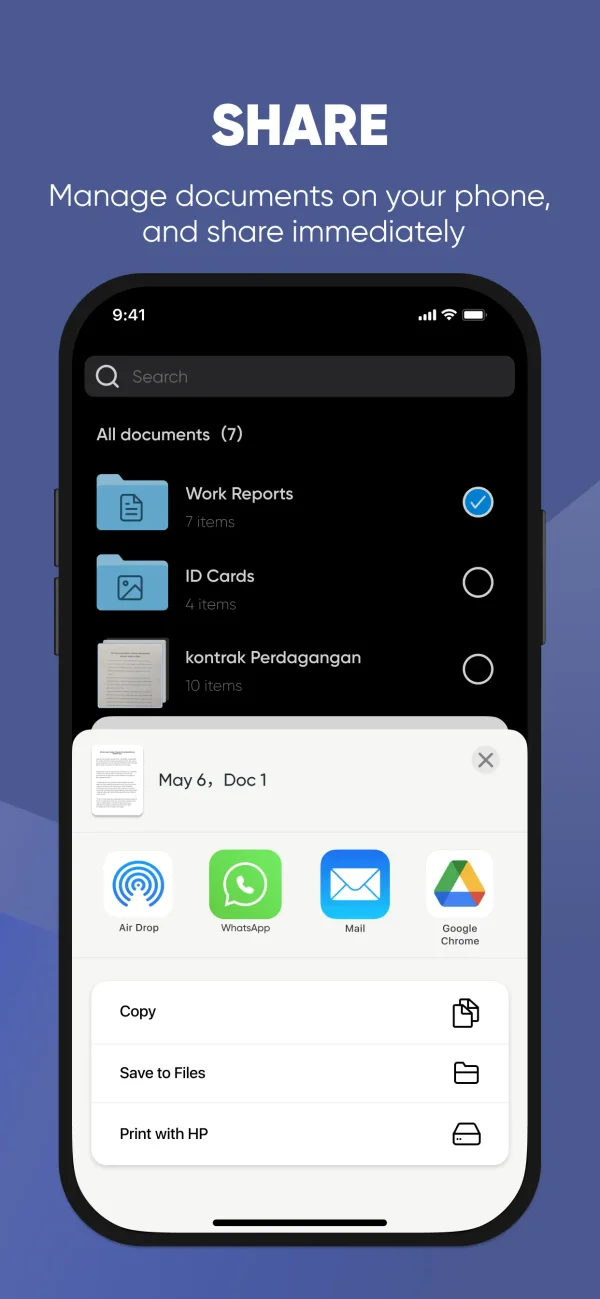
[Sharing Docs]
Super Office assistant, invite friends to view and comment on docs, and share them via email, link, or WhatsApp, Facebook, Telegram, Messenger etc.
== PERFET FOR ==
- Read and export text and notes on image whole docs into txt file
- Image merge feature: Merge certificates, invoices, practice questions into one
- Share docs in the form of encrypted links and set link validity time
- Upload docs to other cloud like Box, Google Drive, Dropbox, Evernote, OneDrive
- Support E-signature
- ID Scan Mode: Set scanned docs to paper, easy to copy data;
- Private folder: Save local docs and add password;
- Create PDF password: Open PDF sharing and add password, share secret files more secure!
- Remove ads & watermark: Remove ads across platforms and watermark docs
- Anti plagiarism: Add watermark to prevent abuse, illegal plagiarism, etc.
- Convert table to Excel: The captured table can be converted into a file.
----Suggestion for Use----
So that the scan results are clear, please:
- Make sure there is enough light, don't vibrate
- Try to take full picture of one camera screen
If you like Lens Scanner or have any suggestions, please leave a comment or send an e-mail to camerascanner.official@gmail.com, so we can improve the product!
Our standard Subscription Plans is:
* 1-Week Subscription
Subscription payments will be charged to your App Store account at confirmation of your purchase. Subscriptions will automatically renew and you will be charged unless auto-renew is turned off or unless you cancel at least 24 hours prior to the end of the current subscription or trial period. Any unused portion of a free trial period will be forfeited when you purchase a pro subscription during the free trial period. The cost of renewal depends on the Subscription Plan you choose.Subscriptions and auto-renewal may be managed by going to Account Settings after purchase or by contacting Customer Support.
Privacy Policy: https://d1e0dtlz2jooy2.cloudfront.net/inter-web/scanner/privacy.html
Terms of Services: https://inter.youdao.com/cloudfront/inter-web/scanner/terms.html
What’s new
Version 1.4.1 · Sep 4, 2025
Bug fix for a better experience
App privacy
What Youdao (Hong Kong) Limited declares on the App Store about how this app handles data.
-
Data used to track you
May be used to track you across apps and websites owned by other companies.
- Identifiers
-
Data not linked to you
May be collected but is not linked to your identity.
- Identifiers
- Usage data
- Diagnostics
Privacy practices may vary, for example with the features you use or your age.
Information
- Seller
- Youdao Hong Kong Limited
- Category
- Productivity
- Version
- 1.4.1
- Updated
- Sep 4, 2025
- Released
- Jan 10, 2023
- Size
- 31.6 MB
- Requires
- iOS 15.6 or later
- Age rating
- 4+
- Price
- Free
- In-app purchases
- Yes
- Languages
- English, Indonesian, Japanese, Korean, Simplified Chinese, Spanish, Thai, Traditional Chinese
- Copyright
- © 2022 Lens Scanner Inc.
You might also like
-
 PDF to word : PDF EditableConvert PDF to word (.docx)
-
 PDF Converter PDF to Word docxConvert pdf to word tool .docx
-
 SoftExpert WorkflowFill out your form
-
 LightPDF Scanner: Scan PDFDoc, Photo, Paper, Text & OCR
-
 PDF AI: Reader & TranslatorA smarter PDF tool with AI
-
 Zoho Scanner – Scan PDF DocsPhoto to Text Converter, OCR
-
 AI Language Translator +Speak for me & Translating app
-
 PDF Export: Editor & ConverterTools, Scan, Compress & Merge
-
 Scanner Mini – Scan PDF & FaxScan docs, photos & receipts
-
 Scan MyPDF ProScan and Share PDF Documents