Zoho Scanner – Scan PDF Docs
Photo to Text Converter, OCR
Designed for iPhone, iPad
Free · In-app purchases
- Age rating4+
- CategoryProductivity
- DeveloperZoho Corporation
- LanguagesEnglish+ 22 more
- Size84.7 MB
Links to the official App Store page
Download.org hosts no file of Zoho Scanner – Scan PDF Docs. The button opens its official App Store page, published by Zoho Corporation. Listing last checked on Nov 24, 2026.
Screenshots
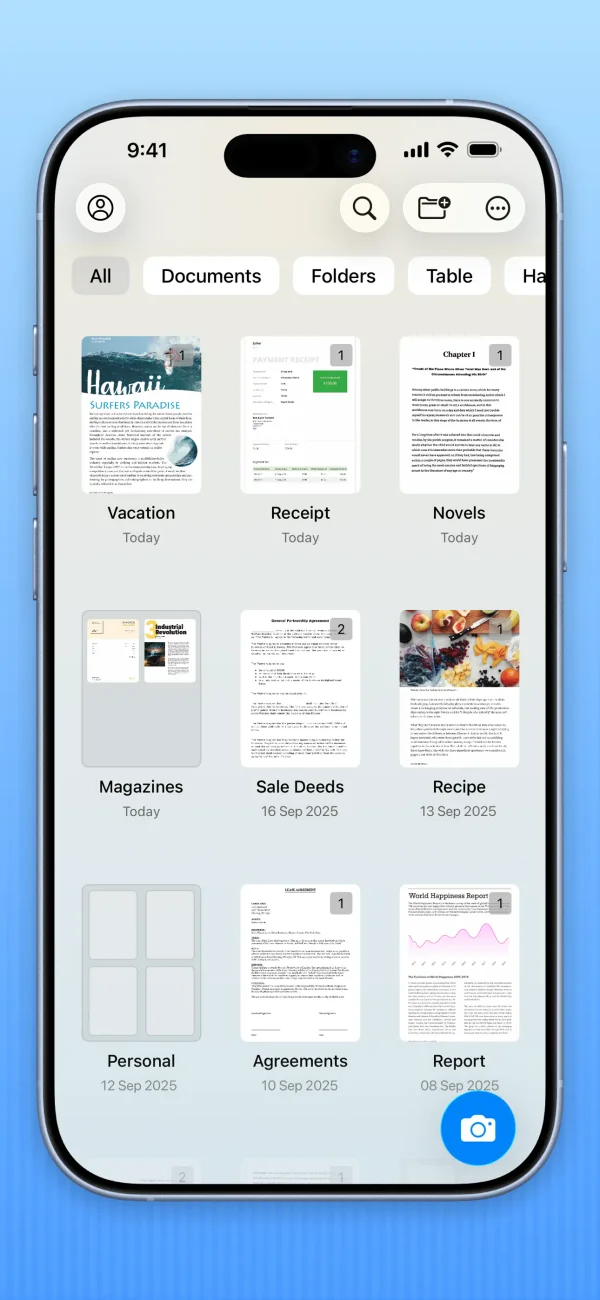
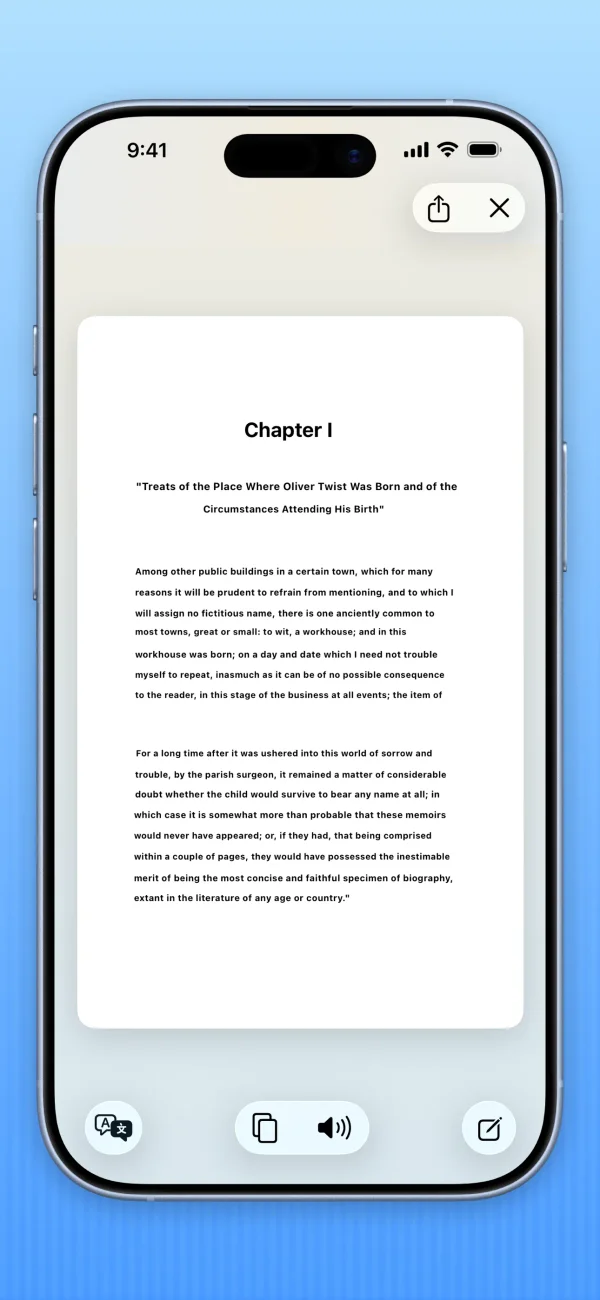
About
Zoho Scanner is a document scanner that turns paper into searchable PDFs, then reads them back to you. Scan a page and the app can summarise it, pull out the key details, and answer questions about it — on your device.
WHO IT'S FOR
Built for people who deal with paper they need to keep: students scanning notes and exam papers, small business owners filing receipts and invoices, admin teams capturing business cards and contracts, and anyone who needs a clean copy of an ID or official document. A good fit if you already keep documents in a cloud drive.
WHAT PEOPLE USE IT FOR
• Scan ID cards, passports, and official documents to keep a clear copy on hand
• Scan receipts, bills, and invoices so expenses get filed as they happen, not at month end
• Ask a scanned contract or invoice what it says, and get a summary instead of reading it
• Sign contracts and forms and email them back without printing anything
• Scan business cards so contact details are saved instead of lost
HOW IT WORKS
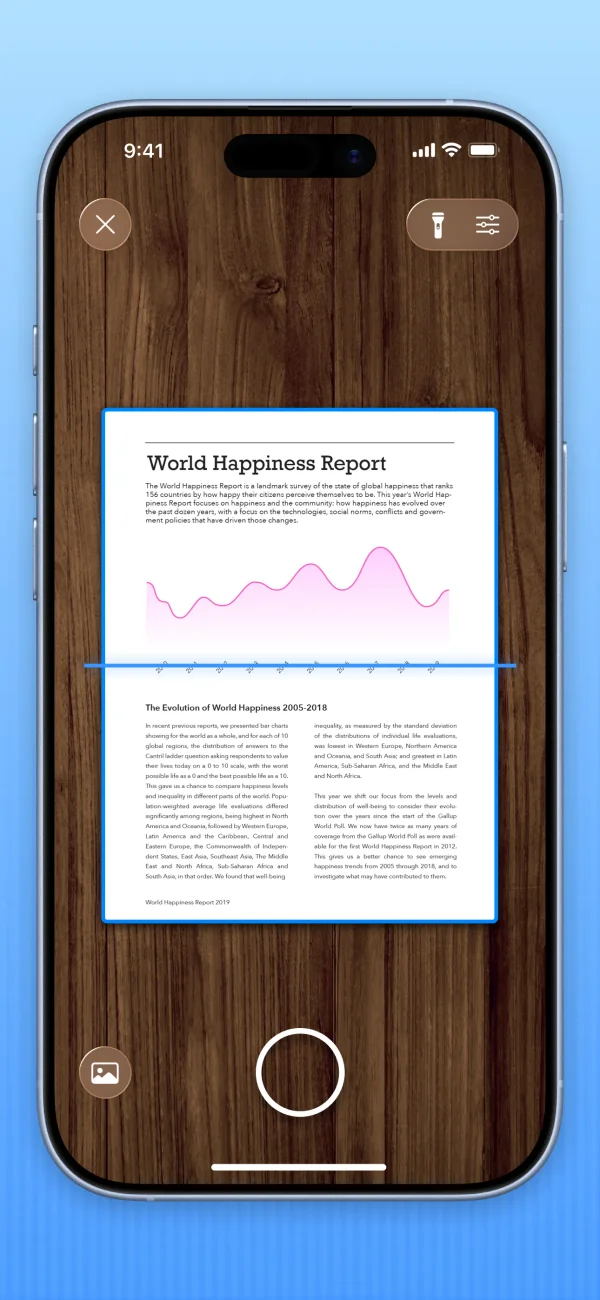
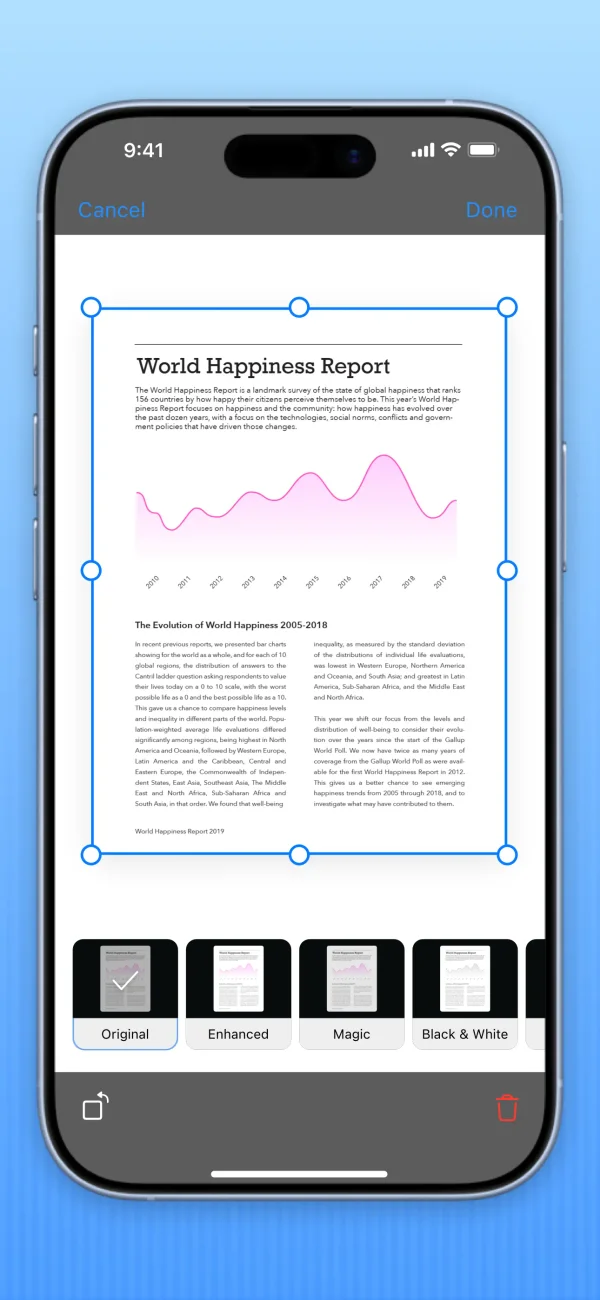
Scan — Point your iPhone or iPad camera at a page and Zoho Scanner finds the document's edges, so you get a straight, cropped scan instead of a photo of a page. Handles multi-page documents and imports from your photo library. Crop, edit, rotate, reorder pages, filter and annotate, then share as a PDF or an image.
Read and ask — Text Recognition pulls the words out of a scan. The app also summarises a document, pulls out the details that matter, and answers questions about it, all on your device. It recognises document types on its own, so receipts, invoices and business cards are sorted without being told.
Translate — Turn a scanned document into any of 17 languages, then send it as a file or paste it in a message.
E-sign — Add your signature, initials, name, and the date to a scan, powered by Zoho Sign, so you don't need a printer and a scanner to return a form.
Organize — Folders, reminders and tags keep documents findable. Zia Lens sorts scans and alerts you when new documents appear in your photos.
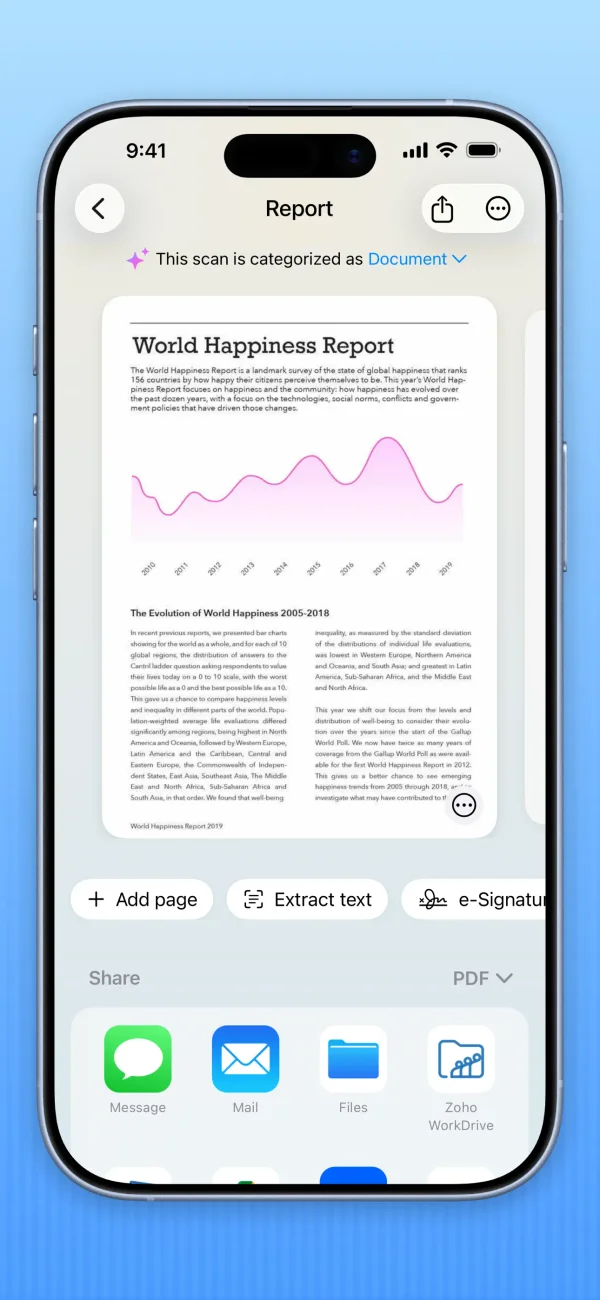
Share and automate — Send scans by email or iMessage, or upload to Zoho WorkDrive, Zoho Expense, Zoho Notebook, Photos, or your own cloud drive. Build a workflow once and its actions run in the order you set, so filing a receipt is one tap instead of five.
COMMON QUESTIONS
Can I search inside my scans?
Yes. Text Recognition reads every scan, so you can find a document by a word inside it.
Can I edit the text after scanning?
Yes. Extract the text, edit it, and share it as a file by email or message.
Can I sign a document and send it back?
Yes. Add your signature and date with Zoho Sign, then email it without printing.
Can I translate a scanned document?
Yes, into 17 languages, and you can send the result as a file or paste it in a message.
Can it summarise a long document?
Yes. Scan it, then ask for a summary or ask a question about it. This runs on your device.
ON iPHONE, iPAD AND MAC
• One app across iPhone, iPad and Mac, with iCloud Drive backup and restore
• Ask Siri to find a scan by voice, or lift contacts off a business card
• Search receipts, invoices and cards from Spotlight without opening the app
• Recent scans and pending invoices on your Home Screen
• Lock with Face ID or Touch ID; scan and share from iMessage
• Voice Control, Dynamic Text and Dark Mode
PRIVACY AND TRUST
Zoho Scanner is built by Zoho Corporation, certified to ISO/IEC 27001, ISO 27017, and ISO 27018 and SOC 2 Type II compliant. Zoho does not sell user data and shows no ads. The app is available in 22 languages.
PREMIUM
Some features require a Zoho Scanner Premium subscription.
• Premium Monthly — 1.99 USD
• Premium Yearly — 19.99 USD (save 50%)
Payment is charged to your iTunes account on confirmation. Subscriptions renew within 24 hours of the period ending unless auto-renewal is turned off in Account Settings.
Privacy — zoho.com/privacy.html
Terms — zoho.com/terms.html
Questions? support@zohoscanner.com
What’s new
Version 5.4.3 · Nov 12, 2026
We've fixed a few bugs and made a few enhancements.
App privacy
What Zoho Corporation declares on the App Store about how this app handles data.
-
Data not linked to you
May be collected but is not linked to your identity.
- Usage data
- Diagnostics
Privacy practices may vary, for example with the features you use or your age.
Information
- Seller
- Zoho Corporation
- Category
- Productivity
- Version
- 5.4.3
- Updated
- Nov 12, 2026
- Released
- Sep 18, 2013
- Size
- 84.7 MB
- Requires
- iOS 16.6 or later
- Age rating
- 4+
- Price
- Free
- In-app purchases
- Yes
- Languages
- English, Dutch, Filipino, French, German, Gujarati, Hindi, Italian, Japanese, Korean, Marathi, Norwegian Bokmål + 11 more
- Copyright
- © 2022, Zoho Corporation Pvt. Ltd. All Rights Reserved.
You might also like
-
 Wrist PDF ViewerView PDF on your Watch
-
 Indus by SarvamProductivity
-
 Push to WatchSend documents on your Watch
-
 Documents Pro, Download & EditFor Web, Dropbox, Google Drive
-
 PDF Translator: Document & OCRTranslate Word, Excel & Scans
-
 Quick Notes - CaptureBrain dump thoughts & ideas
-
 USB Disk SE, File ManagerPhoto Viewer, MP3 Player, PDF
-
 JioAICloud - Storage & PhotosBackup & AI Photo Sharing
-
 Hi Sticky: Sticky NotesQuick Notes, Lists & Widgets
-
 Cardhop ContactsThe contacts app you'll love